The 5 Best Web Design Software for Enterprise in 2026, Ranked
Best web design software for enterprise in 2026: 5 tools with starting prices, free plans and limits. Each pick comes with its main catch. Details below.
- Editor's choice
 Sketch
Design-focused interface work and handoff
Starts at$12 per editor per monthVisit sketch.comFull review - Great alternative
 Figma
Collaborative design and design-to-code handoff
Starts at$3 a monthVisit figma.comFull review - Also consider
 Adobe Dreamweaver
Code-first page building and publishing
Starts atSee websiteVisit adobe.comFull review
Direct answer
Sketch is the first pick on this list for design-focused interface work and handoff. Listed starting prices: Sketch from $12 per editor per month, Figma from $3 a month and Webflow from $15 a month. Figma is the stronger choice for collaborative design and design-to-code handoff, while Adobe Dreamweaver suits code-first page building and publishing. Prices, free plans and limits for all 5 tools follow.
TL;DR:
- Top of the list is Sketch, which targets design-focused interface work and handoff.
- The cheapest monthly starting price in the list is $3 per month, offered by Figma.
- The main caution on Adobe Experience Manager Sites: heavy product to implement.
- Webflow is the one to check for visual building with enterprise hosting built in.
- Webflow is the only tool of the 5 with a free plan.
Last checked November 2026. Prices and plan details were read from the vendors' own pages in November 2026; vendors change plans often, so confirm the current price on the vendor site before you buy.
Quick comparison
| Tool | Best for | Starts at | Free plan? | |
|---|---|---|---|---|
| Sketch | Design-focused interface work and handoff | $12 per editor per month | Free trial | Visit |
| Figma | Collaborative design and design-to-code handoff | $3 a month | Not stated | Visit |
| Adobe Dreamweaver | Code-first page building and publishing | See website | Not stated | Visit |
| Adobe Experience Manager Sites | Governed, headless enterprise content at scale | See website | Not stated | Visit |
 Webflow | Visual building with enterprise hosting built in | $15 a month | Yes | Visit |
Web Design Software for Enterprise, one by one
LinkVetted put together this guide to web design software for enterprise for readers who want a clear shortlist without reading every vendor page. It compares 5 tools on starting price, free plans, who each one suits and where each one falls short.
Where Sketch fits: design-focused interface work and handoff. Sketch is positioned as a design, prototype, collaborate and handoff tool made by designers for designers. Also, Sketch does not run content or host pages, so it cannot serve as an enterprise web product on its own.
Worth adding: teams needing live multi-user canvases may weigh alternatives. Like Figma, it generally sits upstream of the CMS or front-end system that publishes the final site. Sketch starts at: $12 per editor per month. Free access: Free trial.
Points against: Best paired with a build tool.
- Prototype and collaborate in one
- Clear handoff to developers
- Not a web publishing product
Figma is aimed squarely at collaborative design and design-to-code handoff. Figma describes itself as the canvas where design, code and AI come together, taking teams from first idea to shipped product in one place.
Downsides: Needs pairing with a build tool.
Also, teams expecting a single tool for design and publishing will have to pair it with a product like Webflow or a headless CMS. Figma cost at the entry level: $3 per month. Free options: Not stated.
- Capable team collaboration
- Shared canvas for design and code
- Not a CMS or hosting product
Adobe Dreamweaver makes the most sense for code-first page building and publishing. Adobe Dreamweaver is responsive web design software for rapidly creating and publishing web pages, supporting HTML, CSS, JavaScript and more. Also, Dreamweaver is not an enterprise content management system, so governance, personalization and multi-team workflows are restricted.
Choose it for practical coding work and look to a CMS system when structured content and governance become priorities. For everyday use, scaling it across large content operations is hard. Adobe Dreamweaver shows no starting price here, so confirm the cost on the vendor site. On free options: Not stated.
Drawbacks to consider: Restricted content governance features.
- CSS and JavaScript
- Fast page creation and publishing
- Code-oriented workflow
Adobe Experience Manager Sites
Best for: Governed, headless enterprise content at scale
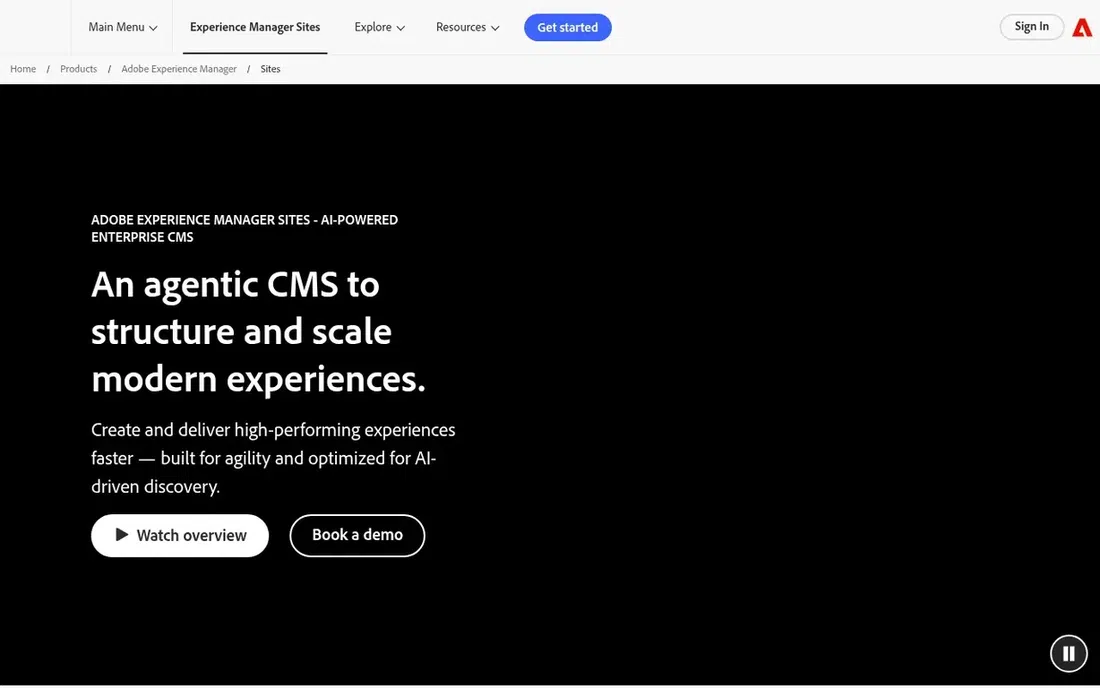
Where Adobe Experience Manager Sites fits: governed, headless enterprise content at scale. Teams already invested in Adobe's content and marketing ecosystem commonly find it a natural centerpiece for enterprise web work.
Where it falls short: Suited to large teams, not small sites.
In daily use, the system is substantial, so implementation and continuing administration demand dedicated resources and technical skill. This comparison lists no price for Adobe Experience Manager Sites; ask the vendor. Free access: Not stated.
- Capable governance for large sites
- Headless-ready content delivery
- Heavy system to implement
For visual building with enterprise hosting built in, Webflow is a natural candidate. Webflow is presented as an agentic web system for modern companies, letting teams design, build, optimize and rank in AI search with enterprise-grade security, CMS and hosting built in.
Limits to weigh: Less suited to deeply bespoke back ends.
Beyond that, organizations standardizing on a single hosted product commonly find it efficient. Choose Webflow when speed of visual publishing and managed hosting matter more than broad customization. Webflow cost at the entry level: $15 per month. Webflow offers a free plan.
- Visual design and CMS in one
- Built-in optimization and AI search readiness
- Custom logic can hit system limits
Our selection method
Pre-purchase checklist
- Confirm the entry price on the vendor page. For Adobe Dreamweaver and Adobe Experience Manager Sites that means a quote rather than a fixed price.
- Look at the free plan from Webflow closely: its caps decide whether it is usable for real work.
- Use real work to test the free trial from Sketch, rather than a demo project.
- Before choosing Sketch, weigh its main limit: not a web publishing system.
- Check the integration list for Figma against the tools you run today, and note which ones need a higher plan.
- Add up seats, add-ons and usage charges for Sketch before comparing it with cheaper entries.
FAQ
Can I try these tools before paying?
Often, yes. Webflow has a free plan and Sketch offers a free trial. Use your own data and a real task during the test, and check what the free tier or trial limits before you rely on it.
Is Sketch the right pick for everyone comparing web design software for enterprise?
No single tool suits every team. Sketch comes first because it fits design-focused interface work and handoff, while Figma suits collaborative design and design-to-code handoff and Adobe Dreamweaver suits code-first page building and publishing. Match the tool to your own size, budget and workflow before deciding.
Which options for web design software for enterprise have a free plan?
Webflow is the only tool in this list with a free plan. Free plans usually cap users, projects or features, so check the limits on the vendor page. One other tool offers a trial instead. For the full picture, the cards above cover all 5 entries of this web design software for enterprise list, including price, free plan and limits.
Do these tools publish their prices?
Not all of them. Adobe Dreamweaver and Adobe Experience Manager Sites publish no starting price, so expect a quote request for those. The rest, Sketch included, show a starting price, though seats and billing terms still change the final cost.
When should an enterprise choose Webflow over a traditional CMS?
Webflow fits teams that want marketing and design staff to publish visually with hosting and security built in. A traditional CMS is a better fit when deep governance, complicated integrations or highly bespoke content models are central requirements.
Sources
- https://www.sketch.com
- https://www.figma.com
- https://www.adobe.com/products/dreamweaver.html
- https://business.adobe.com/products/experience-manager/sites/aem-sites.html
- https://webflow.com