Choosing Web Based Database Software in 2026: 5 Options Compared
Best web based database software, compared. 5 tools with published prices, free plans and limits. Hidden costs and gaps are flagged. Pick with confidence.
- Editor's choice
 Zoho Creator
AI-assisted custom app development within Zoho
Starts atSee websiteVisit zoho.comFull review - Great alternative
 Caspio
Custom business applications with compliance needs
Starts at$270 per monthVisit caspio.comFull review - Also consider
 Airtable
Collaborative relational databases with spreadsheet familiarity
Starts at$20 per user a monthVisit airtable.comFull review
Direct answer
Zoho Creator is the first pick on this list for AI-assisted custom app development within Zoho. Listed starting prices: Caspio from $270 per month, Airtable from $20 per user a month and Knack from $19 a month. Look at Caspio for custom business applications with compliance needs, and at Airtable for collaborative relational databases with spreadsheet familiarity. The full list of 5 tools follows, with prices and free plan facts.
TL;DR:
- This list starts with Zoho Creator, which is built for AI-assisted custom app development within Zoho.
- Airtable comes with a trade-off: can become complicated at scale.
- Airtable, Microsoft Power Apps: these are the 2 tools out of 5 that offer a free plan.
- For the cheapest start, look at Knack: $19 per month.
Last checked November 2026. Prices and plan details were read from the vendors' own pages in November 2026; vendors change plans often, so confirm the current price on the vendor site before you buy.
Quick comparison
| Tool | Best for | Starts at | Free plan? | |
|---|---|---|---|---|
| Zoho Creator | AI-assisted custom app development within Zoho | See website | Not stated | Visit |
| Caspio | Custom business applications with compliance needs | $270 per month | Free trial | Visit |
| Airtable | Collaborative relational databases with spreadsheet familiarity | $20 per user a month | Yes | Visit |
 Knack | No-code database applications for operations | $19 a month | Free trial | Visit |
 Microsoft Power Apps | Low-code apps within the Microsoft ecosystem | See website | Yes | Visit |
Every option for web based database software explained
If you are comparing web based database software, this page covers 5 tools in one place: what each is best for, what it costs to start, whether it has a free plan, and the main limit to know about.
Zoho Creator is designed for AI-assisted custom app development within Zoho. Zoho Creator is an AI app development system that helps firms build custom applications, agents, and workflows securely. It is a natural fit for organizations already using Zoho's suite, offering a way to extend data and processes into tailored apps.
Honest limits: May need scripting for advanced logic.
Beyond that, teams outside that ecosystem might prefer a standalone database system. For everyday use, consider Zoho Creator when integration with Zoho services and AI-assisted building are valuable. In practice, Zoho Creator may demand scripting knowledge for more sophisticated requirements, and its advantages are most solid within the Zoho ecosystem. Zoho Creator does not show a starting price in this comparison, so check the vendor site for current pricing. On free options: Not stated.
- Suits within the broader Zoho ecosystem
- AI app builder for custom applications
- Best value if already using Zoho products
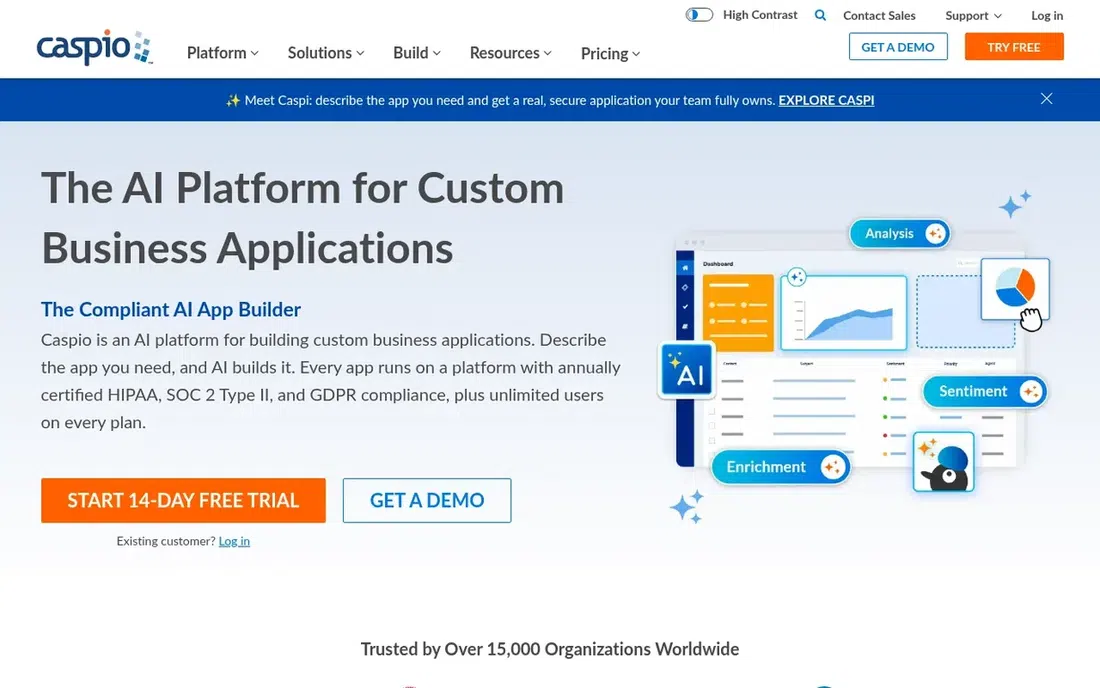
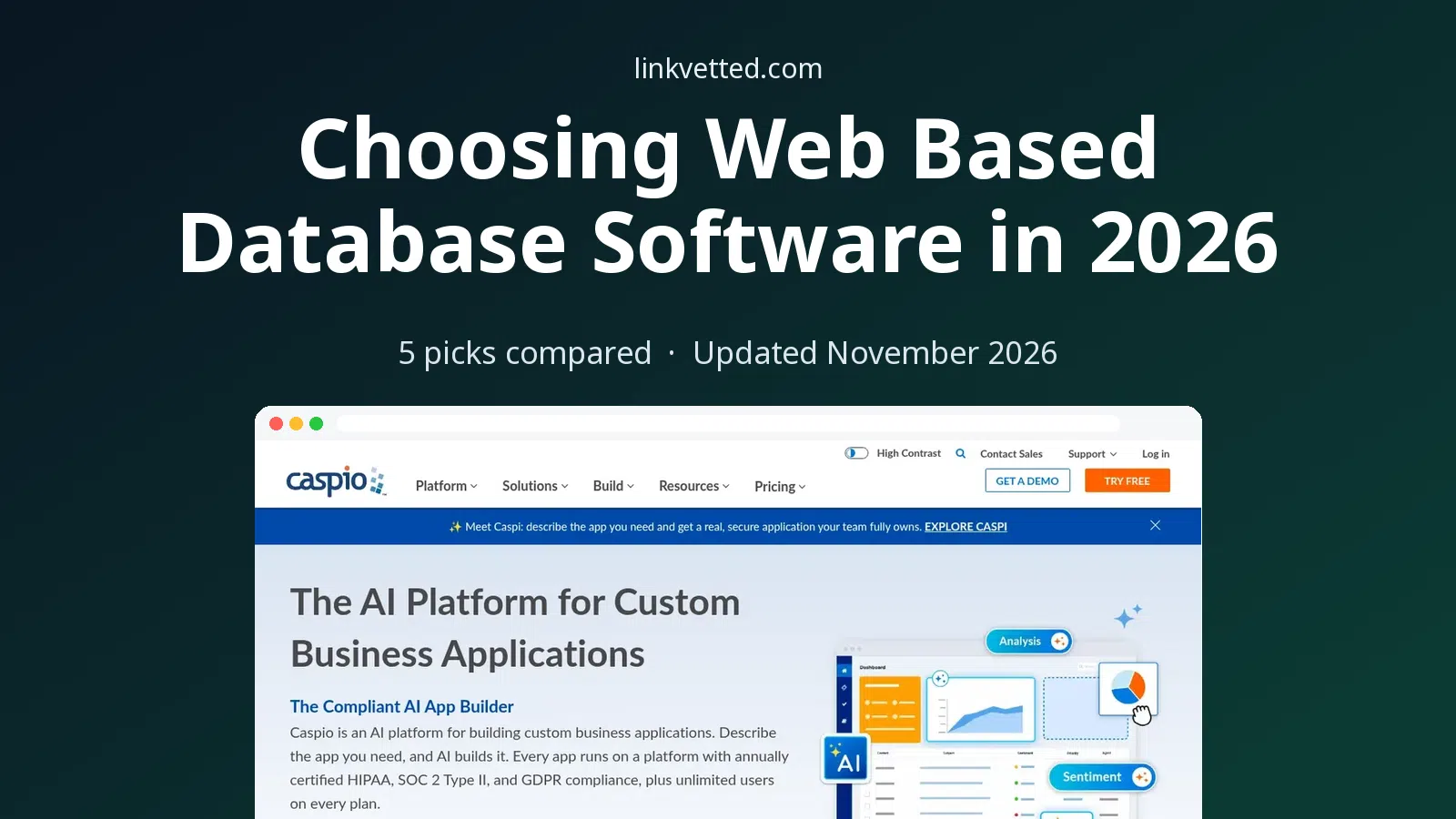
Caspio serves custom business applications with compliance needs. Teams in regulated industries commonly look to Caspio for its compliance posture and user scalability. In practice, since Caspio is oriented toward custom application development, it involves more configuration than a straightforward collaborative database.
Small teams with straightforward tracking needs may find it heavier than necessary. As for the details, Caspio is an AI system for building custom business applications, with annually certified HIPAA, SOC 2 Type II, and GDPR compliance and unlimited users. Starting cost for Caspio: $270 per month. Free plan details: Free trial.
Trade-offs to know: May be overkill for entry-level data tracking.
- Compliance certifications including HIPAA and SOC 2 Type II
- Unlimited users on the system
- Needs more setup than straightforward databases
Airtable
Best for: Collaborative relational databases with spreadsheet familiarity
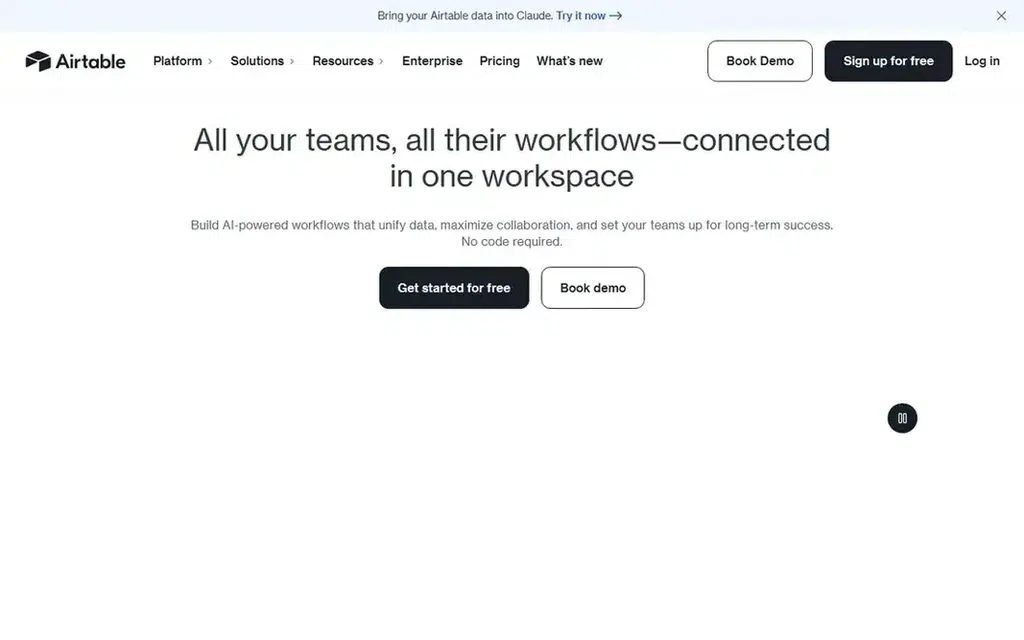
Airtable makes the most sense for collaborative relational databases with spreadsheet familiarity. Airtable presents data in a spreadsheet-like grid whereas supporting relational links, attachments, and several views. It is made for teams that want to build databases and workflows without deep technical setup.
Also, teams needing strict enterprise compliance or highly customized application logic may find a dedicated app product more suitable. Worth adding: the system emphasizes live collaboration and automation of repetitive tasks, making it a fit for marketing, operations, and product teams that require a shared data hub. On cost, Airtable starts like this: $20 per user per month. Airtable has a free plan.
The main drawbacks: Can become complicated at scale.
- Solid live collaboration
- Familiar grid interface with several view types
- Advanced features may need a ramp-up time
Knack is built with no-code database applications for operations in mind. The system emphasizes simplicity for building internal tools and customer-facing portals.
Watch-outs: Customization may be restricted for complicated logic.
Knack's no-code approach can constrain highly specialized workflows or intricate integrations. Knack pricing: $19 per month. On free options: Free trial.
- No-code app builder with AI assistance
- Accessible to non-developers
- Interface design choices are narrower
Microsoft Power Apps
Best for: Low-code apps within the Microsoft ecosystem
Where Microsoft Power Apps fits: low-code apps within the Microsoft ecosystem. It is especially suited to businesses already invested in Microsoft's cloud and productivity tools, where data and identity can be connected across services. Pick Power Apps when alignment with the Microsoft ecosystem and low-code development are key.
Power Apps involves system governance and may need administrative setup to handle environments and connectors. More specifically, the product targets both professional developers and business users. Pricing for Microsoft Power Apps is not stated here, so ask the vendor for current figures. Microsoft Power Apps offers a free plan.
Honest limits: Governance setup can be involved.
- Plugs into Microsoft services
- Low-code app builder with AI features
- Needs familiarity with Microsoft product
How the list was put together
LinkVetted looked at what each vendor publishes: pricing, plan limits, feature coverage for web based database software and stated drawbacks. No hands-on testing is claimed. Prices and plan limits come from vendor pages and can change, so confirm them on the vendor site before you buy. The ranking is editorial: typical fit first, then clear pricing, then free access. If your needs are unusual, read the profiles rather than relying on position.
Pre-purchase checklist
- Ask Zoho Creator and Microsoft Power Apps for a written quote, since no starting price is shown.
- Read the fine print on the free plans from Airtable and Microsoft Power Apps; seat, project and feature caps differ.
- Run a trial of Caspio and Knack with real work before paying for a year; your own workflow is the best test.
- Before choosing Zoho Creator, weigh its main limit: best value if already using Zoho products.
- Map your must-have features to a specific Caspio plan before you compare prices.
- Ask the daily users to test Zoho Creator on a live task before you roll it out to everyone.
FAQ
How do I choose between a spreadsheet-like tool and an app builder?
Spreadsheet-like tools like Airtable are simpler to adopt for collaborative data tracking. Start with your process complexity and user roles to decide.
What is the cheapest option for web based database software in this list?
On published monthly entry prices, Knack is the lowest here at $19 per month. Entry price is only part of the cost, because seats, add-ons and billing terms can change the total. Each of the 5 options in this web based database software guide has its own card above with the price, free plan and limits.
Do these tools publish their prices?
Not all of them. Zoho Creator and Microsoft Power Apps publish no starting price, so expect a quote request for those. The rest, Caspio included, show a starting price, though seats and billing terms still change the final cost.
How are the tools for web based database software ordered?
Zoho Creator sits first and Microsoft Power Apps last because the order follows typical fit for web based database software, then price clarity and free access. It is a judgement call, so read each profile for fit and limits.
Can I try these options before paying?
Often, yes. Airtable and Microsoft Power Apps have a free plan and Caspio and Knack offer a free trial. Use your own data and a real task during the test, and check what the free tier or trial limits before you rely on it.
Sources
- https://www.zoho.com/creator
- https://www.caspio.com
- https://www.airtable.com
- https://www.knack.com
- https://powerapps.microsoft.com