6 Best Web Application Firewall for WordPress for 2026, Vetted and Compared
Shortlisting the best web application firewall for WordPress? 6 products compared on cost, free access and ideal buyer. Real limits included. See which fits.
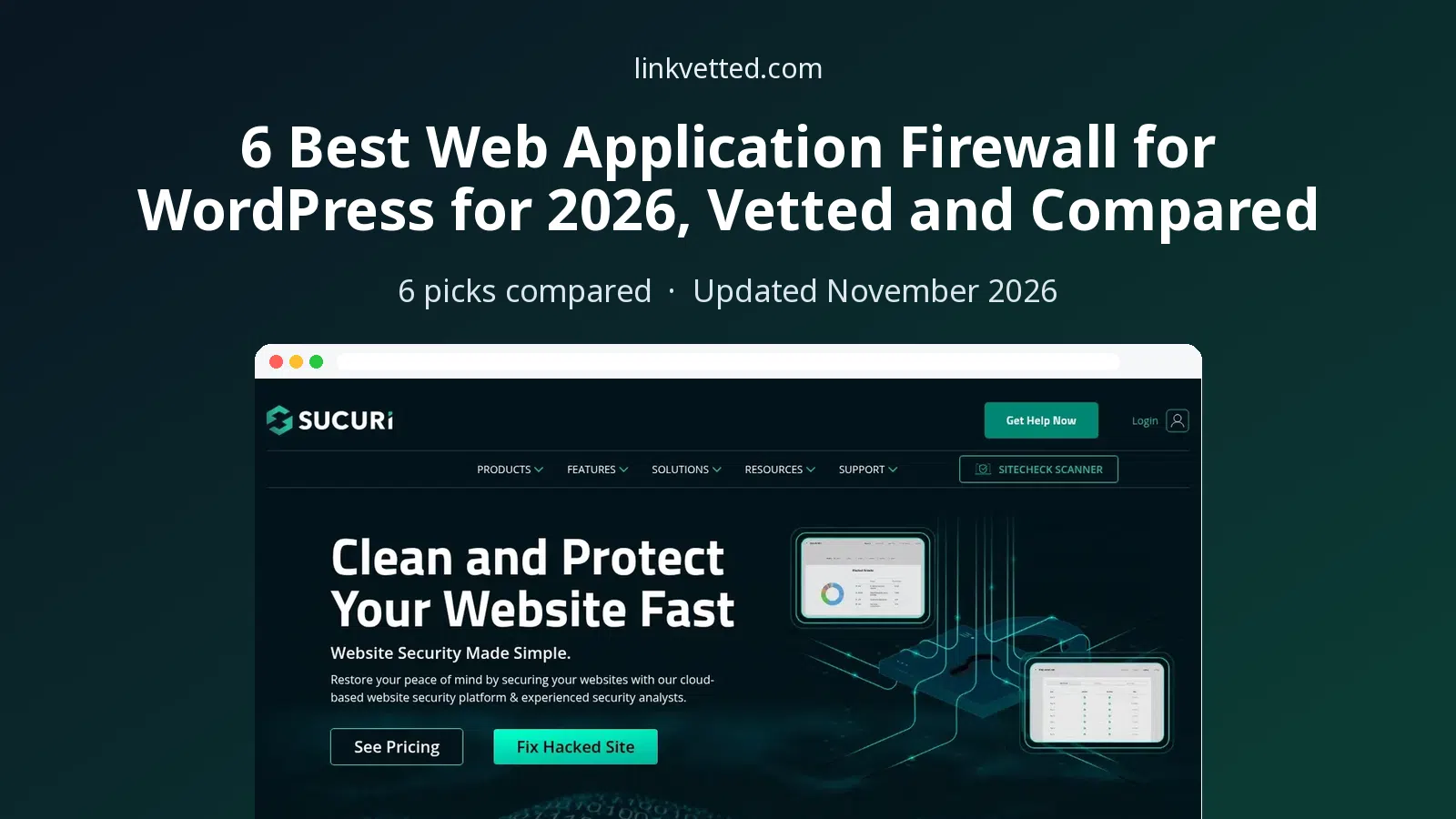
- Editor's choiceSucuri
Protection paired with cleanup and monitoring
Starts at$229 a yearVisit sucuri.netFull review - Great alternative
 Akamai
Large-scale enterprise application protection
Starts at$100 per compute instance a monthVisit akamai.comFull review - Also considerF5
Hybrid multicloud app security and delivery
Starts atSee websiteVisit f5.comFull review
Direct answer
This list puts Sucuri first for protection paired with cleanup and monitoring. Listed starting prices: Sucuri from $229 a year, Akamai from $100 per compute instance a month and Cloudflare from $7 per month. Alternatives: Akamai for large-scale enterprise application protection, and F5 for hybrid multicloud app security and delivery. The remaining 3 options are covered below with prices and limits.
TL;DR:
- Number one here is Sucuri, a fit for protection paired with cleanup and monitoring.
- Only Cloudflare offers a free plan among these 6 tools.
- Barracuda Networks fits bundled email, app and network security.
- Fortinet comes with a trade-off: WAF is one piece of a large portfolio.
- Cloudflare is the lowest-priced starter here at $7 per month.
Last checked November 2026. Prices and plan details were read from the vendors' own pages in November 2026; vendors change plans often, so confirm the current price on the vendor site before you buy.
Quick comparison
| Tool | Best for | Starts at | Free plan? | |
|---|---|---|---|---|
| Sucuri | Protection paired with cleanup and monitoring | $229 a year | Not stated | Visit |
| Akamai | Large-scale enterprise application protection | $100 per compute instance a month | Free trial | Visit |
| F5 | Hybrid multicloud app security and delivery | See website | Not stated | Visit |
 Fortinet | Security across the entire attack surface | See website | Not stated | Visit |
 Cloudflare | Edge filtering for most WordPress sites | $7 per month | Yes | Visit |
| Barracuda Networks | Bundled email, app and network security | See website | Free trial | Visit |
The full web application firewall for WordPress list
LinkVetted compared 6 tools for web application firewall for WordPress. The goal is a practical shortlist: published prices, free plan facts, best-fit use cases and honest limits for every entry.
Sucuri
Best for: Protection paired with cleanup and monitoring
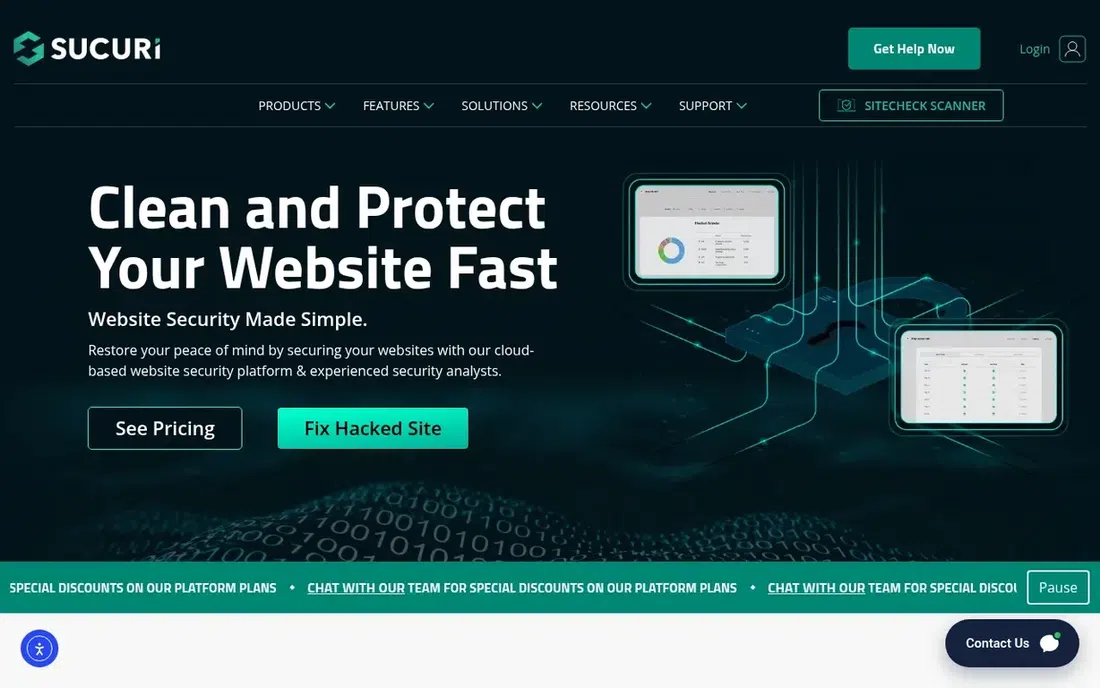
For protection paired with cleanup and monitoring, Sucuri is a natural candidate. Sucuri presents itself as complete website security, protection and monitoring, with quick malware cleanup and steady monitoring for any CMS.
Trade-offs to know: Less suited to complicated enterprise architectures.
On top of that, Sucuri is oriented toward website-level security, so organizations needing deep network or multicloud controls may look to enterprise systems. In practice, confirm which capabilities come with the service you choose before committing. On cost, Sucuri starts like this: $229 per year. On free options: Not stated.
- Works with any CMS
- Malware cleanup and monitoring included
- Feature depth varies by service chosen

In short, Akamai is for large-scale enterprise application protection. Akamai describes itself as the cybersecurity and cloud computing company that powers and guards business online. Its application security services are made for organizations running substantial web estates, and WordPress can sit within that footprint.
What to check first: Complicated for small WordPress sites.
For a single WordPress blog, Akamai is usually more product than needed, and configuration needs specialist knowledge. More specifically, smaller teams may find a more straightforward managed WAF simpler to operate. The starting price for Akamai: $100 per compute instance per month. Free access: Free trial.
- Solid fit for distributed infrastructure
- Global security and cloud computing product
- Setup and management need expertise
F5
Best for: Hybrid multicloud app security and delivery
F5 is a good fit for hybrid multicloud app security and delivery. F5 describes unified delivery and security for applications, APIs and AI workloads across any infrastructure.
F5 assumes skilled administrators, and the product is broader than most WordPress owners need. Teams seeking fast setup with minimal tuning may prefer an edge-based or managed service. Check the vendor site for F5 pricing; none is listed in this comparison. Free access: Not stated.
Points against: Needs specialist administration.
- Established application delivery background
- Unified delivery and security for apps and APIs
- Wide system instead of WordPress-specific
Fortinet targets security across the entire attack surface. Fortinet's strength is breadth, so WordPress-specific guidance is restricted compared to dedicated services.
Organizations without Fortinet elsewhere may find integration benefits less compelling. Fortinet does not show a starting price in this comparison, so check the vendor site for current pricing. As for free access: Not stated.
Limits to weigh: Configuration demands security knowledge.
- Spans data center to home office
- Links up with wider network security
- WAF is one piece of a large portfolio
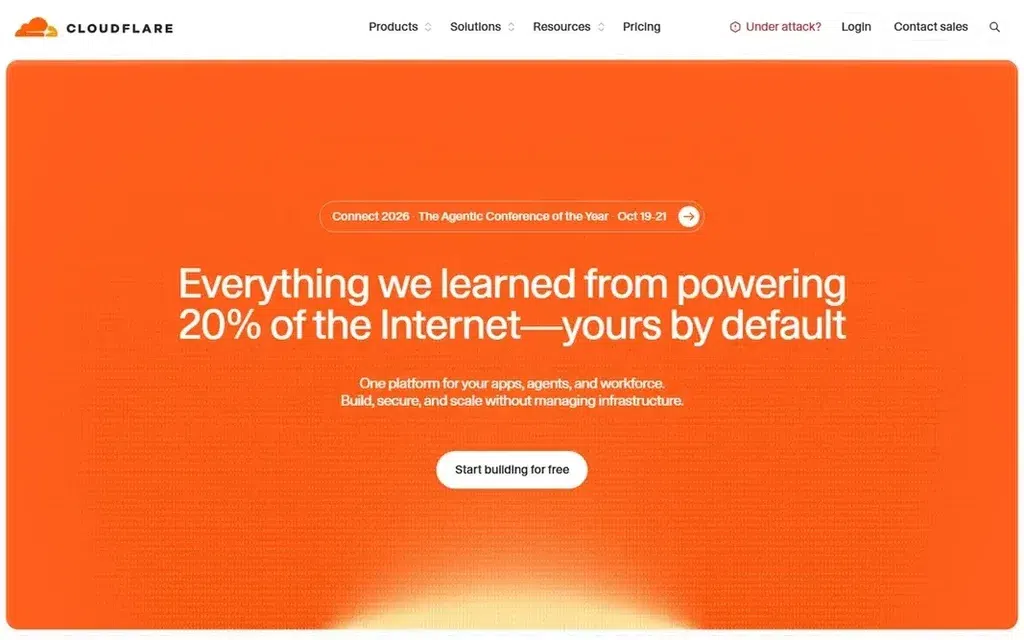
Cloudflare is aimed squarely at edge filtering for most WordPress sites. Cloudflare describes itself as powering the next generation of applications.
Its product places security and delivery services in front of your site instead of inside WordPress. Cloudflare starts at: $7 per month. Cloudflare has a free plan.
What to check first: Advanced rules need tuning.
- Broad application and performance services
- WAF runs at the network edge
- Full value relies on broader platform use
Barracuda Networks
Best for: Bundled email, app and network security
Barracuda Networks is aimed squarely at bundled email, app and network security. Barracuda Networks describes itself as a provider of email protection, application protection, network security and data protection options. Beyond that, confirm how application protection applies to your hosting setup before deciding.
The main drawbacks: Suite approach may duplicate existing tools.
As for the details, Barracuda is positioned around a suite. So teams wanting only a WordPress firewall may pay for breadth they do not use. Barracuda Networks shows no starting price here, so confirm the cost on the vendor site. As for free access: Free trial.
- Network and data too
- Includes email
- Less concentrated on WordPress alone
How we compared the tools
We compared the tools on published pricing, free plan or trial availability, feature coverage for web application firewall for WordPress, and the limits each vendor documents. Seat minimums, billing terms and add-ons can move the real cost, so the starting prices here are a guide and not a quote. Tools are placed by general fit for web application firewall for WordPress, with price clarity and free access as tie-breakers. A different team can reasonably rank them differently.
Pre-purchase checklist
- Get a written quote from F5, Fortinet and Barracuda Networks; the list shows no starting price for them.
- Look at the free plan from Cloudflare closely: its caps decide whether it is usable for real work.
- Use real work to test the free trial from Akamai and Barracuda Networks, rather than a demo project.
- Before choosing Sucuri, weigh its main limit: less suited to complicated enterprise architectures.
- A short pilot of Sucuri with your real workflow tells you more than a feature table.
- Look at the help docs and support options for Cloudflare before you commit.
FAQ
What is the cheapest option for web application firewall for WordPress in this list?
On published monthly entry prices, Cloudflare is the lowest here at $7 per month. Entry price is only part of the cost, because seats, add-ons and billing terms can change the total. Prices, free plan details and limits for all 6 tools in this web application firewall for WordPress roundup sit on the individual cards above.
Does a WordPress site need a web application firewall?
A WAF filters malicious requests before they reach WordPress, which can cut exposure to typical attacks. On top of that, numerous sites benefit, particularly those handling logins or customer data. The right choice relies on your hosting and team capacity.
Which options for web application firewall for WordPress have a free plan?
Cloudflare is the only tool in this list with a free plan. Free plans usually cap users, projects or features, so check the limits on the vendor page. Several others offer a trial instead. Each of the 6 options in this web application firewall for WordPress guide has its own card above with the price, free plan and limits.
Is Sucuri the right pick for everyone comparing web application firewall for WordPress?
No single tool suits every team. Sucuri comes first because it fits protection paired with cleanup and monitoring, while Akamai suits large-scale enterprise application protection and F5 suits hybrid multicloud app security and delivery. Match the tool to your own size, budget and workflow before deciding.
Can I try these tools before paying?
Often, yes. Cloudflare has a free plan and Akamai and Barracuda Networks offer a free trial. Use your own data and a real task during the test, and check what the free tier or trial limits before you rely on it.
Can a WAF replace WordPress security maintenance?
No. A firewall complements updates, solid passwords and backups instead of replacing them. Treat it as one layer in a broader security routine, and keep core, themes and plugins current.
Sources
- https://sucuri.net
- https://www.akamai.com
- https://www.f5.com
- https://www.fortinet.com
- https://www.cloudflare.com
- https://www.barracuda.com