5 Best VPS Hosting Platforms for Remote Teams for 2026, Vetted and Compared
Best VPS hosting platforms for remote teams in 2026: 5 contenders with entry costs and free tiers. Read the caveats before you buy. Reviewed in November 2026.
- Editor's choice
 Hetzner Cloud
Developer-friendly cloud hosting with GDPR compliance
Starts atSee websiteVisit hetzner.comFull review - Great alternativeMicrosoft Azure Virtual Machines
Windows and Linux VMs with Microsoft integration
Starts atSee websiteVisit azure.microsoft.comFull review - Also considerDigitalOcean Droplets
Teams seeking straightforward, scalable cloud VMs
Starts at$4 a monthVisit digitalocean.comFull review
Direct answer
Start with Hetzner Cloud if you need developer-friendly cloud hosting with GDPR compliance. Listed starting prices: DigitalOcean Droplets from $4 a month and Linode from $100 per compute instance per month. Alternatives: Microsoft Azure Virtual Machines for Windows and Linux VMs with Microsoft integration, and DigitalOcean Droplets for teams seeking straightforward, scalable cloud VMs. All 5 tools are compared below on price, free plan and limits.
TL;DR:
- Hetzner Cloud sits first on this list: developer-friendly cloud hosting with GDPR compliance.
- What to know about Hetzner Cloud first: fewer global regions than bigger providers.
- Linode is the one to check for edge-native applications with low latency.
- DigitalOcean Droplets has the lowest monthly starting price in this list: $4 per month.
Last checked November 2026. Prices and plan details were read from the vendors' own pages in November 2026; vendors change plans often, so confirm the current price on the vendor site before you buy.
Quick comparison
| Tool | Best for | Starts at | Free plan? | |
|---|---|---|---|---|
| Hetzner Cloud | Developer-friendly cloud hosting with GDPR compliance | See website | Not stated | Visit |
| Microsoft Azure Virtual Machines | Windows and Linux VMs with Microsoft integration | See website | Free trial | Visit |
| DigitalOcean Droplets | Teams seeking straightforward, scalable cloud VMs | $4 a month | Yes | Visit |
| OVHcloud | Wide range of cloud and web hosting services | See website | Not stated | Visit |
 Linode | Edge-native applications with low latency | $100 per compute instance per month | Free trial | Visit |
VPS Hosting Platforms for Remote Teams compared in detail
If you are comparing VPS hosting platforms for remote teams, this page covers 5 tools in one place: what each is best for, what it costs to start, whether it has a free plan, and the main limit to know about.
Pick Hetzner Cloud if this describes you: developer-friendly cloud hosting with GDPR compliance. Hetzner Cloud may have fewer data center locations compared with global cloud giants, which could affect latency for teams with users in certain regions. Also, it gives you fewer advanced managed services, so teams needing broad platform-as-a-service features might have to supplement with other tools.
As for the details, the system is noted for its developer-friendly approach and straightforward management, making it a practical choice for remote teams that want reliable infrastructure without unnecessary complexity. Beyond that, for teams prioritizing simplicity, compliance, and core VPS functionality, Hetzner Cloud is a solid contender. Check the vendor site for Hetzner Cloud pricing; none is listed in this comparison. On free options: Not stated.
Where it is weaker: Restricted advanced managed services.
- Scalable cloud hosting for developers
- Straightforward and easy-to-learn interface
- Fewer global regions than bigger providers
Microsoft Azure Virtual Machines
Best for: Windows and Linux VMs with Microsoft integration
Think of Microsoft Azure Virtual Machines for Windows and Linux VMs with Microsoft integration. Microsoft Azure Virtual Machines offer scalable, on-demand computing resources for Linux and Windows virtual machines. They are a solid fit for remote teams that are already using Microsoft tools and services, as Azure integrates well with the broader Microsoft ecosystem.
Azure's deep feature set can be overwhelming for teams without prior experience, and cost management can be challenging without careful oversight. That said, for teams that value integration with Microsoft services and need solid Windows support, Azure Virtual Machines are a capable option. The system supports many different workloads and supplies enterprise-grade features. This comparison lists no price for Microsoft Azure Virtual Machines; ask the vendor. Trial and free access: Free trial.
Strengths: Scalable.
Where it falls short: Cost management needs careful planning.
- Supports both Linux and Windows
- On-demand computing resources
- Can be complicated to handle without Azure experience
DigitalOcean Droplets
Best for: Teams seeking straightforward, scalable cloud VMs
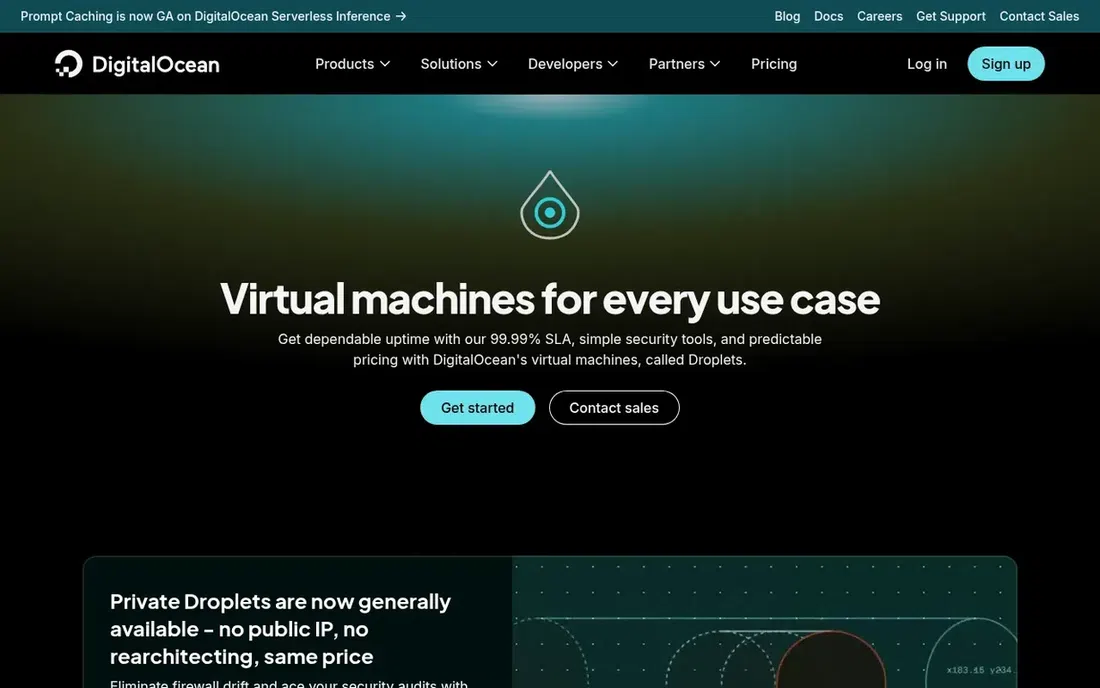
DigitalOcean Droplets targets teams seeking straightforward, scalable cloud VMs. Remote teams that value simplicity and quick provisioning will find Droplets a solid fit, particularly for development, testing, and small to medium production applications. The system supplies several droplet types, including Basic, General Purpose, Memory-Optimized, and CPU-Optimized, making it right for many different workloads.
DigitalOcean Droplets are straightforward virtual machines that can be deployed in seconds. On top of that, teams with highly specialized infrastructure needs or strict regulatory requirements might have to consider other choices. Whereas Droplets are straightforward to use, they may lack some of the advanced enterprise features found in bigger cloud providers, for example broad compliance certifications or complicated networking configurations. DigitalOcean Droplets pricing: $4 per month. A free plan is available with DigitalOcean Droplets.
Watch-outs: Restricted advanced networking features compared with bigger clouds.
- Developer-friendly interface
- Or CPU-Optimized VMs
- Support choices may be entry-level on lower levels
OVHcloud
Best for: Wide range of cloud and web hosting services
OVHcloud is aimed squarely at wide range of cloud and web hosting services. OVHcloud gives you a wide portfolio of cloud computing and web hosting services, including domain names, VPS, dedicated servers, IaaS, and PaaS.
Remote teams that require a variety of services from a single provider may find OVHcloud convenient. Nonetheless, for teams seeking a versatile provider with plenty of service choices, OVHcloud is worth considering. No starting price is listed for OVHcloud here; confirm pricing on the vendor site. Free plan details: Not stated.
Drawbacks to consider: Service quality can vary by region.
- Open and reversible services
- Broad selection of services including VPS and IaaS
- Support responsiveness may differ
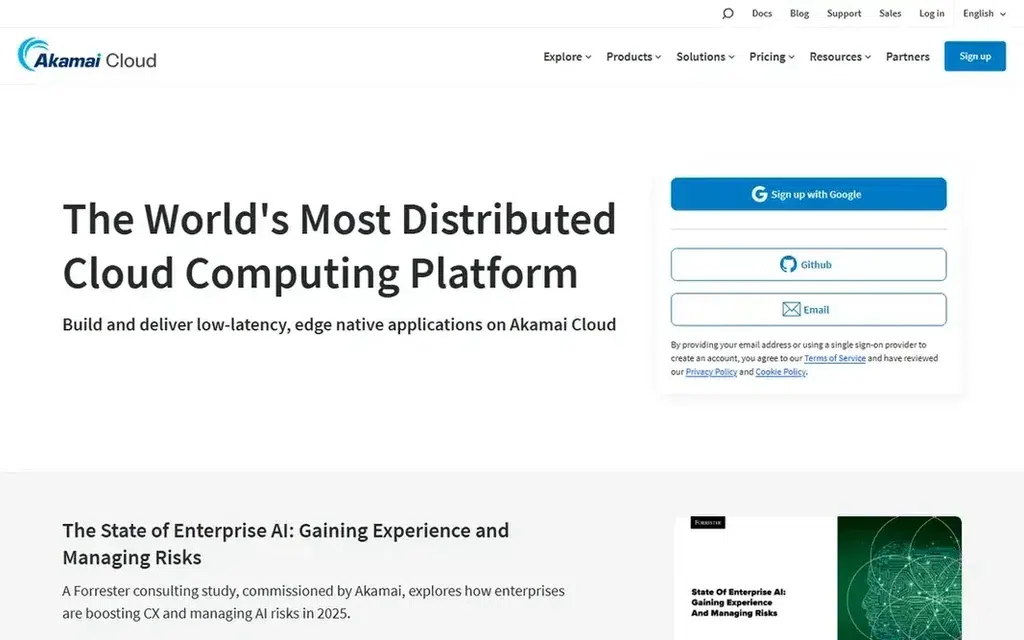
Linode is built with edge-native applications with low latency in mind. The system gives you virtual private servers and related cloud services with a focus on simplicity and performance.
Where it falls short: May need more manual setup for complicated architectures.
Strengths: Straightforward pricing and management.
As for the details, Linode, now part of Akamai Connected Cloud, is a cloud computing product designed for developers and teams. Linode pricing: $100 per compute instance per month. As for free access: Free trial.
- Edge-native apps
- Distributed cloud product via Akamai
- Fewer advanced AI or machine learning services
How we built this list
The comparison looks at four things: starting price, free access, how well the feature set matches VPS hosting platforms for remote teams, and the main limit of each tool. Where a vendor does not publish a price, the entry says quote. Where a price depends on seats or billing term, the entry says so. The sequence is a judgement call: typical use case first, then pricing transparency, then free access. Use the profiles to check fit.
Questions to settle before buying
- Ask Hetzner Cloud, Microsoft Azure Virtual Machines and OVHcloud for a written quote, since no starting price is shown.
- Look at the free plan from DigitalOcean Droplets closely: its caps decide whether it is usable for real work.
- Use real work to test the free trial from Microsoft Azure Virtual Machines and Linode, rather than a demo project.
- Read the limits listed for Hetzner Cloud first: fewer global regions than bigger providers.
- Verify that exporting from DigitalOcean Droplets is possible on your plan and covers all your records.
- Before rolling out OVHcloud, verify the integrations your workflow depends on.
FAQ
Can I try these tools before paying?
Often, yes. DigitalOcean Droplets has a free plan and Microsoft Azure Virtual Machines and Linode offer a free trial. Use your own data and a real task during the test, and check what the free tier or trial limits before you rely on it.
What is the cheapest option for VPS hosting platforms for remote teams in this list?
On published monthly entry prices, DigitalOcean Droplets is the lowest here at $4 per month. Entry price is only part of the cost, because seats, add-ons and billing terms can change the total. Prices, free plan details and limits for all 5 tools in this VPS hosting platforms for remote teams roundup sit on the individual cards above.
Which options for VPS hosting platforms for remote teams have a free plan?
DigitalOcean Droplets is the only tool in this list with a free plan. Free plans usually cap users, projects or features, so check the limits on the vendor page. Several others offer a trial instead. Each of the 5 options in this VPS hosting platforms for remote teams guide has its own card above with the price, free plan and limits.
What should remote teams look for in a VPS hosting product?
Remote teams should prioritize reliability, ease of management, scalability, and global data center presence. For everyday use, the best system relies on your team's technical expertise and specific workload requirements.
Is Hetzner Cloud the right pick for everyone comparing VPS hosting platforms for remote teams?
No single tool suits every team. Hetzner Cloud comes first because it fits developer-friendly cloud hosting with GDPR compliance, while Microsoft Azure Virtual Machines suits Windows and Linux VMs with Microsoft integration and DigitalOcean Droplets suits teams seeking simple, scalable cloud VMs. Match the tool to your own size, budget and workflow before deciding.
Sources
- https://www.hetzner.com/cloud
- https://azure.microsoft.com/en-us/products/virtual-machines
- https://www.digitalocean.com/products/droplets
- https://www.ovhcloud.com
- https://www.linode.com