5 VPS Hosting for Websites Worth Shortlisting in 2026
Comparing the best VPS hosting for websites? 5 contenders, each with entry cost, free tier and best-fit buyer. Short verdicts, no fluff. Prices checked.
- Editor's choiceOVHcloud VPS
Ample resources at a lower cost
Starts atSee websiteVisit ovhcloud.comFull review - Great alternativeAmazon Lightsail
Simple VPS with predictable management
Starts atSee websiteVisit aws.amazon.comFull review - Also considerDigitalOcean Droplets
Straightforward, scalable website VMs
Starts at$4 a monthVisit digitalocean.comFull review
Direct answer
Our first pick is OVHcloud VPS, best for ample resources at a lower cost. Listed starting prices: DigitalOcean Droplets from $4 a month, Hostinger VPS from $1.99 a month and Linode from $100 per compute instance a month. Alternatives: Amazon Lightsail for simple VPS with predictable management, and DigitalOcean Droplets for straightforward, scalable website VMs. The remaining 2 options are covered below with prices and limits.
TL;DR:
- OVHcloud VPS takes the first slot, best suited to ample resources at a lower cost.
- For the cheapest start, look at Hostinger VPS: $1.99 per month.
- Just one of the 5 tools, DigitalOcean Droplets, has a free plan.
- A fair warning about DigitalOcean Droplets: managed services cost additional.
Last checked November 2026. Prices and plan details were read from the vendors' own pages in November 2026; vendors change plans often, so confirm the current price on the vendor site before you buy.
Quick comparison
| Tool | Best for | Starts at | Free plan? | |
|---|---|---|---|---|
| OVHcloud VPS | Ample resources at a lower cost | See website | Not stated | Visit |
| Amazon Lightsail | Simple VPS with predictable management | See website | Not stated | Visit |
| DigitalOcean Droplets | Straightforward, scalable website VMs | $4 a month | Yes | Visit |
| Hostinger VPS | AI-ready KVM VPS with NVMe storage | $1.99 a month | Not stated | Visit |
 Linode | Distributed, low-latency cloud applications | $100 per compute instance a month | Free trial | Visit |
The 5 tools in detail
If you are comparing VPS hosting for websites, this page covers 5 tools in one place: what each is best for, what it costs to start, whether it has a free plan, and the main limit to know about.
OVHcloud VPS
Best for: Ample resources at a lower cost
OVHcloud VPS targets ample resources at a lower cost. Support and plan availability can differ by region, which is worth checking before you commit.
Downsides: Plan details vary by region.
Worth adding: the listed configurations bundle up to eight vCores, ample RAM, NVMe storage, and unlimited traffic. Pricing for OVHcloud VPS is not stated here, so ask the vendor for current figures. Free access: Not stated.
- Up to eight vCores
- NVMe storage choices
- Unmanaged server administration
Amazon Lightsail
Best for: Simple VPS with predictable management
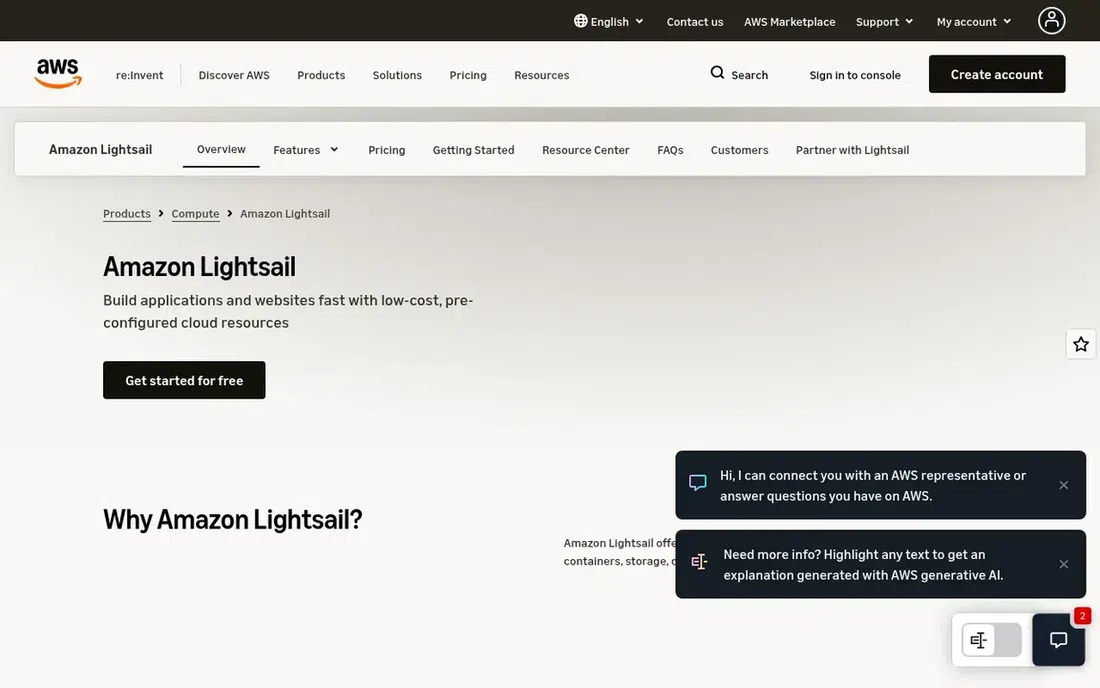
Amazon Lightsail is a good fit for simple VPS with predictable management. Amazon Lightsail is an easy-to-use virtual private server that provides straightforward management of cloud resources like containers. It is aimed at users who want a straightforward VPS experience without navigating the full breadth of cloud infrastructure.
Beyond that, Lightsail concentrates on simplicity, so teams needing deep customization or advanced cloud services may outgrow it. Those requirements generally result in broader cloud systems. In daily use, choose Lightsail when you want an approachable VPS for a website and prefer to avoid complicated configuration. This comparison lists no price for Amazon Lightsail; ask the vendor. Free options: Not stated.
Downsides: Restricted to more straightforward cloud needs.
- Easy-to-use virtual private server
- Straightforward management of cloud resources
- Advanced AWS services are separate
DigitalOcean Droplets
Best for: Straightforward, scalable website VMs
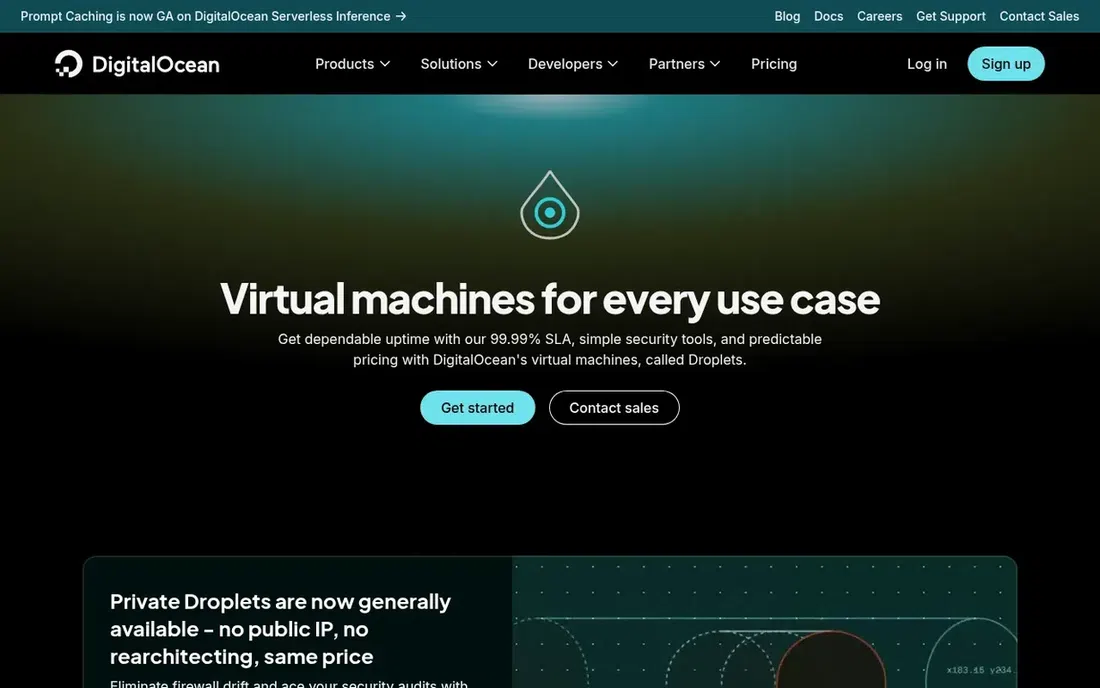
Choose DigitalOcean Droplets for straightforward, scalable website VMs. Choose DigitalOcean when simplicity and scalable VMs matter more than bundled management. For everyday use, teams that require completely managed hosting or a built-in control panel may prefer a different choice.
Points against: Managed services cost additional.
The lineup contains Basic, General Purpose, Memory-Optimized, and CPU-Optimized VMs, so website owners can match resources to traffic patterns and application needs. Droplets are unmanaged, so server administration, security patching, and backups remain your responsibility except when you add other services. What you pay to start with DigitalOcean Droplets: $4 per month. DigitalOcean Droplets includes a free tier.
- Quick provisioning of virtual machines
- Several VM types for different workloads
- Advanced networking needs configuration
Hostinger VPS
Best for: AI-ready KVM VPS with NVMe storage
Hostinger VPS serves AI-ready KVM VPS with NVMe storage. The service also flags AI-ready VPS management and free weekly backups.
The main drawbacks: Feature set varies by plan.
Also, despite management features, a VPS still hands you full server control, so configuration decisions remain yours. From a buyer's view, pick Hostinger VPS when you want KVM-based resources and NVMe storage in an accessible package. Hostinger VPS pricing: $1.99 per month. Trial and free access: Not stated.
- AMD EPYC processors
- NVMe SSD storage
- Unmanaged server control
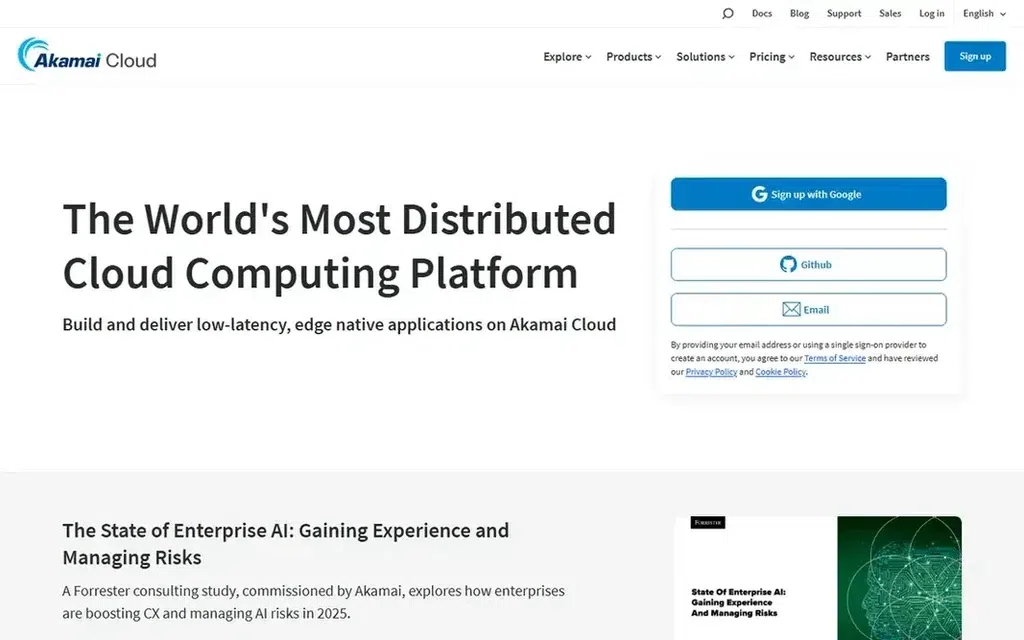
Linode was built for distributed, low-latency cloud applications. It appeals to developers comfortable managing their own server stack on a cloud system.
Sites that require a completely managed environment or a straightforward control panel may find a different host simpler. On cost, Linode starts like this: $100 per compute instance per month. On free options: Free trial.
Points against: Edge features may need learning.
- Focus on edge-native application delivery
- Wide cloud computing foundation
- Unmanaged by default
Selection criteria
For each of the 5 tools we noted price, free plan or trial, fit for VPS hosting for websites and the main limit, using vendor pages and documentation. Where a vendor does not publish a price, the entry says quote. Where a price depends on seats or billing term, the entry says so. Tools are placed by general fit for VPS hosting for websites, with price clarity and free access as tie-breakers. A different team can reasonably rank them differently.
Before you commit
- Ask OVHcloud VPS and Amazon Lightsail for a written quote, since no starting price is shown.
- Look at the free plan from DigitalOcean Droplets closely: its caps decide whether it is usable for real work.
- Take the trial from Linode and push a live task through it before you pay.
- Read the limits listed for OVHcloud VPS first: Unmanaged server administration.
- Check how data leaves Hostinger VPS: formats, limits and whether exports are available on every plan.
- Work out what Linode costs with your real seat count, add-ons and usage, not just the entry price.
FAQ
Can I try these tools before paying?
Often, yes. DigitalOcean Droplets has a free plan and Linode offers a free trial. Use your own data and a real task during the test, and check what the free tier or trial limits before you rely on it.
What is the cheapest option for VPS hosting for websites in this list?
On published monthly entry prices, Hostinger VPS is the lowest here at $1.99 per month. Entry price is only part of the cost, because seats, add-ons and billing terms can change the total.
Do these tools publish their prices?
Not all of them. OVHcloud VPS and Amazon Lightsail publish no starting price, so expect a quote request for those. The rest, DigitalOcean Droplets included, show a starting price, though seats and billing terms still change the final cost.
How are the tools for VPS hosting for websites ordered?
The order follows typical fit for VPS hosting for websites, with OVHcloud VPS first and Linode last, then price clarity and free access. It is editorial judgement, not a score, so another team could rank the tools differently.
What should I look for in a VPS for a website?
Focus on whether the VPS is managed or unmanaged, the virtualization and storage technology, and the resources your site needs. Also check backup choices, regional availability, and traffic terms. Matching these to your system avoids overpaying or running short on capacity.
Is a managed or unmanaged VPS better for websites?
Managed VPS hosting manages server maintenance so you can focus on the site, whereas unmanaged VPS provides you full control and responsibility. Choose based on your team's server administration comfort and time.
Sources
- https://www.ovhcloud.com/en/vps
- https://aws.amazon.com/lightsail
- https://www.digitalocean.com/products/droplets
- https://www.hostinger.com/vps-hosting
- https://www.linode.com