Visual Search Software in 2026: The 5 Best Options Side by Side
5 options for the best visual search software, with entry costs, free tiers and the buyer each one serves. Weaknesses are named for every tool. Pick by budget.
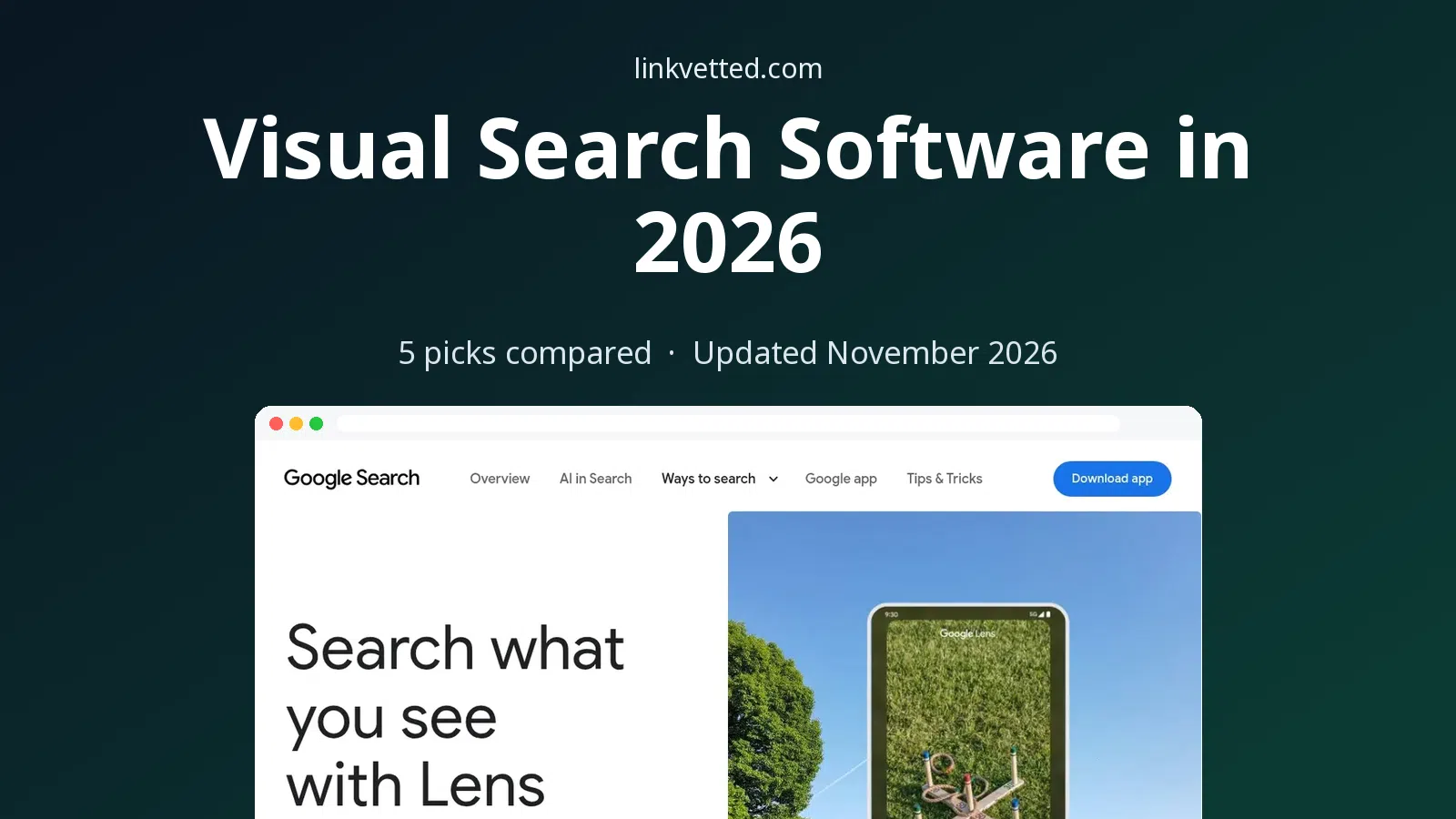
- Editor's choice
 Google Lens
General visual search and identification
Starts atPricing on requestVisit lens.googleFull review - Great alternative
 Bing Visual Search
Free reverse image search
Starts atPricing on requestVisit bing.comFull review - Also considerAdobe Sensei
AI for marketing and creative teams
Starts atPricing on requestVisit adobe.comFull review
Direct answer
Google Lens is the first pick on this list for general visual search and identification. Bing Visual Search is better for free reverse image search, and Adobe Sensei is better for AI for marketing and creative teams. The other 2 tools in the list cover narrower or pricier cases. None of these vendors publish plan prices, so pricing is on request for every option.
TL;DR:
- Google Lens sits first on this list: general visual search and identification.
- No starting price is shown for any of the 5 tools, Google Lens and Pixyle.ai included, so plan time for sales calls.
- Pixyle.ai is the one to check for automatic fashion product tagging.
- Google Lens, Pixyle.ai and the 3 others all need a premium plan or a trial, since no free plan is listed.
- Before buying Bing Visual Search, weigh this: entry-level features compared with premium tools.
Last checked November 2026. Pricing on request: vendors did not publish plan prices when this guide was last checked (November 2026), so ask each vendor for a written quote.
Quick comparison
| Tool | Best for | Starts at | Free plan? | |
|---|---|---|---|---|
| Google Lens | General visual search and identification | Pricing on request | Not stated | Visit |
| Bing Visual Search | Free reverse image search | Pricing on request | Not stated | Visit |
| Adobe Sensei | AI for marketing and creative teams | Pricing on request | Not stated | Visit |
| Syte | Retail visual search and product discovery | Pricing on request | Not stated | Visit |
| Pixyle.ai | Automatic fashion product tagging | Pricing on request | Not stated | Visit |
Visual Search Software, one by one
If you are comparing visual search software, this page covers 5 tools in one place: what each is best for, what it costs to start, whether it has a free plan, and the main limit to know about.
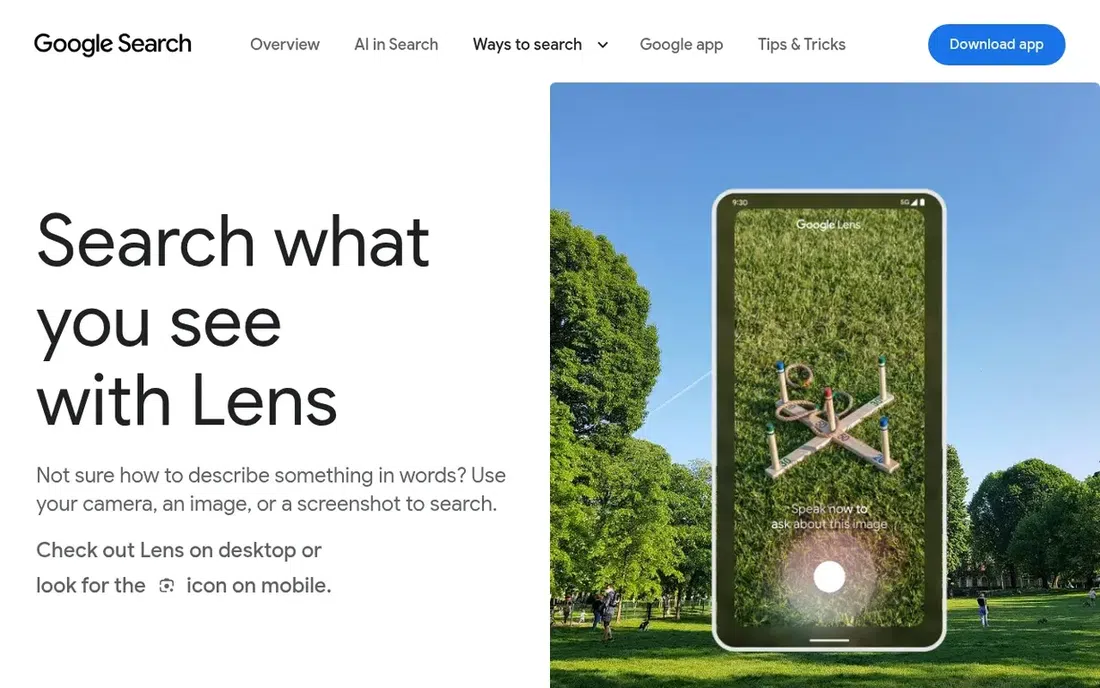
Choose Google Lens for general visual search and identification. Google Lens is a visual search tool that lets users explore and identify objects, text, and places using their camera or images. It is integrated into the Google app and supports features like AR and voice search.
Lens is widely used by consumers for everyday visual discovery and can be a handy reference for firms exploring visual search capabilities. For business-focused visual search, dedicated products like Syte or Pixyle.ai are more suitable. As for the details, Google Lens is consumer-oriented and provides restricted customization for enterprise use. This comparison lists no price for Google Lens; ask the vendor. As for free access: Not stated.
Where it is weaker: Restricted enterprise customization.
- Spots objects, text, places
- Supports AR and voice search
- Primarily consumer-focused
Pick Bing Visual Search if this describes you: free reverse image search. Bing Visual Search is a free reverse image search tool that lets users to search by image to find similar images, match products, and identify objects. It is accessible via the Bing website and gives you a straightforward way to perform visual searches without cost.
Limits to weigh: Entry-level features compared with premium tools.
It is not made for enterprise-scale visual search or retail-specific needs. Also, for more solid capabilities, consider dedicated visual search systems. This comparison lists no price for Bing Visual Search; ask the vendor. On free options: Not stated.
- Spots objects immediately
- Finds similar images and products
- Restricted e-commerce integration
Adobe Sensei
Best for: AI for marketing and creative teams
Adobe Sensei targets AI for marketing and creative teams. Adobe Sensei is a generative AI product for enterprise marketing and creative teams. It helps build, scale, and personalize on-brand content with AI-powered tools.
As for the details, Adobe Sensei is not a standalone visual search option and is best utilized within Adobe's ecosystem. Those needing dedicated visual search should consider specialized tools. Check the vendor site for Adobe Sensei pricing; none is listed in this comparison. Free access: Not stated.
Where it is weaker: Not a standalone visual search tool.
- Enterprise-ready and brand-safe
- Links up with Adobe tools
- Needs Adobe ecosystem
Syte
Best for: Retail visual search and product discovery
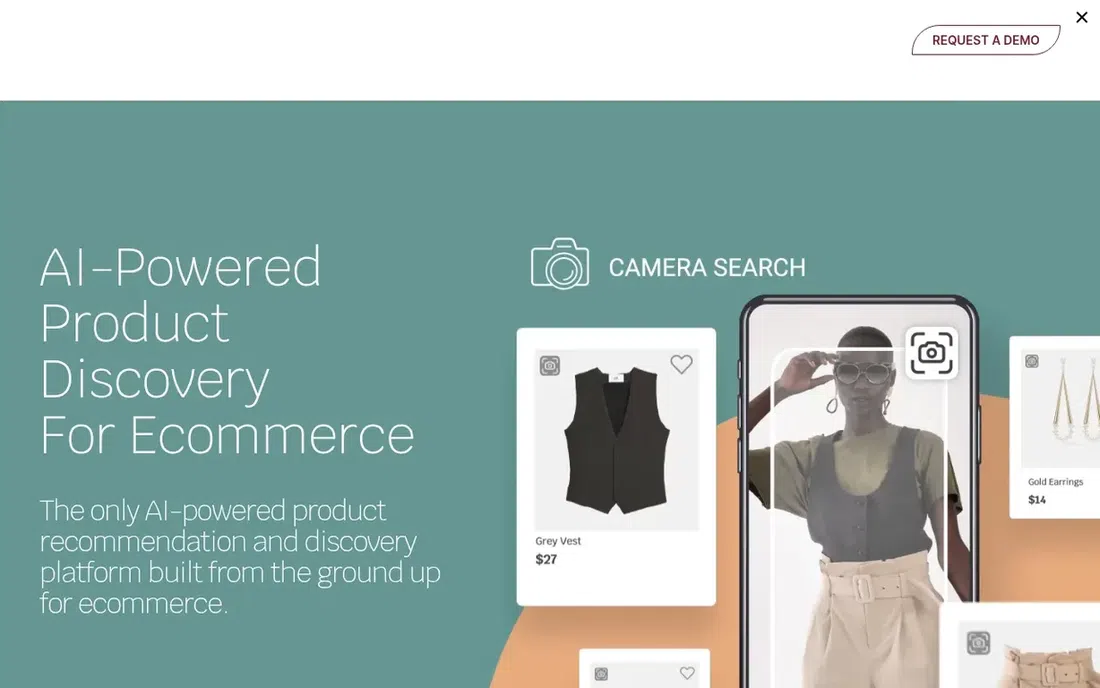
Syte is built with retail visual search and product discovery in mind. It permits shoppers to search using images and discover similar products, helping to boost engagement and conversion.
What to check first: May need custom setup.
It may be most useful for bigger retailers with the resources to integrate and customize the option. Check the vendor site for Syte pricing; none is listed in this comparison. Free access: Not stated.
- Made for e-commerce integration
- Product discovery from images
- Restricted public documentation
Pixyle.ai
Best for: Automatic fashion product tagging
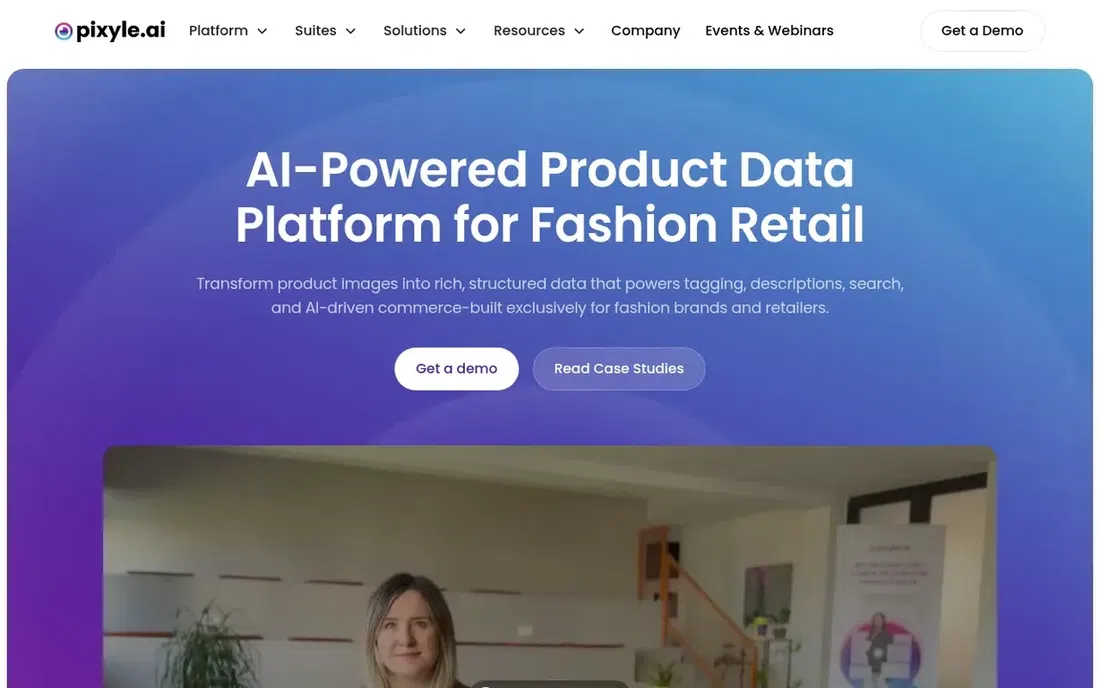
Where Pixyle.ai fits: automatic fashion product tagging. Pixyle.ai is an AI-powered product that automates product data creation for fashion retailers. It produces tags, descriptions, alt text, and FAQs at scale, helping to simplify catalog management and improve searchability.
From a buyer's view, if you need visual search for non-fashion products or general image recognition, other tools may be more appropriate. As for the details, the tool is built for fashion brands and retailers that require to enrich large product catalogs efficiently. It also needs integration with existing catalog systems. Pixyle.ai shows no starting price here, so confirm the cost on the vendor site. As for free access: Not stated.
Drawbacks to consider: Centres on fashion only.
- Creates alt text and FAQs
- Automates product tags and descriptions
- May need catalog integration
Selection criteria
We compared the tools on published pricing, free plan or trial availability, feature coverage for visual search software, and the limits each vendor documents. Treat prices as a snapshot: vendors change plans often, so check the vendor site for the figure that applies today. The sequence is a judgement call: typical use case first, then pricing transparency, then free access. Use the profiles to check fit.
What to check before you buy
- Confirm the entry price with every vendor: no tool from Google Lens to Pixyle.ai shows a fixed starting price.
- Before choosing Google Lens, weigh its main limit: restricted enterprise customization.
- A short pilot of Google Lens with your real workflow tells you more than a feature table.
- Add up seats, add-ons and usage charges for Bing Visual Search before comparing it with cheaper entries.
- Verify that exporting from Syte is possible on your plan and covers all your records.
FAQ
What is visual search software?
Visual search software lets users to search using images rather than text. It uses AI to identify objects, products, or scenes and returns relevant results, commonly used in retail for product discovery.
Which visual search tool is a good match for fashion retailers?
This list starts with Google Lens, which fits general visual search and identification. For other needs, Bing Visual Search is aimed at free reverse image search, and Adobe Sensei at AI for marketing and creative teams. Check each tool's price and main limit first.
Do these tools publish their prices?
No. None of the tools, from Google Lens to Pixyle.ai, shows a fixed starting price here, so budget time for quotes.
How do I choose the right visual search software?
Consider your industry, integration needs, and required features such as automatic tagging or reverse image search. Evaluate scalability and support, and confirm details on vendor sites before deciding.
Is Google Lens the right pick for everyone comparing visual search software?
No single tool suits every team. Google Lens comes first because it fits general visual search and identification, while Bing Visual Search suits free reverse image search and Adobe Sensei suits AI for marketing and creative teams. Match the tool to your own size, budget and workflow before deciding.
How are the tools for visual search software ordered?
Google Lens sits first and Pixyle.ai last because the order follows typical fit for visual search software, then price clarity and free access. It is a judgement call, so read each profile for fit and limits.
Sources
- https://lens.google
- https://www.bing.com/visualsearch
- https://www.adobe.com/sensei.html
- https://www.syte.ai
- https://pixyle.ai