Choosing Virtual Data Room Software for Remote Teams in 2026: 6 Options Compared
Searching for the best virtual data room software for remote teams? Here are 6 options with prices and free plans. Real limits included. Narrow your shortlist.
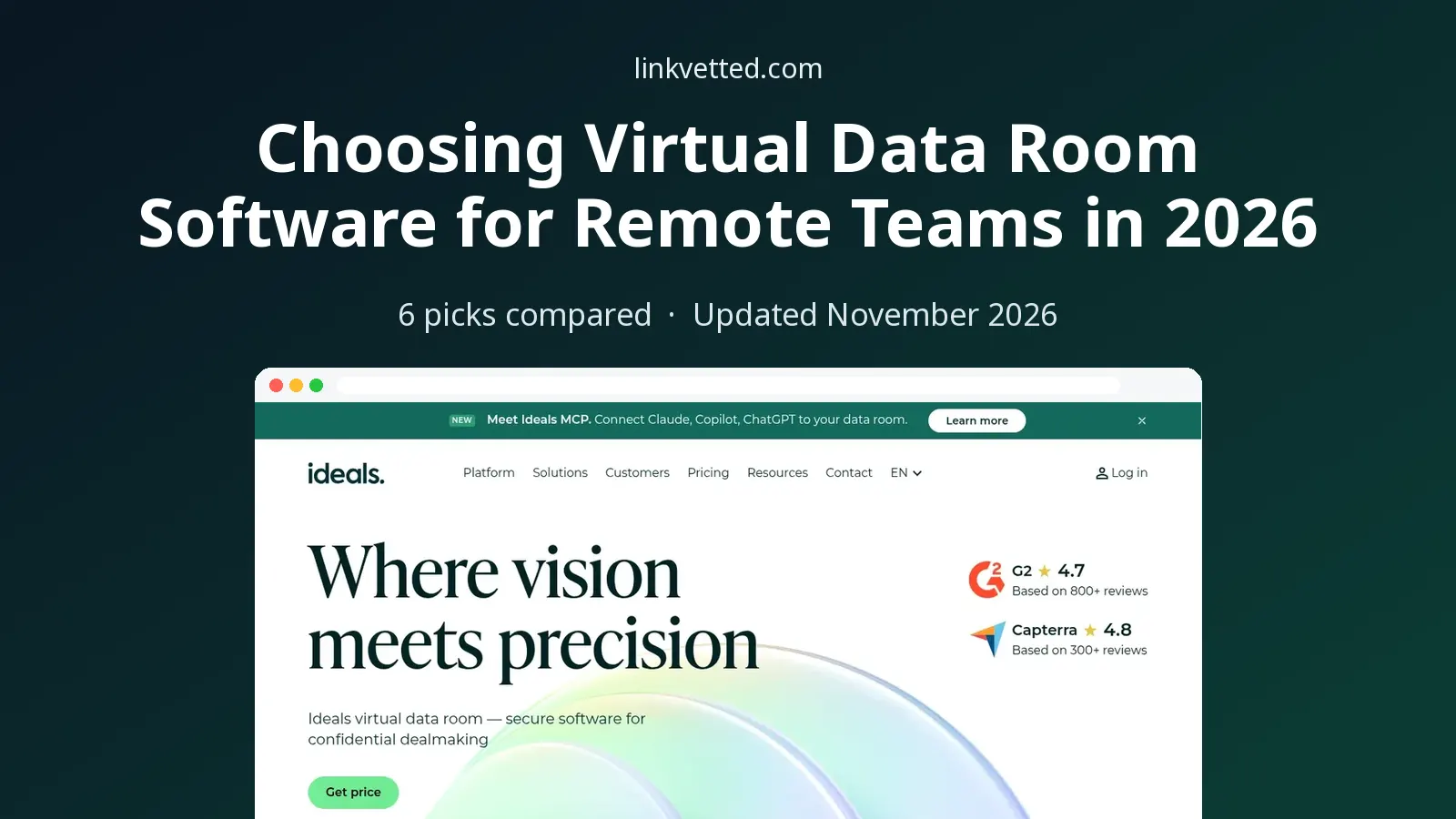
- Editor's choice
 iDeals
Secure VDR for high-stakes deals
Starts atSee websiteVisit idealsvdr.comFull review - Great alternative
 DealRoom
Buyer-led M&An operating system
Starts atSee websiteVisit dealroom.netFull review - Also consider
 Datasite
M&A dealmaking virtual data rooms
Starts atSee websiteVisit datasite.comFull review
Direct answer
Our first pick is iDeals, best for secure VDR for high-stakes deals. Listed starting prices: Drooms from €19 per month. DealRoom fits buyer-led M&An operating system; Datasite fits M&A dealmaking virtual data rooms. Details, prices and limits for the rest of the 6 tools are below.
TL;DR:
- The list opens with iDeals, aimed at secure VDR for high-stakes deals.
- Check the limits for Datasite before you commit: narrow focus on dealmaking.
- 2 of 6 tools offer a free plan: Ansarada, Drooms.
- Drooms is the one to check for secure AI-driven data rooms.
- Expect to ask for a quote from iDeals, DealRoom, Datasite and others; the other tools show a starting price.
Last checked November 2026. Prices and plan details were read from the vendors' own pages in November 2026; vendors change plans often, so confirm the current price on the vendor site before you buy.
Quick comparison
| Tool | Best for | Starts at | Free plan? | |
|---|---|---|---|---|
| iDeals | Secure VDR for high-stakes deals | See website | Free trial | Visit |
| DealRoom | Buyer-led M&An operating system | See website | Not stated | Visit |
| Datasite | M&A dealmaking virtual data rooms | See website | Not stated | Visit |
 Intralinks | AI-powered due diligence and compliance | See website | Not stated | Visit |
 Ansarada | AI-driven deal management and diligence | See website | Yes | Visit |
 Drooms | Secure AI-driven data rooms | €19 per month | Yes | Visit |
Virtual Data Room Software for Remote Teams profiles
If you are comparing virtual data room software for remote teams, this page covers 6 tools in one place: what each is best for, what it costs to start, whether it has a free plan, and the main limit to know about.
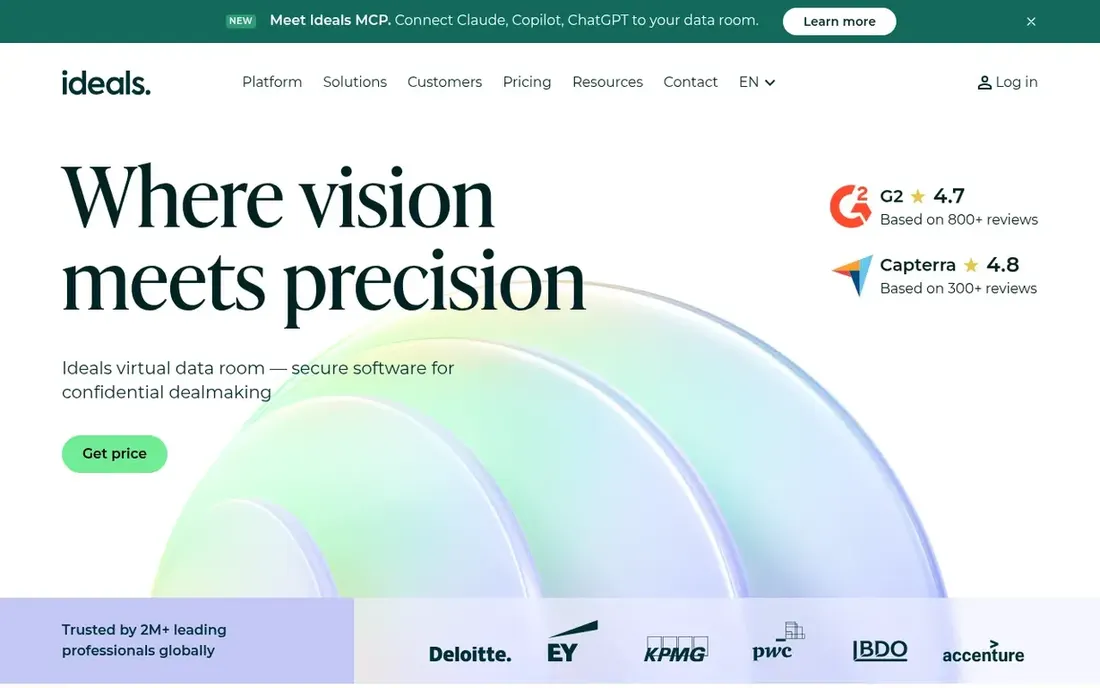
Where iDeals fits: secure VDR for high-stakes deals. iDeals gives you secure virtual data room software for M&A, fundraising, life sciences, real estate, and other high-stakes deals. On top of that, the system positions itself around security and deal confidentiality, making it a fit for organizations that require a focused data room instead of a general collaboration suite.
Its focus on high-stakes deals means teams with routine document-sharing needs may prefer a more straightforward tool. Also, consider alternatives if you need deep project management features beyond document security and deal workflows. iDeals does not show a starting price in this comparison, so check the vendor site for current pricing. Free options: Free trial.
Points against: Pricing shown elsewhere. Where it shines: Secure virtual data room software.
- Life sciences
- Real estate and other deal types
- Deal-centric scope
DealRoom works best for buyer-led M&An operating system. Remote teams involved in acquisitions can use it to coordinate stakeholders, deal data, and workflows in one place. The homepage centers on buyer-led M&A, so sellers or teams outside that model may find the framing less relevant.
In practice, specific capabilities and limits should be confirmed on the vendor site. In practice, if you need a straightforward data room for document sharing only, compare more straightforward tools before choosing. DealRoom shows no starting price here, so confirm the cost on the vendor site. Free plan details: Not stated.
Watch-outs: Details on vendor site.
- AI-powered M&An operating system
- Automation across deal process
- M&A-specific scope
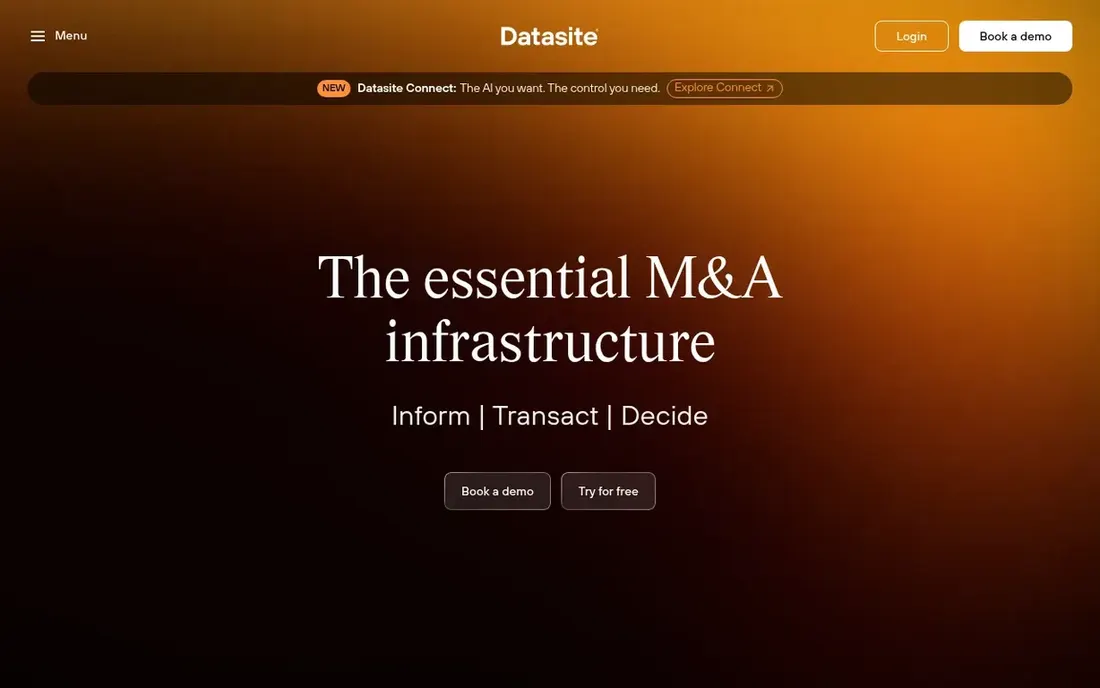
Datasite targets M&A dealmaking virtual data rooms. Datasite presents itself as a virtual data room provider for M&A dealmaking, with messaging aimed at dealmakers who require to close deals quicker. In daily use, remote teams working on transactions can use it to centralize deal documents and coordinate across locations.
What to check first: Narrow focus on dealmaking.
The vendor invites prospective buyers to request a demo to evaluate the product. For everyday use, consider other choices if your remote team needs a lighter collaboration tool instead of a deal-focused data room. No starting price is listed for Datasite here; confirm pricing on the vendor site. Free options: Not stated.
- Aimed at M&A deal workflows
- Remote deal team collaboration
- Details confirmed on vendor site
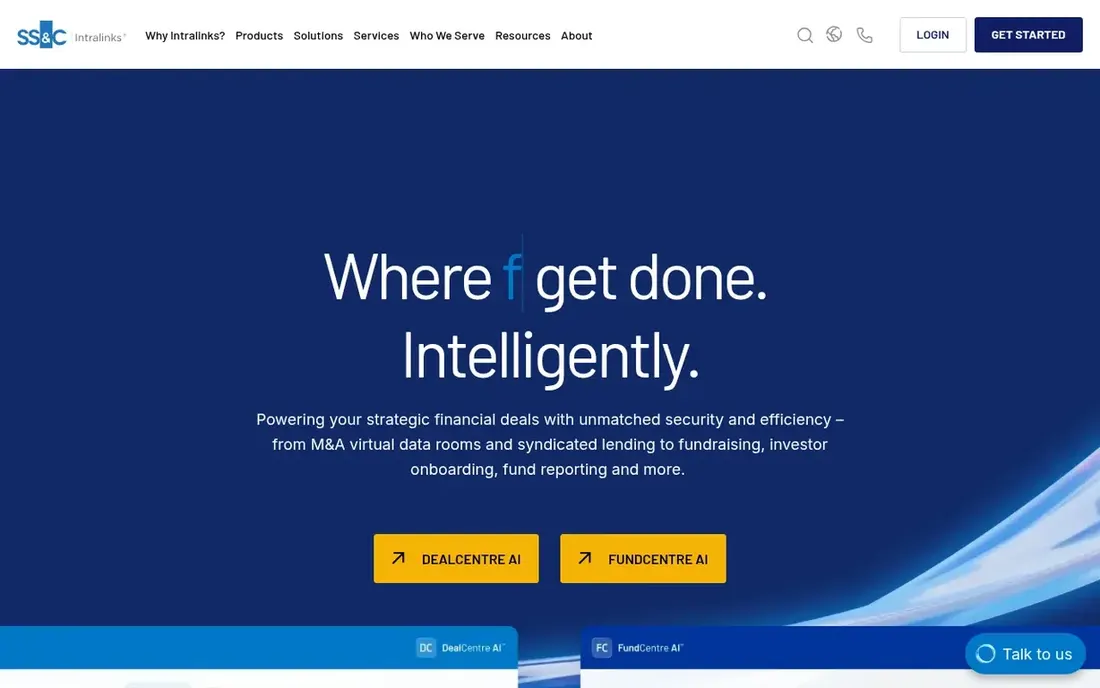
Intralinks is built with AI-powered due diligence and compliance in mind. Intralinks, part of SS&C, describes AI-powered datarooms built for M&A dealmaking, due diligence, compliance, and secure management of financial deals.
What to check first: Enterprise-oriented positioning.
Beyond that, specific capabilities and limits are best confirmed on the vendor site. Intralinks shows no starting price here, so confirm the cost on the vendor site. As for free access: Not stated.
- Secure financial deal management
- Due diligence and compliance focus
- Feature details on vendor site
Ansarada works best for AI-driven deal management and diligence. Remote deal teams can use it to coordinate document review and transaction steps in one environment. On top of that, the system is oriented toward transactions.
So teams seeking a general-purpose document repository may find it more than they need. As for the details, if your remote team needs only entry-level secure sharing, compare more straightforward choices first. Ansarada does not show a starting price in this comparison, so check the vendor site for current pricing. Ansarada includes a free tier.
Honest limits: Details on vendor site.
- AI-driven virtual data rooms
- Due diligence simplification
- Deal-focused scope
Drooms is a good fit for secure AI-driven data rooms. Drooms supplies a secure, AI-driven virtual data room positioned for M&A, real estate, fundraising, and asset lifecycle deals. Since the homepage frames the product around deals and asset lifecycle, general collaboration teams may find it specialized.
The main drawbacks: Deal-centric positioning.
In-depth feature limits are best confirmed on the vendor site. Remote teams can use it to run confidential documents and coordinate across parties involved in a transaction. What you pay to start with Drooms: €19 per month. Drooms has a free plan.
- Asset lifecycle deal support
- AI-driven virtual data room
- Feature specifics on vendor site
What went into this list
LinkVetted looked at what each vendor publishes: pricing, plan limits, feature coverage for virtual data room software for remote teams and stated drawbacks. No hands-on testing is claimed. Seat minimums, billing terms and add-ons can move the real cost, so the starting prices here are a guide and not a quote. The ranking is editorial: typical fit first, then clear pricing, then free access. If your needs are unusual, read the profiles rather than relying on position.
Before you commit
- Get a written quote from iDeals, DealRoom, Datasite and others; the list shows no starting price for them.
- Check what the free option really includes: Ansarada and Drooms offer a free plan, and usage caps differ.
- Run a trial of iDeals with real work before paying for a year; your own workflow is the best test.
- Read the limits listed for iDeals first: deal-centric scope.
- Check the integration list for Ansarada against the tools you run today, and note which ones need a higher plan.
- Find out whether the entry plan of Intralinks covers your must-haves or only a trimmed-down version.
FAQ
How are the tools for virtual data room software for remote teams ordered?
iDeals sits first and Drooms last because the order follows typical fit for virtual data room software for remote teams, then price clarity and free access. It is a judgement call, so read each profile for fit and limits.
Do these tools publish their prices?
Not all of them. iDeals, DealRoom, Datasite and others publish no starting price, so expect a quote request for those. The rest, Drooms included, show a starting price, though seats and billing terms still change the final cost.
Can I try these tools before paying?
Often, yes. Ansarada and Drooms have a free plan and iDeals offers a free trial. Use your own data and a real task during the test, and check what the free tier or trial limits before you rely on it. Each of the 6 options in this virtual data room software for remote teams guide has its own card above with the price, free plan and limits.
Can these tools support teams working across different locations?
Yes, virtual data rooms are made for remote collaboration on confidential documents. Check the vendor site for how remote access and notifications are handled.
Which options for virtual data room software for remote teams have a free plan?
On this list, Ansarada and Drooms include a free plan. Caps on seats, usage or features are common, so test the free plan against your real workload. One other tool offers a trial instead.
Sources
- https://www.idealsvdr.com
- https://www.dealroom.net
- https://www.datasite.com
- https://www.intralinks.com
- https://www.ansarada.com
- https://www.drooms.com