Choosing Video Viewing Software in 2026: 5 Options Compared
Need the best video viewing software? We compare 5 tools on cost, free access and who each suits. Trade-offs are spelled out for each entry. Straight answers.
- Editor's choice
 Vimeo
Watching and hosting HD video
Starts atPricing on requestVisit vimeo.comFull review - Great alternative
 Brightcove
Secure scalable video hosting
Starts atPricing on requestVisit brightcove.comFull review - Also consider
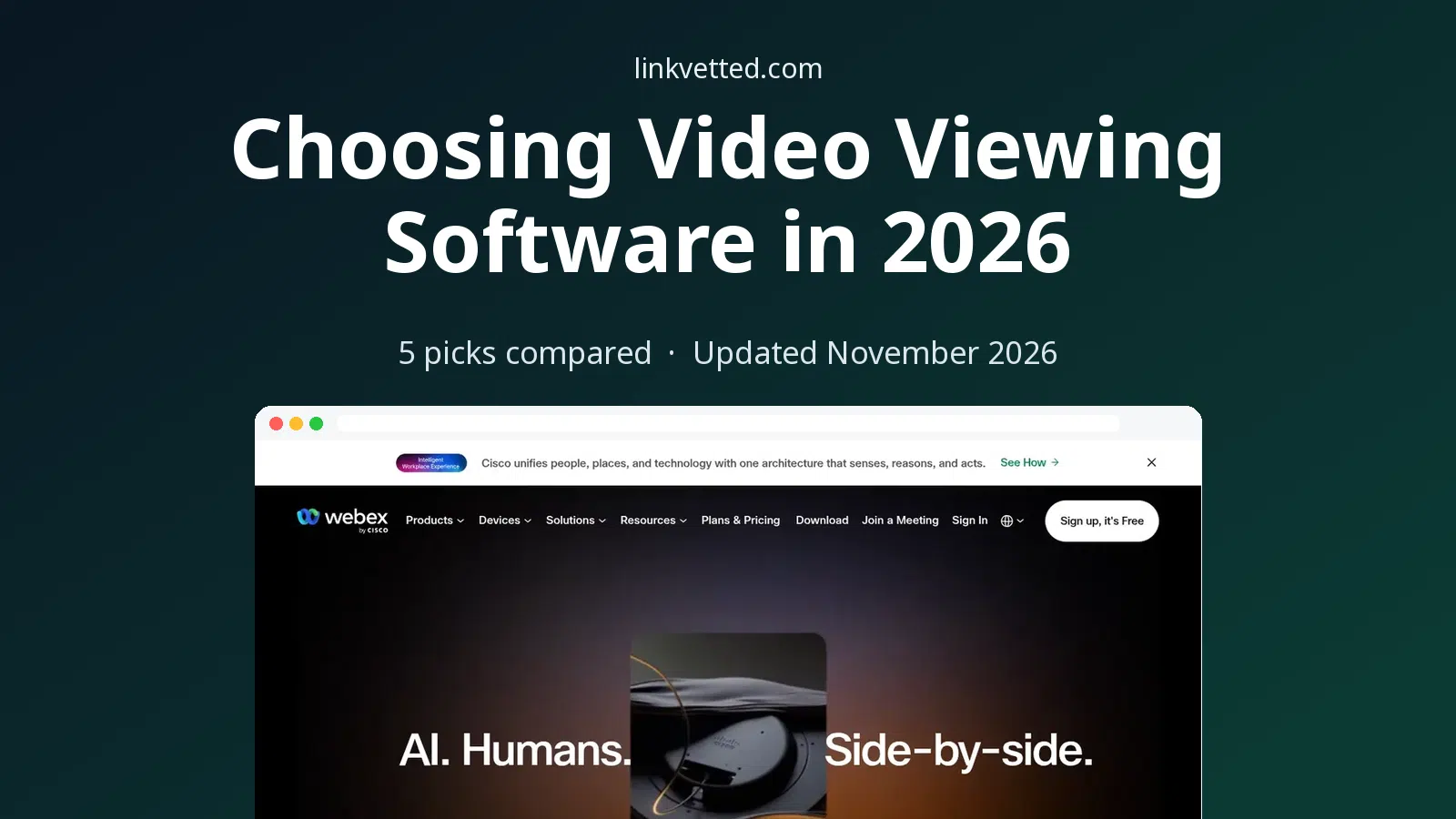
 Cisco Webex
AI-assisted collaboration and devices
Starts atPricing on requestVisit webex.comFull review
Direct answer
This list puts Vimeo first for watching and hosting HD video. Alternatives: Brightcove for secure scalable video hosting, and Cisco Webex for AI-assisted collaboration and devices. The full list of 5 tools follows, with free plan facts. None of these vendors publish plan prices, so pricing is on request for every option.
TL;DR:
- This list starts with Vimeo, which is built for watching and hosting HD video.
- Kaltura fits video product for organizations.
- One limit worth knowing about Cisco Webex: wide portfolio can be complicated to navigate.
- Pricing across the list, from Vimeo to Kaltura, is by quote only.
- Only 2 of the 5 tools have a free plan (Vimeo, Cisco Webex), so check the caps.
Last checked November 2026. Pricing on request: vendors did not publish plan prices when this guide was last checked (November 2026), so ask each vendor for a written quote.
Quick comparison
| Tool | Best for | Starts at | Free plan? | |
|---|---|---|---|---|
| Vimeo | Watching and hosting HD video | Pricing on request | Yes | Visit |
| Brightcove | Secure scalable video hosting | Pricing on request | Not stated | Visit |
| Cisco Webex | AI-assisted collaboration and devices | Pricing on request | Yes | Visit |
 Zoom | All-around meetings and events | Pricing on request | Not stated | Visit |
 Kaltura | Video product for organizations | Pricing on request | Free trial | Visit |
The 5 tools in detail
This LinkVetted guide covers 5 options for video viewing software. Each profile lists a starting price, free plan details, strengths and drawbacks, so you can drop poor fits quickly.
Vimeo targets watching and hosting HD video. Vimeo is targeted at viewing and publishing instead of live meetings, so teams needing conferencing should pair it with another tool. In practice, choose Vimeo when presentation quality and audience discovery matter more than internal collaboration.
For everyday use, Vimeo centers on watching free videos, films and shorts, with HD streaming and no ads, plus categories for example comedy, documentaries, animation, drama and Staff Picks. It does well for portfolios, screenings and audience-facing channels. This comparison lists no price for Vimeo; ask the vendor. A free plan is available with Vimeo.
Honest limits: Not a meeting or conferencing tool.
- Curated discovery with Staff Picks
- HD streaming for films and shorts
- Viewer focus may not suit internal training
Pick Brightcove if this describes you: secure scalable video hosting. Brightcove describes a secure and scalable streaming platform that helps organizations host, share and monetize video content with reliability and ease.
Limits to weigh: Needs planning to deploy well.
In daily use, expect to plan implementation around your content workflow. Worth adding: choose Brightcove when hosting, monetization and dependable delivery are the core requirements. This comparison lists no price for Brightcove; ask the vendor. On free options: Not stated.
- Supports monetizing content
- Emphasis on reliability and scale
- Oriented to organizations, not casual viewers

Cisco Webex is aimed squarely at AI-assisted collaboration and devices. The broad portfolio means buyers have to map products to their actual needs, and smaller teams may not use the device and system layers.
Downsides: Device choices add planning overhead.
If you want a straightforward, self-contained meeting tool, a leaner choice may be simpler. Pricing for Cisco Webex is not stated here, so ask the vendor for current figures. You can start on Cisco Webex without paying.
- Handles customer experience and devices
- AI-powered collaboration features
- Wide portfolio can be complicated to navigate
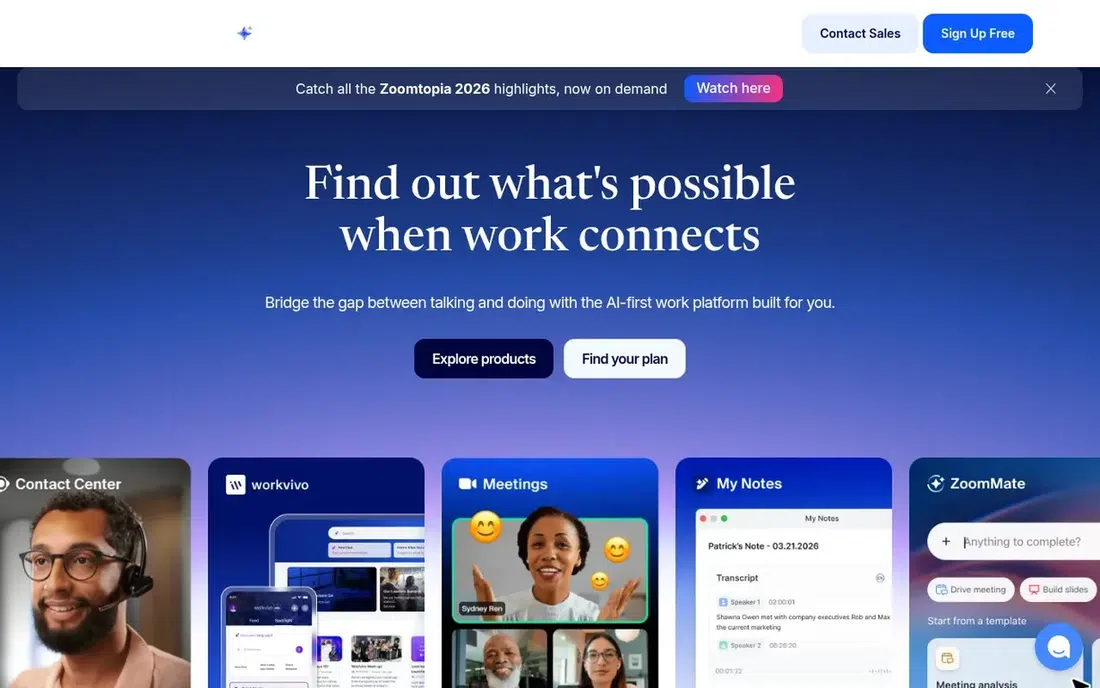
Zoom makes the most sense for all-around meetings and events. That breadth makes it a natural fit for organizations that want a single place for live video viewing and collaboration, from small standups to bigger hosted sessions.
Where it falls short: Plenty of features may overwhelm casual users.
What works well: Meetings.
Consider Zoom when live collaboration is central. Zoom shows no starting price here, so confirm the cost on the vendor site. Free plan details: Not stated.
- Chat and webinars in one system
- Wide collaboration feature set
- Best value needs matching the right setup
Kaltura is built with video product for organizations in mind. Kaltura is widely known as a video system provider serving organizations that require to run and deliver video across learning, communication and media use cases.
The main drawbacks: Product range needs careful scoping.
For everyday use, Kaltura's breadth means buyers should scope the specific products they need before committing, and smaller teams may find a more straightforward tool sufficient. In practice, casual users wanting fast calls or entry-level uploads are better served elsewhere. Check the vendor site for Kaltura pricing; none is listed in this comparison. Free access: Free trial.
- Widely known video system vendor
- Wide video product coverage
- Less suited to casual personal use
What went into this list
Selection started from tools commonly considered for video viewing software, then narrowed to 5 that have clear pricing information or a clear quote process. Prices and plan limits come from vendor pages and can change, so confirm them on the vendor site before you buy. The order reflects how well each tool fits the most common buying scenario for video viewing software, then price clarity, then free plan access. It is a starting point, not a verdict.
What to check before you buy
- Ask each vendor, from Vimeo to Kaltura, for a written quote; none of them publishes a starting price.
- Check what the free option really includes: Vimeo and Cisco Webex offer a free plan, and usage caps differ.
- Take the trial from Kaltura and push a live task through it before you pay.
- Before choosing Vimeo, weigh its main limit: not a meeting or conferencing tool.
- Check whether Zoom bills monthly or annually, and what cancelling early costs.
- Ask whether Kaltura integrates with your current software, and whether that comes standard or as an add-on.
FAQ
When should I choose a dedicated video system?
Choose a dedicated product when video is a managed asset you publish, distribute or monetize instead of a meeting activity. Brightcove and Kaltura are oriented to organizational video strategy, whereas Vimeo fits audience-facing publishing and discovery.
Is Vimeo the right pick for everyone comparing video viewing software?
No single tool suits every team. Vimeo comes first because it fits watching and hosting HD video, while Brightcove suits secure scalable video hosting and Cisco Webex suits AI-assisted collaboration and devices. Match the tool to your own size, budget and workflow before deciding.
Can I try these options before paying?
Often, yes. Vimeo and Cisco Webex have a free plan and Kaltura offers a free trial. Use your own data and a real task during the test, and check what the free tier or trial limits before you rely on it.
Do these tools publish their prices?
No. None of the tools, from Vimeo to Kaltura, shows a fixed starting price here, so budget time for quotes.
Which options for video viewing software have a free plan?
Vimeo and Cisco Webex offer a free plan in this list. Free plans usually cap users, projects or features, so check the limits on the vendor page. One other tool offers a trial instead.
Sources
- https://vimeo.com
- https://www.brightcove.com
- https://www.webex.com
- https://zoom.us
- https://corp.kaltura.com