Choosing Video Forensic Analysis Software in 2026: 6 Options Compared
6 tools for the best video Forensic analysis software, compared on pricing, free plans and best-fit use. Every pick includes one clear drawback. Start here.
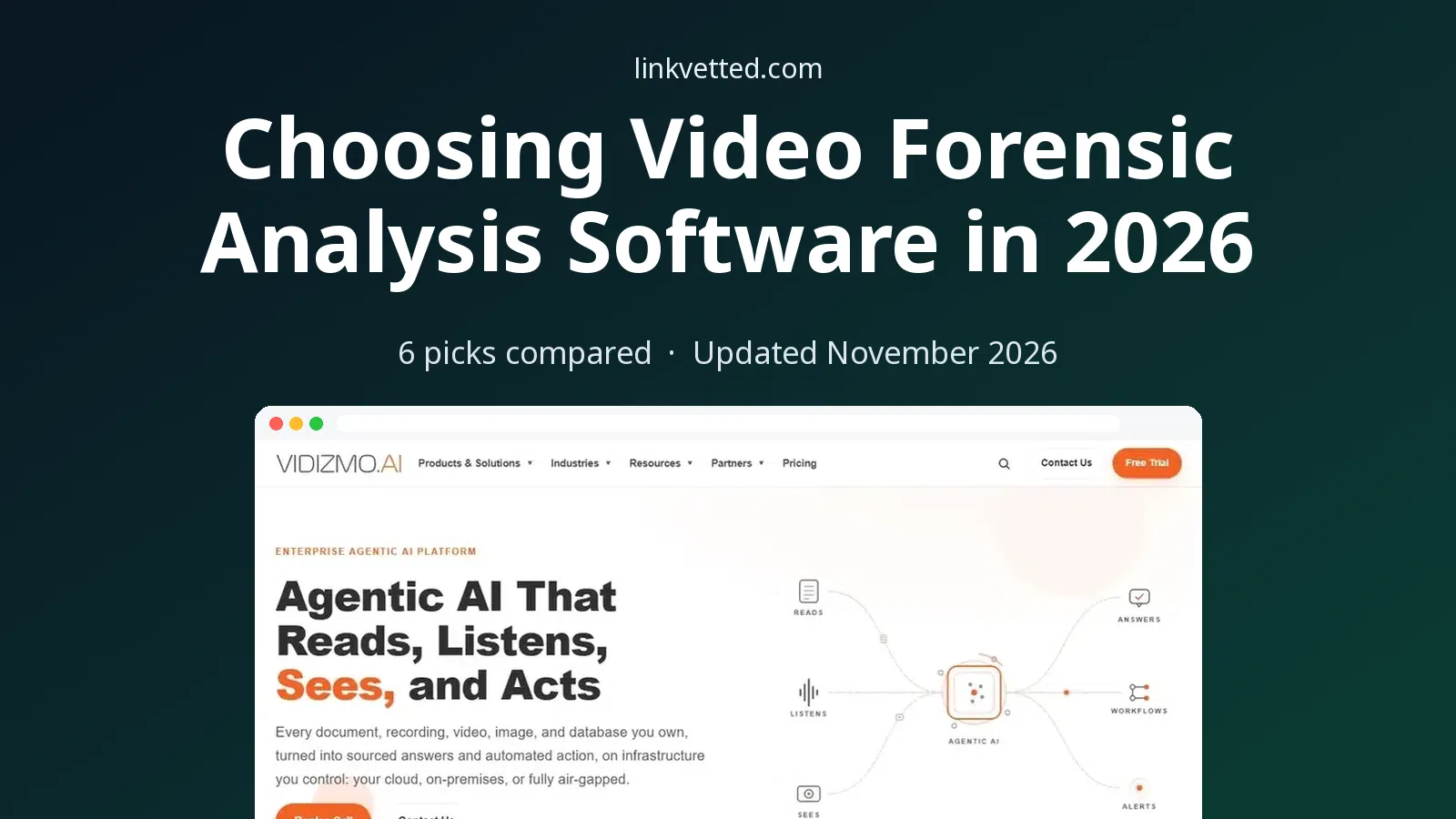
- Editor's choiceForensic Video Solutions Omnivore
Specialist video forensic review
Starts atPricing on requestVisit forensicvideosolutions.comFull review - Great alternativeVidizmo
AI search across video and audio
Starts atPricing on requestVisit vidizmo.comFull review - Also consider
 Avid Media Composer
Professional editing of case footage
Starts atPricing on requestVisit avid.comFull review
Direct answer
Start with Forensic Video Solutions Omnivore if you need specialist video forensic review. For a different need, Vidizmo covers AI search across video and audio and Avid Media Composer covers professional editing of case footage. All 6 tools are compared below on fit, free plan and limits. None of these vendors publish plan prices, so pricing is on request for every option.
TL;DR:
- Forensic Video Solutions Omnivore takes the first slot, best suited to specialist video forensic review.
- Neither Forensic Video Solutions Omnivore nor Adobe Premiere Pro, nor any of the other 4 tools, has a permanent free plan; trials and quotes are the norm.
- Pricing across the list, from Forensic Video Solutions Omnivore to Adobe Premiere Pro, is by quote only.
- Adobe Premiere Pro fits accessible editing and effects work.
Last checked November 2026. Pricing on request: vendors did not publish plan prices when this guide was last checked (November 2026), so ask each vendor for a written quote.
Quick comparison
| Tool | Best for | Starts at | Free plan? | |
|---|---|---|---|---|
| Forensic Video Solutions Omnivore | Specialist video forensic review | Pricing on request | Not stated | Visit |
| Vidizmo | AI search across video and audio | Pricing on request | Free trial | Visit |
| Avid Media Composer | Professional editing of case footage | Pricing on request | Not stated | Visit |
 DaVinci Resolve | Color, effects, and audio finishing | Pricing on request | Not stated | Visit |
| Magnet AXIOM | Multi-source digital evidence recovery | Pricing on request | Not stated | Visit |
 Adobe Premiere Pro | Accessible editing and effects work | Pricing on request | Not stated | Visit |
Every option for video Forensic analysis software explained
LinkVetted put together this guide to video Forensic analysis software for readers who want a clear shortlist without reading every vendor page. It compares 6 tools on starting price, free plans, who each one suits and where each one falls short.
Forensic Video Solutions Omnivore
Best for: Specialist video forensic review
In short, Forensic Video Solutions Omnivore is for specialist video forensic review. Forensic Video Solutions Omnivore is a specialist product associated with video forensic work, geared toward investigators who require to review and work with footage in a forensic context. On top of that, if you need wide evidence source coverage, a full forensic suite is the safer starting point.
Limits to weigh: Confirm capabilities straight with the vendor.
As for the details, teams looking for a focused tool rather than a wide system may want to evaluate it alongside the bigger suites. Public documentation is restricted, so verify current features, supported formats, and export choices with the vendor before committing. This comparison lists no price for Forensic Video Solutions Omnivore; ask the vendor. On free options: Not stated.
- Name signals a video forensics focus
- Suited to investigative playback and review
- Restricted public detail on current features
Vidizmo
Best for: AI search across video and audio
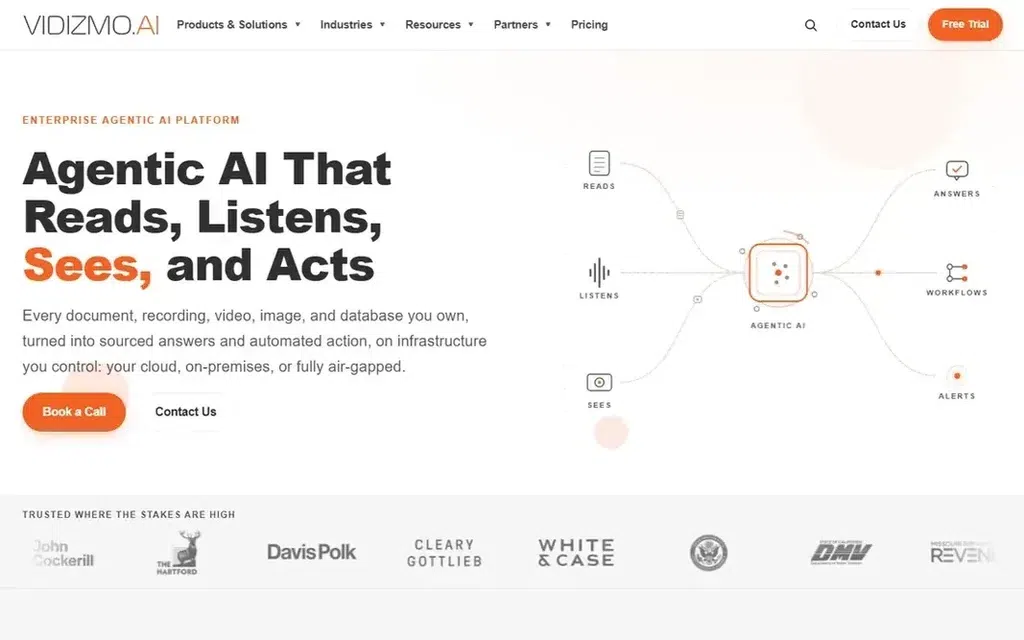
Vidizmo was built for AI search across video and audio. Vidizmo describes itself as a multimodal enterprise agentic AI system that reads documents, hears audio, sees video, and acts, deployable on cloud or on-premises.
Drawbacks to consider: General product, not forensics-specific.
Pricing for Vidizmo is not stated here, so ask the vendor for current figures. On free options: Free trial.
- Multimodal AI reads documents, audio, video
- Supports enterprise-scale media handling
- Needs configuration for investigative use
Avid Media Composer works best for professional editing of case footage. Choose a dedicated forensic suite when documentation and evidentiary integrity are the priority.
Downsides: Not designed for forensic examination.
Check the vendor site for Avid Media Composer pricing; none is listed in this comparison. Trial and free access: Not stated.
- Built for post-production workflows
- Manages demanding editing and delivery tasks
- Steeper ramp-up time for occasional users
DaVinci Resolve makes the most sense for color, effects, and audio finishing. Keep original evidence untouched and depend on a forensic tool for documented enhancement.
DaVinci Resolve does not show a starting price in this comparison, so check the vendor site for current pricing. As for free access: Not stated.
Limits to weigh: General creative tool, not forensic software.
- Available for Mac, Windows, Linux
- Solid finishing and color correction tools
- Feature depth can overwhelm new users
Magnet AXIOM
Best for: Multi-source digital evidence recovery
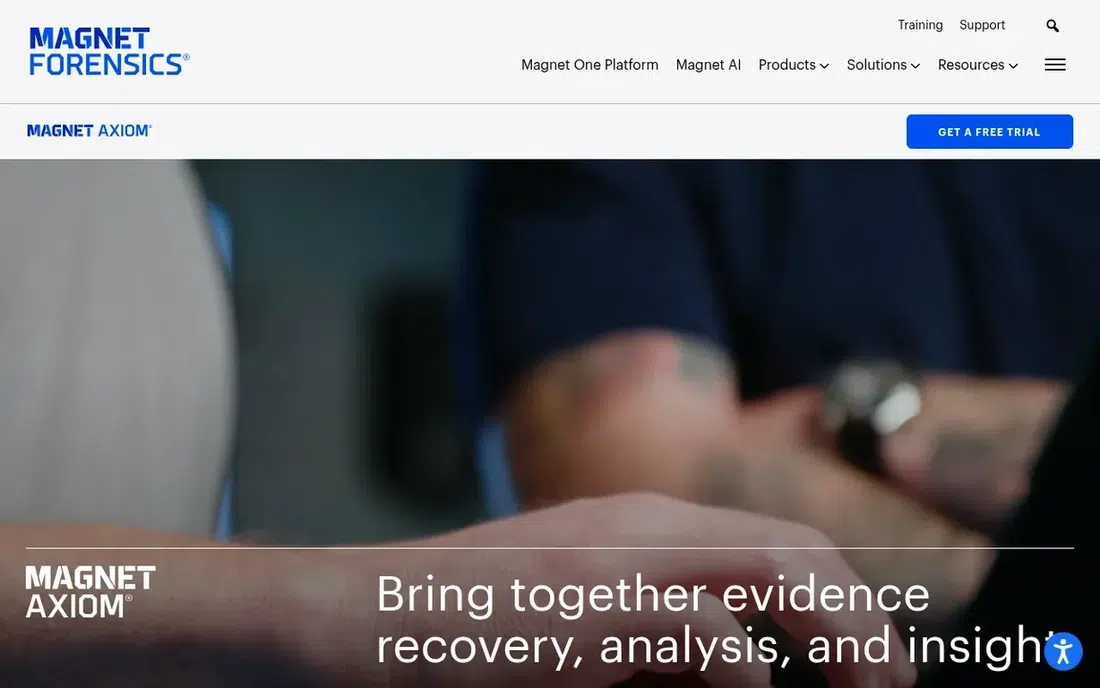
Think of Magnet AXIOM for multi-source digital evidence recovery. It suits examiners and labs that deal with mixed evidence types and want video or media artifacts examined alongside device and cloud data instead of in a separate tool.
Trade-offs to know: Needs trained examiners to use well.
Since it is a wide forensic suite, teams that only need frame-by-frame video enhancement may find it heavier than necessary. Magnet AXIOM shows no starting price here, so confirm the cost on the vendor site. On free options: Not stated. Where it shines: Examines and reports within one case workflow.
- Wide source coverage in a single product
- Recovers evidence from mobile, computer, cloud
- Forensic suite scope may exceed video-only needs
Where Adobe Premiere Pro fits: accessible editing and effects work. Adobe Premiere Pro is professional video editing and post-production software for editing, trimming, adding effects, mixing audio, and extending video. Use it for presentation and editing, and keep analysis in a dedicated forensic product.
Investigative teams at times use it to prepare courtroom presentations or explanatory clips once the underlying analysis has been completed in a forensic tool. It provides no stated forensic examination or chain-of-custody features, so it should not be the system of record for evidence. Adobe Premiere Pro does not show a starting price in this comparison, so check the vendor site for current pricing. Trial and free access: Not stated.
Drawbacks to consider: Not made for forensic workflows.
- Audio mixing and post-production features
- Broad editing, trimming
- Needs careful handling of evidence copies
What went into this list
The comparison looks at four things: starting price, free access, how well the feature set matches video Forensic analysis software, and the main limit of each tool. Where a price is missing, the vendor does not list one publicly or ties it to a quote. Always confirm before budgeting. Position on the page reflects fit for a typical buyer first, with price clarity and free access breaking ties. Treat it as a guide, not a ruling.
Things to verify first
- Confirm the entry price with every vendor: no tool from Forensic Video Solutions Omnivore to Adobe Premiere Pro shows a fixed starting price.
- Take the trial from Vidizmo and push a live task through it before you pay.
- Read the limits listed for Forensic Video Solutions Omnivore first: restricted public detail on current features.
- Get the contract term, renewal terms and any onboarding fees from Vidizmo in writing.
- Verify that exporting from Magnet AXIOM is possible on your plan and covers all your records.
FAQ
How do I choose between a suite and a specialist tool?
Pick a broad suite when evidence spans phones, computers, cloud, and video in one case. Choose a specialist product when the core task is clarifying footage, and confirm features straight with the vendor where public detail is restricted.
When does AI media search help an investigation?
AI products like Vidizmo can help when investigators face large volumes of recorded video, audio, and documents and need quicker search and organization. Pair such tools with forensic software when formal evidentiary handling is required.
Does any tool for video Forensic analysis software here have a free plan?
A permanent free plan is not offered by Forensic Video Solutions Omnivore, Adobe Premiere Pro or the other tools here. Vidizmo offer a trial. Plan a short evaluation period instead.
How are the tools for video Forensic analysis software ordered?
Forensic Video Solutions Omnivore sits first and Adobe Premiere Pro last because the order follows typical fit for video Forensic analysis software, then price clarity and free access. It is a judgement call, so read each profile for fit and limits.
Is Forensic Video Solutions Omnivore the right pick for everyone comparing video Forensic analysis software?
No single tool suits every team. Forensic Video Solutions Omnivore comes first because it fits specialist video forensic review, while Vidizmo suits AI search across video and audio and Avid Media Composer suits professional editing of case footage. Match the tool to your own size, budget and workflow before deciding.
Can regular video editors be used for forensic work?
They are not aimed at evidence examination, so keep analysis and documentation in a dedicated forensic product and work from verified copies.
Sources
- https://www.forensicvideosolutions.com
- https://www.vidizmo.com
- https://www.avid.com/media-composer
- https://www.blackmagicdesign.com/products/davinciresolve
- https://www.magnetforensics.com/products/magnet-axiom
- https://www.adobe.com/products/premiere.html