Top 5 Video Quality Enhancer Software for 2026 (Prices and Free Plans)
Best video quality Enhancer software in 2026: 5 contenders with entry costs and free tiers. Strengths and gaps are listed per tool. Last reviewed November 2026.
- Editor's choice
 HitPaw Video Enhancer
Fast 4K/8K AI upscaling
Starts at$43.19 per monthVisit hitpaw.comFull review - Great alternative
 DaVinci Resolve
Color, effects, and audio in one app
Starts atSee websiteVisit blackmagicdesign.comFull review - Also consider
 Adobe Premiere Pro
Professional editing with effects and audio
Starts atSee websiteVisit adobe.comFull review
Direct answer
HitPaw Video Enhancer leads the list, best for fast 4K/8K AI upscaling. Listed starting prices: HitPaw Video Enhancer from $43.19 per month, Topaz Video AI from $19 per month and CyberLink PowerDirector from $54.99 a month. Alternatives: DaVinci Resolve for color, effects, and audio in one app, and Adobe Premiere Pro for professional editing with effects and audio. All 5 tools are compared below on price, free plan and limits.
TL;DR:
- HitPaw Video Enhancer is the opening pick, best for fast 4K/8K AI upscaling.
- CyberLink PowerDirector is the one to check for AI-assisted editing with effects.
- HitPaw Video Enhancer, CyberLink PowerDirector and the 3 others all need a premium plan or a trial, since no free plan is listed.
- The lowest published monthly entry price here is $19 per month, from Topaz Video AI.
- The main caution on HitPaw Video Enhancer: centred on enhancement only.
Last checked November 2026. Prices and plan details were read from the vendors' own pages in November 2026; vendors change plans often, so confirm the current price on the vendor site before you buy.
Quick comparison
| Tool | Best for | Starts at | Free plan? | |
|---|---|---|---|---|
| HitPaw Video Enhancer | Fast 4K/8K AI upscaling | $43.19 per month | Free trial | Visit |
| DaVinci Resolve | Color, effects, and audio in one app | See website | Not stated | Visit |
| Adobe Premiere Pro | Professional editing with effects and audio | See website | Not stated | Visit |
 Topaz Video AI | Dedicated AI upscaling and stabilization | $19 per month | Not stated | Visit |
 CyberLink PowerDirector | AI-assisted editing with effects | $54.99 a month | Not stated | Visit |
The full video quality Enhancer software list
LinkVetted put together this guide to video quality Enhancer software for readers who want a clear shortlist without reading every vendor page. It compares 5 tools on starting price, free plans, who each one suits and where each one falls short.
Where HitPaw Video Enhancer fits: fast 4K/8K AI upscaling. HitPaw Video Enhancer, also called HitPaw VikPea, is AI video enhancement software that upscales videos to 4K/8K, cuts blur and noise, restores details, colorizes footage, and refines AI videos. Its homepage positions it as a focused enhancement tool.
Output quality depends heavily on the source footage, and very damaged clips may need other restoration steps. As a dedicated enhancer, it does not handle timeline editing, color grading, or audio post. On cost, HitPaw Video Enhancer starts like this: $43.19 per month. On free options: Free trial.
Limits to weigh: Concentrated on enhancement only.
- Upscales to 4K/8K
- Restores details and colorizes
- Results rely on source quality
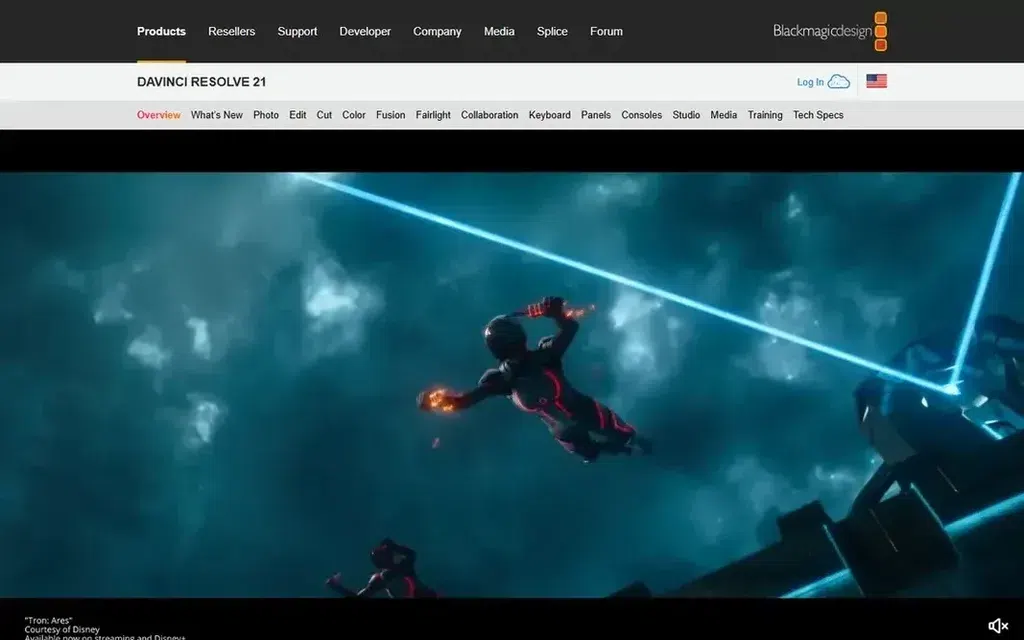
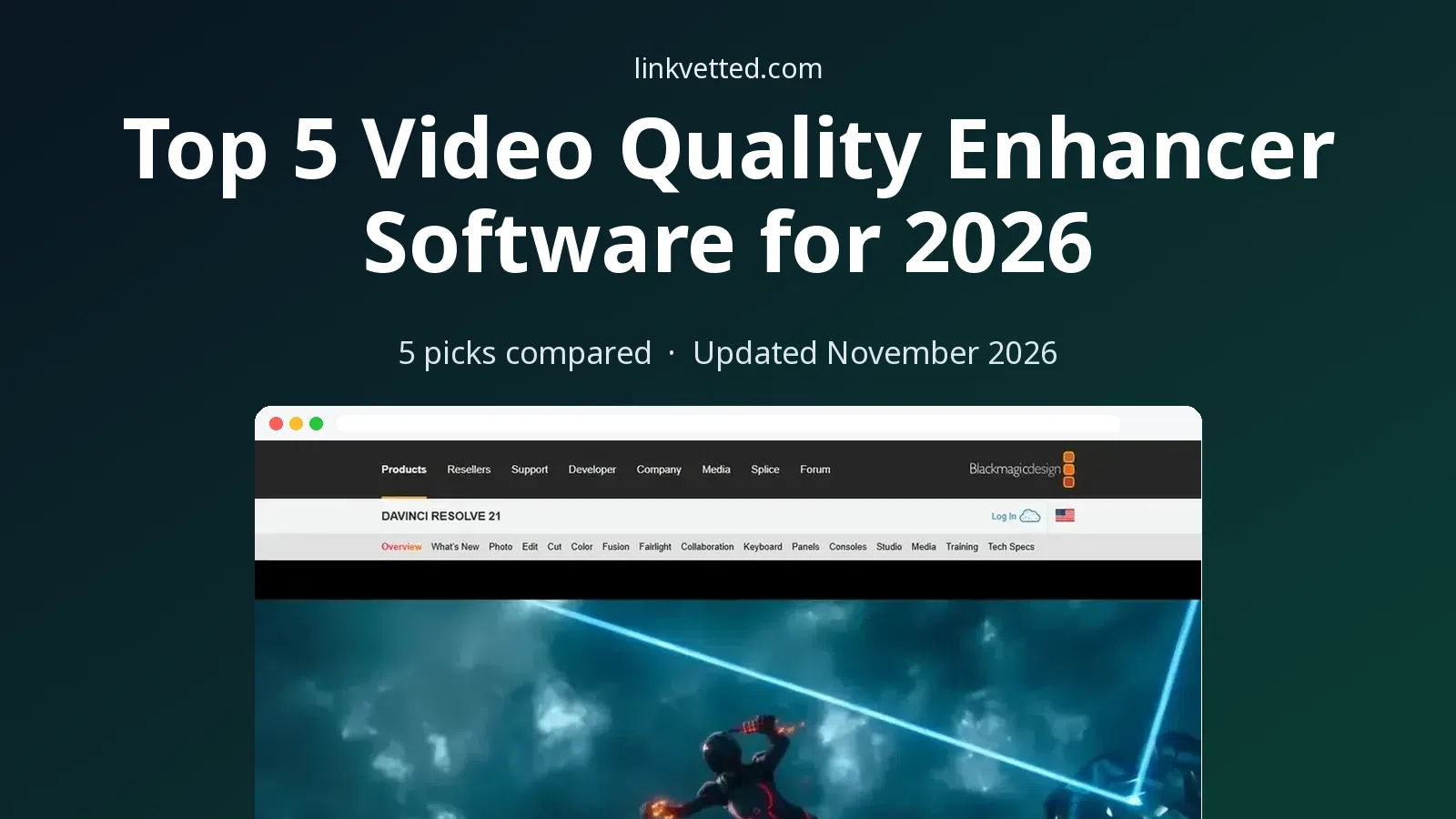
Choose DaVinci Resolve for color, effects, and audio in one app. DaVinci Resolve merges professional video editing, color correction, visual effects, and audio post-production in a single application, with versions for Mac, Windows, and Linux.
DaVinci Resolve shows no starting price here, so confirm the cost on the vendor site. As for free access: Not stated.
Points against: Enhancement is one part of the workflow.
- Visual effects and audio post
- Available for Mac, Windows, Linux
- Wide suite can overwhelm beginners
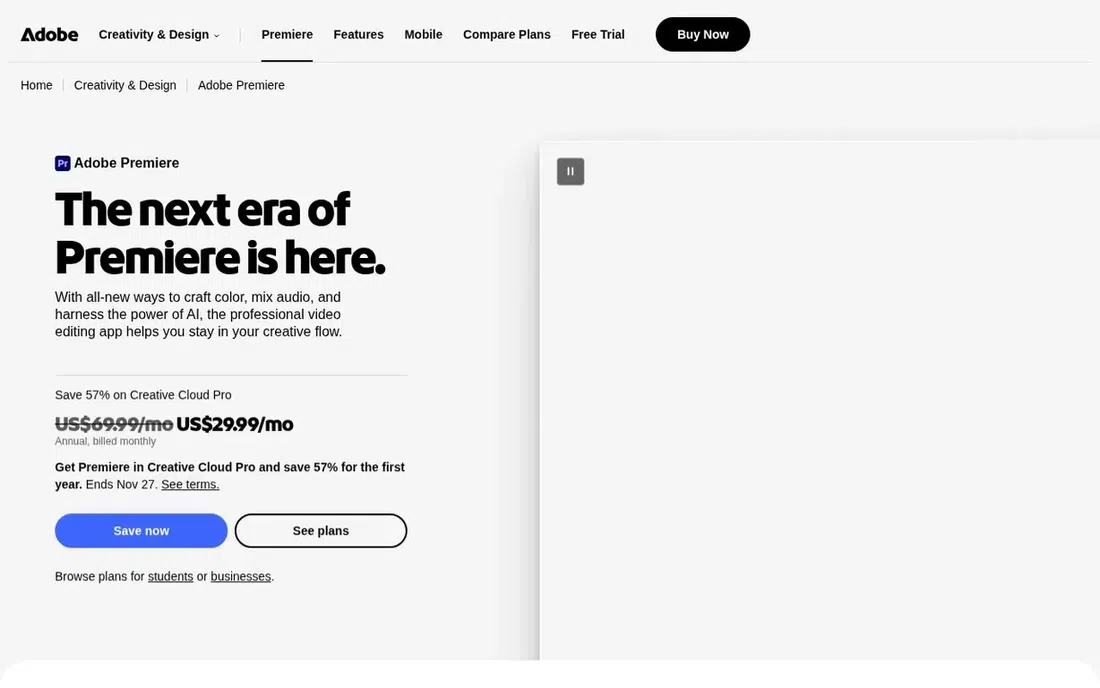
Adobe Premiere Pro is aimed squarely at professional editing with effects and audio. Choose a focused enhancer if your only goal is restoring or upscaling footage without a full edit.
Downsides: Enhancement is part of a broader suite.
More specifically, Adobe Premiere Pro is professional video editing and post-production software for trimming, adding effects, mixing audio, and extending video. Check the vendor site for Adobe Premiere Pro pricing; none is listed in this comparison. Trial and free access: Not stated.
- Effects and audio mixing
- Edit, trim
- Needs editing knowledge
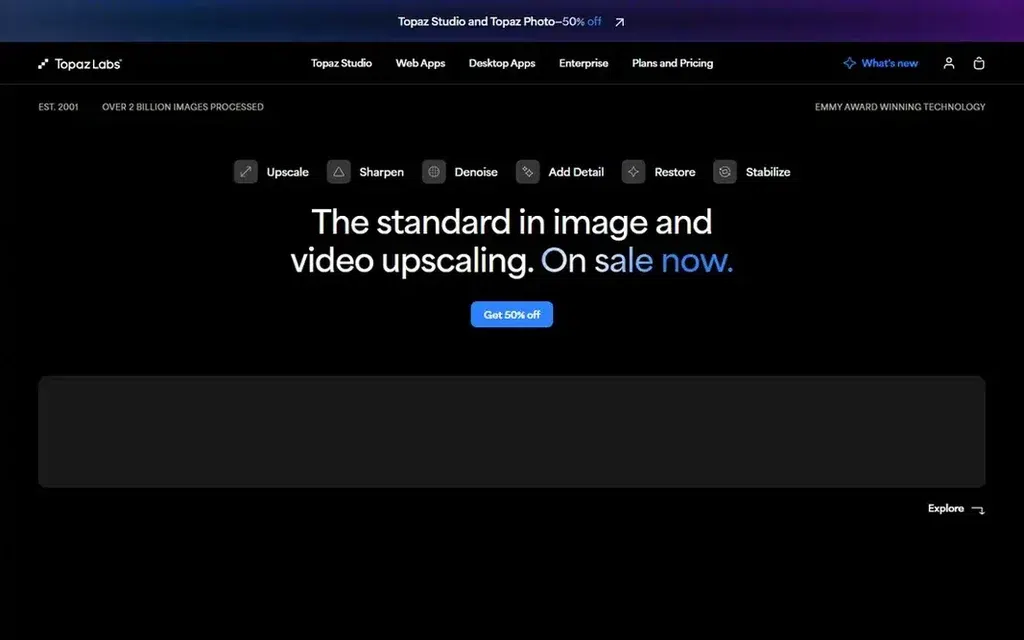
Topaz Video AI targets dedicated AI upscaling and stabilization. Topaz Video AI is a dedicated enhancement application built around temporally aware AI models trained to upscale, enhance, stabilize, and smooth footage. Its homepage emphasizes cinematic-grade results, making it a fit for archivists, editors, and creators who want to boost existing clips before or after editing.
Beyond that, since it is specialized, it does not replace a full editing suite for cutting, color, or audio work. More specifically, processing can need patience on longer clips, and results vary by source footage. Topaz Video AI starts at: $19 per month. As for free access: Not stated.
Points against: Ramp-up time for model choices.
- Cinema-grade results focus
- Upscale, enhance, stabilize, smooth
- Specialized instead of full editor
CyberLink PowerDirector works best for AI-assisted editing with effects. CyberLink PowerDirector is video editing software with AI tools, pro-grade effects. A large royalty-free asset library, positioned to help users make better videos quicker.
Where it is weaker: Consumer-oriented interface.
Its homepage emphasizes speed and accessible effects. Its focus is accessible editing instead of deep, model-driven restoration, so specialized upscaling may need another tool. Also, pick a dedicated enhancer if restoration quality is the primary goal. As for the details, advanced users may find some controls less granular. CyberLink PowerDirector cost at the entry level: $54.99 per month. As for free access: Not stated.
- AI tools for quicker edits
- Large royalty-free asset library
- Deep restoration may need additional tools
What went into this list
We compared the tools on published pricing, free plan or trial availability, feature coverage for video quality Enhancer software, and the limits each vendor documents. Figures are shown as the vendors publish them. Billing terms, seat minimums and add-ons can change the real cost. Order on the page follows fit for the typical buyer first, then price transparency and free access. Your own requirements should decide the final pick.
What to confirm before you sign up
- Ask DaVinci Resolve and Adobe Premiere Pro for a written quote, since no starting price is shown.
- Use real work to test the free trial from HitPaw Video Enhancer, rather than a demo project.
- Read the limits listed for HitPaw Video Enhancer first: centred on enhancement only.
- Involve the people who will use HitPaw Video Enhancer daily; a short pilot beats a long feature checklist.
- Find out whether the entry plan of CyberLink PowerDirector covers your must-haves or only a trimmed-down version.
FAQ
What is the cheapest option for video quality Enhancer software in this list?
On published monthly entry prices, Topaz Video AI is the lowest here at $19 per month. Entry price is only part of the cost, because seats, add-ons and billing terms can change the total. For the full picture, the cards above cover all 5 entries of this video quality Enhancer software list, including price, free plan and limits.
Can I try these options before paying?
Often, yes. HitPaw Video Enhancer offers a free trial. Use your own data and a real task during the test, and check what the free tier or trial limits before you rely on it.
Can these tools boost old or low-quality footage?
Multiple tools here describe AI models for upscaling, reducing blur and noise, and restoring details, which can help older clips. Results vary with source quality and damage.
Is a dedicated enhancer better than an editing suite?
A dedicated enhancer like Topaz Video AI or HitPaw Video Enhancer centres on upscaling and restoration, which can ease that task. An editing suite like DaVinci Resolve or Premiere Pro brings enhancement within a broader workflow.
How are the tools for video quality Enhancer software ordered?
HitPaw Video Enhancer sits first and CyberLink PowerDirector last because the order follows typical fit for video quality Enhancer software, then price clarity and free access. It is a judgement call, so read each profile for fit and limits.
What should I look for in video quality enhancer software?
Focus on the enhancement features you need, for example upscaling, stabilization, noise reduction, or colorization, and check whether the tool is dedicated or part of an editing suite. Match the tool to your footage type and workflow instead of feature count alone.
Sources
- https://www.hitpaw.com/video-enhancer.html
- https://www.blackmagicdesign.com/products/davinciresolve
- https://www.adobe.com/products/premiere.html
- https://www.topazlabs.com/topaz-video-ai
- https://www.cyberlink.com/products/powerdirector-ultimate/overview_en_US.html