Best Video Conferencing for Financial Advisory Teams (2026): 6 Picks Checked on Vendor Pages
Best video conferencing for financial advisory teams: 6 tools compared on price, free plans and fit. Each listing flags where it falls short. Choose faster.
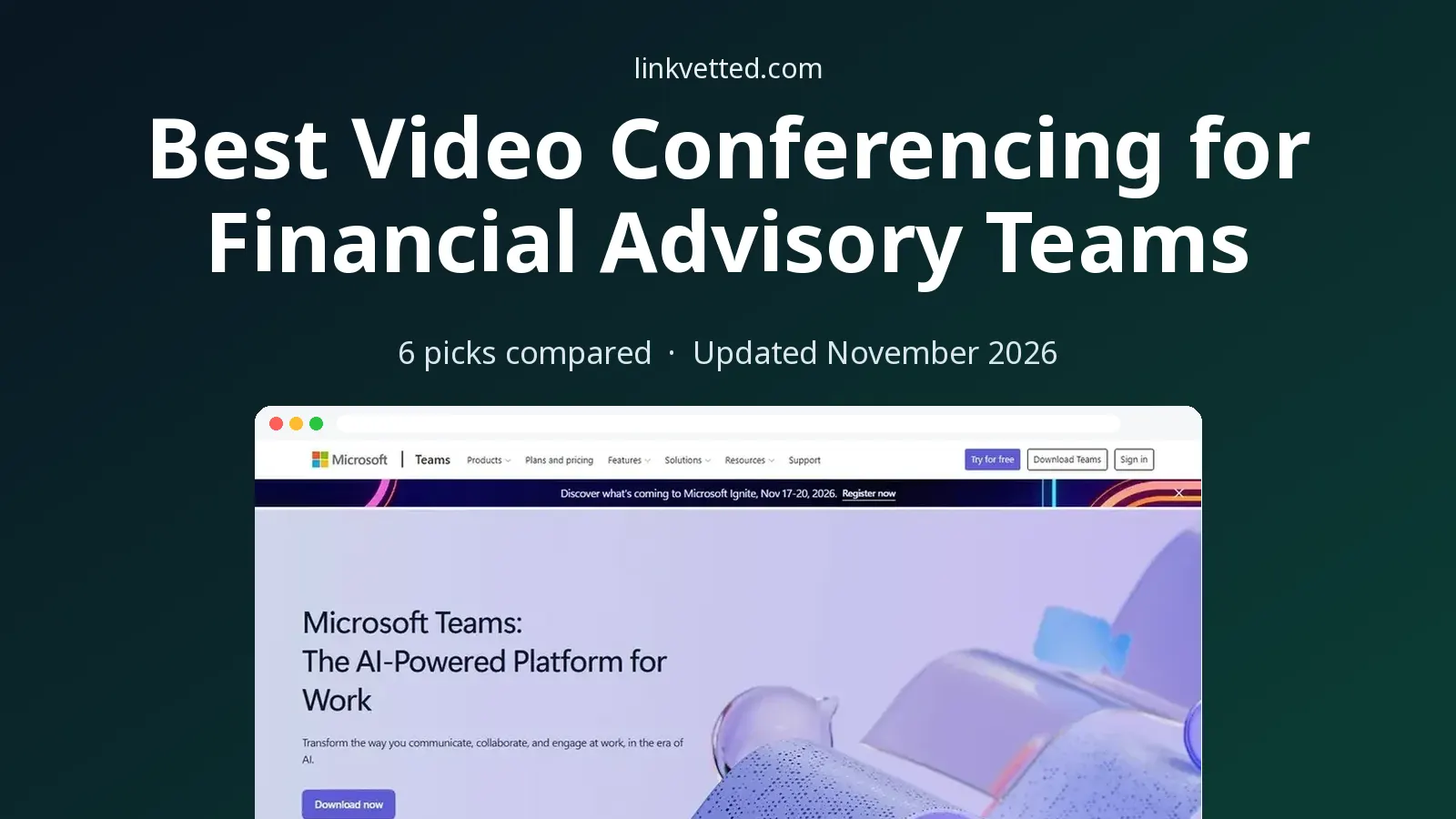
- Editor's choice
 Microsoft Teams
Businesses already using Microsoft 365
Starts atPricing on requestVisit microsoft.comFull review - Great alternative
 Zoho Meeting
Businesses inside the Zoho ecosystem
Starts atPricing on requestVisit zoho.comFull review - Also consider
 GoTo Meeting
Straightforward client video meetings
Starts atPricing on requestVisit goto.comFull review
Direct answer
This list puts Microsoft Teams first for businesses already using Microsoft 365. If your case is different, Zoho Meeting suits businesses inside the Zoho ecosystem and GoTo Meeting suits straightforward client video meetings. The full list of 6 tools follows, with prices and free plan facts. None of these vendors publish plan prices, so pricing is on request for every option.
TL;DR:
- Microsoft Teams sits first on this list: businesses already using Microsoft 365.
- Pricing across the list, from Microsoft Teams to Zoom Workplace, is by quote only.
- Cisco Webex stands alone as the one tool in this list with a free plan.
- Zoom Workplace suits all-around client and team meetings.
- GoTo Meeting comes with a trade-off: narrower collaboration scope than suites.
Last checked November 2026. Pricing on request: vendors did not publish plan prices when this guide was last checked (November 2026), so ask each vendor for a written quote.
Quick comparison
| Tool | Best for | Starts at | Free plan? | |
|---|---|---|---|---|
| Microsoft Teams | Businesses already using Microsoft 365 | Pricing on request | Not stated | Visit |
| Zoho Meeting | Businesses inside the Zoho ecosystem | Pricing on request | Not stated | Visit |
| GoTo Meeting | Straightforward client video meetings | Pricing on request | Not stated | Visit |
 Cisco Webex | Security-focused businesses with mixed devices | Pricing on request | Yes | Visit |
| Adobe Connect | Client education and webinar sessions | Pricing on request | Not stated | Visit |
 Zoom Workplace | All-around client and team meetings | Pricing on request | Not stated | Visit |
Video Conferencing for Financial Advisory Teams compared in detail
This LinkVetted guide covers 6 video conferencing for financial advisory teams. Each profile lists a starting price, free plan details, strengths and drawbacks, so you can drop poor fits quickly.

Microsoft Teams is designed for businesses already using Microsoft 365. It fits businesses that want video meetings tied closely to the documents and communication they already use for client work.
From a buyer's view, choose Teams when document sharing and persistent team channels matter as much as the video call itself. Pricing for Microsoft Teams is not stated here, so ask the vendor for current figures. Free access: Not stated.
Watch-outs: Full value relies on the wider Microsoft ecosystem.
- Chat and files in one workspace
- Organized channels for continuing client or team work
- Setup and administration can feel heavy
Zoho Meeting is built with businesses inside the Zoho ecosystem in mind. Choose Zoho Meeting when meeting hosting and existing Zoho usage line up with the firm's stack.
The main drawbacks: Best value includes Zoho adoption.
This comparison lists no price for Zoho Meeting; ask the vendor. As for free access: Not stated.
- Online meetings and webinars in one tool
- Suits naturally with other Zoho business apps
- Smaller collaboration footprint than large suites
Where GoTo Meeting fits: straightforward client video meetings. GoTo Meeting is a web conferencing platform built around virtual meetings, with features geared toward business needs. Beyond that, Teams with deep Microsoft or Cisco investments may prefer systems that plug into those environments.
Honest limits: Narrower collaboration scope than suites.
Strengths: Focus on core web conferencing features. Since GoTo Meeting centers on meetings, businesses that want chat, phone and webinars in one place may need extra tools. As for the details, pick GoTo Meeting when the priority is a focused, easy-to-run meeting tool. More specifically, advisory teams that primarily want dependable client video calls without a large collaboration suite may find it a clean fit. This comparison lists no price for GoTo Meeting; ask the vendor. Free plan details: Not stated.
- Straightforward meeting experience for clients
- Meeting tools targeted at business use
- Fewer adjacent products for broader workflows

Cisco Webex works best for security-focused businesses with mixed devices. Financial advisory businesses with formal IT governance frequently value the breadth of the ecosystem, which can span meeting software and room devices. In practice, the wider system can be more than a small advisory practice needs, and getting full value may rely on IT involvement.
Limits to weigh: Feature depth can need IT support.
Worth adding: consider Webex when device integration and enterprise-style administration are priorities. Businesses that chiefly need straightforward client video calls may prefer a lighter tool. Check the vendor site for Cisco Webex pricing; none is listed in this comparison. Cisco Webex has a free plan.
- Meeting devices and product options available
- AI-assisted collaboration features
- Broader product may exceed small-firm needs
Adobe Connect
Best for: Client education and webinar sessions
Think of Adobe Connect for client education and webinar sessions. Financial advisory teams that run client education sessions, market updates or structured presentations may value its presenter-oriented layout.
Where it falls short: Interface can feel dated to some users.
In practice, consider Adobe Connect when structured client education is a core part of the advisory relationship. Check the vendor site for Adobe Connect pricing; none is listed in this comparison. Free access: Not stated.
- Engagement features for bigger audiences
- Designed for training and webinar delivery
- Oriented toward webinars more than fast calls

Choose Zoom Workplace for all-around client and team meetings. Zoom Workplace is a collaboration platform built around video meetings, with chat, VoIP phone, webinars, whiteboard, contact center and events included in the wider product family.
Beyond that, consider Zoom when meeting quality and client familiarity matter most and the firm expects to expand into webinars or phone. Beyond that, small advisory businesses that only need entry-level video calls may find more straightforward choices simpler to run. This comparison lists no price for Zoom Workplace; ask the vendor. Trial and free access: Not stated.
What to check first: Numerous features sit in separate extras. Reasons to shortlist it: Widely familiar to clients, which eases joining.
- Whiteboard and events tools for planning sessions
- Phone and webinars in one product
- Wide feature set can overwhelm small teams
How these tools were picked
Pricing pages, product documentation and feature lists were the main sources, and every entry carries at least one honest drawback. Where a price is missing, the vendor does not list one publicly or ties it to a quote. Always confirm before budgeting. The order reflects how well each tool fits the most common buying scenario for video conferencing for financial advisory teams, then price clarity, then free plan access. It is a starting point, not a verdict.
A buyer's checklist
- Confirm the entry price with every vendor: no tool from Microsoft Teams to Zoom Workplace shows a fixed starting price.
- Look at the free plan from Cisco Webex closely: its caps decide whether it is usable for real work.
- Read the limits listed for Microsoft Teams first: setup and administration can feel heavy.
- Verify that exporting from Adobe Connect is possible on your plan and covers all your records.
- Ask Zoom Workplace about contract length, onboarding fees and user minimums before you sign.
FAQ
Is Microsoft Teams the right pick for everyone comparing video conferencing for financial advisory teams?
No single tool suits every team. Microsoft Teams comes first because it fits firms already using Microsoft 365, while Zoho Meeting suits firms inside the Zoho ecosystem and GoTo Meeting suits straightforward client video meetings. Match the tool to your own size, budget and workflow before deciding.
How are the tools for video conferencing for financial advisory teams ordered?
Microsoft Teams sits first and Zoom Workplace last because the order follows typical fit for video conferencing for financial advisory teams, then price clarity and free access. It is a judgement call, so read each profile for fit and limits.
Which options for video conferencing for financial advisory teams have a free plan?
Cisco Webex is the only tool in this list with a free plan. Free plans usually cap users, projects or features, so check the limits on the vendor page.
Do these tools publish their prices?
No. None of the tools, from Microsoft Teams to Zoom Workplace, shows a fixed starting price here, so budget time for quotes.
What should financial advisory teams look for in video conferencing?
Advisory teams should prioritize meeting security, simple client joining and controls for managing who can enter and record a session. On top of that, integration with existing calendars and document tools also matters, since client reviews frequently involve shared files.
Is Zoom Workplace suitable for client meetings in advisory businesses?
Its broader system also spans chat, phone and webinars, which can help businesses consolidate communication tools as they grow.
Sources
- https://www.microsoft.com/en-us/microsoft-teams/group-chat-software
- https://www.zoho.com/meeting
- https://www.goto.com/meeting
- https://www.webex.com
- https://www.adobe.com/products/adobeconnect.html
- https://www.zoom.com