Best Video CMS Software for Startups for 2026: Our 6 Vetted Picks
Comparing the best video CMS software for startups? 6 contenders, each with entry cost, free tier and best-fit buyer. The catches are listed up front.
- Editor's choiceMux
Video API for product teams
Starts at$20 per monthVisit mux.comFull review - Great alternative
 Kaltura
Video system for broader deployments
Starts atSee websiteVisit corp.kaltura.comFull review - Also consider
 Storyblok
Visual editing for marketing teams
Starts at$99.00 a monthVisit storyblok.comFull review
Direct answer
Mux leads the list, best for video API for product teams. Listed starting prices: Mux from $20 per month, Storyblok from $99.00 a month and Contentstack from $29 per month. If your case is different, Kaltura suits video system for broader deployments and Storyblok suits visual editing for marketing teams. The remaining 3 options are covered below with prices and limits.
TL;DR:
- Number one here is Mux, a fit for video API for product teams.
- For the cheapest start, look at Sanity: $15 per seat per month.
- The main caution on Vimeo: less of a developer content system.
- Sanity suits adaptable content product for developers.
- Free plans exist at 4 of 6 tools (Mux, Vimeo, Contentstack, Sanity).
Last checked November 2026. Prices and plan details were read from the vendors' own pages in November 2026; vendors change plans often, so confirm the current price on the vendor site before you buy.
Quick comparison
| Tool | Best for | Starts at | Free plan? | |
|---|---|---|---|---|
| Mux | Video API for product teams | $20 per month | Yes | Visit |
| Kaltura | Video system for broader deployments | See website | Free trial | Visit |
| Storyblok | Visual editing for marketing teams | $99.00 a month | Free trial | Visit |
 Vimeo | Hosting and sharing video content | See website | Yes | Visit |
 Contentstack | Enterprise-style content and experience product | $29 per month | Yes | Visit |
 Sanity | Adaptable content product for developers | $15 per seat a month | Yes | Visit |
The best video CMS software for startups
If you are comparing video CMS software for startups, this page covers 6 tools in one place: what each is best for, what it costs to start, whether it has a free plan, and the main limit to know about.
Mux
Best for: Video API for product teams
Choose Mux for video API for product teams. It is a natural fit when video is a core product feature rather than just embedded marketing content.
The main drawbacks: Needs engineering work.
Worth adding: Mux is not a content management system, so teams still need a CMS or editorial layer for pages and metadata. On cost, Mux starts like this: $20 per month. A free plan is available with Mux.
- Products and AI workflows
- Made for quick video integration
- Not a full content management system
Choose Kaltura for video system for broader deployments. Kaltura is a well-known provider in the video product space, usually associated with organizational video needs for example media management and streaming for bigger deployments. A startup with ambitions in video-centric products or internal video use may encounter it as a choice, especially where video is treated as a managed asset across an organization.
Honest limits: General setup can be complicated.
It is usually considered alongside other enterprise-oriented video products. Teams wanting more straightforward editorial control should look at a headless CMS, and teams wanting a focused developer video API may prefer Mux. Check the vendor site for Kaltura pricing; none is listed in this comparison. On free options: Free trial.
- Suits organizational video needs
- Known video system provider
- Not a light startup CMS
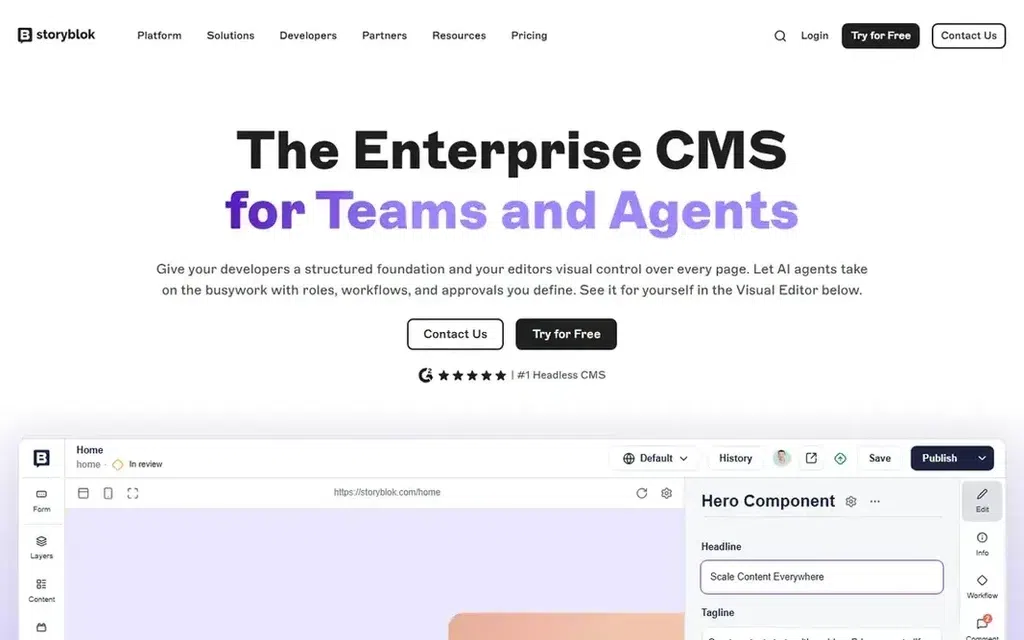
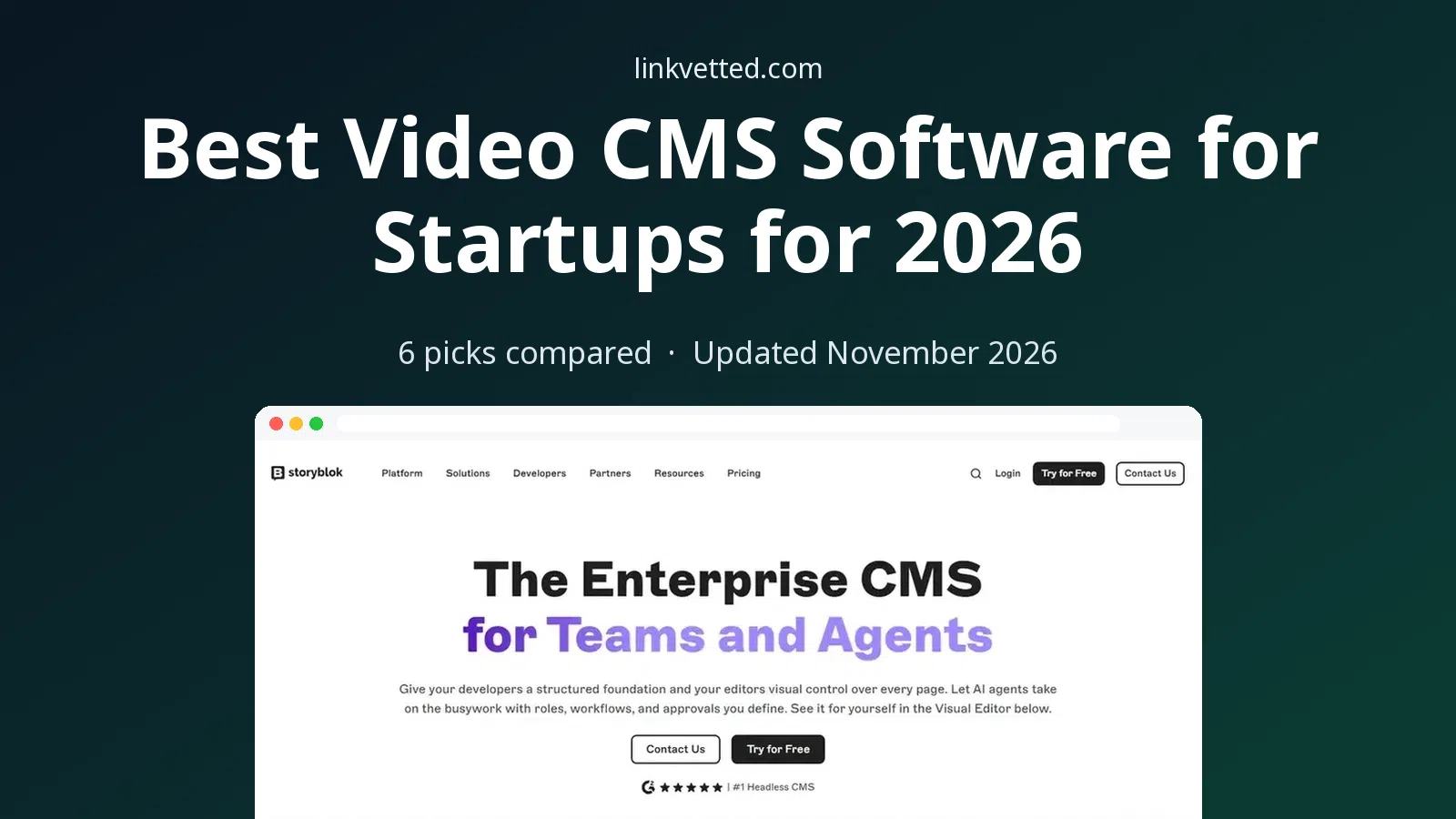
Storyblok works best for visual editing for marketing teams. Storyblok is a headless content management system built around a visual editor. Its homepage emphasizes helping developer and marketing teams get value from content quicker.
More specifically, Storyblok is a content product first, so teams needing advanced video encoding, analytics or streaming infrastructure will likely pair it with a dedicated video service. More specifically, video content can be embedded and managed within that structure, making it a reasonable fit for content-led startup sites. Startups whose primary need is video delivery instead of page content may find Mux or a streaming platform a better starting point. On cost, Storyblok starts like this: $99.00 per month. Free access: Free trial.
Trade-offs to know: Video delivery needs other services.
- Aims at quicker content value
- Headless CMS with visual editor
- Visual editor may limit deep customization
For hosting and sharing video content, Vimeo is a natural candidate. Vimeo is a widely known video system for hosting, sharing and watching video content, including films, shorts and documentaries in HD.
Trade-offs to know: Less of a developer content system.
Teams building video into an application should compare it with a developer-focused API like Mux. For startups, it can be a straightforward place to publish marketing videos, product demos and brand content, with embedding into a site being a typical use. No starting price is listed for Vimeo here; confirm pricing on the vendor site. Vimeo offers a free plan.
- Well-known video product
- Handy for marketing and showcase video
- Restricted as a full CMS
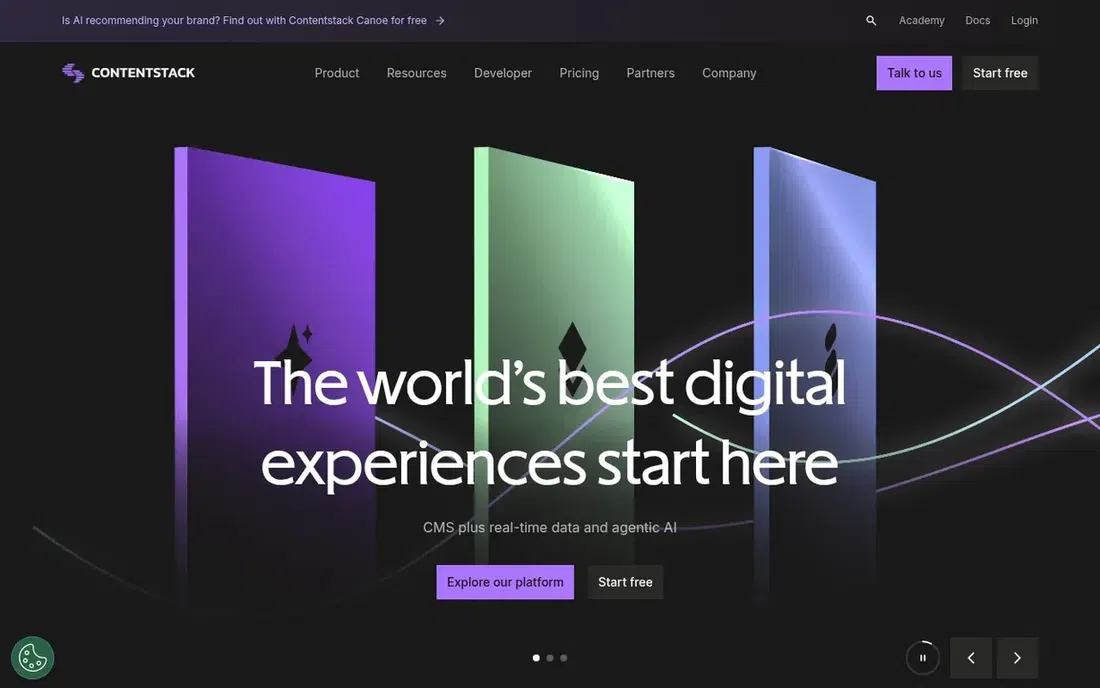
Where Contentstack fits: enterprise-style content and experience product. Contentstack positions itself as an agentic experience product, uniting content, data and agent tooling to cut operational debt and power personalized digital experiences.
More specifically, startups with ambitions toward personalized, data-driven content may find the scope appealing, since it goes beyond entry-level content management. Contentstack pricing: $29 per month. A free plan is available with Contentstack.
Where it falls short: Heavier than a lean startup may need.
- Wide system scope
- Content cloud with data and agent tools
- Targeted at bigger organizations
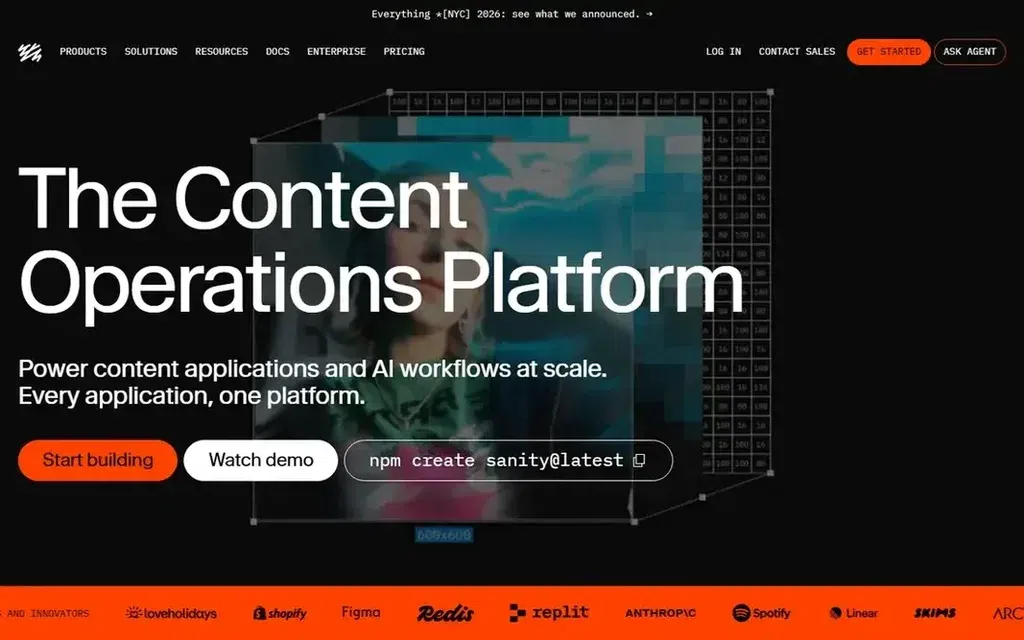
Where Sanity fits: adaptable content system for developers. It tends to suit teams with engineering capacity who want control over how content and video are assembled.
Watch-outs: Less turnkey for non-technical teams.
On top of that, the tradeoff is that Sanity expects real development work. So a startup without engineers available may find it slower to launch than a more packaged choice. Sanity starts at: $15 per seat per month. You can start on Sanity without paying.
- Supports sites and content applications
- Structured content model
- Needs technical setup
What went into this list
We compared the tools on published pricing, free plan or trial availability, feature coverage for video CMS software for startups, and the limits each vendor documents. Figures are shown as the vendors publish them. Billing terms, seat minimums and add-ons can change the real cost. We ordered the tools by general fit, then by how clearly pricing is shown, then by free access. A buyer with unusual needs may reorder them.
What to check before you buy
- Get a written quote from Kaltura and Vimeo; the list shows no starting price for them.
- Check what the free option really includes: Mux, Vimeo, Contentstack and Sanity offer a free plan, and usage caps differ.
- Use real work to test the free trial from Kaltura and Storyblok, rather than a demo project.
- Before choosing Mux, weigh its main limit: not a full content management system.
- Ask Kaltura about contract length, onboarding fees and user minimums before you sign.
- The entry price of Vimeo is only the starting point; model the full cost with seats and extras.
FAQ
Can I try these tools before paying?
Often, yes. Mux, Vimeo, Contentstack and Sanity have a free plan and Kaltura and Storyblok offer a free trial. Use your own data and a real task during the test, and check what the free tier or trial limits before you rely on it.
What is a video CMS?
A video CMS is a content management system that takes care of video assets alongside pages and metadata, or a system concentrated on hosting and delivering video. Some tools, like Sanity and Storyblok, handle content broadly, whereas others for example Mux focus on video delivery through an API.
How should a small team evaluate these options?
Start with what the tool must do: run site content, deliver product video, or both. Confirm current capabilities on each vendor's site, since features and terms change.
Do these tools publish their prices?
Not all of them. Kaltura and Vimeo publish no starting price, so expect a quote request for those. The rest, Mux included, show a starting price, though seats and billing terms still change the final cost.
Which options for video CMS software for startups have a free plan?
Mux, Vimeo, Contentstack and Sanity offer a free plan in this list. Free plans usually cap users, projects or features, so check the limits on the vendor page. Several others offer a trial instead.
Is Mux the right pick for everyone comparing video CMS software for startups?
No single tool suits every team. Mux comes first because it fits video API for product teams, while Kaltura suits video platform for broader deployments and Storyblok suits visual editing for marketing teams. Match the tool to your own size, budget and workflow before deciding.
Sources
- https://www.mux.com
- https://corp.kaltura.com
- https://www.storyblok.com
- https://vimeo.com
- https://www.contentstack.com
- https://www.sanity.io