Best User Onboarding Tools for SaaS in 2026: Prices, Free Plans and 5 Picks
Best user onboarding tools for SaaS: 5 contenders ranked by fit, with entry costs and free tiers. The weak spots sit next to the strengths. Start here.
- Editor's choice
 WalkMe
Enterprise digital adoption at scale
Starts atSee websiteVisit walkme.comFull review - Great alternative
 Chameleon
Personalized in-app guidance
Starts at$279 for 2,000 MTUsVisit trychameleon.comFull review - Also consider
 UserGuiding
All-in-one no-code onboarding
Starts at$249 a monthVisit userguiding.comFull review
Direct answer
WalkMe comes first here, mainly for enterprise digital adoption at scale. Listed starting prices: Chameleon from $279 for 2,000 MTUs, UserGuiding from $249 a month and Userpilot from $299 a month. Alternatives: Chameleon for personalized in-app guidance, and UserGuiding for all-in-one no-code onboarding. The other 2 tools in the list cover narrower or pricier cases.
TL;DR:
- This list starts with WalkMe, which is built for enterprise digital adoption at scale.
- Check the limits for Chameleon before you commit: personalization relies on usage data quality.
- UserGuiding stands alone as the one tool in this list with a free plan.
- Starting prices begin at $249 per month with UserGuiding.
- Userpilot suits no-code product growth and onboarding.
Last checked November 2026. Prices and plan details were read from the vendors' own pages in November 2026; vendors change plans often, so confirm the current price on the vendor site before you buy.
Quick comparison
| Tool | Best for | Starts at | Free plan? | |
|---|---|---|---|---|
| WalkMe | Enterprise digital adoption at scale | See website | Not stated | Visit |
| Chameleon | Personalized in-app guidance | $279 for 2,000 MTUs | Free trial | Visit |
| UserGuiding | All-in-one no-code onboarding | $249 a month | Yes | Visit |
 Pendo | Product context and adoption insight | See website | Not stated | Visit |
 Userpilot | No-code product growth and onboarding | $299 a month | Free trial | Visit |
User Onboarding Tools for SaaS compared in detail
This LinkVetted guide covers 5 user onboarding tools for SaaS. Each profile lists a starting price, free plan details, strengths and drawbacks, so you can drop poor fits quickly.
WalkMe serves enterprise digital adoption at scale. It lets teams see software usage, guide people, and demonstrate AI ROI.
WalkMe's enterprise scope can be more than a small SaaS team needs for straightforward in-product onboarding. As for the details, if your onboarding lives inside one web app and you want fast no-code setup, a lighter tool may be the better starting point. Pricing for WalkMe is not stated here, so ask the vendor for current figures. Free options: Not stated.
Drawbacks to consider: Wide system needs implementation effort.
- Enterprise AI adoption focus
- Cross-app workflows and automation
- Enterprise orientation may exceed small SaaS needs
Pick Chameleon if this describes you: personalized in-app guidance. Weigh Chameleon when behavior-based personalization is central to your onboarding strategy.
The main drawbacks: Personalization relies on usage data quality.
Worth adding: product teams centred on continuous improvement are a natural match. What you pay to start with Chameleon: $279 for 2,000 MTUs. Free options: Free trial.
- Pinpoints where users struggle
- Learns how people use your product
- May need continuing tuning
Choose UserGuiding for all-in-one no-code onboarding. Teams can onboard, engage, collect feedback, and analyze user behavior without coding. As for the details, since UserGuiding spans onboarding, engagement, feedback, and analysis, teams with complicated enterprise requirements may have to check depth in each area.
Where it is weaker: Advanced needs may need other tools.
In practice, very straightforward products may not need the full range. Consider UserGuiding when you want an accessible no-code starting point for onboarding and adoption together. On cost, UserGuiding starts like this: $249 per month. You can start on UserGuiding without paying.
Upsides: No-code in-app experiences.
- Onboarding, engagement, feedback
- User behavior analysis included
- Broad feature set may need prioritization
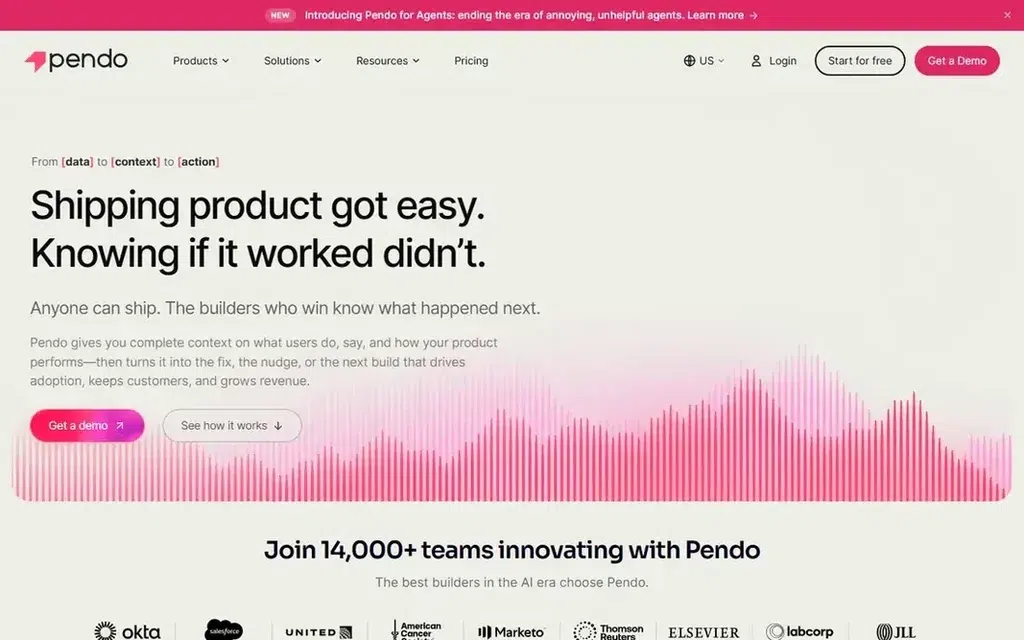
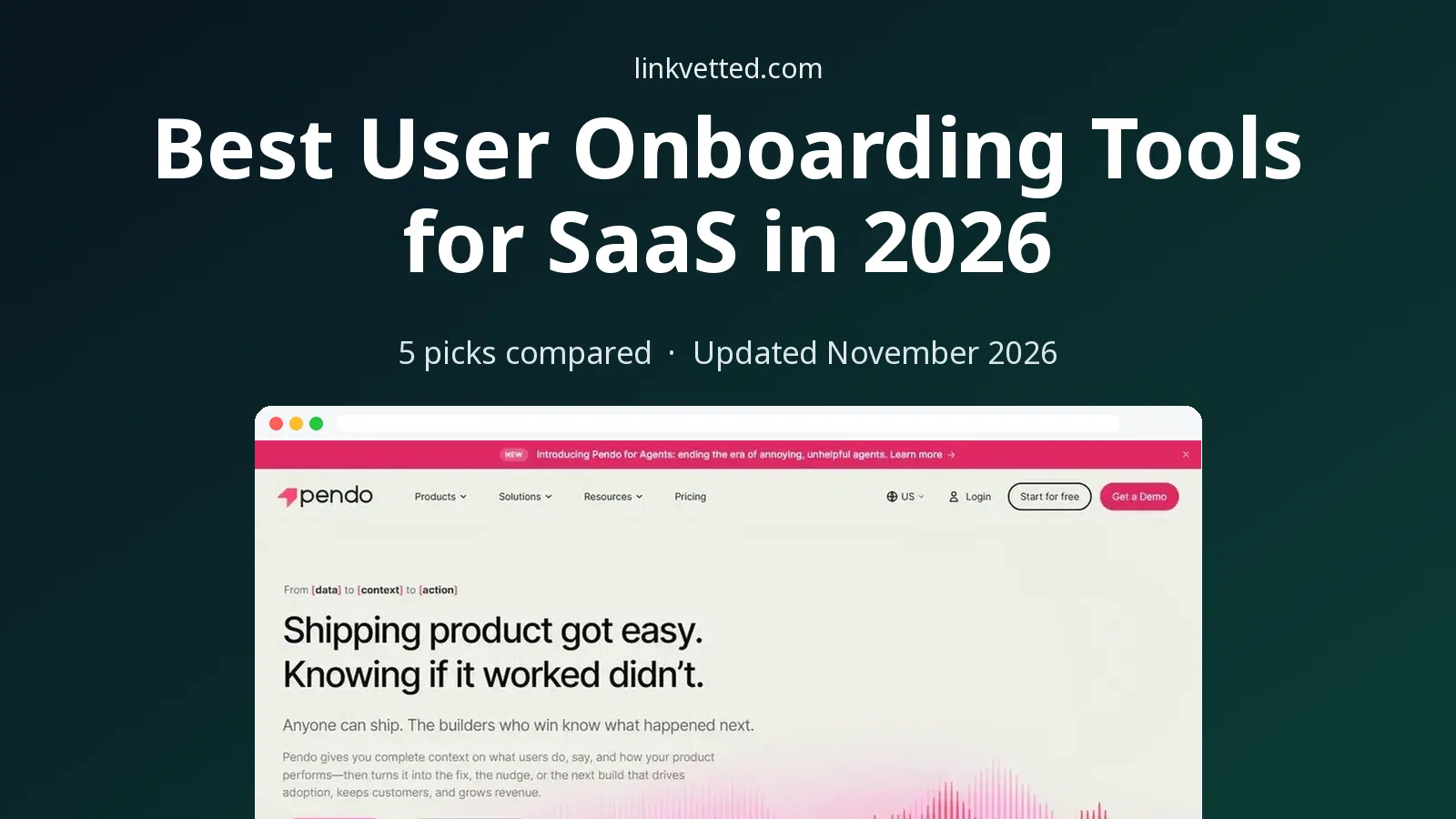
Pendo targets product context and adoption insight. It suits SaaS organizations that want onboarding and adoption decisions grounded in product usage context.
Worth adding: since Pendo emphasizes product context and analytics, teams seeking only fast no-code onboarding flows may prefer a more focused tool. Pricing for Pendo is not stated here, so ask the vendor for current figures. Free options: Not stated.
Drawbacks to consider: Positioning is wide and may need scoping.
- Feeds product context to apps and AI agents
- Focus on adoption and revenue
- Suited to teams with analytics maturity
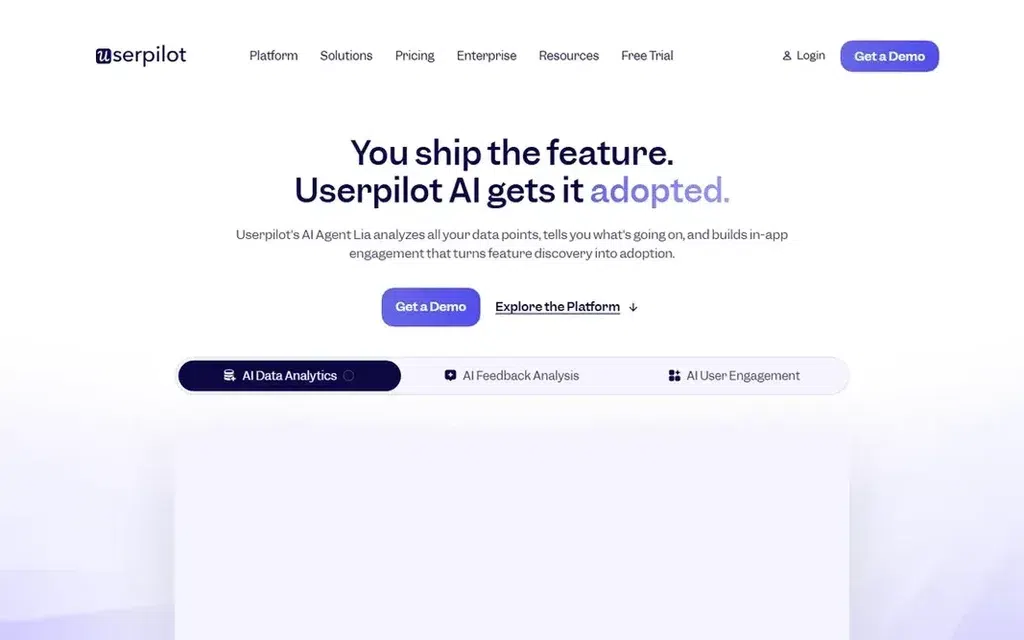
Userpilot is aimed squarely at no-code product growth and onboarding. Userpilot is an AI-powered, no-code product growth system that helps teams onboard users, drive feature adoption, and boost retention across web and mobile.
Points against: Wide scope may feel heavy for straightforward needs.
Consider alternatives if you primarily need entry-level in-app tours or light guidance instead of a wide growth product. Userpilot cost at the entry level: $299 per month. Free access: Free trial.
- Works across web and mobile
- No-code onboarding flows
- Setup needs planning
How the list was put together
We compared the tools on published pricing, free plan or trial availability, feature coverage for user onboarding tools for SaaS, and the limits each vendor documents. Where a vendor does not publish a price, the entry says quote. Where a price depends on seats or billing term, the entry says so. Tools are placed by general fit for user onboarding tools for SaaS, with price clarity and free access as tie-breakers. A different team can reasonably rank them differently.
Questions to settle before buying
- Ask WalkMe and Pendo for a written quote, since no starting price is shown.
- Look at the free plan from UserGuiding closely: its caps decide whether it is usable for real work.
- Take the trial from Chameleon and Userpilot and push a live task through it before you pay.
- Before choosing WalkMe, weigh its main limit: enterprise orientation may exceed small SaaS needs.
- Ask UserGuiding how an export works before you move any records in; an easy exit lowers the risk.
- Confirm that WalkMe connects to the apps your team already uses, on the plan you would actually buy.
FAQ
Do these tools publish their prices?
Not all of them. WalkMe and Pendo publish no starting price, so expect a quote request for those. The rest, Chameleon included, show a starting price, though seats and billing terms still change the final cost.
Can I try these tools before paying?
Often, yes. UserGuiding has a free plan and Chameleon and Userpilot offer a free trial. Use your own data and a real task during the test, and check what the free tier or trial limits before you rely on it. All 5 picks in this user onboarding tools for SaaS comparison list a starting price, free plan details and the main limits on their cards above.
Is WalkMe the right pick for everyone comparing user onboarding tools for SaaS?
No single tool suits every team. WalkMe comes first because it fits enterprise digital adoption at scale, while Chameleon suits personalized in-app guidance and UserGuiding suits all-in-one no-code onboarding. Match the tool to your own size, budget and workflow before deciding.
Which user onboarding tools for SaaS have a free plan?
UserGuiding is the only tool in this list with a free plan. Free plans usually cap users, projects or features, so check the limits on the vendor page. Several others offer a trial instead. For the full picture, the cards above cover all 5 entries of this user onboarding tools for SaaS list, including price, free plan and limits.
Sources
- https://www.walkme.com
- https://www.trychameleon.com
- https://userguiding.com
- https://www.pendo.io
- https://userpilot.com