Best UI Component Library in 2026: 5 Tools Compared
Best UI component library, compared. 5 tools with published prices, free plans and limits. The weak spots sit next to the strengths. Checked this month.
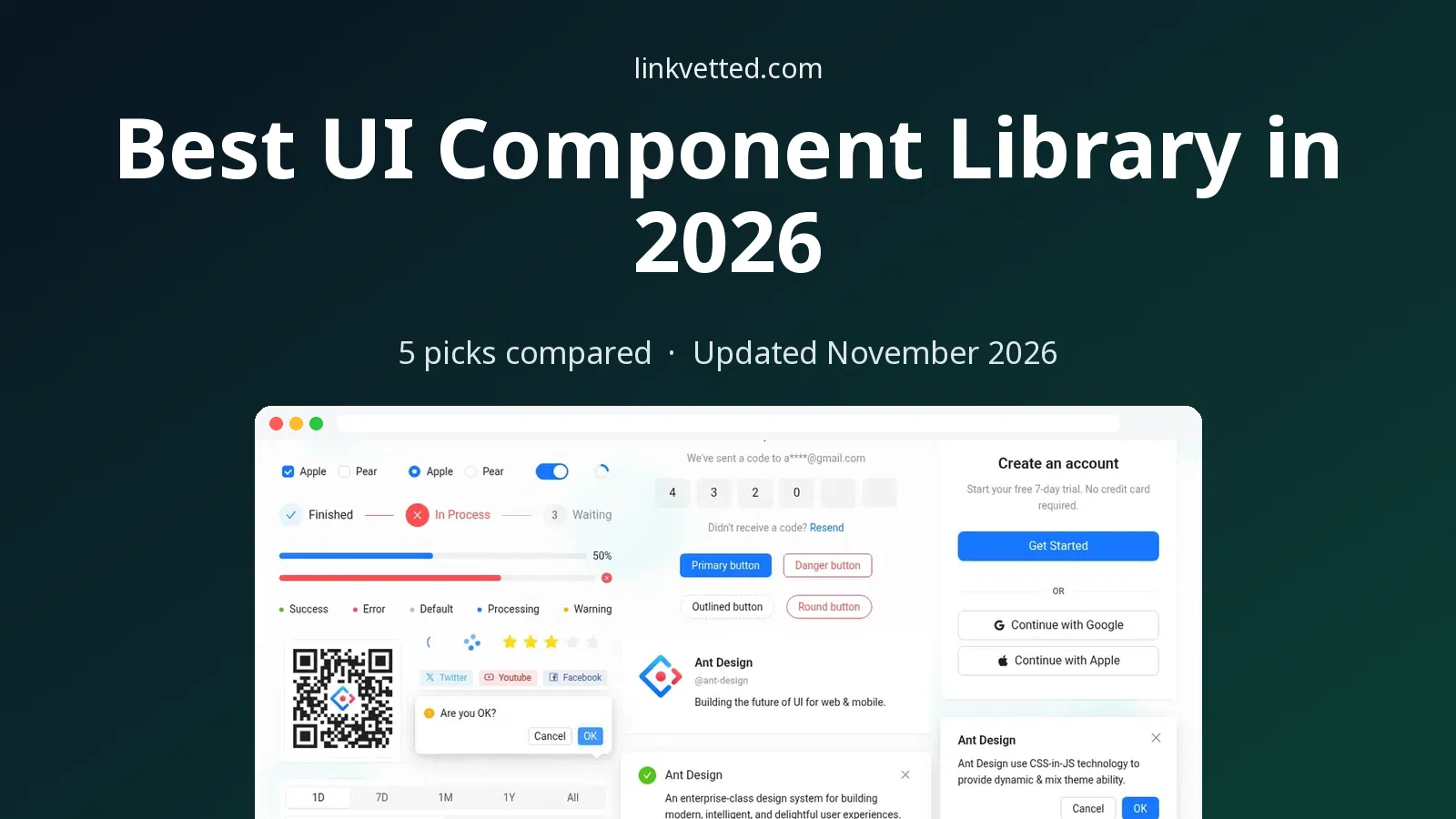
- Editor's choiceAnt Design
Enterprise React applications with dense data
Starts atSee websiteVisit ant.designFull review - Great alternativeChakra UI
Straightforward, modular accessible React components
Starts atSee websiteVisit chakra-ui.comFull review - Also considerMUI
React apps wanting Material Design base
Starts at$299 per year per devVisit mui.comFull review
Direct answer
Ant Design is the first pick on this list for enterprise React applications with dense data. Listed starting prices: MUI from $299 per year per dev and Kendo UI from $649 per developer a year. For a different need, Chakra UI covers straightforward, modular accessible React components and MUI covers React apps wanting Material Design base. Details, prices and limits for the rest of the 5 tools are below.
TL;DR:
- Ant Design is the opening pick, best for enterprise React applications with dense data.
- No starting price is published for Ant Design, Chakra UI and Tailwind UI; expect a quote.
- What to know about Tailwind UI first: assumes familiarity with Tailwind CSS.
- Kendo UI suits multi-framework JavaScript component suites.
- Just one of the 5 tools, MUI, has a free plan.
Last checked November 2026. Prices and plan details were read from the vendors' own pages in November 2026; vendors change plans often, so confirm the current price on the vendor site before you buy.
Quick comparison
| Tool | Best for | Starts at | Free plan? | |
|---|---|---|---|---|
| Ant Design | Enterprise React applications with dense data | See website | Not stated | Visit |
| Chakra UI | Straightforward, modular accessible React components | See website | Not stated | Visit |
| MUI | React apps wanting Material Design base | $299 per year per dev | Yes | Visit |
| Tailwind UI | Utility-first styled components and templates | See website | Not stated | Visit |
| Kendo UI | Multi-framework JavaScript component suites | $649 per developer a year | Free trial | Visit |
5 options for UI component library in detail
If you are comparing UI component library, this page covers 5 tools in one place: what each is best for, what it costs to start, whether it has a free plan, and the main limit to know about.
Ant Design
Best for: Enterprise React applications with dense data
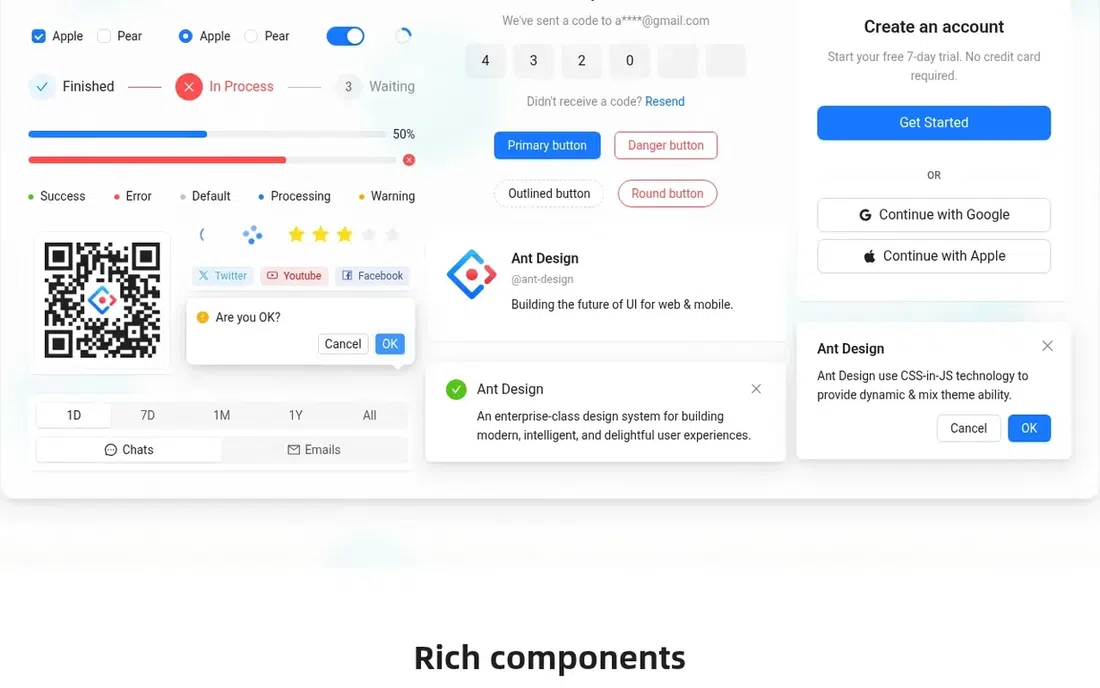
Ant Design is aimed squarely at enterprise React applications with dense data. Ant Design presents itself as an enterprise-class UI design language and React UI library with a set of high-quality components targeted at enterprise use. Its components target data-heavy, form-rich interfaces like admin panels and internal tools.
The main drawbacks: Opinionated visual style.
For everyday use, consider a lighter React library when your interface is mostly straightforward pages instead of dense application screens. The design language is opinionated, so a distinctive brand look needs customization effort. In daily use, for small or marketing-focused sites, it can feel heavier than needed. This comparison lists no price for Ant Design; ask the vendor. Free access: Not stated.
- Enterprise-class design language
- High-quality React component set
- Heavier than minimal component sets
Chakra UI
Best for: Straightforward, modular accessible React components
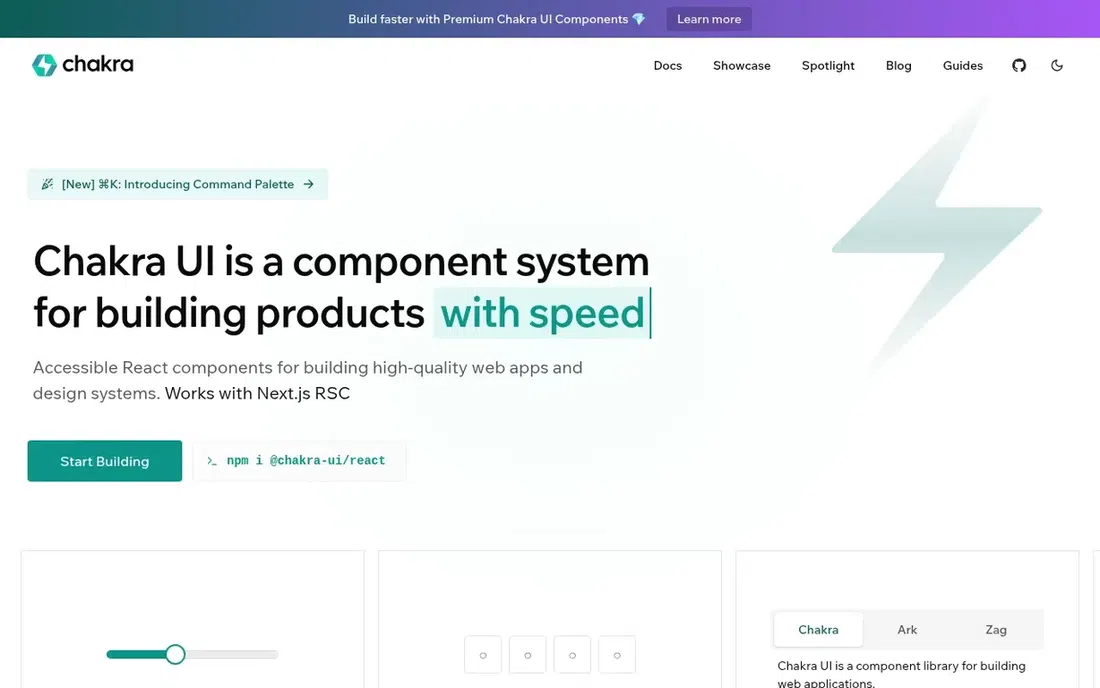
Where Chakra UI fits: straightforward, modular accessible React components. Chakra UI gives you straightforward, modular and accessible UI components for React applications.
On top of that, choose another choice when you need a huge catalog of specialized components or a non-React stack. Teams already committed to a different styling model may find the approach duplicative. This comparison lists no price for Chakra UI; ask the vendor. Free options: Not stated.
Limits to weigh: Styling approach differs from CSS-first tools.
- Straightforward
- Simple to compose in React apps
- Smaller scope than enterprise sets
MUI
Best for: React apps wanting Material Design base
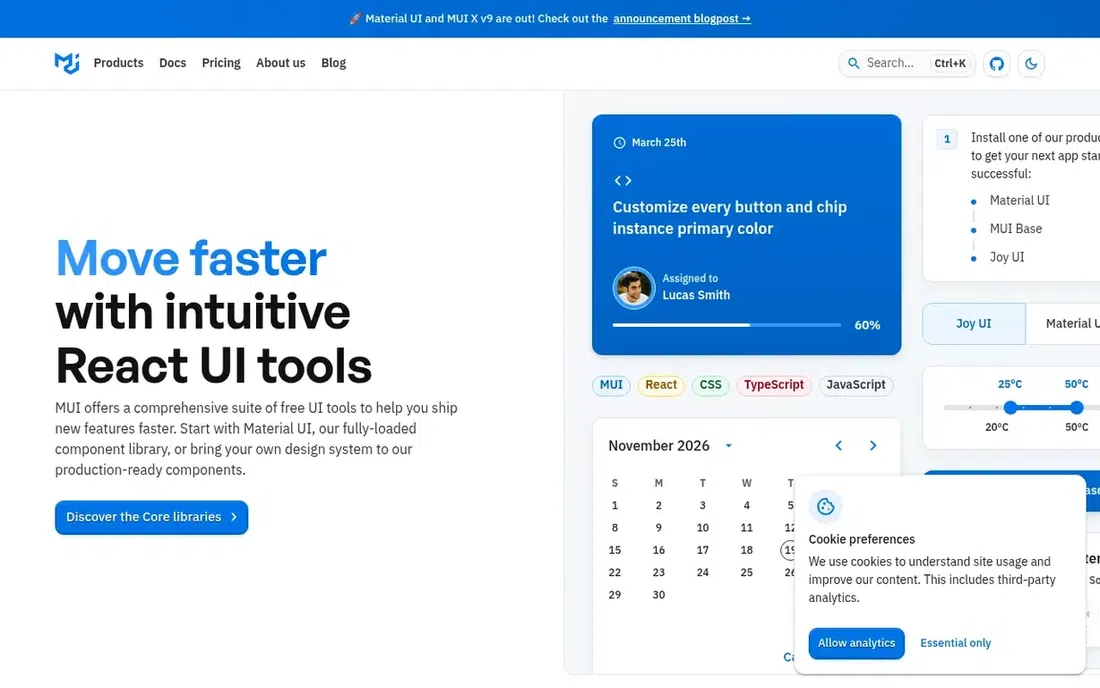
MUI serves React apps wanting Material Design base. Pick something else when you want minimal markup or an utility-first approach.
Points against: Deep customization has a ramp-up time.
Reasons to shortlist it: configurable React component set. As for the details, teams on other frameworks should look at choices built for their stack, and straightforward static sites may not need this much component depth. MUI pricing: $299 per year per dev. MUI offers a free plan.
- Works with your own design system
- Accessibility built into components
- Material Design styling needs overriding
Tailwind UI
Best for: Utility-first styled components and templates
Choose Tailwind UI for utility-first styled components and templates. Tailwind UI gives you beautiful UI components and templates by the creators of Tailwind CSS.
It is not a JavaScript component framework in the same sense as React-specific libraries, so behavior logic is your responsibility. On top of that, pick a framework library when you want interactive components handled for you. This comparison lists no price for Tailwind UI; ask the vendor. On free options: Not stated.
Drawbacks to consider: Assumes familiarity with Tailwind CSS.
- Components and templates by Tailwind CSS creators
- Handy starting points for layouts
- Not a drop-in JavaScript component framework
Kendo UI
Best for: Multi-framework JavaScript component suites
Kendo UI is built with multi-framework JavaScript component suites in mind. Progress Kendo UI gives you a collection of JavaScript UI components with libraries for jQuery, Angular, React and Vue, positioned for building eye-catching web apps quicker.
Where Kendo UI stands out: React and Vue.
For everyday use, teams wanting open, light primitives may prefer a smaller library aligned to a single framework. Also, as a commercial product, it includes vendor terms you should review before adopting. The starting price for Kendo UI: $649 per developer per year. Free options: Free trial.
Watch-outs: Large suite can feel heavy.
- Libraries for jQuery, Angular
- Wide JavaScript component collection
- Commercial product with its own terms
How we chose
LinkVetted looked at what each vendor publishes: pricing, plan limits, feature coverage for UI component library and stated drawbacks. No hands-on testing is claimed. Figures are shown as the vendors publish them. Billing terms, seat minimums and add-ons can change the real cost. Position on the page reflects fit for a typical buyer first, with price clarity and free access breaking ties. Treat it as a guide, not a ruling.
A buyer's checklist
- Get a written quote from Ant Design, Chakra UI and Tailwind UI; the list shows no starting price for them.
- Test the free plan from MUI against your real workload before relying on it.
- Take the trial from Kendo UI and push a live task through it before you pay.
- Before choosing Ant Design, weigh its main limit: opinionated visual style.
- Check how data leaves Ant Design: formats, limits and whether exports are available on every plan.
- Check whether Chakra UI bills monthly or annually, and what cancelling early costs.
FAQ
Which options for UI component library have a free plan?
MUI is the only tool in this list with a free plan. Free plans usually cap users, projects or features, so check the limits on the vendor page. One other tool offers a trial instead.
How are the tools for UI component library ordered?
The order follows typical fit for UI component library, with Ant Design first and Kendo UI last, then price clarity and free access. It is editorial judgement, not a score, so another team could rank the tools differently.
Which UI component library is best for React?
Ant Design is the pick this page puts first, mainly for enterprise React applications with dense data. If your situation differs, Chakra UI suits straightforward, modular accessible React components, and MUI suits React apps wanting Material Design base. Compare price and limits before you decide.
Do these tools publish their prices?
Not all of them. Ant Design, Chakra UI and Tailwind UI publish no starting price, so expect a quote request for those. The rest, MUI included, show a starting price, though seats and billing terms still change the final cost.
Can I try these tools before paying?
Often, yes. MUI has a free plan and Kendo UI offers a free trial. Use your own data and a real task during the test, and check what the free tier or trial limits before you rely on it.
Sources
- https://ant.design
- https://chakra-ui.com
- https://mui.com
- https://tailwindui.com
- https://www.telerik.com/kendo-ui