The 5 Best Trust Center Software in 2026, Ranked
5 tools for the best trust center software, compared on pricing, free plans and best-fit use. Fit and flaws are laid out for each entry. Quick to scan.
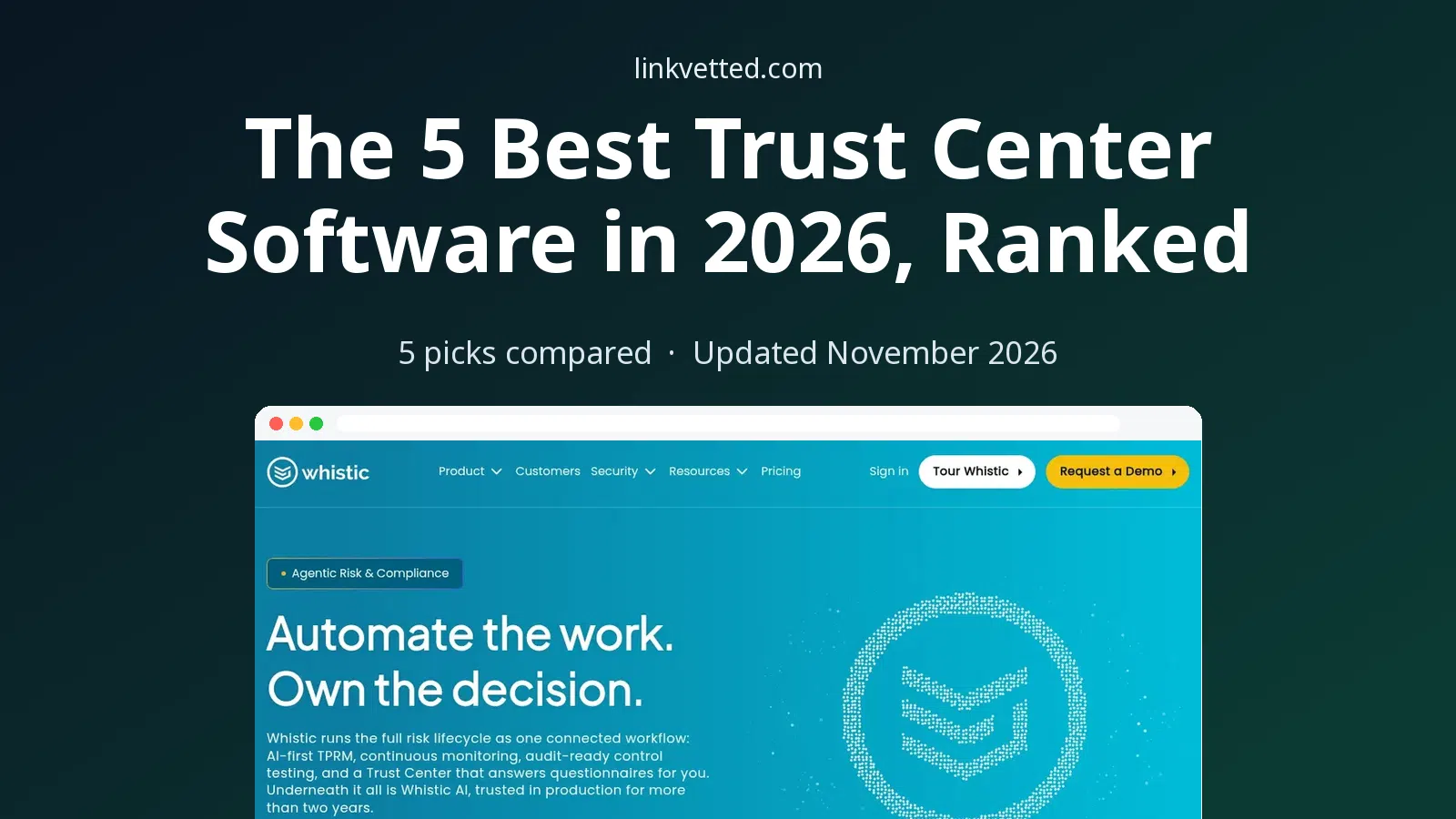
- Editor's choice
 OneTrust
Privacy, consent, and AI governance
Starts atSee websiteVisit onetrust.comFull review - Great alternativeWhistic
Vendor risk and evidence sharing
Starts atSee websiteVisit whistic.comFull review - Also consider
 Secureframe
Compliance automation with expert support
Starts at$7,500 a yearVisit secureframe.comFull review
Direct answer
Start with OneTrust if you need privacy, consent, and AI governance. Listed starting prices: Secureframe from $7,500 a year. If your case is different, Whistic suits vendor risk and evidence sharing and Secureframe suits compliance automation with expert support. The other 2 tools in the list cover narrower or pricier cases.
TL;DR:
- OneTrust is the opening pick, best for privacy, consent, and AI governance.
- None of the 5 tools, from OneTrust to Conveyor, has a free plan, so budget for a subscription or use a trial.
- Before buying Vanta, weigh this: wide scope may overwhelm small teams.
- Conveyor suits AI-assisted security reviews and RFPs.
- OneTrust, Whistic, Vanta and Conveyor: pricing is by quote only, so plan time for a sales conversation.
Last checked November 2026. Prices and plan details were read from the vendors' own pages in November 2026; vendors change plans often, so confirm the current price on the vendor site before you buy.
Quick comparison
| Tool | Best for | Starts at | Free plan? | |
|---|---|---|---|---|
| OneTrust | Privacy, consent, and AI governance | See website | Not stated | Visit |
| Whistic | Vendor risk and evidence sharing | See website | Not stated | Visit |
| Secureframe | Compliance automation with expert support | $7,500 a year | Not stated | Visit |
 Vanta | Compliance automation with trust sharing | See website | Not stated | Visit |
 Conveyor | AI-assisted security reviews and RFPs | See website | Not stated | Visit |
Tool-by-tool breakdown
LinkVetted put together this guide to trust center software for readers who want a clear shortlist without reading every vendor page. It compares 5 tools on starting price, free plans, who each one suits and where each one falls short.
In short, OneTrust is for privacy, consent, and AI governance. OneTrust helps companies run privacy, consent, and AI governance whereas automating compliance and reducing risk.
Downsides: Large footprint to configure.
Its breadth makes it a fit for bigger organizations that require a single program spanning privacy operations, consent management, and responsible AI oversight, with trust building as an outcome. This comparison lists no price for OneTrust; ask the vendor. On free options: Not stated.
- Wide privacy and consent coverage
- Comes with AI governance tools
- May exceed small team needs
Whistic
Best for: Vendor risk and evidence sharing
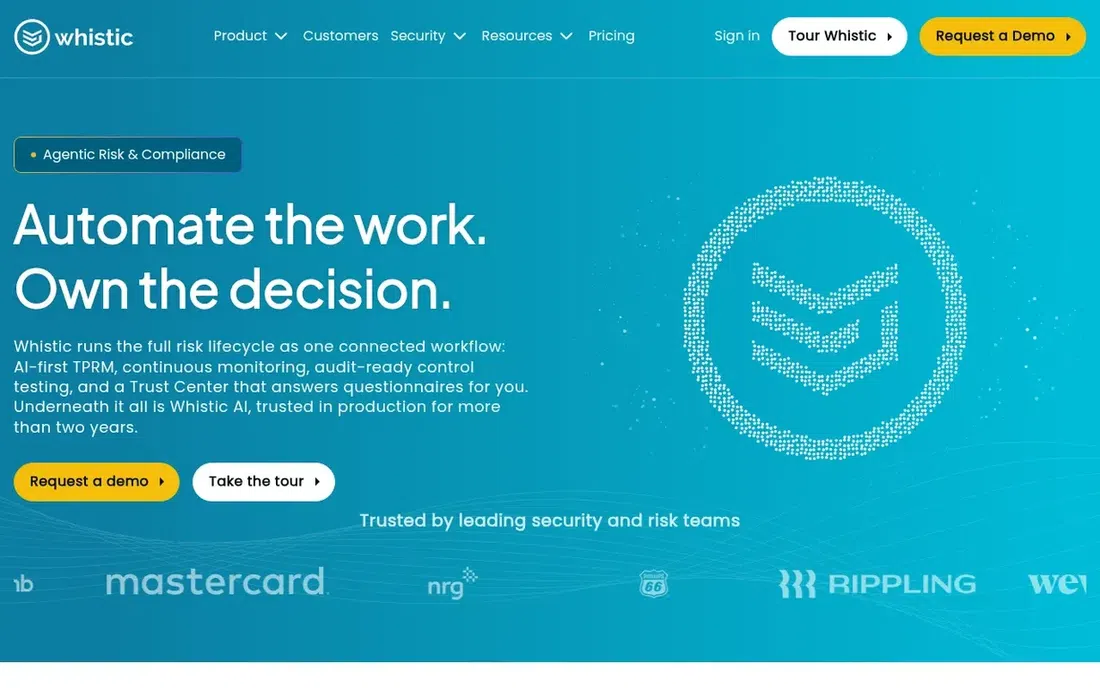
Whistic is a good fit for vendor risk and evidence sharing. Whistic is described as an agentic risk operations system that automates vendor assessments, watches external risk, tests security controls, and shares trusted evidence with customers.
Limits to weigh: Best value for active vendor programs.
This comparison lists no price for Whistic; ask the vendor. Free options: Not stated.
- Watches external risk
- Shares trusted evidence with customers
- Can need process changes
Secureframe is a good fit for compliance automation with expert support. Secureframe positions itself around getting compliant, mitigating risk, and building trust with customers through automation backed by experts.
Check which frameworks and integrations are documented for your situation before choosing. From a buyer's view, organizations wanting purely AI-driven questionnaire handling may need an extra tool. Secureframe pricing: $7,500 per year. Free options: Not stated.
Points against: Expert help may vary by need.
- Supports risk mitigation
- Automation backed by experts
- Needs internal coordination
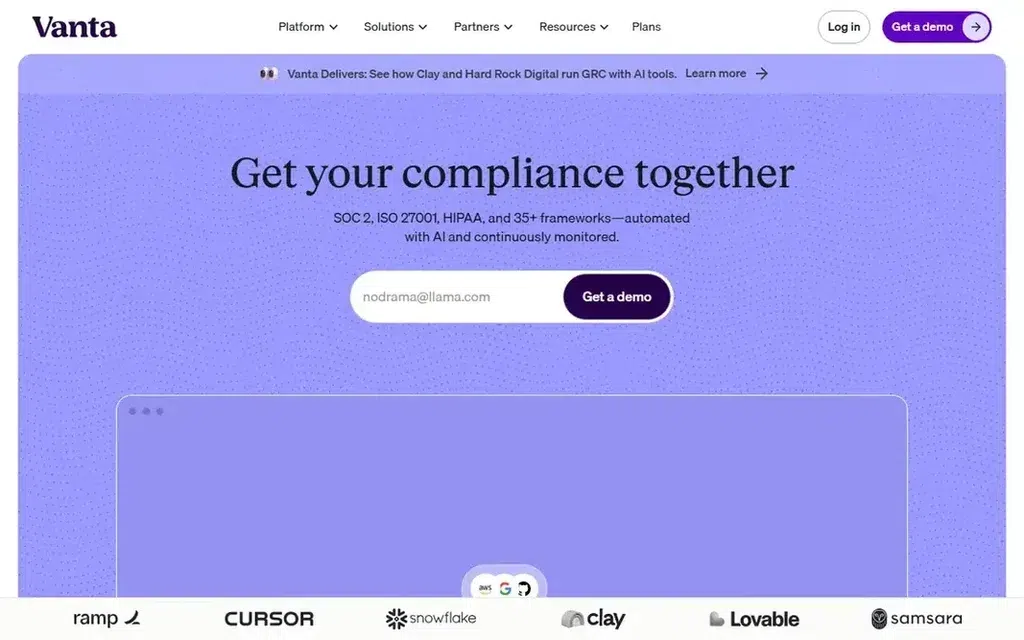
Where Vanta fits: compliance automation with trust sharing. Vanta automates the process of achieving and maintaining compliance certifications for example SOC 2, HIPAA, ISO, PCI, and GDPR.
Watch-outs: Wide scope may overwhelm small teams.
It pairs continuous security monitoring with a trust center that lets you share compliance evidence with customers and prospects. Vanta does not show a starting price in this comparison, so check the vendor site for current pricing. Free plan details: Not stated.
- Automates security monitoring
- Supports typical compliance frameworks
- Setup needs internal time
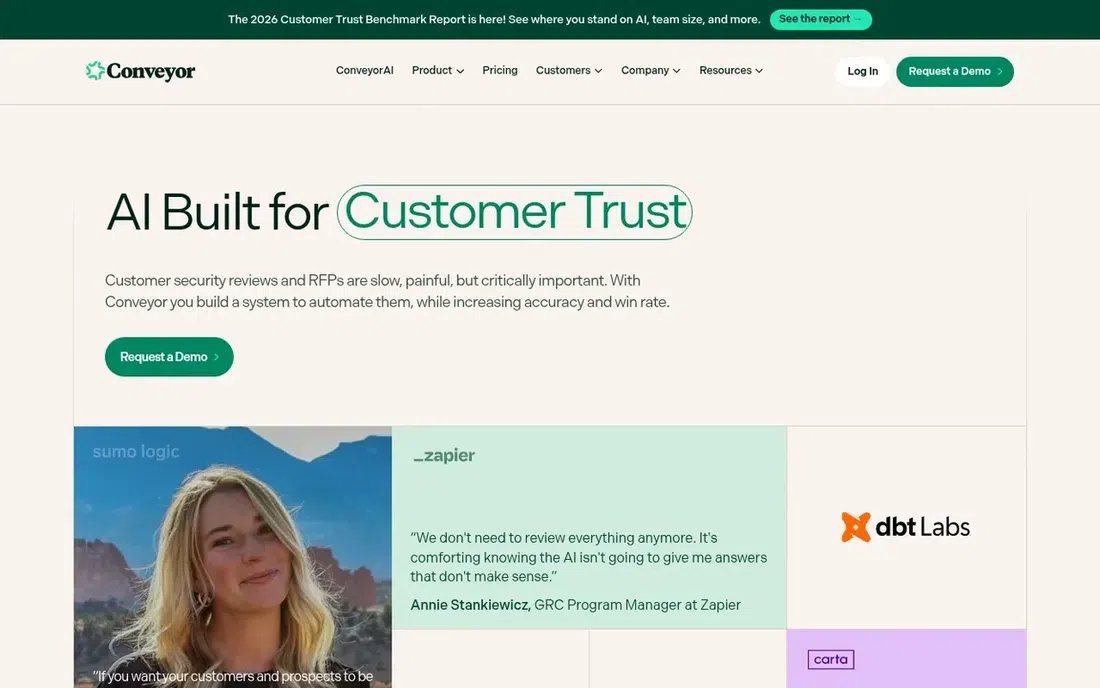
Conveyor is aimed squarely at AI-assisted security reviews and RFPs. Conveyor applies AI to high-stakes customer requests for example security reviews, vendor assessments, and requests for proposal. It is made for enterprise firms that face a steady flow of questionnaires and need consistent, accurate answers.
As for the details, teams that require automatic control monitoring should look to a dedicated compliance tool. Teams with heavy sales engineering loads can use it to route and draft responses whereas keeping evidence organized. Check the vendor site for Conveyor pricing; none is listed in this comparison. On free options: Not stated.
Where it is weaker: Narrower compliance scope.
- AI deals with security questionnaires
- Made for enterprise review volume
- AI output still needs review
What went into this list
Pre-purchase checklist
- Confirm the entry price on the vendor page. For OneTrust, Whistic, Vanta and Conveyor that means a quote rather than a fixed price.
- Before choosing OneTrust, weigh its main limit: large footprint to configure.
- Before rolling out OneTrust, verify the integrations your workflow depends on.
- Ask Whistic whether prices are locked for the first term and what happens at renewal.
- Ask Conveyor how an export works before you move any records in; an easy exit lowers the risk.
FAQ
What is trust center software?
Trust center software helps businesses publish security and compliance information and respond to customer security reviews. It commonly links to compliance automation so evidence stays current.
How do compliance automation and trust centers differ?
Compliance automation centres on achieving and monitoring certifications, whereas a trust center presents that posture to customers. Plenty of products, including Vanta and Secureframe, combine both. Some tools, like Conveyor, focus chiefly on answering security questions.
Is OneTrust the right pick for everyone comparing trust center software?
No single tool suits every team. OneTrust comes first because it fits privacy, consent, and AI governance, while Whistic suits vendor risk and evidence sharing and Secureframe suits compliance automation with expert support. Match the tool to your own size, budget and workflow before deciding.
Do these tools publish their prices?
Not all of them. OneTrust, Whistic, Vanta and Conveyor publish no starting price, so expect a quote request for those. The rest, Secureframe included, show a starting price, though seats and billing terms still change the final cost.
Can I try these options before paying?
Not by default. None of the tools, from OneTrust to Conveyor, lists a free plan or a free trial here, so ask each vendor for a demo before committing.
Does any tool for trust center software here have a free plan?
No tool in this list, OneTrust and Conveyor included, has a permanent free plan. Trials and quotes are the usual route, so plan a short evaluation period.
Sources
- https://www.onetrust.com
- https://www.whistic.com
- https://secureframe.com
- https://www.vanta.com
- https://www.conveyor.com