The 5 Best Self-Service Help Center Platforms in 2026, Ranked
Shortlisting the best Self-Service help center platforms? 5 products compared on cost, free access and ideal buyer. Every tool lists pros and cons. Start here.
- Editor's choice
 Document360
Documentation-first knowledge base with AI tools
Starts atSee websiteVisit document360.comFull review - Great alternative
 Helpjuice
Simplified knowledge base for support teams
Starts atSee websiteVisit helpjuice.comFull review - Also consider
 KnowledgeOwl
Straightforward, dependable help center publishing
Starts at$100 a monthVisit knowledgeowl.comFull review
Direct answer
This list puts Document360 first for documentation-first knowledge base with AI tools. Listed starting prices: KnowledgeOwl from $100 a month. If your case is different, Helpjuice suits simplified knowledge base for support teams and KnowledgeOwl suits straightforward, reliable help center publishing. The remaining 2 options are covered below with prices and limits.
TL;DR:
- Document360 sits first on this list: documentation-first knowledge base with AI tools.
- Zendesk Guide suits AI-powered knowledge base within a service suite.
- Before buying Freshdesk, weigh this: help center is one part of the suite.
- For the cheapest start, look at KnowledgeOwl: $100 per month.
- Document360, Zendesk Guide and the 3 others all need a premium plan or a trial, since no free plan is listed.
Last checked November 2026. Prices and plan details were read from the vendors' own pages in November 2026; vendors change plans often, so confirm the current price on the vendor site before you buy.
Quick comparison
| Tool | Best for | Starts at | Free plan? | |
|---|---|---|---|---|
| Document360 | Documentation-first knowledge base with AI tools | See website | Not stated | Visit |
| Helpjuice | Simplified knowledge base for support teams | See website | Free trial | Visit |
| KnowledgeOwl | Straightforward, dependable help center publishing | $100 a month | Free trial | Visit |
 Freshdesk | Omnichannel ticketing with automatic workflows | See website | Not stated | Visit |
 Zendesk Guide | AI-powered knowledge base within a service suite | See website | Not stated | Visit |
Tool-by-tool breakdown
LinkVetted compared 5 Self-Service help center platforms. The goal is a practical shortlist: published prices, free plan facts, best-fit use cases and honest limits for every entry.
Think of Document360 for documentation-first knowledge base with AI tools. Its documentation-first orientation may be more than a small support team needs, and content structure still needs planning.
Where it is weaker: Documentation focus may not suit every team.
Document360 shows no starting price here, so confirm the cost on the vendor site. Free access: Not stated.
- AI writing tools included
- Designed for intelligent documentation
- Needs content planning
Helpjuice serves simplified knowledge base for support teams. Helpjuice is knowledge base software targeted at simplifying support and boosting productivity for teams.
It works for both external help centers and internal knowledge. Helpjuice does not show a starting price in this comparison, so check the vendor site for current pricing. Trial and free access: Free trial.
Honest limits: Narrower than full service suites.
- Knowledge base centred on support
- Aims to boost productivity
- Content upkeep is continuing
KnowledgeOwl is built with simple, dependable help center publishing in mind. KnowledgeOwl supplies knowledge base software described as simple to use for sharing information rapidly with customers and staff. It concentrates on dependable publishing instead of a sprawling feature set, which fits small teams and organizations that want a clear, manageable help center.
Where it is weaker: Fewer adjacent service features.
It can serve both external self-service and internal documentation needs. More specifically, organizations with very large or highly structured documentation programs should check whether its feature depth matches their plans. Starting cost for KnowledgeOwl: $100 per month. Free options: Free trial.
- Easy-to-use software
- Shares information with customers and staff
- Best for straightforward content needs
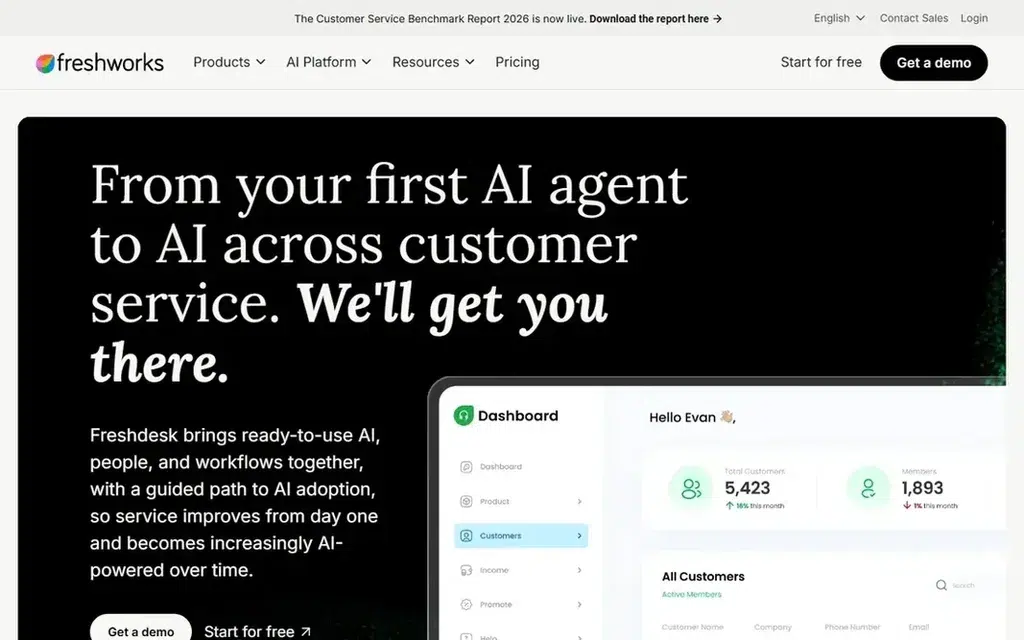
Freshdesk serves omnichannel ticketing with automatic workflows. The system is wide, so teams that only need a public knowledge base may find more moving parts than necessary. As for the details, organizations wanting a documentation-focused tool with minimal ticketing overhead should compare dedicated choices before committing.
Worth adding: Freshdesk is an AI-powered customer service solution centered on omnichannel ticketing and automatic workflows. Its knowledge base and self-service options sit alongside ticket handling, so customers can find answers whereas agents work from the same content. No starting price is listed for Freshdesk here; confirm pricing on the vendor site. Free access: Not stated.
The main drawbacks: Help center is one part of the suite.
- AI-powered service features
- Automatic workflows for agents
- Configuration takes some effort
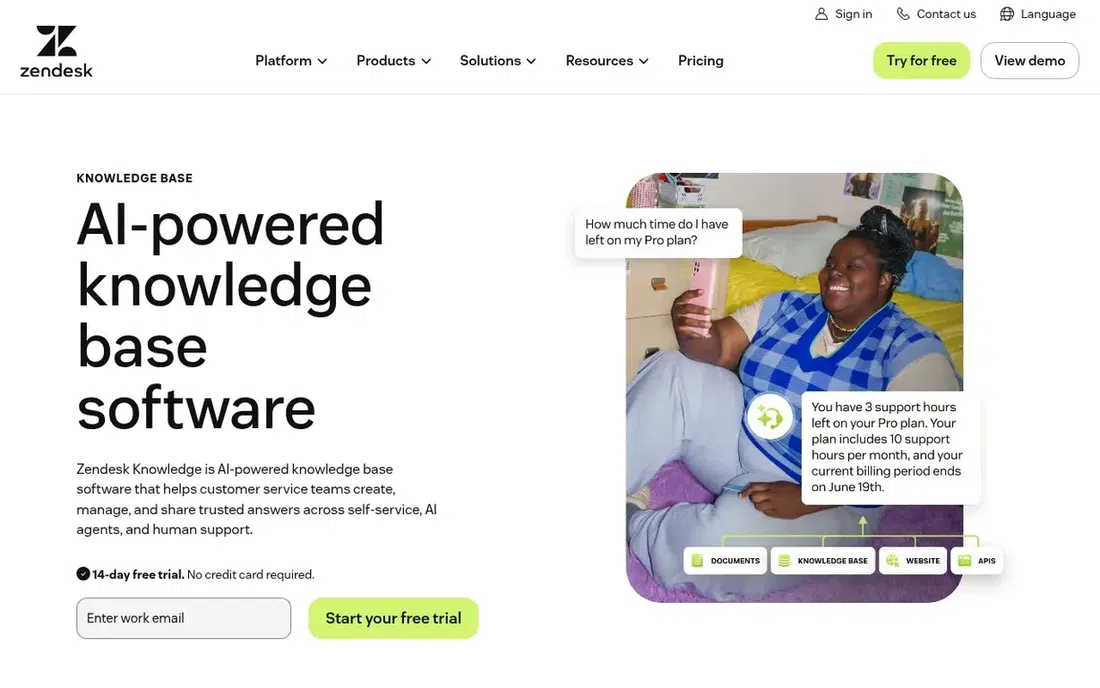
Pick Zendesk Guide if this describes you: AI-powered knowledge base within a service suite. Since it is meant to work closely with the wider Zendesk product, standalone use may feel like only part of the picture. More specifically, teams without a service suite, or those wanting a documentation-first tool, may prefer a dedicated knowledge base product instead.
In daily use, Zendesk Guide is the help center and knowledge base component of Zendesk, built to build a more accurate knowledge base for customer service. It links trusted content so AI agents and self-service can draw on the same answers, and it helps teams deliver consistent responses. This comparison lists no price for Zendesk Guide; ask the vendor. On free options: Not stated.
Downsides: Best value inside the wider suite.
- Suits established support workflows
- Powers self-service answers
- Setup can take planning
How we built this list
The comparison looks at four things: starting price, free access, how well the feature set matches Self-Service help center platforms, and the main limit of each tool. Figures are shown as the vendors publish them. Billing terms, seat minimums and add-ons can change the real cost. We ordered the tools by general fit, then by how clearly pricing is shown, then by free access. A buyer with unusual needs may reorder them.
Questions to settle before buying
- Confirm the entry price on the vendor page. For Document360, Helpjuice, Freshdesk and Zendesk Guide that means a quote rather than a fixed price.
- Use real work to test the free trial from Helpjuice and KnowledgeOwl, rather than a demo project.
- Read the limits listed for Document360 first: documentation focus may not suit every team.
- Test the integrations you rely on with Document360 before committing; some connectors sit on upper tiers.
- Total up the real monthly cost of Freshdesk, including add-ons, extra users and usage-based fees.
FAQ
Do these tools publish their prices?
Not all of them. Document360, Helpjuice, Freshdesk and Zendesk Guide publish no starting price, so expect a quote request for those. The rest, KnowledgeOwl included, show a starting price, though seats and billing terms still change the final cost.
Does any tool for Self-Service help center platforms here have a free plan?
A permanent free plan is not offered by Document360, Zendesk Guide or the other tools here. Helpjuice, KnowledgeOwl offer a trial. Plan a short evaluation period instead.
What is the cheapest option for Self-Service help center platforms in this list?
On published monthly entry prices, KnowledgeOwl is the lowest here at $100 per month. Entry price is only part of the cost, because seats, add-ons and billing terms can change the total. Prices, free plan details and limits for all 5 tools in this Self-Service help center platforms roundup sit on the individual cards above.
How should I evaluate a help center before buying?
Start by listing the content types you publish and who reads them, then check each system against those needs. Confirm search quality, editing workflow, audience controls and connections to your service tools.
How are the tools for Self-Service help center platforms ordered?
Document360 sits first and Zendesk Guide last because the order follows typical fit for Self-Service help center platforms, then price clarity and free access. It is a judgement call, so read each profile for fit and limits.
Sources
- https://document360.com
- https://helpjuice.com
- https://www.knowledgeowl.com
- https://www.freshworks.com/freshdesk
- https://www.zendesk.com/service/help-center