Best Help Desk Software With SLA Tracking in 2026: 8 Tools Compared
Compare the best help desk software with sla tracking across 8 tools, with SLA policies, escalation rules, reporting and current starting prices for teams.

- Editor's choice
 Zendesk
Large omnichannel support teams
Starts at$55 per agent per monthVisit zendesk.comFull review - Great alternative
 Freshdesk
Small and mid-sized support teams
Starts at$19 per agent per monthVisit freshdesk.comFull review - Also consider
 Zoho Desk
Budget teams and Zoho users
Starts at$14 per user per monthVisit zoho.comFull review
TL;DR:
- SLA policies should vary by priority and customer group, not sit as one flat target for every ticket.
- Check whether multiple SLA policies, breach alerts and working calendars are on the plan you will actually buy.
- Zendesk and Freshdesk suit most customer teams, while Jira Service Management and Freshservice suit internal IT work.
- Prices here are starting prices. Add-ons, AI charges and phone options can change the monthly total.
Quick comparison
| Tool | Best for | Starts at | Free plan? | |
|---|---|---|---|---|
| Zendesk | Large omnichannel support teams | $55 per agent per month | Free trial | Visit |
| Freshdesk | Small and mid-sized support teams | $19 per agent per month | Free trial | Visit |
| Zoho Desk | Budget teams and Zoho users | $14 per user per month | Yes | Visit |
 Jira Service Management | IT and internal service teams | $20 per agent per month | Yes | Visit |
 Help Scout | Email-first support teams | $25 per user per month | Yes | Visit |
 HubSpot Service Hub | Teams already using HubSpot CRM | $20 per seat per month | Yes | Visit |
 Freshservice | Mid-sized IT service teams | $19 per agent per month | Free trial | Visit |
 Intercom | SaaS and in-app support teams | $29 per seat per month | Free trial | Visit |
The best help desk software with SLA tracking
Support teams need more than a shared inbox. They need clear response and resolution targets, alerts before a target slips, and reports that show where work stalls.
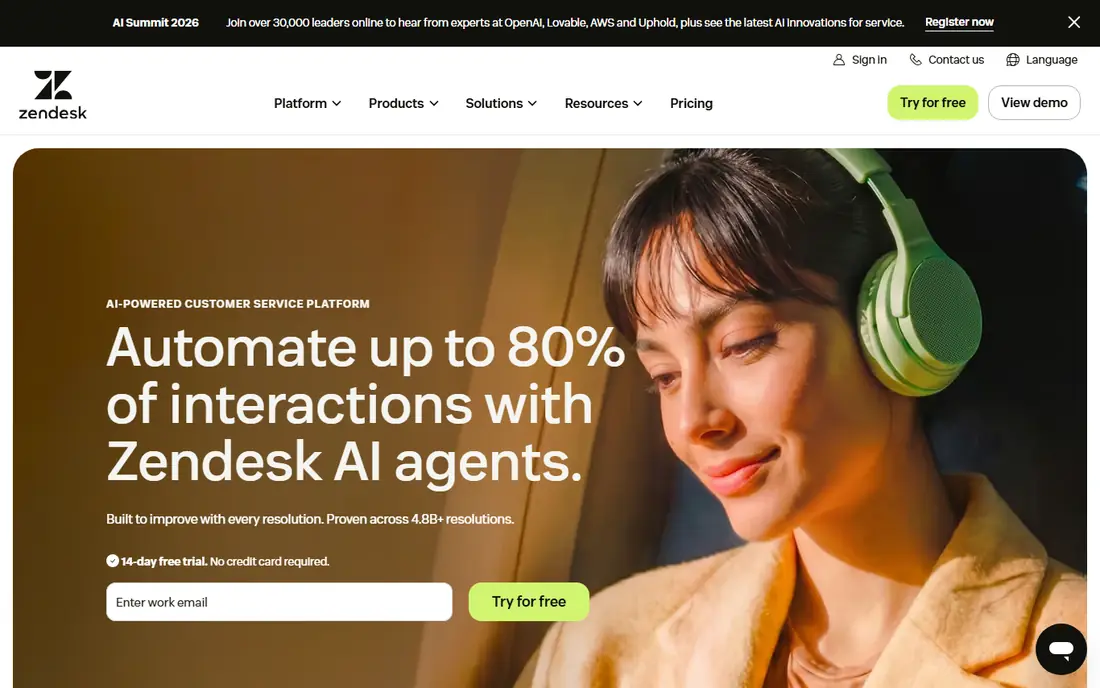
First, consider Zendesk. Zendesk suits teams that handle a high volume of requests across email, chat, phone and social channels, and that need one place to track them.
Its SLA tools stand out because policies can vary by plan, priority, channel or customer group, and breach alerts help managers act before a deadline passes.
The trade-off is cost and complexity. Smaller teams may pay for depth they rarely use, and the first configuration often needs careful planning.
- SLA policies and escalation rules
- Wide channel coverage
- Detailed reporting
- Higher tiers carry the full SLA feature set
- Setup takes time
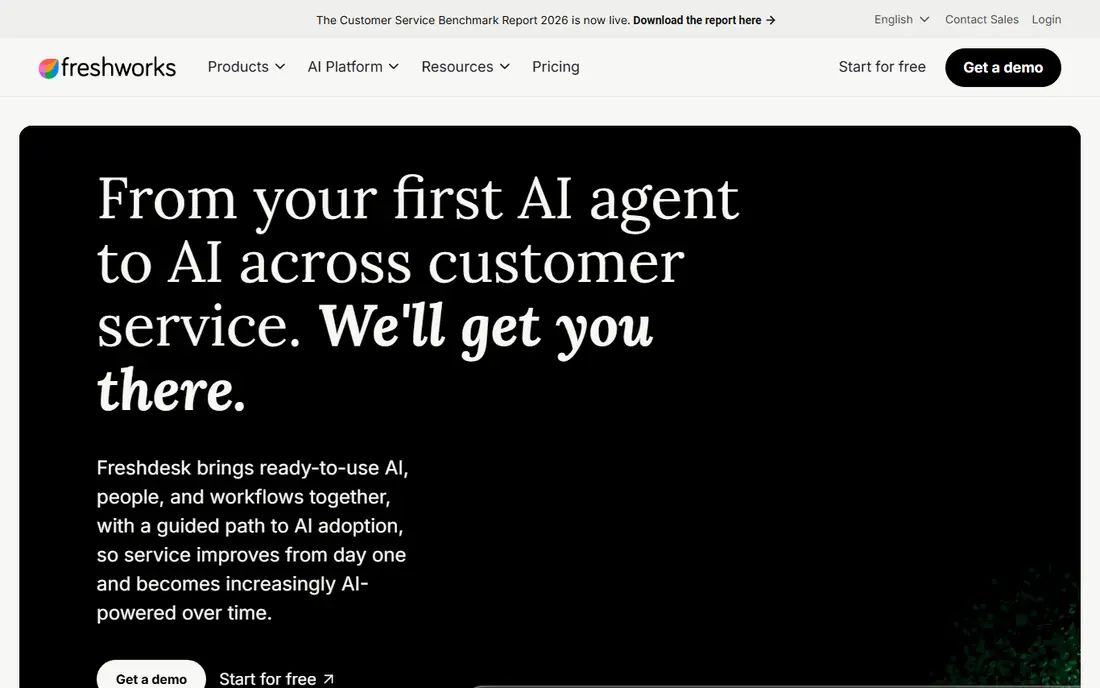
Next, look at Freshdesk. Freshdesk fits teams that want a working help desk quickly, without a long implementation project or a large training effort.
Its strength is balance. Ticketing, automation, SLA tracking and a knowledge base arrive in one product, and the interface stays easy to follow day to day.
Buyers should check which plan includes the SLA rules they need. The entry paid plan covers the basics, while multiple policies and deeper reporting sit higher up.
- Clear SLA management on paid plans
- Simple setup
- Automation and knowledge base
- Multiple SLA policies sit on higher plans
- Phone is an add-on
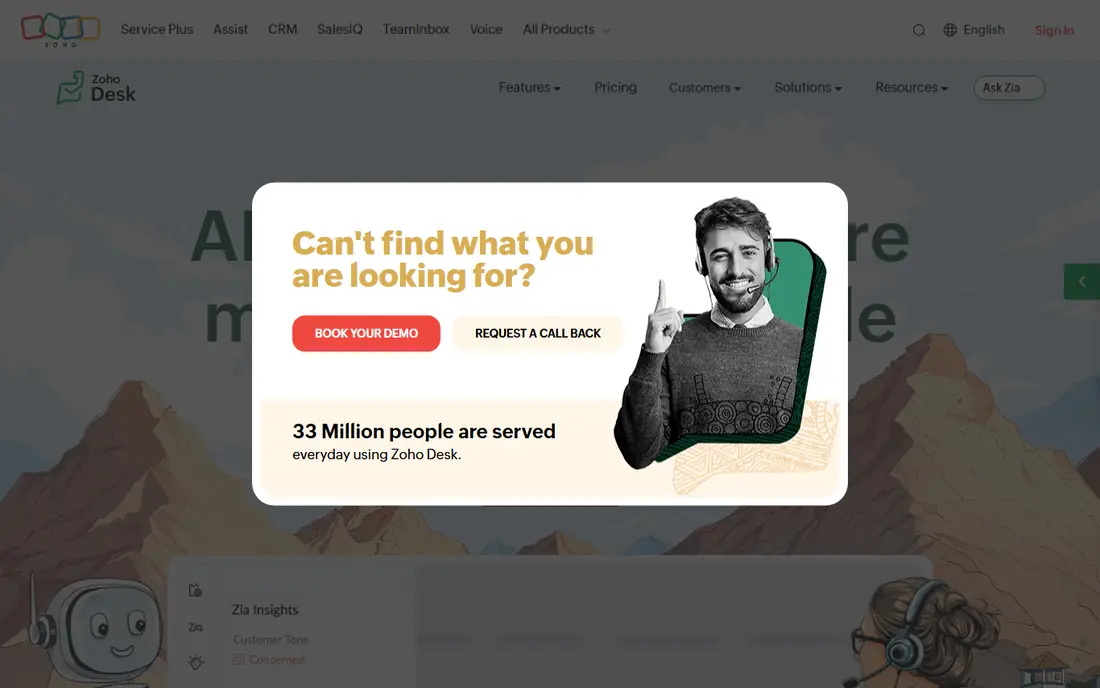
Another strong option is Zoho Desk. Zoho Desk fits teams that already use Zoho CRM, Zoho Books or other Zoho apps, and teams that watch cost closely.
The value is clear at the entry level. A free plan covers up to three agents, and paid plans add SLA rules, automation and multi-channel tickets at a modest price.
The interface packs a lot into each screen, so new agents may need a short learning period before they move quickly through tickets.
- Low starting price
- Free plan for small teams
- Close Zoho app links
- Interface can feel dense
- Advanced SLA reporting needs higher plans
For a different fit, Jira Service Management. Jira Service Management fits internal IT, operations and engineering support teams, especially those already working in Jira.
Its SLA handling fits technical work well. Teams can set goals by request type, use working calendars, and link tickets to incidents, problems and changes.
Teams that mainly serve external customers may find the portal and messaging options less polished than a dedicated customer help desk.
- SLA goals tied to queues and calendars
- Strong incident and change workflows
- Jira links
- Customer-facing polish lags some rivals
- Pricing rises with team size
Teams with tighter budgets often check Help Scout. Help Scout fits small and mid-sized teams that answer most requests by email and want replies that read like normal messages.
Customers never see ticket numbers in replies, which keeps the experience personal, while agents still get assignments, saved replies and reporting behind the scenes.
Teams that rely heavily on live chat or phone may need add-ons or another tool, and buyers should confirm SLA policy limits on the plan they choose.
- Clean shared inbox
- Customer-friendly replies
- Built-in Docs knowledge base
- Live chat and phone are lighter
- SLA depth grows on higher plans
A further option is HubSpot Service Hub. HubSpot Service Hub fits companies that already run sales and marketing in HubSpot and want support tied to the same customer record.
That shared record is the main draw. Agents see past purchases, conversations and company details without switching tools, which helps with faster, better-informed replies.
Teams outside HubSpot get less value, and the most useful SLA and automation features sit above the entry tier, so the total cost can rise.
- Tickets linked to full CRM records
- Free tools to start
- Solid reporting
- SLA and automation depth grows with tier
- Onboarding costs can apply higher up
If scale matters most, Freshservice. Freshservice fits IT teams that need formal service management, but want a lighter setup than a large enterprise platform.
It pairs SLA policies with incident, problem, change and asset records, so IT managers can see both the ticket queue and the systems behind it.
External customer support is not its main focus, so consumer-facing teams may prefer a product built around customer channels first.
- ITSM workflows with SLA tracking
- Asset and incident tools
- Quick setup for IT teams
- Customer support features are secondary
- Advanced analytics need higher plans
Finally, consider Intercom. Intercom fits software companies that support users inside their product, through chat, email and a help center.
Its strength is conversation in context. Agents see product activity and user details beside the chat, and automated help can answer common questions at once.
Buyers who need strict, report-heavy SLA management should test that area in a trial, since Intercom puts more weight on messaging and AI resolution than on SLA dashboards.
- In-app messaging and AI help
- Shared inbox with automation
- Strong product links
- SLA reporting is less central than ticketing rivals
- AI outcomes can add cost
How we picked these
We reviewed official feature pages, pricing pages, app store listings, privacy policies and public user reviews for each product, and kept only tools that are available today and that fit the topic directly. We checked that each product offers the core capability in its category, such as SLA rules, key rotation, work orders, pay cycles, supplier mapping, membership billing, route settlement, dunning or order screening, rather than a related feature in a general tool.
We did not claim hands-on testing, and we did not invent prices, awards or ratings. Where a vendor does not publish a starting price, we show See website, and we note where higher tiers carry the features buyers often need. Prices can change, so we recommend confirming the current price on the vendor site before you buy.
We also looked at whether each vendor explains its security, privacy and support terms in plain language on its own site. A clear privacy policy, a named support route and published status information help buyers judge a vendor before a trial, and they matter most when the tool will hold sensitive customer, employee or payment data.
How to choose SLA settings that your team can keep
Start with a small set of targets. A first-response target and a resolution target for each priority level is enough for most teams, and you can add targets for VIP customers or specific channels later. Targets that no one can meet will train agents to ignore alerts, so review breach data each month and adjust the clock, the staffing or the target itself.
Pay attention to working calendars, pause rules and escalation paths. A clock that runs overnight will create false breaches, and a ticket that waits for a customer reply should pause cleanly. Escalation should move the ticket to a named person or queue, not just send another email. Test these rules with real tickets during a trial, using your busiest request types, before you sign a yearly contract.
Before you sign, ask for a written quote that lists every user, module, add-on and support tier you will need in the first year. Confirm what happens when you add users, change plans or cancel, and check whether data export is included. A clear quote makes it easier to compare tools fairly, and it avoids surprises when the first renewal arrives.
FAQ
What is SLA tracking in help desk software?
SLA tracking measures each ticket against a promised response time and resolution time. The software starts a clock when a ticket arrives, warns agents before the target passes, and records breaches for reporting. That record helps managers spot slow queues, staffing gaps and request types that need better help content.
Do I need multiple SLA policies?
Many teams do. A paying customer, a free user and an internal request often deserve different targets, and urgent incidents need faster clocks than general questions. If your tool allows only one policy, you may end up with targets that fit no group well. Check this limit before you buy, since it often sits on higher plans.
What happens when an SLA target is breached?
Most tools flag the ticket, send an alert and log the breach for reports. Some tools also escalate the ticket to a senior queue or manager. A breach report alone does not fix the cause, so pair it with a weekly review of the most breached categories and the reasons behind them.
Is a free plan enough for SLA tracking?
A free plan can work for a very small team with simple targets. Paid plans usually add multiple policies, breach alerts, working calendars and deeper reports. If response promises matter to your customers, test the paid SLA features during a trial and confirm they match your contract terms.
How much should we budget per agent?
Starting prices in this guide range from $14 to $55 per agent or user per month, before add-ons. The right budget depends on channels, AI tools and reporting needs. Ask each vendor for a quote that includes the SLA tier, phone or chat add-ons and any AI charges, so the comparison stays fair.
How long does implementation usually take?
Implementation time varies with team size, data quality and the number of integrations. A small team with clean data can often go live in weeks, while a larger rollout with migration and training can take months. Ask each vendor for a phased plan with clear milestones, and allow time for staff training before the old system is switched off.