Best Call Center Quality Assurance Software in 2026: 8 Tools Compared
Our guide to the best call center quality assurance software compares scorecards, AI scoring and coaching so contact centres can raise quality with confidence.

- Editor's choice
 evaluagent
Teams wanting clear per-seat pricing
Starts at$35 per user per monthVisit evaluagent.comFull review - Great alternative
 Scorebuddy
QA teams wanting custom scorecards
Starts atSee websiteVisit scorebuddy.coFull review - Also consider
 Observe.AI
Centres wanting AI on every call
Starts atSee websiteVisit observe.aiFull review
TL;DR:
- evaluagent leads on pricing transparency, while Observe.AI and CallMiner lead on AI depth for larger centres.
- Sample-based QA misses most calls, so check what share of interactions each tool actually scores.
- Scorecards, calibration and coaching matter as much as AI, since scores only help when agents trust them.
- Always confirm recording consent rules for your states and countries before rolling out call scoring.
Quick comparison
| Tool | Best for | Starts at | Free plan? | |
|---|---|---|---|---|
| evaluagent | Teams wanting clear per-seat pricing | $35 per user per month | No | Visit |
| Scorebuddy | QA teams wanting custom scorecards | See website | Free trial | Visit |
| Observe.AI | Centres wanting AI on every call | See website | No | Visit |
 CallMiner | Enterprises wanting conversation intelligence | See website | No | Visit |
 Talkdesk Quality Management | Talkdesk contact centres | See website | No | Visit |
 NiCE CXone Quality Management | Large centres on NiCE | See website | No | Visit |
 JustCall AI Call Scoring | Small centres wanting AI scoring fast | See website | Free trial | Visit |
 Convin | Centres wanting automated QA plus coaching | See website | Yes | Visit |
The best call center quality assurance software
We compared official feature pages, pricing pages and public documentation to put this list together. Each option below is a real product that is available now, and we note where pricing is quoted rather than published.
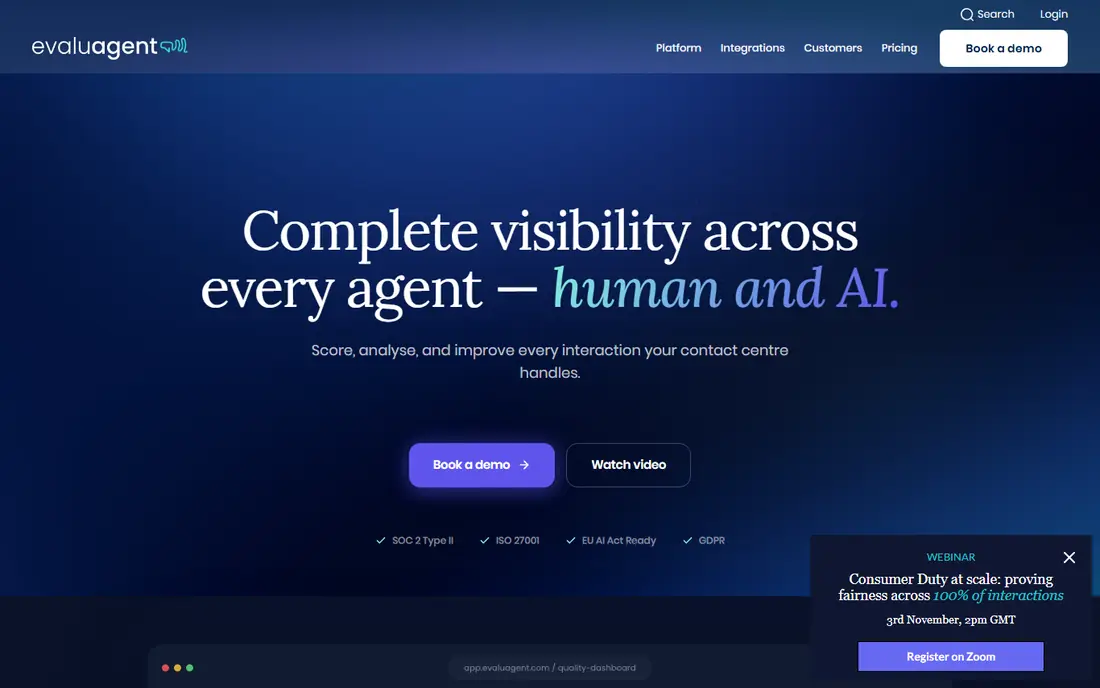
For many buyers, this is the first option worth a close look. It fits QA teams that want predictable pricing and a direct link from scores to coaching. Its main strength is clear per-seat pricing with scorecards, automated QA queues, coaching and calibration in one platform, which is the reason it appears here. Pricing and plan details are taken from the vendor site where published, and we mark quoted pricing as See website so you can confirm the figure for your own situation before you commit.
The honest catch is there is no self-serve trial, and conversation intelligence sits on the higher tier. That trade-off does not make it a poor choice, but it does mean you should check the fit against your own needs, especially around support, limits and renewal terms. If those points line up, it can be a practical and dependable pick.
- Scorecards and AutoQM
- Coaching and 1-to-1s
- Calibration tools
- No self-serve trial
- Conversation intelligence needs the higher tier

This one suits a different kind of buyer, so read it on its own terms. It fits QA teams that grade against detailed, custom quality frameworks. Its main strength is custom scorecards with reporting and feedback workflows for structured QA programmes, which is the reason it appears here. Pricing and plan details are taken from the vendor site where published, and we mark quoted pricing as See website so you can confirm the figure for your own situation before you commit.
The honest catch is pricing is quote-based, so budget planning needs a sales conversation first. That trade-off does not make it a poor choice, but it does mean you should check the fit against your own needs, especially around support, limits and renewal terms. If those points line up, it can be a practical and dependable pick.
- Custom scorecards
- Reporting and analytics
- Feedback workflows
- Pricing is quote-based
- AI features vary by plan
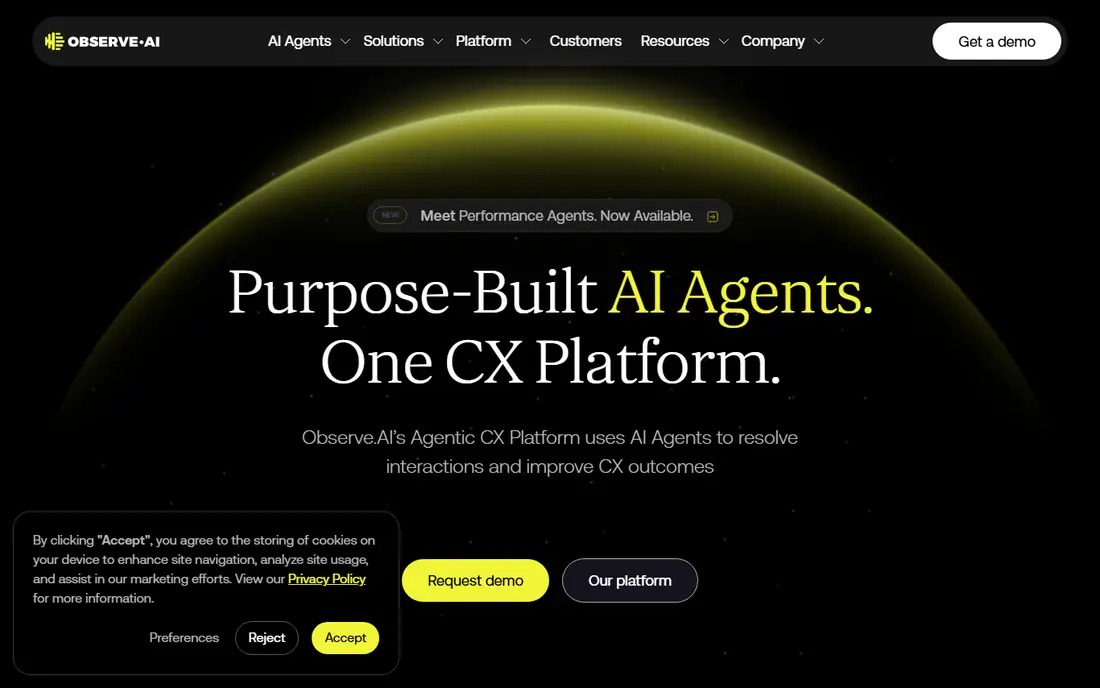
If the first options feel too broad, this narrower choice may fit better. It fits larger centres that want AI coverage on every call, not just a sample. Its main strength is AI scoring across interactions with coaching insights drawn from real conversations, which is the reason it appears here. Pricing and plan details are taken from the vendor site where published, and we mark quoted pricing as See website so you can confirm the figure for your own situation before you commit.
The honest catch is quote-based pricing and implementation time mean smaller centres should confirm total cost early. That trade-off does not make it a poor choice, but it does mean you should check the fit against your own needs, especially around support, limits and renewal terms. If those points line up, it can be a practical and dependable pick.
- AI scoring across interactions
- Coaching insights
- Conversation analytics
- Quote-based pricing
- Implementation takes time
This option earns its place through a clear strength, not through size alone. It fits enterprises that want deep conversation intelligence alongside QA. Its main strength is interaction analytics with sentiment, topic and QA workflows for enterprise contact centres, which is the reason it appears here. Pricing and plan details are taken from the vendor site where published, and we mark quoted pricing as See website so you can confirm the figure for your own situation before you commit.
The honest catch is enterprise pricing and setup mean it suits larger operations better than small teams. That trade-off does not make it a poor choice, but it does mean you should check the fit against your own needs, especially around support, limits and renewal terms. If those points line up, it can be a practical and dependable pick.
- Interaction analytics
- Sentiment and topic analysis
- QA workflows
- Enterprise pricing and setup
- Best value at scale
Consider this one when budget or simplicity matters more than extra features. It fits Talkdesk centres that want QA without adding a separate vendor. Its main strength is quality management inside Talkdesk, so scores, recordings and coaching stay in one platform, which is the reason it appears here. Pricing and plan details are taken from the vendor site where published, and we mark quoted pricing as See website so you can confirm the figure for your own situation before you commit.
The honest catch is add-on pricing is quoted, and the value is highest for teams already on Talkdesk. That trade-off does not make it a poor choice, but it does mean you should check the fit against your own needs, especially around support, limits and renewal terms. If those points line up, it can be a practical and dependable pick.
- QA inside the Talkdesk platform
- Interaction analytics add-on
- Coaching tools
- Add-on pricing is quoted
- Best fit is Talkdesk users
This is a solid middle option, with a few trade-offs worth knowing before you pay. It fits large centres already running NiCE that want QA close to workforce management. Its main strength is AI quality management inside a large contact centre suite with workforce tools, which is the reason it appears here. Pricing and plan details are taken from the vendor site where published, and we mark quoted pricing as See website so you can confirm the figure for your own situation before you commit.
The honest catch is full analytics sit on higher suites, so the entry suite alone may not cover every QA need. That trade-off does not make it a poor choice, but it does mean you should check the fit against your own needs, especially around support, limits and renewal terms. If those points line up, it can be a practical and dependable pick.
- AI quality management
- Interaction analytics on higher suites
- Workforce tools
- Higher suites needed for full analytics
- Enterprise complexity
Buyers who want depth in one area should give this one serious attention. It fits small centres that want AI scoring without an enterprise rollout. Its main strength is AI call scoring with scorecards and live monitoring for smaller contact centres, which is the reason it appears here. Pricing and plan details are taken from the vendor site where published, and we mark quoted pricing as See website so you can confirm the figure for your own situation before you commit.
The honest catch is AI scoring sits on a higher tier with minimum licences, so check the plan that actually includes it. That trade-off does not make it a poor choice, but it does mean you should check the fit against your own needs, especially around support, limits and renewal terms. If those points line up, it can be a practical and dependable pick.
- AI scoring on calls
- Scorecards
- Live monitoring tools
- AI scoring needs a higher tier
- Minimum licences may apply
This final pick rounds out the list for a specific use case that the bigger names cover less well. It fits centres moving from sample-based QA to automated coverage in stages. Its main strength is automated scoring with conversation analytics and coaching workflows, which is the reason it appears here. Pricing and plan details are taken from the vendor site where published, and we mark quoted pricing as See website so you can confirm the figure for your own situation before you commit.
The honest catch is the free tier covers manual QA only, so automated scoring needs a quoted plan. That trade-off does not make it a poor choice, but it does mean you should check the fit against your own needs, especially around support, limits and renewal terms. If those points line up, it can be a practical and dependable pick.
- Automated scoring
- Conversation analytics
- Coaching workflows
- Automated scoring pricing is quoted
- Free tier is manual only
How we picked these
We started with products that are currently offered by their vendors and that clearly fit the topic, then we compared official feature pages, pricing pages and public help documentation. We left out products with no working official homepage, products that only partly fit the topic, and products where pricing or core features could not be checked at all. Where a vendor quotes pricing instead of publishing it, we say so rather than guessing a number.
How to choose top call center quality assurance software
Start by deciding how much coverage you need: a sample, a risk-based subset or every call. AI scoring changes the answer, but it also changes the price, so model both. Next, test scorecards on real calls, including edge cases like angry customers and long silences, and run calibration so two reviewers score the same call the same way. Then check coaching: can a low score trigger a lesson, a 1-to-1 and a follow-up check without manual chasing? Finally, confirm integrations with your phone system and CRM, since QA that lives apart from daily tools gets ignored.
FAQ
What is the top call center quality assurance software for small teams?
evaluagent and JustCall suit small teams because they offer clearer entry pricing and faster setup than enterprise suites. Scorebuddy also works well when a small team needs detailed custom scorecards.
Does call center quality assurance software score every call?
Some tools score every call with AI, while others score a sample or a risk-based subset. Observe.AI, CallMiner and Talkdesk analytics aim for full coverage, while manual tools grade only the calls reviewers select.
How does AI call scoring work?
AI tools transcribe calls, then grade them against scorecards for greeting, empathy, compliance and resolution. Human reviewers should still calibrate and spot-check scores, especially for compliance and sensitive cases.
What is calibration in QA?
Calibration is when reviewers score the same calls together and agree on standards, so agents are judged fairly. Without it, scores reflect reviewer habits more than agent quality, and coaching loses trust.
Do agents see their own QA scores?
In most tools yes, through dashboards, feedback and coaching plans. Transparent scores with a dispute route work better than hidden grades, since agents improve faster when they understand the standard.