Best Traffic Shaping Software for 2026: Our 5 Vetted Picks
Compare 5 picks for the best traffic shaping software, with prices, free plans and who each fits. Every profile names its biggest catch. Reviewed this month.

- Editor's choiceRiverbed SteelCentral
AI-driven observability for digital experiences
Starts atSee websiteVisit riverbed.comFull review - Great alternativeManageEngine NetFlow Analyzer
Live flow-based bandwidth visibility
Starts atSee websiteVisit manageengine.comFull review - Also considerPaessler PRTG Network Monitor
Adaptable all-in-one infrastructure monitoring
Starts atSee websiteVisit paessler.comFull review
Direct answer
This list puts Riverbed SteelCentral first for AI-driven observability for digital experiences. Listed starting prices: SolarWinds Network Bandwidth Analyzer Pack from $2 per node a month. For a different need, ManageEngine NetFlow Analyzer covers real-time flow-based bandwidth visibility and Paessler PRTG Network Monitor covers flexible all-in-one infrastructure monitoring. Prices, free plans and limits for all 5 tools follow.
TL;DR:
- Riverbed SteelCentral is the opening pick, best for AI-driven observability for digital experiences.
- Riverbed SteelCentral, Cisco ThousandEyes and the 3 others all need a premium plan or a trial, since no free plan is listed.
- SolarWinds Network Bandwidth Analyzer Pack is the lowest-priced starter here at $2 per node per month.
- A fair warning about Riverbed SteelCentral: traffic shaping is not the core message.
- Cisco ThousandEyes is the one to check for digital experience assurance across networks.
Last checked November 2026. Prices and plan details were read from the vendors' own pages in November 2026; vendors change plans often, so confirm the current price on the vendor site before you buy.
Quick comparison
| Tool | Best for | Starts at | Free plan? | |
|---|---|---|---|---|
| Riverbed SteelCentral | AI-driven observability for digital experiences | See website | Not stated | Visit |
| ManageEngine NetFlow Analyzer | Live flow-based bandwidth visibility | See website | Not stated | Visit |
| Paessler PRTG Network Monitor | Adaptable all-in-one infrastructure monitoring | See website | Not stated | Visit |
| SolarWinds Network Bandwidth Analyzer Pack | Combined bandwidth analysis and shaping | $2 per node a month | Free trial | Visit |
| Cisco ThousandEyes | Digital experience assurance across networks | See website | Free trial | Visit |
The best traffic shaping software
LinkVetted compared 5 tools for traffic shaping software. The goal is a practical shortlist: published prices, free plan facts, best-fit use cases and honest limits for every entry.
Riverbed SteelCentral
Best for: AI-driven observability for digital experiences
Where Riverbed SteelCentral fits: AI-driven observability for digital experiences. As an observability product, its shaping capabilities may rely on broader integration.
It fits teams looking for observability-led insights instead of a standalone shaping appliance. This comparison lists no price for Riverbed SteelCentral; ask the vendor. As for free access: Not stated.
Where it falls short: May need integration planning.
- Helps resolve IT issues
- AI-driven observability product
- Traffic shaping is not the core message
ManageEngine NetFlow Analyzer
Best for: Live flow-based bandwidth visibility
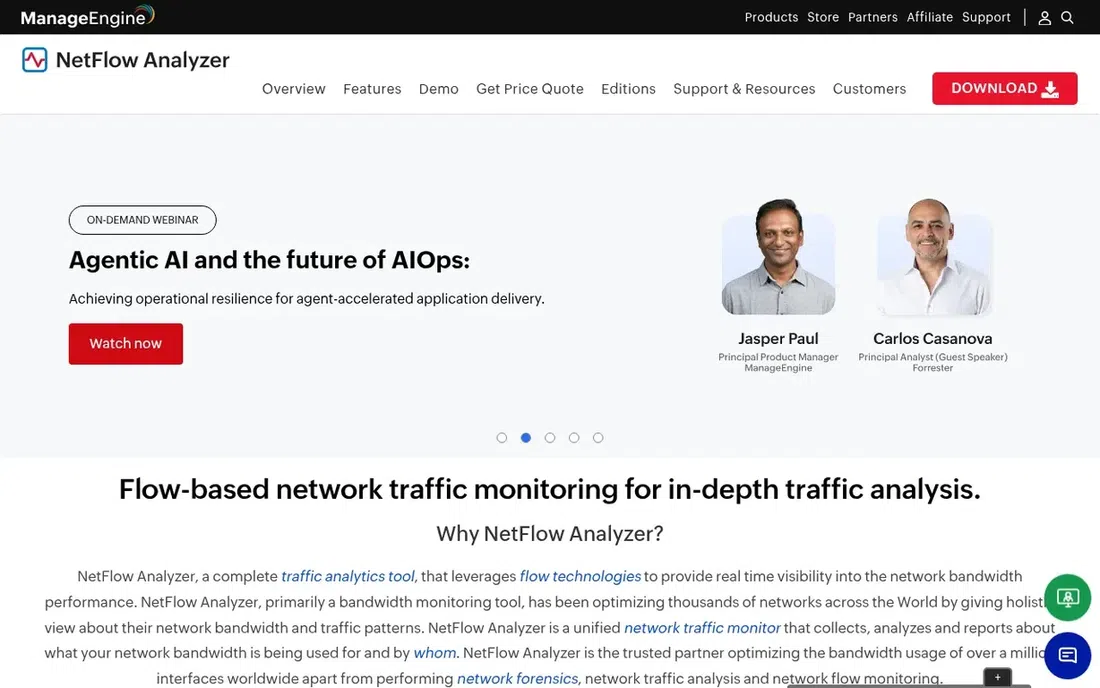
ManageEngine NetFlow Analyzer targets live flow-based bandwidth visibility. It suits network teams that want to understand which applications and users consume bandwidth and how flows behave over time.
Honest limits: Concentrated on flow analysis instead of full shaping.
Its core strength is flow analysis, so organizations seeking built-in shaping enforcement may need extra controls. Pricing for ManageEngine NetFlow Analyzer is not stated here, so ask the vendor for current figures. Free access: Not stated.
- Visibility into bandwidth performance
- Supports flow-based monitoring
- May need complementary tools for policy enforcement
Paessler PRTG Network Monitor
Best for: Adaptable all-in-one infrastructure monitoring
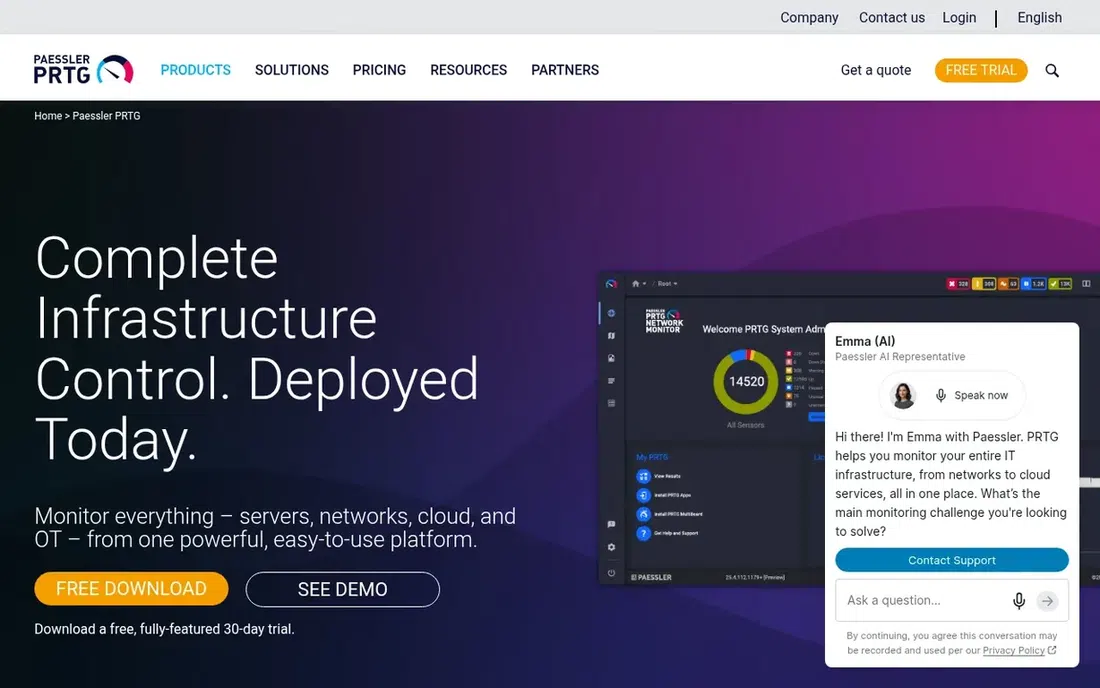
Paessler PRTG Network Monitor is a good fit for adaptable all-in-one infrastructure monitoring. It is often used to track bandwidth, device health, and traffic patterns across mixed environments. PRTG is primarily a monitoring system, so dedicated shaping enforcement may need other tools.
It is best selected when infrastructure-wide visibility matters more than deep shaping policy management. As for the details, teams that want a wide monitoring foundation alongside traffic insights may find it a practical fit. Pricing for Paessler PRTG Network Monitor is not stated here, so ask the vendor for current figures. As for free access: Not stated.
Honest limits: Configuration can become complex at scale.
- Adaptable sensor-based approach
- All-in-one network monitoring
- Traffic shaping is not the primary focus
SolarWinds Network Bandwidth Analyzer Pack
Best for: Combined bandwidth analysis and shaping
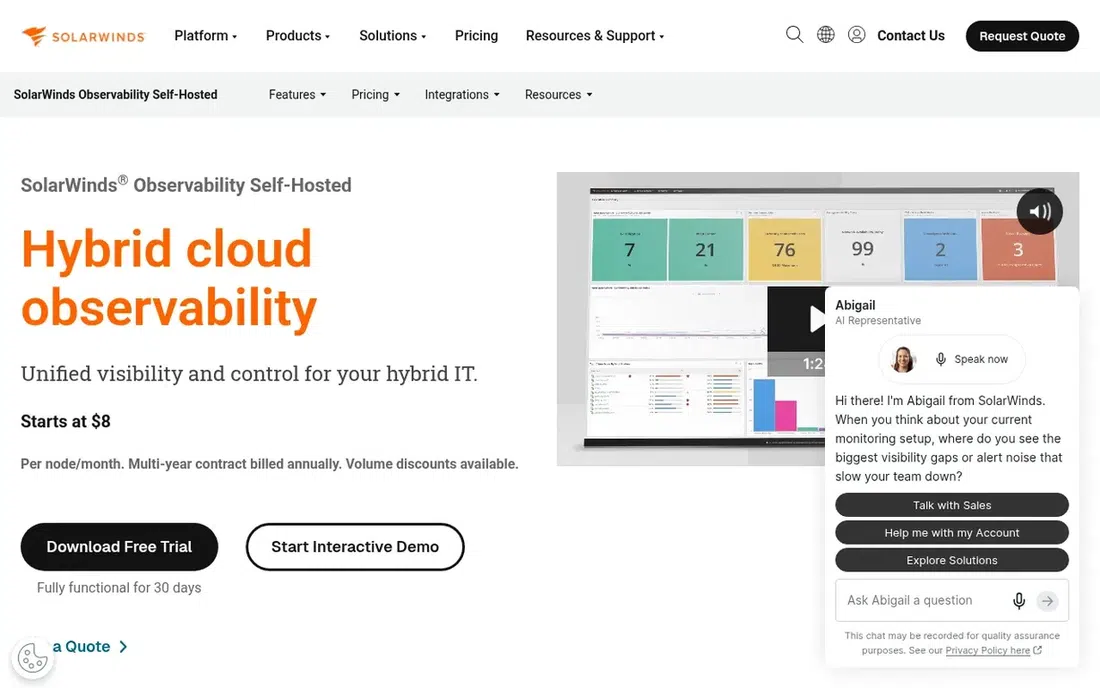
Think of SolarWinds Network Bandwidth Analyzer Pack for combined bandwidth analysis and shaping. It is best chosen when integrated observability and shaping are both required.
Trade-offs to know: Feature depth may need planning.
On cost, SolarWinds Network Bandwidth Analyzer Pack starts like this: $2 per node per month. Free plan details: Free trial.
- Helps optimize performance and availability
- Integrates network performance monitoring
- Needs self-hosted deployment
Cisco ThousandEyes
Best for: Digital experience assurance across networks
Cisco ThousandEyes works best for digital experience assurance across networks. Cisco ThousandEyes enables organizations to assure every digital experience across every network, everywhere, every time.
Where it falls short: May overlap with existing monitoring stacks.
It centres on end-to-end visibility into network paths and application performance, which helps teams diagnose where traffic issues originate. Teams looking for direct bandwidth enforcement may have to pair it with a shaping-capable product. Check the vendor site for Cisco ThousandEyes pricing; none is listed in this comparison. As for free access: Free trial.
- Visibility across networks
- Assurance for digital experiences
- Not a dedicated traffic shaping tool
What went into this list
Each tool was reviewed on what its vendor publishes: price, plan limits, core features and stated drawbacks. We did not run hands-on tests. Prices and plan limits come from vendor pages and can change, so confirm them on the vendor site before you buy. The order reflects how well each tool fits the most common buying scenario for traffic shaping software, then price clarity, then free plan access. It is a starting point, not a verdict.
Things to verify first
- Get a written quote from Riverbed SteelCentral, ManageEngine NetFlow Analyzer, Paessler PRTG Network Monitor and Cisco ThousandEyes; the list shows no starting price for them.
- Run a trial of SolarWinds Network Bandwidth Analyzer Pack and Cisco ThousandEyes with real work before paying for a year; your own workflow is the best test.
- Read the limits listed for Riverbed SteelCentral first: traffic shaping is not the core message.
- Check whether Riverbed SteelCentral bills monthly or annually, and what cancelling early costs.
- Confirm the exact ManageEngine NetFlow Analyzer plan that includes your must-have features.
FAQ
What is the cheapest option for traffic shaping software in this list?
On published monthly entry prices, SolarWinds Network Bandwidth Analyzer Pack is the lowest here at $2 per node per month. Entry price is only part of the cost, because seats, add-ons and billing terms can change the total.
Does any tool for traffic shaping software here have a free plan?
No tool in this list, Riverbed SteelCentral and Cisco ThousandEyes included, has a permanent free plan. SolarWinds Network Bandwidth Analyzer Pack, Cisco ThousandEyes offer a trial. Trials and quotes are the usual route, so plan a short evaluation period.
Is Riverbed SteelCentral the right pick for everyone comparing traffic shaping software?
No single tool suits every team. Riverbed SteelCentral comes first because it fits AI-driven observability for digital experiences, while ManageEngine NetFlow Analyzer suits real-time flow-based bandwidth visibility and Paessler PRTG Network Monitor suits flexible all-in-one infrastructure monitoring. Match the tool to your own size, budget and workflow before deciding.
What is traffic shaping software used for?
Traffic shaping software helps control how bandwidth is allocated across applications and users. Numerous tools also supply visibility that informs shaping policies.
Can I try these options before paying?
Often, yes. SolarWinds Network Bandwidth Analyzer Pack and Cisco ThousandEyes offer a free trial. Use your own data and a real task during the test, and check what the free tier or trial limits before you rely on it.
Sources
- https://www.riverbed.com
- https://www.manageengine.com/products/netflow
- https://www.paessler.com/prtg
- https://www.solarwinds.com/network-bandwidth-analyzer-pack
- https://www.thousandeyes.com