Best Network Traffic Monitoring Tools (2026): 5 Picks Checked on Vendor Pages
5 products for the best network traffic monitoring tools, ranked by fit, with starting costs and free tiers. Caveats come with every verdict. Decide faster.
- Editor's choiceDatadog Network Monitoring
Cloud, on-premise and hybrid visibility
Starts atSee websiteVisit datadoghq.comFull review - Great alternativePRTG Network Monitor
All-in-one infrastructure monitoring
Starts atSee websiteVisit paessler.comFull review - Also consider
 SolarWinds Network Performance Monitor
Hybrid IT health and performance visibility
Starts atSee websiteVisit solarwinds.comFull review
Direct answer
Datadog Network Monitoring is the first pick on this list for cloud, on-premise and hybrid visibility. Listed starting prices: Dynatrace from $7 per host a month. PRTG Network Monitor fits all-in-one infrastructure monitoring; SolarWinds Network Performance Monitor fits hybrid IT health and performance visibility. All 5 tools are compared below on price, free plan and limits.
TL;DR:
- Datadog Network Monitoring sits first on this list: cloud, on-premise and hybrid visibility.
- Dynatrace is the lowest-priced starter here at $7 per host per month.
- Datadog Network Monitoring, Cisco ThousandEyes and the 3 others all need a premium plan or a trial, since no free plan is listed.
- Check the limits for SolarWinds Network Performance Monitor before you commit: wide feature set can feel heavy.
- For assuring digital experiences across networks, Cisco ThousandEyes is worth a look.
Last checked November 2026. Prices and plan details were read from the vendors' own pages in November 2026; vendors change plans often, so confirm the current price on the vendor site before you buy.
Quick comparison
| Tool | Best for | Starts at | Free plan? | |
|---|---|---|---|---|
| Datadog Network Monitoring | Cloud, on-premise and hybrid visibility | See website | Not stated | Visit |
| PRTG Network Monitor | All-in-one infrastructure monitoring | See website | Not stated | Visit |
| SolarWinds Network Performance Monitor | Hybrid IT health and performance visibility | See website | Not stated | Visit |
 Dynatrace | Observability with AI and automation | $7 per host a month | Free trial | Visit |
| Cisco ThousandEyes | Assuring digital experiences across networks | See website | Free trial | Visit |
Network Traffic Monitoring Tools profiles
If you are comparing network traffic monitoring tools, this page covers 5 tools in one place: what each is best for, what it costs to start, whether it has a free plan, and the main limit to know about.
Datadog Network Monitoring
Best for: Cloud, on-premise and hybrid visibility
Datadog Network Monitoring makes the most sense for cloud, on-premise and hybrid visibility. It suits teams that want network visibility connected to a wider observability practice instead of a standalone device monitor.
Datadog Network Monitoring does not show a starting price in this comparison, so check the vendor site for current pricing. Free options: Not stated.
Main advantages: Suits teams already using observability products. Drawbacks to consider: Needs planning for full coverage.
- Handles cloud
- Full visibility across environment layers
- Overlaps with broader product features
PRTG Network Monitor
Best for: All-in-one infrastructure monitoring
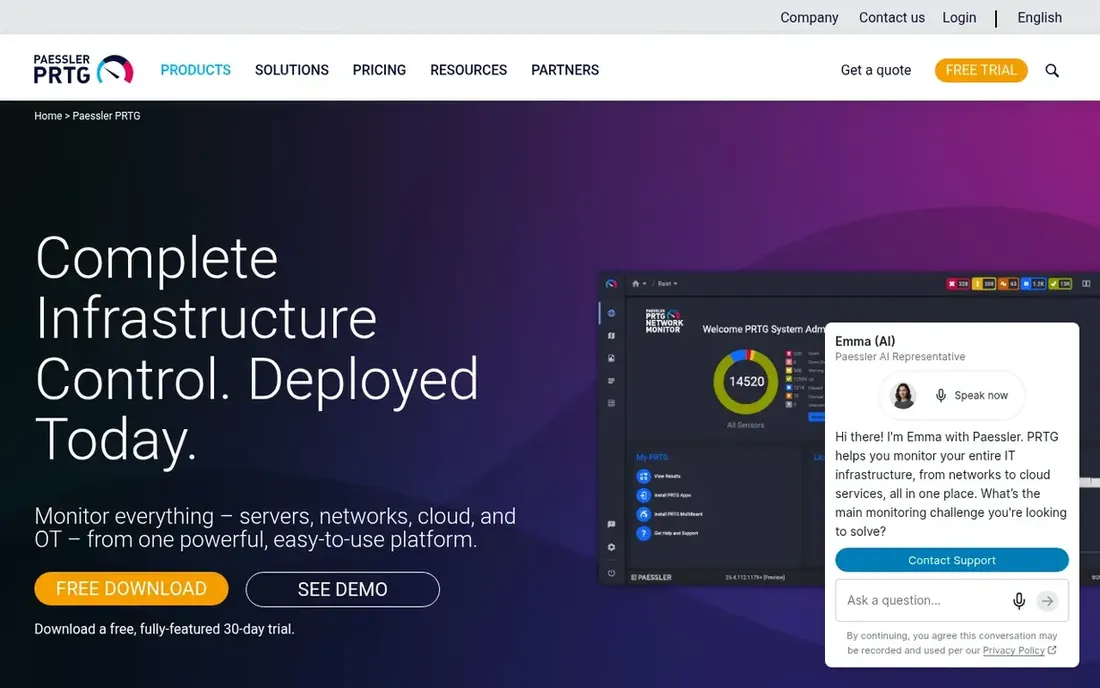
PRTG Network Monitor is designed for all-in-one infrastructure monitoring. PRTG Network Monitor from Paessler is presented as professional and adaptable network monitoring software.
It suits administrators who prefer a unified view over stitching together multiple specialized tools. Pricing for PRTG Network Monitor is not stated here, so ask the vendor for current figures. Trial and free access: Not stated.
Watch-outs: Not solely a traffic analysis tool.
- Positioned as professional and adaptable
- Wide analysis and monitoring scope
- All-in-one scope can need tuning
SolarWinds Network Performance Monitor
Best for: Hybrid IT health and performance visibility
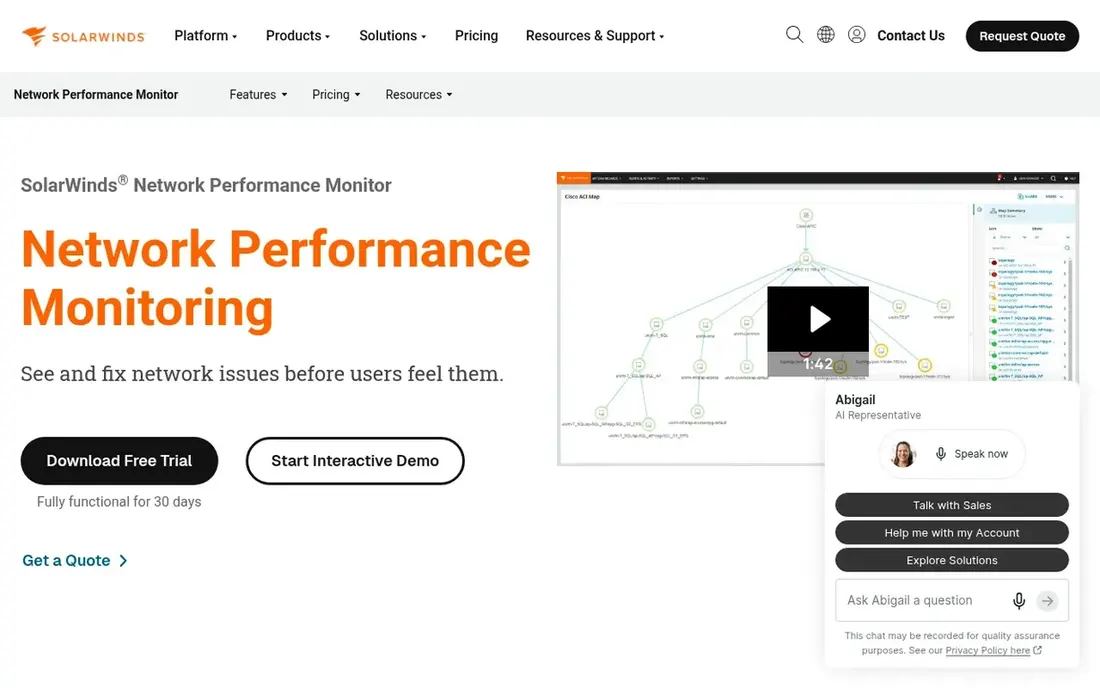
In short, SolarWinds Network Performance Monitor is for hybrid IT health and performance visibility. SolarWinds Network Performance Monitor is described as observability software for self-hosted environments.
Its homepage states that it helps teams troubleshoot network health and performance issues whereas gaining complete visibility and control of a hybrid IT environment. For everyday use, since the emphasis is on network performance and hybrid visibility, teams wanting a single pane for servers, apps and devices may have to look wider. Pricing for SolarWinds Network Performance Monitor is not stated here, so ask the vendor for current figures. On free options: Not stated.
Drawbacks to consider: Focused chiefly on network performance.
- Aimed at hybrid IT environments
- Deep network health and performance insight
- Wide feature set can feel heavy
Dynatrace targets observability with AI and automation. Its scope extends well beyond network traffic, so teams wanting a narrow, device-focused monitor may find it excessive.
Also, choose a dedicated network monitor if simplicity is the primary requirement. Entry price for Dynatrace: $7 per host per month. Free plan details: Free trial.
Trade-offs to know: Can be more than small teams need.
- Observability built around AI and automation
- Merges application security in one system
- Wide product beyond traffic monitoring
Cisco ThousandEyes
Best for: Assuring digital experiences across networks
Pick Cisco ThousandEyes if this describes you: assuring digital experiences across networks. Cisco ThousandEyes is presented as assurance for every digital experience across every network, everywhere, every time.
Points against: Experience focus over deep device polling.
Pricing for Cisco ThousandEyes is not stated here, so ask the vendor for current figures. As for free access: Free trial.
- Includes networks beyond your own
- Assurance across every network
- May overlap with existing Cisco tooling
Our selection method
We compared the tools on published pricing, free plan or trial availability, feature coverage for network traffic monitoring tools, and the limits each vendor documents. Seat minimums, billing terms and add-ons can move the real cost, so the starting prices here are a guide and not a quote. The ranking is editorial: typical fit first, then clear pricing, then free access. If your needs are unusual, read the profiles rather than relying on position.
What to check before you buy
- Get a written quote from Datadog Network Monitoring, PRTG Network Monitor, SolarWinds Network Performance Monitor and Cisco ThousandEyes; the list shows no starting price for them.
- Run a trial of Dynatrace and Cisco ThousandEyes with real work before paying for a year; your own workflow is the best test.
- Read the limits listed for Datadog Network Monitoring first: overlaps with broader system features.
- Confirm the exact Datadog Network Monitoring plan that includes your must-have features.
- Run a one or two week pilot of PRTG Network Monitor with the people who will use it every day.
FAQ
Do these tools publish their prices?
Not all of them. Datadog Network Monitoring, PRTG Network Monitor, SolarWinds Network Performance Monitor and Cisco ThousandEyes publish no starting price, so expect a quote request for those. The rest, Dynatrace included, show a starting price, though seats and billing terms still change the final cost.
How are the tools for network traffic monitoring tools ordered?
The order follows typical fit for network traffic monitoring tools, with Datadog Network Monitoring first and Cisco ThousandEyes last, then price clarity and free access. It is editorial judgement, not a score, so another team could rank the tools differently.
What is the difference between network traffic monitoring and infrastructure monitoring?
Traffic monitoring centres on how data moves across links, flows and external paths, while infrastructure monitoring tracks the health of devices, servers and services.
Is Datadog Network Monitoring the right pick for everyone comparing network traffic monitoring tools?
No single tool suits every team. Datadog Network Monitoring comes first because it fits cloud, on-premise and hybrid visibility, while PRTG Network Monitor suits all-in-one infrastructure monitoring and SolarWinds Network Performance Monitor suits hybrid IT health and performance visibility. Match the tool to your own size, budget and workflow before deciding.
Can I try these options before paying?
Often, yes. Dynatrace and Cisco ThousandEyes offer a free trial. Use your own data and a real task during the test, and check what the free tier or trial limits before you rely on it.
Sources
- https://www.datadoghq.com/product/network-monitoring
- https://www.paessler.com/prtg
- https://www.solarwinds.com/network-performance-monitor
- https://www.dynatrace.com
- https://www.thousandeyes.com