Best Network Testing Tools in 2026: 6 Tools Compared
Best network testing tools: 6 contenders ranked by fit, with entry costs and free tiers. Clear notes on pricing gaps and limits. A comparison table is included.
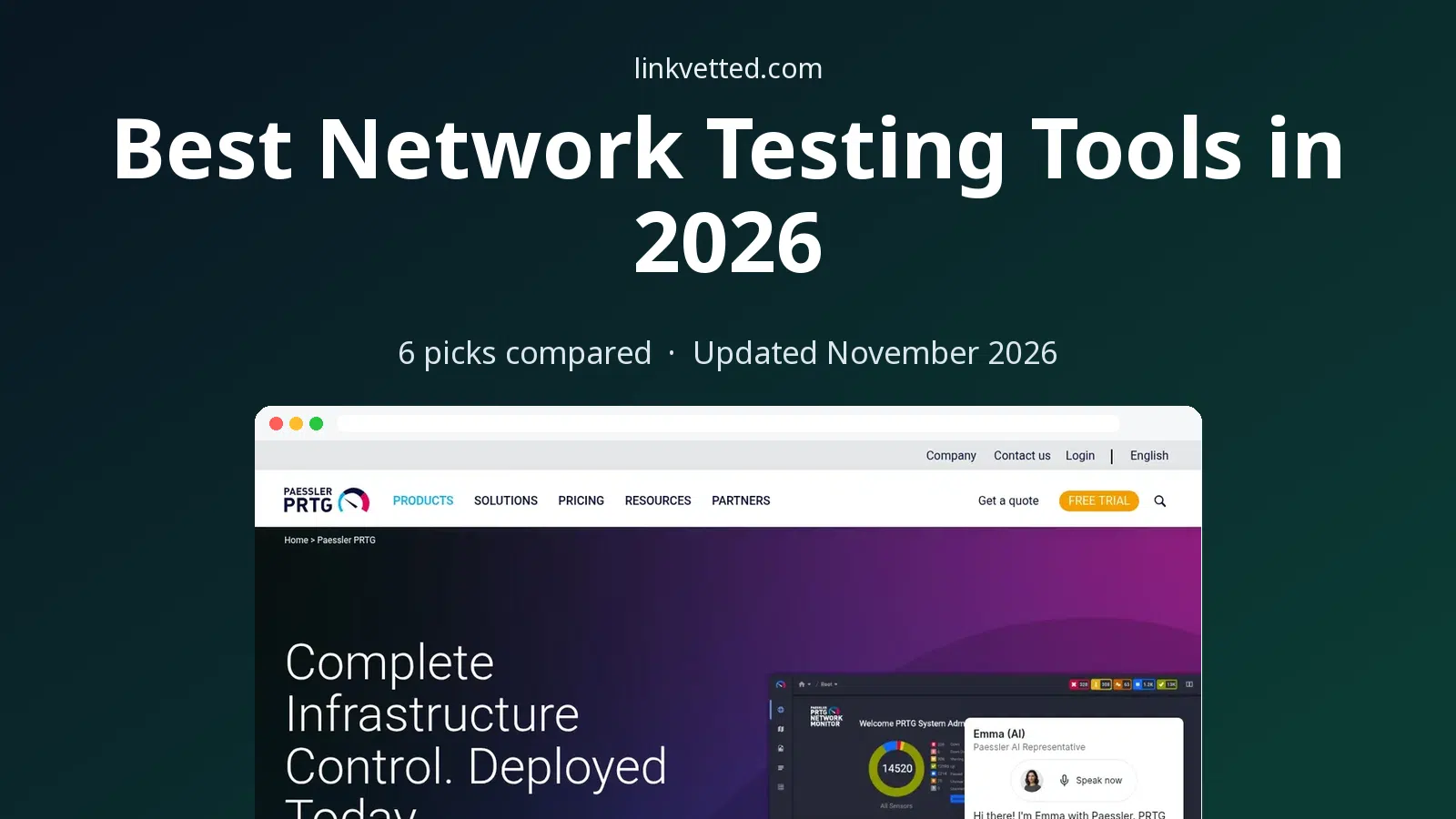
- Editor's choiceEkahau Sidekick
Professional Wi-Fi design and spectrum analysis
Starts atPricing on requestVisit ekahau.comFull review - Great alternativeWireshark (Riverbed)
Deep packet analysis
Starts atPricing on requestVisit wireshark.orgFull review - Also considerPRTG Network Monitor
All-in-one infrastructure monitoring
Starts atPricing on requestVisit paessler.comFull review
Direct answer
Our first pick is Ekahau Sidekick, best for professional Wi-Fi design and spectrum analysis. Alternatives: Wireshark (Riverbed) for deep packet analysis, and PRTG Network Monitor for all-in-one infrastructure monitoring. The remaining 3 options are covered below with pricing notes and limits. None of these vendors publish plan prices, so pricing is on request for every option.
TL;DR:
- The list opens with Ekahau Sidekick, aimed at professional Wi-Fi design and spectrum analysis.
- Cisco ThousandEyes is the one to check for end-to-end digital experience assurance.
- Pricing across the list, from Ekahau Sidekick to Cisco ThousandEyes, is by quote only.
- The main caution on Ekahau Sidekick: hardware-based, may need investment.
- A permanent free plan is missing from all 6 tools, Ekahau Sidekick and Cisco ThousandEyes included; plan for a trial or a premium start.
Last checked November 2026. Pricing on request: vendors did not publish plan prices when this guide was last checked (November 2026), so ask each vendor for a written quote.
Quick comparison
| Tool | Best for | Starts at | Free plan? | |
|---|---|---|---|---|
| Ekahau Sidekick | Professional Wi-Fi design and spectrum analysis | Pricing on request | Not stated | Visit |
| Wireshark (Riverbed) | Deep packet analysis | Pricing on request | Not stated | Visit |
| PRTG Network Monitor | All-in-one infrastructure monitoring | Pricing on request | Not stated | Visit |
 NetSpot | Wi-Fi site surveys and heat maps | Pricing on request | Not stated | Visit |
 SolarWinds Network Performance Monitor | Hybrid IT network visibility | Pricing on request | Not stated | Visit |
| Cisco ThousandEyes | End-to-end digital experience assurance | Pricing on request | Free trial | Visit |
Every option for network testing tools explained
This LinkVetted guide covers 6 network testing tools. Each profile lists a starting price, free plan details, strengths and drawbacks, so you can drop poor fits quickly.
Ekahau Sidekick
Best for: Professional Wi-Fi design and spectrum analysis
Ekahau Sidekick targets professional Wi-Fi design and spectrum analysis. Ekahau Sidekick is part of Ekahau's Wi-Fi tools for optimizing, designing, and troubleshooting wireless networks. The tool is targeted at wireless professionals and may be more than general IT teams need.
Points against: Hardware-based, may need investment.
In daily use, for more straightforward Wi-Fi surveys, NetSpot is a choice. Also, choose Ekahau Sidekick when deep spectrum analysis and professional Wi-Fi design are required. Check the vendor site for Ekahau Sidekick pricing; none is listed in this comparison. Free plan details: Not stated.
- Supports Wi-Fi design and troubleshooting
- Best-in-class spectrum analysis
- Pitched at wireless specialists
Wireshark (Riverbed)
Best for: Deep packet analysis
Wireshark (Riverbed) is designed for deep packet analysis. Wireshark is a widely known open-source packet analyzer used for deep inspection of network traffic. It lets users capture and examine packets to troubleshoot protocols and understand network behavior.
Limits to weigh: Not a monitoring dashboard.
From a buyer's view, choose Wireshark when packet-level detail is essential for troubleshooting. In practice, Wireshark is not a full monitoring system and needs expertise to use effectively. This comparison lists no price for Wireshark (Riverbed); ask the vendor. On free options: Not stated.
- Widely used open-source analyzer
- Makes it possible for deep protocol inspection
- Needs expertise to interpret
PRTG Network Monitor
Best for: All-in-one infrastructure monitoring
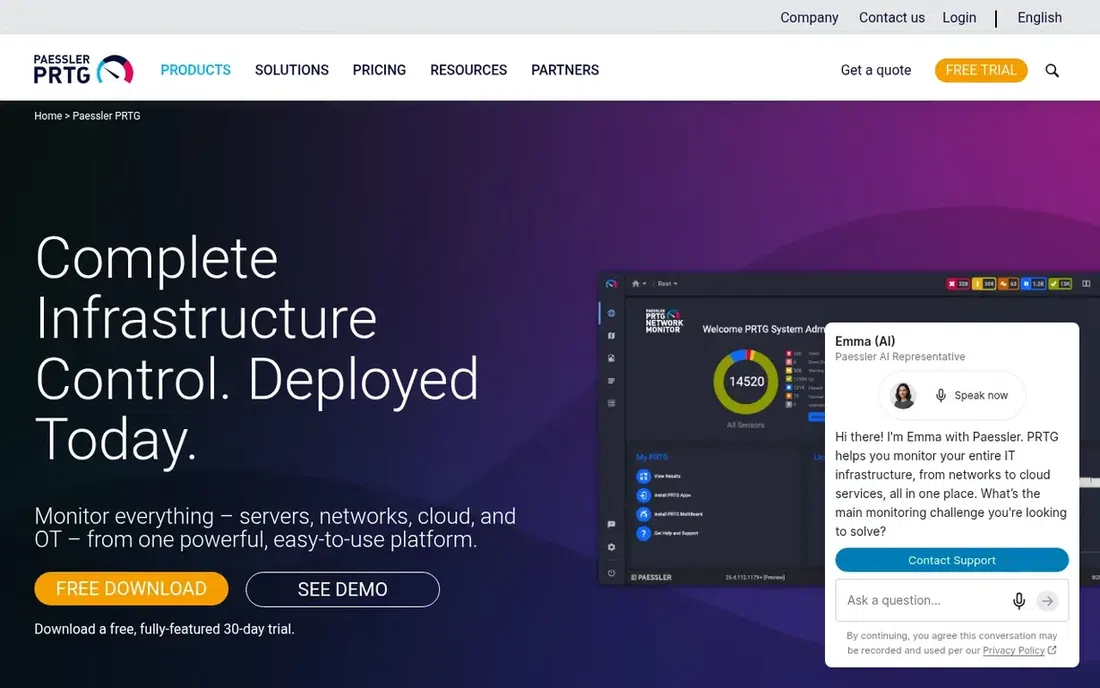
In short, PRTG Network Monitor is for all-in-one infrastructure monitoring. Choose PRTG when wide infrastructure monitoring is the primary goal.
The adaptability means setup and sensor configuration can take time, and very large environments may need careful tuning. PRTG Network Monitor shows no starting price here, so confirm the cost on the vendor site. Trial and free access: Not stated.
What to check first: Can be overwhelming for beginners.
- Examines whole IT infrastructure
- Professional and adaptable monitoring
- Needs tuning for large environments
Pick NetSpot if this describes you: Wi-Fi site surveys and heat maps. NetSpot is Wi-Fi site survey software for planning wireless networks, creating heat maps, and analyzing Wi-Fi on Mac OS, Windows, and Android.
Trade-offs to know: Advanced features may need learning.
Also, the tool is handy for both site surveys and continuing wireless analysis. NetSpot is centered on wireless networks, so it is not a full replacement for wired infrastructure monitoring. This comparison lists no price for NetSpot; ask the vendor. Trial and free access: Not stated.
- Builds Wi-Fi heat maps
- Runs wireless site surveys
- Focuses on Wi-Fi, not wired networks
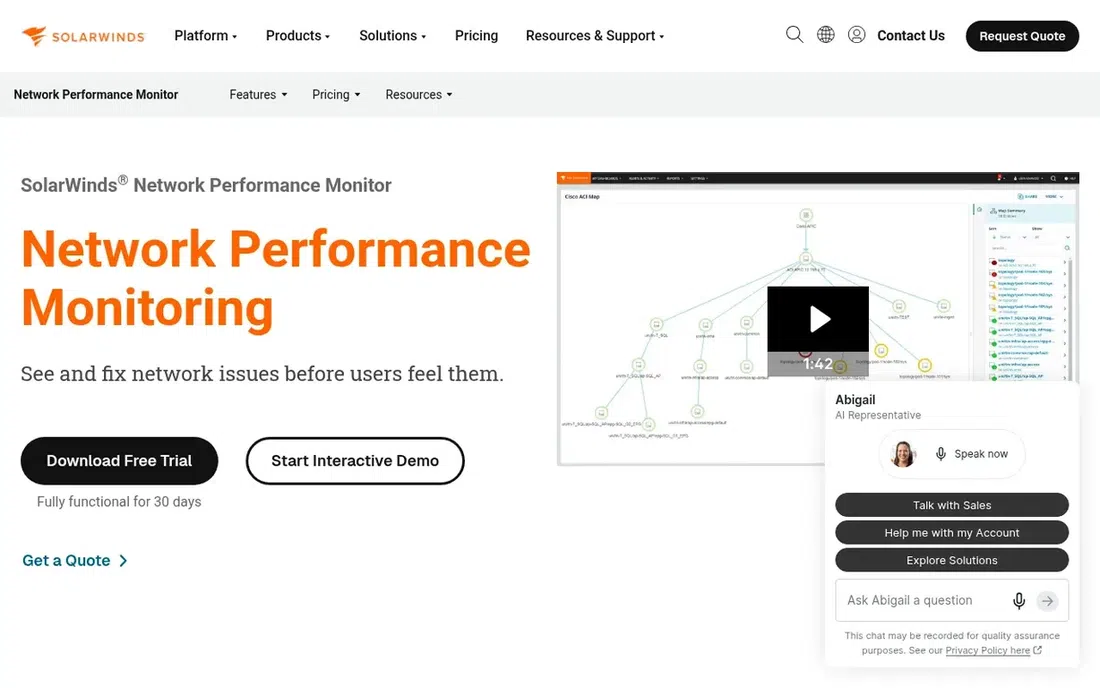
SolarWinds Network Performance Monitor was built for hybrid IT network visibility. Teams wanting a more straightforward cloud-based assurance tool may prefer Cisco ThousandEyes.
Points against: May need training for full use.
As a self-hosted product, it needs server resources and continuing maintenance. SolarWinds Network Performance Monitor does not show a starting price in this comparison, so check the vendor site for current pricing. Free plan details: Not stated.
- Gives you visibility into hybrid IT
- Troubleshoots network health and performance
- Self-hosted deployment needs resources
Cisco ThousandEyes
Best for: End-to-end digital experience assurance

Cisco ThousandEyes targets end-to-end digital experience assurance. Choose ThousandEyes when digital experience assurance across many networks is the priority.
As for the details, the product is made for enterprises that rely on consistent digital experience delivery and want to troubleshoot issues across distributed environments. The system's wide scope may be more than small teams need, and it can need planning to deploy effectively. Pricing for Cisco ThousandEyes is not stated here, so ask the vendor for current figures. Free options: Free trial.
The main drawbacks: May be complicated for small setups.
- Spans every network, everywhere
- Assures digital experiences across networks
- Needs configuration effort
How we chose
What to confirm before you sign up
- Ask each vendor, from Ekahau Sidekick to Cisco ThousandEyes, for a written quote; none of them publishes a starting price.
- Take the trial from Cisco ThousandEyes and push a live task through it before you pay.
- Read the limits listed for Ekahau Sidekick first: hardware-based, may need investment.
- Ask the daily users to test Cisco ThousandEyes on a live task before you roll it out to everyone.
- Work out what Ekahau Sidekick costs with your real seat count, add-ons and usage, not just the entry price.
FAQ
Is Ekahau Sidekick the right pick for everyone comparing network testing tools?
No single tool suits every team. Ekahau Sidekick comes first because it fits professional Wi-Fi design and spectrum analysis, while Wireshark (Riverbed) suits deep packet analysis and PRTG Network Monitor suits all-in-one infrastructure monitoring. Match the tool to your own size, budget and workflow before deciding.
How are the tools for network testing tools ordered?
Ekahau Sidekick sits first and Cisco ThousandEyes last because the order follows typical fit for network testing tools, then price clarity and free access. It is a judgement call, so read each profile for fit and limits.
How do I choose between cloud-based and self-hosted network testing tools?
Cloud-based tools like Cisco ThousandEyes offer ease of deployment and global visibility, whereas self-hosted tools like SolarWinds NPM provide you control over data and infrastructure. Consider your security requirements, existing infrastructure, and team resources. Both approaches can be effective based on your needs.
Does any tool for network testing tools here have a free plan?
A permanent free plan is not offered by Ekahau Sidekick, Cisco ThousandEyes or the other tools here. Cisco ThousandEyes offer a trial. Plan a short evaluation period instead.
Can I try these options before paying?
Often, yes. Cisco ThousandEyes offers a free trial. Use your own data and a real task during the test, and check what the free tier or trial limits before you rely on it.
Sources
- https://www.ekahau.com
- https://www.wireshark.org
- https://www.paessler.com/prtg
- https://www.netspotapp.com
- https://www.solarwinds.com/network-performance-monitor
- https://www.thousandeyes.com