Best TPRM Software for Enterprises for 2026: Our 5 Vetted Picks
Best TPRM software for enterprises in 2026: 5 tools with starting prices, free plans and limits. Each listing flags where it falls short. Checked this month.
- Editor's choiceSecurityScorecard
Continuous external security monitoring
Starts atPricing on requestVisit securityscorecard.comFull review - Great alternative
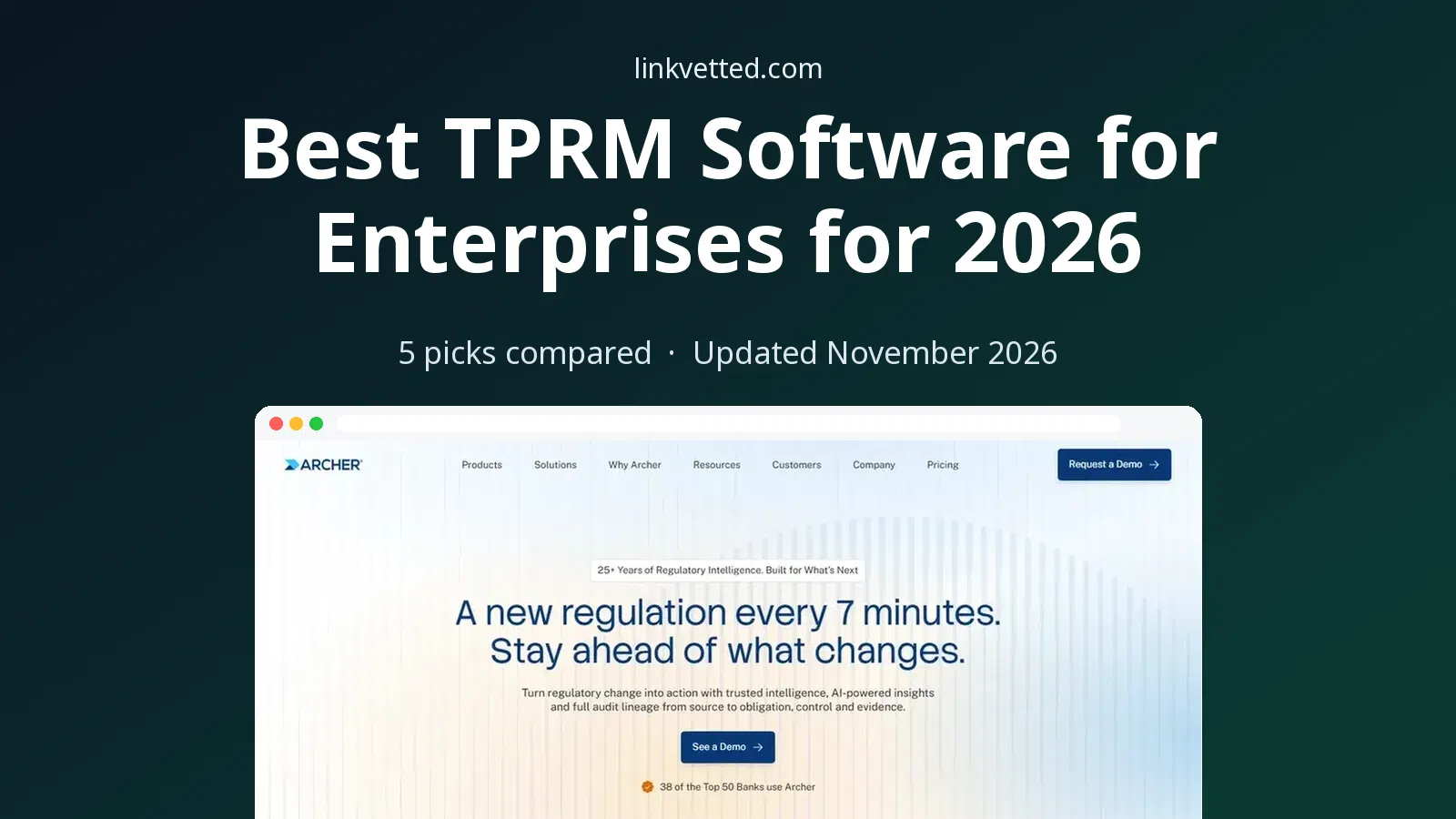
 Archer
GRC-led regulatory and audit programs
Starts atPricing on requestVisit archerirm.comFull review - Also considerServiceNow Vendor Risk Management
Enterprises already on ServiceNow
Starts atPricing on requestVisit servicenow.comFull review
Direct answer
SecurityScorecard is the first pick on this list for continuous external security monitoring. For a different need, Archer covers GRC-led regulatory and audit programs and ServiceNow Vendor Risk Management covers enterprises already on ServiceNow. The remaining 2 options are covered below with pricing notes and limits. None of these vendors publish plan prices, so pricing is on request for every option.
TL;DR:
- SecurityScorecard is the opening pick, best for continuous external security monitoring.
- SecurityScorecard comes with a trade-off: external signals only, not internal assessments.
- A permanent free plan is missing from all 5 tools, SecurityScorecard and OneTrust included; plan for a trial or a premium start.
- Pricing across the list, from SecurityScorecard to OneTrust, is by quote only.
Last checked November 2026. Pricing on request: vendors did not publish plan prices when this guide was last checked (November 2026), so ask each vendor for a written quote.
Quick comparison
| Tool | Best for | Starts at | Free plan? | |
|---|---|---|---|---|
| SecurityScorecard | Continuous external security monitoring | Pricing on request | Free trial | Visit |
| Archer | GRC-led regulatory and audit programs | Pricing on request | Not stated | Visit |
| ServiceNow Vendor Risk Management | Enterprises already on ServiceNow | Pricing on request | Not stated | Visit |
| Prevalent | AI-assisted TPRM workflow automation | Pricing on request | Not stated | Visit |
 OneTrust | Privacy and AI governance plus vendor risk | Pricing on request | Not stated | Visit |
TPRM Software for Enterprises profiles
Choosing TPRM software for enterprises usually comes down to price, fit and limits. This LinkVetted guide sets 5 tools side by side on those three points, with the facts kept short and checkable.
SecurityScorecard
Best for: Continuous external security monitoring
SecurityScorecard was built for continuous external security monitoring. It fits security and risk teams that want monitoring data feeding into a broader TPRM program.
Points against: Best paired with a workflow system.
SecurityScorecard does not show a starting price in this comparison, so check the vendor site for current pricing. Free access: Free trial.
- Widely adopted product
- Continuous vendor monitoring
- External signals only, not internal assessments
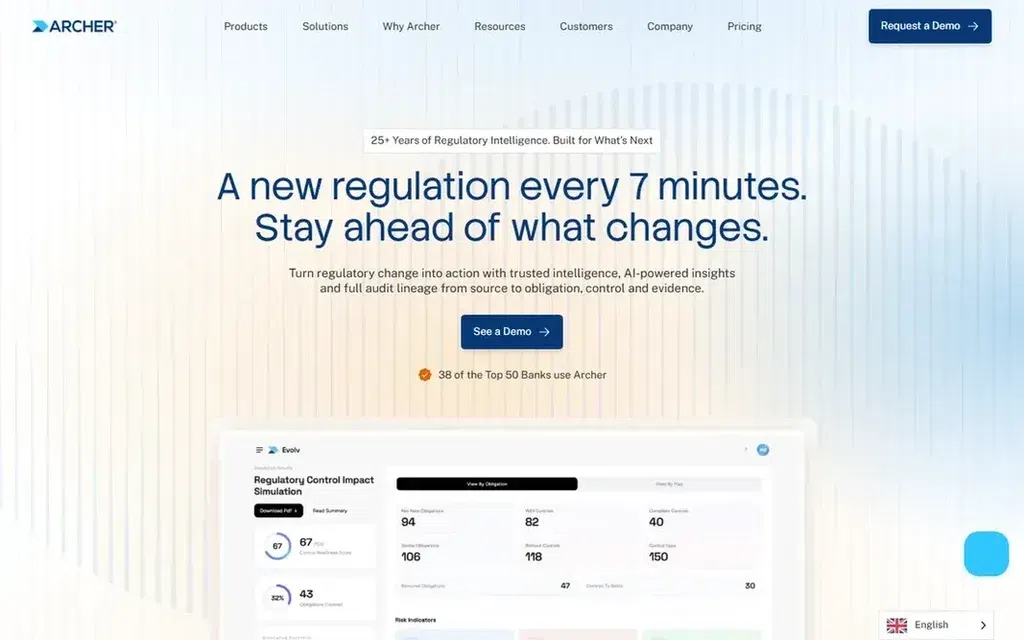
Where Archer fits: GRC-led regulatory and audit programs. Archer is an enterprise governance, risk, and compliance product whose Evolv offering emphasizes regulatory change management with compliance-trained AI and full audit lineage. Beyond that, choose a dedicated TPRM system when speed and vendor-centric workflows matter more than integrated GRC depth.
As for the details, teams seeking a light vendor questionnaire and monitoring tool may find the GRC framing heavier than needed, and wide deployments need planning across risk functions. As for the details, enterprises with regulated operations use it to link external risk to broader GRC obligations, keeping evidence and audit trails consistent across risk domains. Archer shows no starting price here, so confirm the cost on the vendor site. As for free access: Not stated.
Trade-offs to know: Implementation scope can be large.
- Full audit lineage
- Capable regulatory change management focus
- GRC-first framing may feel heavy for pure TPRM
ServiceNow Vendor Risk Management
Best for: Enterprises already on ServiceNow
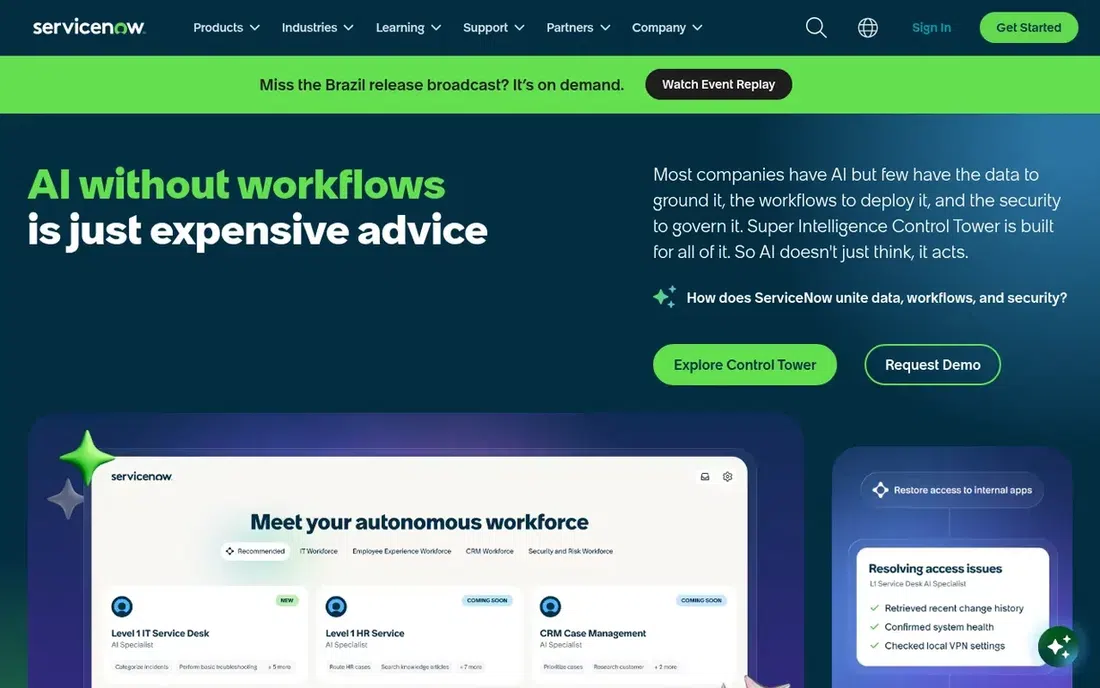
ServiceNow Vendor Risk Management is built with enterprises already on ServiceNow in mind. ServiceNow Vendor Risk Management applies the ServiceNow AI Platform to external risk, tying vendor assessments, approvals, and remediation into the same workflow environment plenty of enterprises already use for IT and operations.
Drawbacks to consider: Product breadth brings complexity.
More specifically, if your teams do not already work in ServiceNow, a standalone TPRM product may deliver vendor risk capabilities with less system overhead. From a buyer's view, the product's strength is also its constraint: organizations without ServiceNow adoption face a bigger implementation effort to get value. ServiceNow Vendor Risk Management does not show a starting price in this comparison, so check the vendor site for current pricing. Free options: Not stated.
- Runs on the ServiceNow AI Platform
- Simplifies cross-team processes
- Value relies on ServiceNow adoption
Prevalent
Best for: AI-assisted TPRM workflow automation
Prevalent works best for AI-assisted TPRM workflow automation. Enterprises use it to standardize vendor intake, assessments, and monitoring across business units, reducing manual coordination.
Organizations that require deep external security scoring or deep GRC integration may combine Prevalent with complementary systems instead of relying on a single system. In daily use, automation reflects the workflows you configure, so results rely on process design and data quality. No starting price is listed for Prevalent here; confirm pricing on the vendor site. Free plan details: Not stated.
Honest limits: Part of the Mitratech portfolio.
- AI-powered external risk management
- Automates workflows
- Automation still needs tuning to your process
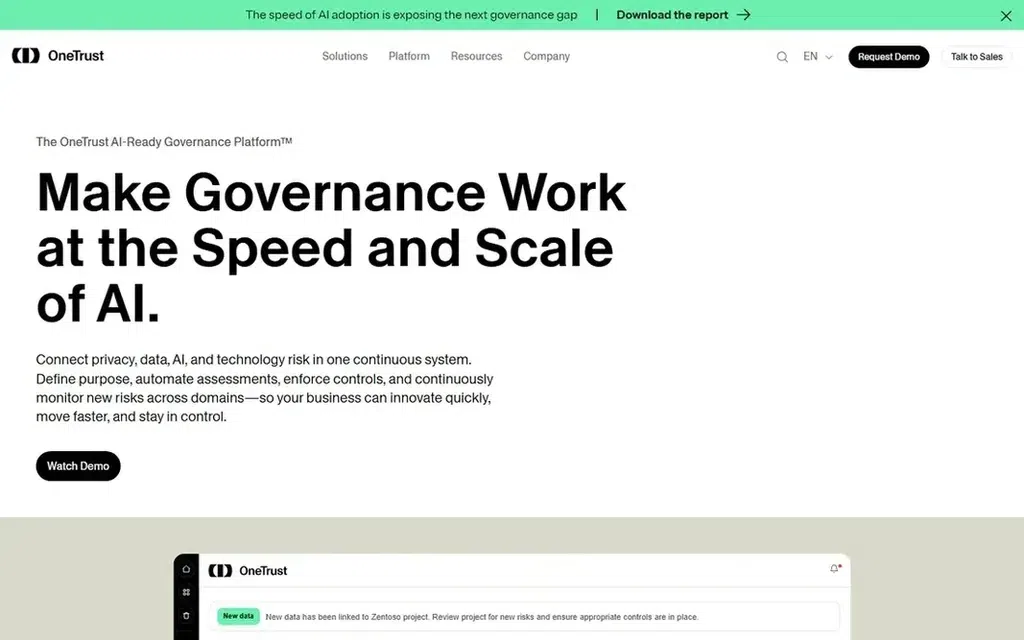
In short, OneTrust is for privacy and AI governance plus vendor risk. OneTrust is a governance and compliance system that brings privacy management, consent, AI governance, and risk reduction into a shared environment. Beyond that, because OneTrust spans numerous disciplines, teams that only need vendor risk assessment workflows may find the system broader than required, and setup across modules takes planning.
In daily use, consider a dedicated TPRM tool instead when external risk is the sole priority and you want a narrower, faster deployment. For enterprises, the appeal is consolidating external risk work with adjacent privacy and compliance programs so teams share data and controls rather than running separate systems. This comparison lists no price for OneTrust; ask the vendor. As for free access: Not stated.
Where it shines: Merges privacy, consent. Points against: Wide scope may exceed pure TPRM needs.
- AI governance
- Automates compliance and risk reduction
- Configuration effort across modules
How we built this list
LinkVetted used vendor pricing pages and product documentation as the base, then compared plans, free access and documented limits for 5 tools. Where a price is missing, the vendor does not list one publicly or ties it to a quote. Always confirm before budgeting. Tools are placed by general fit for TPRM software for enterprises, with price clarity and free access as tie-breakers. A different team can reasonably rank them differently.
Before you commit
- Confirm the entry price with every vendor: no tool from SecurityScorecard to OneTrust shows a fixed starting price.
- Use real work to test the free trial from SecurityScorecard, rather than a demo project.
- Read the limits listed for SecurityScorecard first: external signals only, not internal assessments.
- Price ServiceNow Vendor Risk Management for your actual team size; headline prices rarely include add-ons or overage.
- Confirm that SecurityScorecard connects to the apps your team already uses, on the plan you would actually buy.
FAQ
How should enterprises evaluate TPRM vendors before buying?
Run a structured demo using your own vendor scenarios, confirm integrations and deployment requirements, and check how audit trails and reporting align with your obligations.
How are the tools for TPRM software for enterprises ordered?
SecurityScorecard sits first and OneTrust last because the order follows typical fit for TPRM software for enterprises, then price clarity and free access. It is a judgement call, so read each profile for fit and limits.
How does continuous monitoring differ from questionnaire-based assessment?
Questionnaires capture a vendor's stated controls at a point in time, whereas continuous monitoring tracks external signals between reviews. Plenty of enterprises combine both so changes in a vendor's posture are caught before the next assessment cycle.
Can I try these tools before paying?
Often, yes. SecurityScorecard offers a free trial. Use your own data and a real task during the test, and check what the free tier or trial limits before you rely on it.
Is SecurityScorecard the right pick for everyone comparing TPRM software for enterprises?
No single tool suits every team. SecurityScorecard comes first because it fits continuous external security monitoring, while Archer suits GRC-led regulatory and audit programs and ServiceNow Vendor Risk Management suits enterprises already on ServiceNow. Match the tool to your own size, budget and workflow before deciding.
Does any tool for TPRM software for enterprises here have a free plan?
A permanent free plan is not offered by SecurityScorecard, OneTrust or the other tools here. SecurityScorecard offer a trial. Plan a short evaluation period instead.
Sources
- https://securityscorecard.com
- https://www.archerirm.com
- https://www.servicenow.com
- https://www.prevalent.net
- https://www.onetrust.com