Best Appointment Scheduling Software for Large Enterprises for 2026: Our 6 Vetted Picks
6 best appointment scheduling software for large enterprises, with entry costs, free tiers and the buyer each one serves. Short, factual notes on every option.
- Editor's choice
 Setmore
Automatic reminders and 24/7 booking
Starts at$5 per user a monthVisit setmore.comFull review - Great alternativeGoogle Calendar Appointment Scheduling
Google Workspace teams
Starts atSee websiteVisit workspace.google.comFull review - Also consider
 Zoho Bookings
AI-powered scheduling with payments
Starts atSee websiteVisit zoho.comFull review
Direct answer
Setmore comes first here, mainly for automatic reminders and 24/7 booking. Listed starting prices: Setmore from $5 per user a month, SimplyBook.me from $11.9 a month and Acuity Scheduling from $16 per month. For a different need, Google Calendar Appointment Scheduling covers Google Workspace teams and Zoho Bookings covers AI-powered scheduling with payments. The other 3 tools in the list cover narrower or pricier cases.
TL;DR:
- The list opens with Setmore, aimed at automatic reminders and 24/7 booking.
- For the cheapest start, look at Setmore: $5 per user per month.
- Before buying SimplyBook.me, weigh this: may need customization for enterprise needs.
- Only 3 of the 6 tools have a free plan (Setmore, SimplyBook.me, Calendly), so check the caps.
Last checked November 2026. Prices and plan details were read from the vendors' own pages in November 2026; vendors change plans often, so confirm the current price on the vendor site before you buy.
Quick comparison
| Tool | Best for | Starts at | Free plan? | |
|---|---|---|---|---|
| Setmore | Automatic reminders and 24/7 booking | $5 per user a month | Yes | Visit |
| Google Calendar Appointment Scheduling | Google Workspace teams | See website | Not stated | Visit |
| Zoho Bookings | AI-powered scheduling with payments | See website | Not stated | Visit |
 SimplyBook.me | Booking website and client reminders | $11.9 a month | Yes | Visit |
 Acuity Scheduling | Configurable scheduling automation | $16 per month | Free trial | Visit |
 Calendly | AI meeting tools and payments | $10 per seat per month | Yes | Visit |
The 6 tools in detail
Choosing appointment scheduling software for large enterprises usually comes down to price, fit and limits. This LinkVetted guide sets 6 tools side by side on those three points, with the facts kept short and checkable.
Setmore works best for automated reminders and 24/7 booking. Setmore is an online appointment scheduling software that accepts bookings around the clock and automates reminders. For everyday use, for more solid features, consider Acuity Scheduling or Calendly.
Setmore may not offer the advanced customization or integration depth required by large enterprises. In practice, the product eliminates back-and-forth communication with automatic booking. What you pay to start with Setmore: $5 per user per month. A free plan is available with Setmore.
Points against: Restricted customization.
- Automatic reminders
- 24/7 online booking
- Fewer enterprise features
Google Calendar Appointment Scheduling
Best for: Google Workspace teams
Where Google Calendar Appointment Scheduling fits: Google Workspace teams. Google Calendar Appointment Scheduling lets users share availability and schedule appointments through Google Calendar. It is a strong match for enterprises on Google Workspace that want a straightforward scheduling option integrated with their calendar.
Watch-outs: Entry-level features compared with dedicated tools.
Also, the tool supports shareable online calendars and appointment booking. In practice, Google Calendar Appointment Scheduling gives you fewer advanced features like payment collection or complicated workflows. No starting price is listed for Google Calendar Appointment Scheduling here; confirm pricing on the vendor site. On free options: Not stated.
- Straightforward setup
- Integration with Google Workspace
- Restricted customization
Zoho Bookings is built with AI-powered scheduling with payments in mind. Zoho Bookings is an AI-powered appointment scheduling software that automates bookings, syncs calendars, and collects payments.
More specifically, the product supports online booking and payment collection. Zoho Bookings may be most beneficial within the Zoho ecosystem and might lack some enterprise-grade admin controls. Check the vendor site for Zoho Bookings pricing; none is listed in this comparison. Free options: Not stated.
Where it is weaker: Restricted enterprise admin features.
Main advantages: AI-powered scheduling.
- Payment collection
- Calendar sync
- May need Zoho ecosystem for full value
SimplyBook.me is built with booking website and client reminders in mind. SimplyBook.me is an online booking system that offers a booking website or widget for your own site, enabling clients to schedule appointments, receive reminders, and pay online.
What to check first: Restricted advanced reporting.
SimplyBook.me may lack the administrative controls and scalability features that large enterprises demand. What you pay to start with SimplyBook.me: $11.9 per month. SimplyBook.me offers a free plan.
- Client reminders
- Online payments
- May require customization for enterprise needs
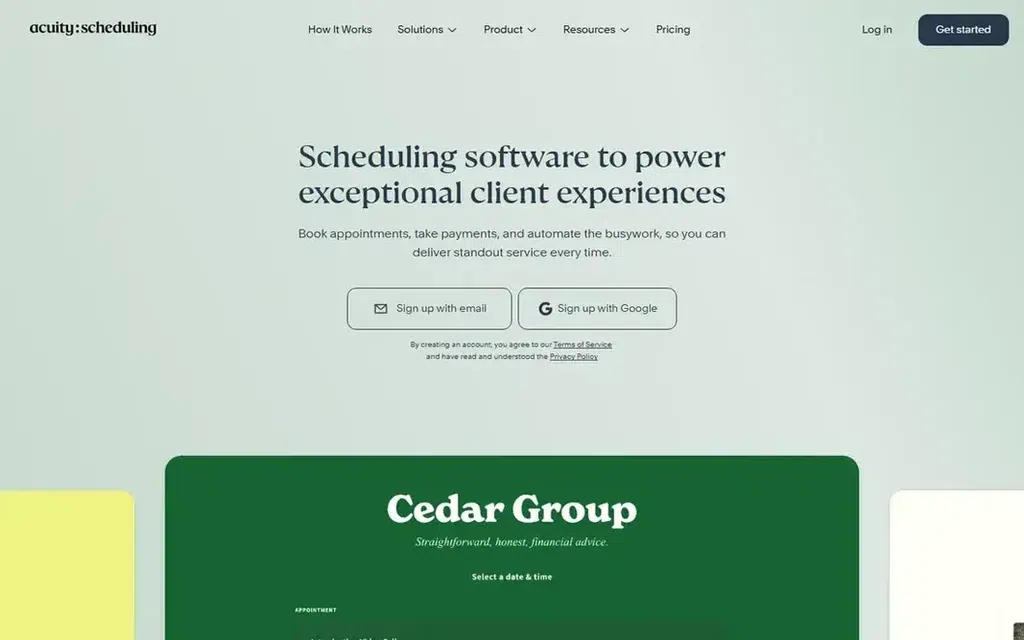
Acuity Scheduling makes the most sense for configurable scheduling automation. Acuity Scheduling is an appointment booking software with scheduling automation and full customization.
Honest limits: May need setup time.
Acuity may lack some advanced enterprise controls like single sign-on or granular admin permissions. On top of that, the product supports online booking and customization to match complicated scheduling policies. Price to start with Acuity Scheduling: $16 per month. Free plan details: Free trial.
- Online booking
- Scheduling automation
- Restricted enterprise-specific features
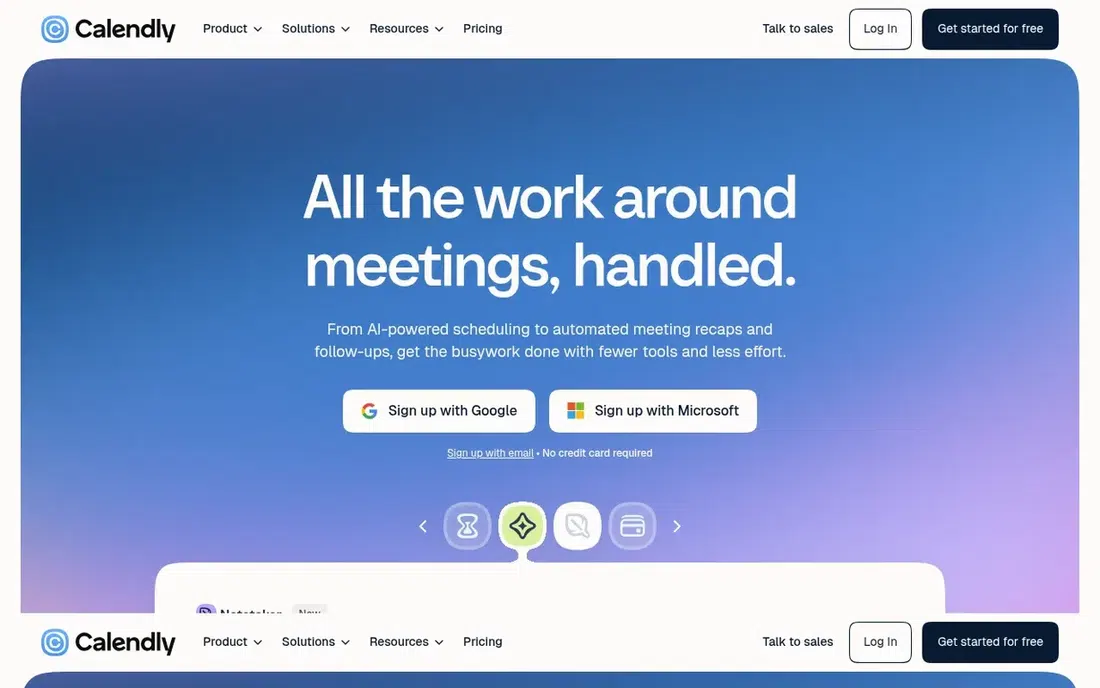
Calendly targets AI meeting tools and payments. Calendly links and eases meeting work, from scheduling and payments to meeting prep and follow-up.
It fits enterprises that want to simplify meeting coordination with AI tools and contact management. Calendly pricing: $10 per seat per month. You can start on Calendly without paying.
Where it is weaker: Restricted customization for complicated workflows.
- Contact management
- Payment collection
- May not scale to very large teams
How we built this list
Selection started from tools commonly considered for appointment scheduling software for large enterprises, then narrowed to 6 that have clear pricing information or a clear quote process. Prices and plan limits come from vendor pages and can change, so confirm them on the vendor site before you buy. Tools are placed by general fit for appointment scheduling software for large enterprises, with price clarity and free access as tie-breakers. A different team can reasonably rank them differently.
Before you commit
- Get a written quote from Google Calendar Appointment Scheduling and Zoho Bookings; the list shows no starting price for them.
- Check what the free option really includes: Setmore, SimplyBook.me and Calendly offer a free plan, and usage caps differ.
- Use real work to test the free trial from Acuity Scheduling, rather than a demo project.
- Before choosing Setmore, weigh its main limit: restricted customization.
- Look at which plan of SimplyBook.me unlocks the features you need; entry tiers are often cut down.
- Verify that exporting from Acuity Scheduling is possible on your plan and covers all your records.
FAQ
Do these tools publish their prices?
Not all of them. Google Calendar Appointment Scheduling and Zoho Bookings publish no starting price, so expect a quote request for those. The rest, Setmore included, show a starting price, though seats and billing terms still change the final cost.
How are the tools for appointment scheduling software for large enterprises ordered?
Setmore sits first and Calendly last because the order follows typical fit for appointment scheduling software for large enterprises, then price clarity and free access. It is a judgement call, so read each profile for fit and limits.
Are there free choices for enterprise scheduling?
Some tools like Zoho Bookings and Setmore offer free versions, but they may have limitations. Large enterprises commonly need advanced features and support, so consider premium plans for full functionality. Confirm details on vendor sites.
Is Setmore the right pick for everyone comparing appointment scheduling software for large enterprises?
No single tool suits every team. Setmore comes first because it fits automated reminders and 24/7 booking, while Google Calendar Appointment Scheduling suits Google Workspace teams and Zoho Bookings suits AI-powered scheduling with payments. Match the tool to your own size, budget and workflow before deciding.
What is the cheapest option for appointment scheduling software for large enterprises in this list?
On published monthly entry prices, Setmore is the lowest here at $5 per user per month. Entry price is only part of the cost, because seats, add-ons and billing terms can change the total. Each of the 6 options in this appointment scheduling software for large enterprises guide has its own card above with the price, free plan and limits.
Sources
- https://www.setmore.com
- https://workspace.google.com/products/calendar
- https://www.zoho.com/bookings
- https://simplybook.me
- https://acuityscheduling.com
- https://calendly.com