5 Tools for Shift Roster Management Worth Shortlisting in 2026
Best tools for shift roster management in 2026: 5 contenders with entry costs and free tiers. With pricing notes and limits. A comparison table is included.
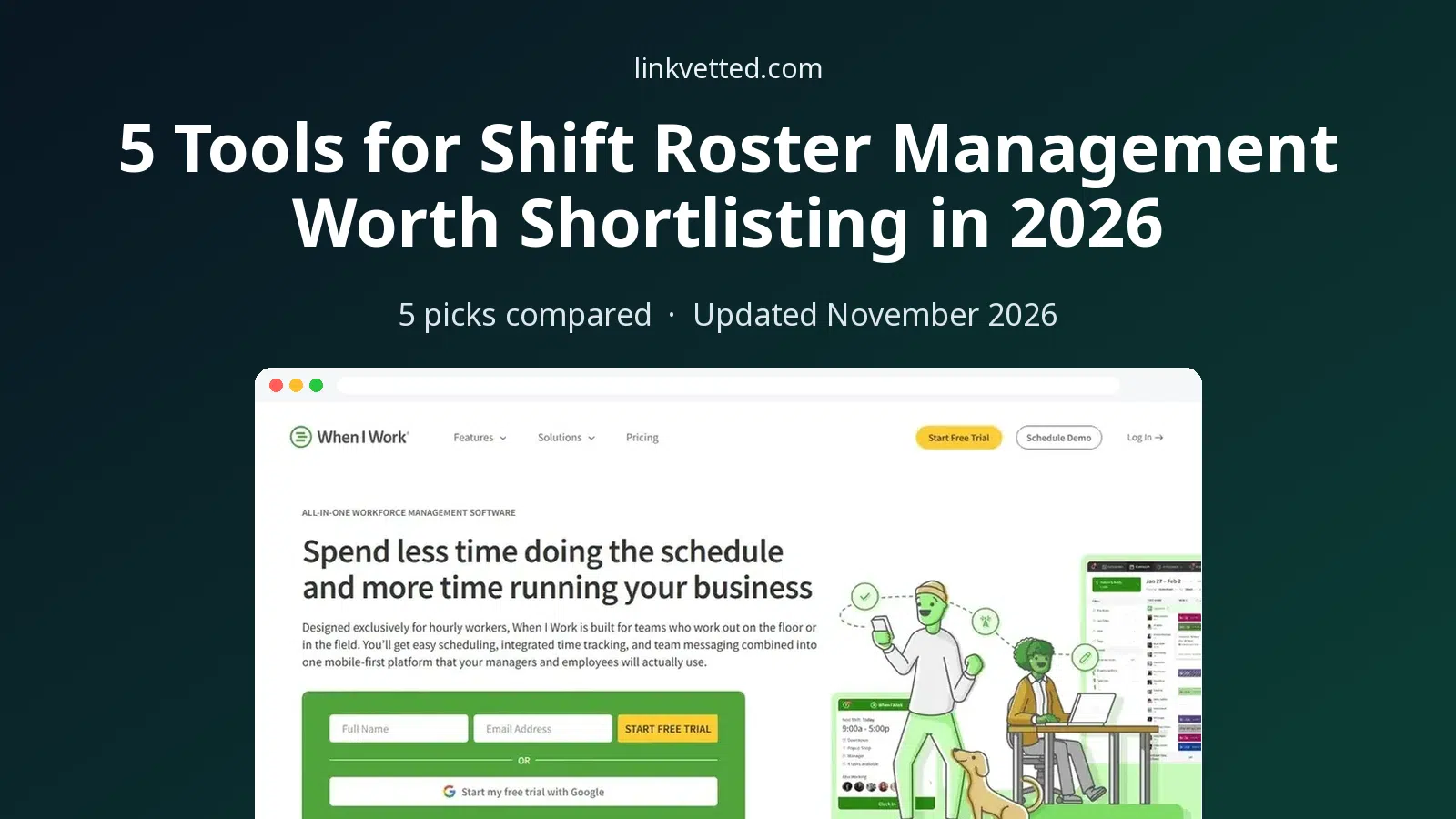
- Editor's choice
 When I Work
Team communication and scheduling
Starts at$2.50 per user a monthVisit wheniwork.comFull review - Great alternative
 Sling
Free shift scheduling and planning
Starts at$1.70 per user a monthVisit getsling.comFull review - Also consider
 Deputy
Thorough scheduling and HR
Starts at$5 per user a monthVisit deputy.comFull review
Direct answer
Start with When I Work if you need team communication and scheduling. Listed starting prices: When I Work from $2.50 per user a month, Sling from $1.70 per user a month and Deputy from $5 per user a month. Alternatives: Sling for free shift scheduling and planning, and Deputy for full scheduling and HR. The remaining 2 options are covered below with prices and limits.
TL;DR:
- When I Work is the opening pick, best for team communication and scheduling.
- Sling, Connecteam: these are the 2 tools out of 5 that offer a free plan.
- Connecteam is the one to check for frontline team management.
- The cheapest monthly starting price in the list is $1.70 per user per month, offered by Sling.
Last checked November 2026. Prices and plan details were read from the vendors' own pages in November 2026; vendors change plans often, so confirm the current price on the vendor site before you buy.
Quick comparison
| Tool | Best for | Starts at | Free plan? | |
|---|---|---|---|---|
| When I Work | Team communication and scheduling | $2.50 per user a month | Free trial | Visit |
| Sling | Free shift scheduling and planning | $1.70 per user a month | Yes | Visit |
| Deputy | Thorough scheduling and HR | $5 per user a month | Free trial | Visit |
 ADP Workforce Now | Scalable HR and payroll | See website | Not stated | Visit |
 Connecteam | Frontline team management | $29 a month | Yes | Visit |
The full tools for shift roster management list
Short on time? The summary and table above give the quick view of 5 tools for tools for shift roster management, and the profiles that follow give the detail behind each entry.
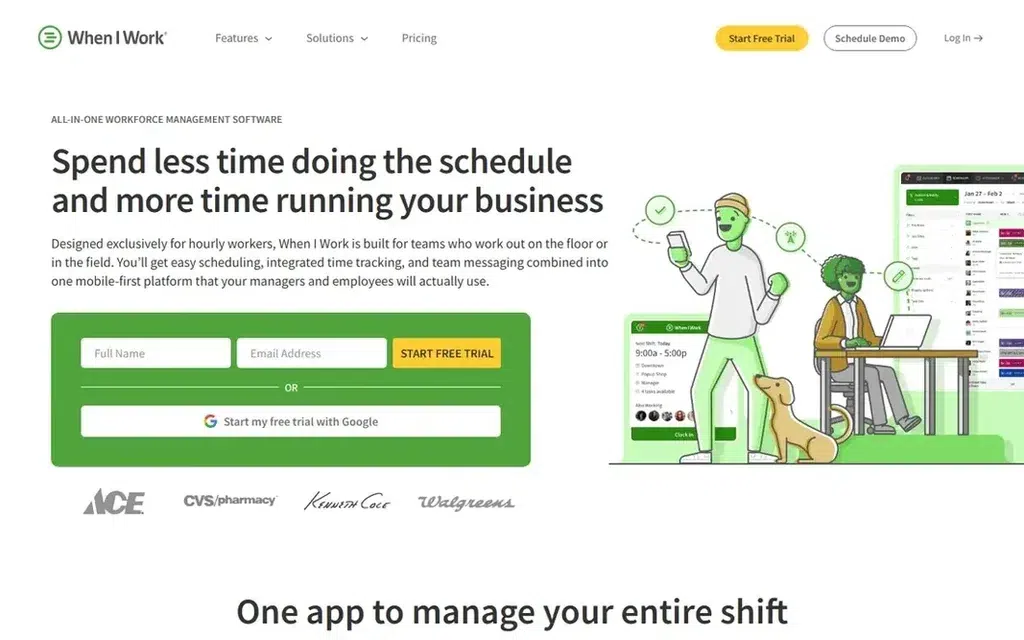
Where When I Work fits: team communication and scheduling. When I Work concentrates on scheduling and communication, so it may lack deeper HR or payroll capabilities.
Drawbacks to consider: May not suit complicated payroll.
Starting cost for When I Work: $2.50 per user per month. On free options: Free trial.
- Shift scheduling
- Team messaging
- Restricted HR features
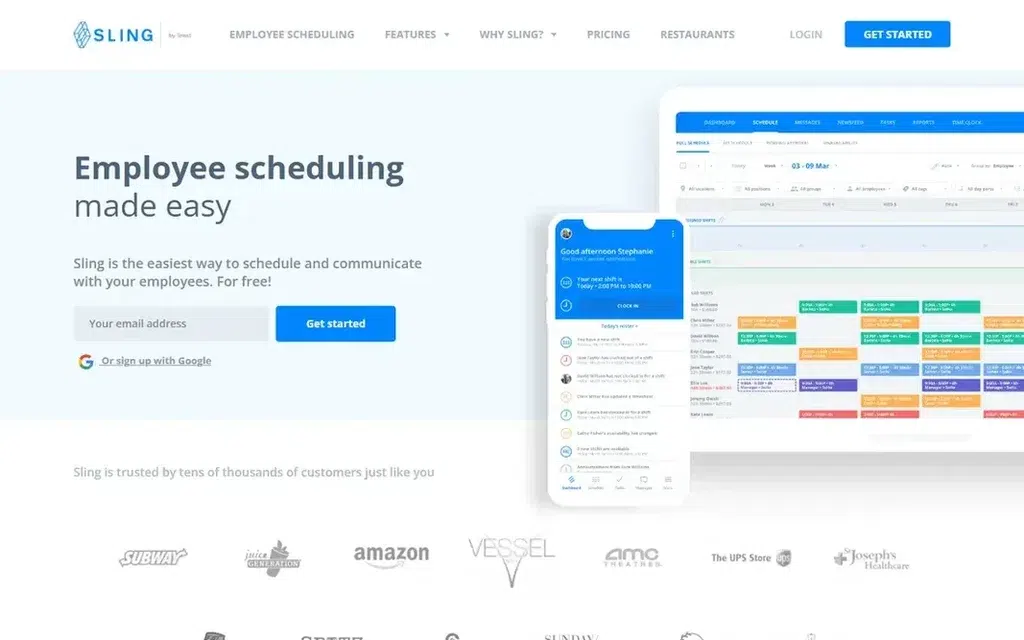
In short, Sling is for free shift scheduling and planning. If you need integrated payroll or complicated reporting, you might outgrow it.
Sling is a free employee shift scheduling and planning software. It helps handle shifts and communicate with employees. What you pay to start with Sling: $1.70 per user per month. You can start on Sling without paying.
Points against: Fewer advanced features.
- Free to use
- Employee communication
- May lack payroll integration
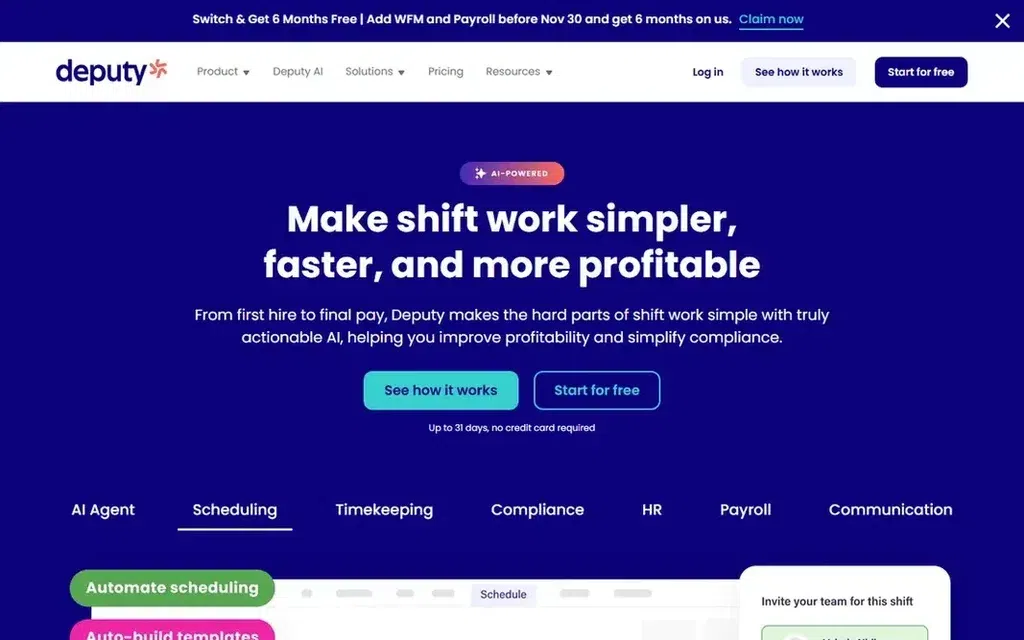
Think of Deputy for full scheduling and HR. Deputy is an employee scheduling, HR, and payroll software. It uses AI for labor forecasting and aims to save time on scheduling.
Deputy may be more than needed for very small teams or those wanting only entry-level scheduling. Its feature set could need a ramp-up time. Deputy cost at the entry level: $5 per user per month. Free plan details: Free trial.
Where it falls short: Can be complicated for small teams.
- Integrated payroll
- HR tools included
- May need training
Think of ADP Workforce Now for scalable HR and payroll. ADP Workforce Now is a payroll, tax, HR, and HCM option for firms of several sizes.
Watch-outs: Complicated for small teams.
In practice, ADP Workforce Now may be overkill for small companies with straightforward scheduling needs. It can be complicated and need dedicated admin. ADP Workforce Now shows no starting price here, so confirm the cost on the vendor site. Free access: Not stated.
- Full HCM
- Scales with business
- May be expensive
Think of Connecteam for frontline team management. Connecteam may not offer the depth of HR features some larger organizations need. It is built for frontline teams, so office-based teams might find it less suitable.
Trade-offs to know: Concentrated on mobile.
In practice, consider it for mobile workforce management. It lets you schedule, track time, communicate, and more. Connecteam cost at the entry level: $29 per month. Free access exists with Connecteam.
- Made for frontline
- All-in-one app
- May lack deep HR
How these tools were picked
Each tool was reviewed on what its vendor publishes: price, plan limits, core features and stated drawbacks. We did not run hands-on tests. Plan names, prices and limits change often. Treat the figures here as a starting point and verify them with the vendor. Tools are placed by general fit for tools for shift roster management, with price clarity and free access as tie-breakers. A different team can reasonably rank them differently.
Before you commit
- Get a written quote from ADP Workforce Now; the list shows no starting price for them.
- Look at free plan limits closely: Sling and Connecteam have one, and the caps decide whether it is usable for real work.
- Use real work to test the free trial from When I Work and Deputy, rather than a demo project.
- Before choosing When I Work, weigh its main limit: restricted HR features.
- Check how data leaves Deputy: formats, limits and whether exports are available on every plan.
- Ask When I Work whether prices are locked for the first term and what happens at renewal.
FAQ
What is the cheapest option for tools for shift roster management in this list?
On published monthly entry prices, Sling is the lowest here at $1.70 per user per month. Entry price is only part of the cost, because seats, add-ons and billing terms can change the total. All 5 picks in this tools for shift roster management comparison list a starting price, free plan details and the main limits on their cards above.
Is When I Work the right pick for everyone comparing tools for shift roster management?
No single tool suits every team. When I Work comes first because it fits team communication and scheduling, while Sling suits free shift scheduling and planning and Deputy suits comprehensive scheduling and HR. Match the tool to your own size, budget and workflow before deciding.
What is shift roster management software?
Shift roster management software helps firms produce, adjust, and communicate employee schedules. It frequently comes with time tracking, payroll integration, and team messaging.
Can I try these tools before paying?
Often, yes. Sling and Connecteam have a free plan and When I Work and Deputy offer a free trial. Use your own data and a real task during the test, and check what the free tier or trial limits before you rely on it.
Which options for tools for shift roster management have a free plan?
Sling and Connecteam offer a free plan in this list. Free plans usually cap users, projects or features, so check the limits on the vendor page. Several others offer a trial instead.
Do these tools support team communication?
Yes, plenty of shift roster tools contain messaging features. When I Work, Sling, and Connecteam offer built-in communication to keep teams informed. This can cut confusion and boost coordination.
Sources
- https://wheniwork.com
- https://getsling.com
- https://www.deputy.com
- https://www.adp.com
- https://connecteam.com