Best Time Tracking Software for Startups in 2026: Prices, Free Plans and 5 Picks
Best time tracking software for startups: 5 tools compared on price, free plans and fit. The weak spots sit next to the strengths. Read before you buy.
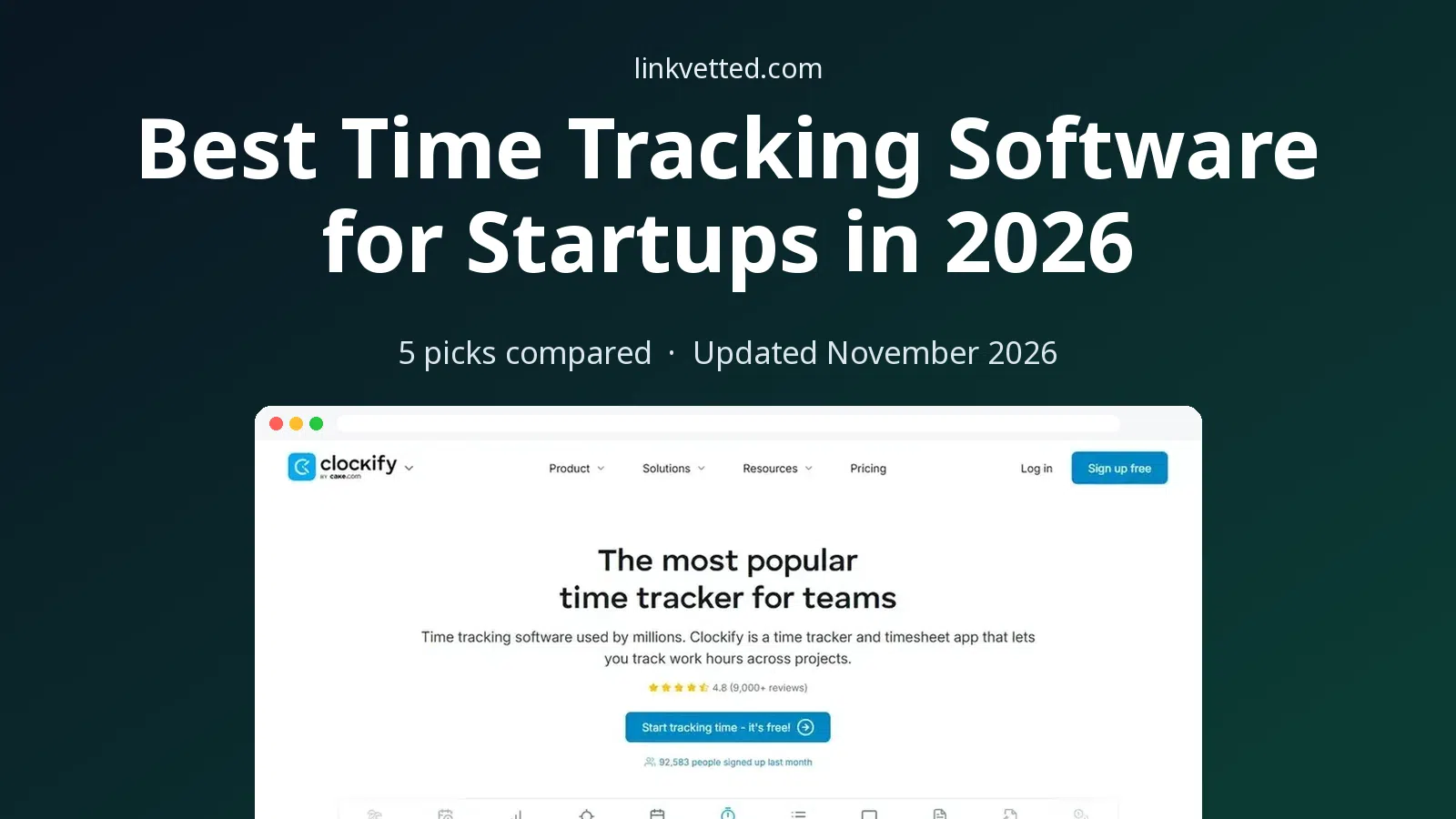
- Editor's choice
 Clockify
Straightforward timesheets across projects
Starts atSee websiteVisit clockify.meFull review - Great alternative
 Time Doctor
Workforce visibility for distributed teams
Starts at$6.67 per user per monthVisit timedoctor.comFull review - Also consider
 RescueTime
Automatic background time tracking
Starts at$7 per monthVisit rescuetime.comFull review
Direct answer
Start with Clockify if you need straightforward timesheets across projects. Listed starting prices: Time Doctor from $6.67 per user per month, RescueTime from $7 per month and Harvest from $9 per seat per month. Time Doctor is the stronger choice for workforce visibility for distributed teams, while RescueTime suits automatic background time tracking. The remaining 2 options are covered below with prices and limits.
TL;DR:
- Clockify is the opening pick, best for straightforward timesheets across projects.
- Clockify, Harvest: these are the 2 tools out of 5 that offer a free plan.
- Starting prices begin at $6.67 per user per month with Time Doctor.
- For Time tracking with invoicing and reporting, Harvest is worth a look.
- One limit worth knowing about Toggl Track: advanced needs may need extras.
Last checked November 2026. Prices and plan details were read from the vendors' own pages in November 2026; vendors change plans often, so confirm the current price on the vendor site before you buy.
Quick comparison
| Tool | Best for | Starts at | Free plan? | |
|---|---|---|---|---|
| Clockify | Straightforward timesheets across projects | See website | Yes | Visit |
| Time Doctor | Workforce visibility for distributed teams | $6.67 per user per month | Free trial | Visit |
| RescueTime | Automatic background time tracking | $7 per month | Free trial | Visit |
 Toggl Track | Straightforward time tracking and capacity planning | See website | Not stated | Visit |
 Harvest | Time tracking with invoicing and reporting | $9 per seat per month | Yes | Visit |
The full time tracking software for startups list
This LinkVetted guide covers 5 time tracking software for startups. Each profile lists a starting price, free plan details, strengths and drawbacks, so you can drop poor fits quickly.
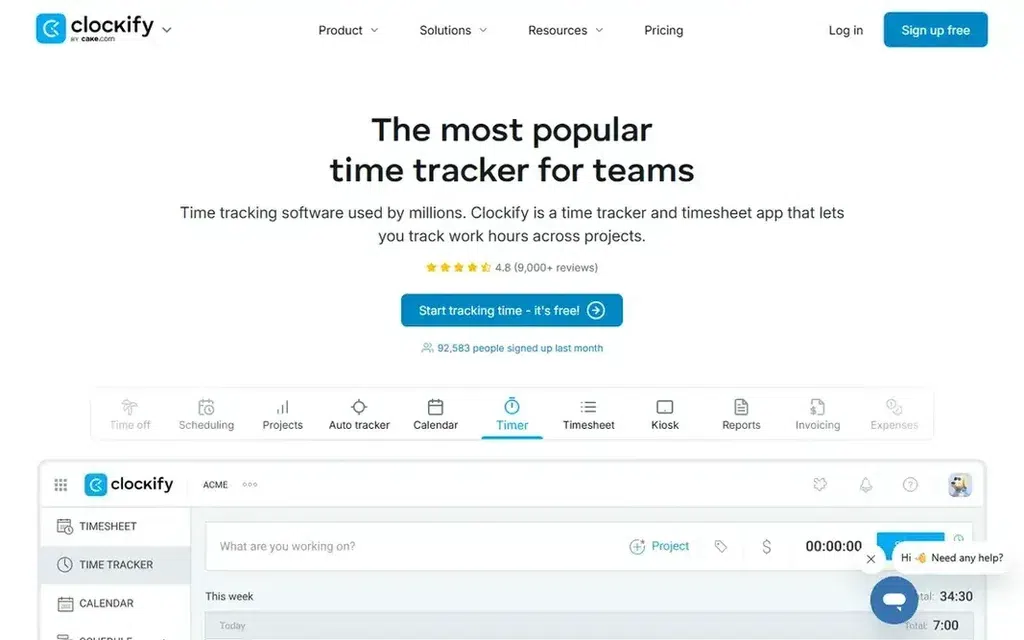
Clockify targets straightforward timesheets across projects. Choose it when the priority is fast, consistent time entry instead of billing or productivity oversight.
It fits startups that want a familiar, no-fuss way to record time without a long setup process. Clockify does not show a starting price in this comparison, so check the vendor site for current pricing. You can start on Clockify without paying.
Drawbacks to consider: Fewer billing features.
- Straightforward timer and timesheet app
- Tracks work hours across projects
- Entry-level reporting depth
Time Doctor works best for workforce visibility for distributed teams. Time Doctor helps leaders see what distributed teams are working on, validate the process behind every hour, and get AI answers grounded in real data. In practice, pick a more straightforward tracker when the goal is just logging hours.
As for the details, detailed tracking can feel invasive if expectations are not set plainly. It may be more oversight than a small team needs. Price to start with Time Doctor: $6.67 per user per month. Free access: Free trial.
Where it falls short: Needs clear internal policies.
- Visibility into distributed work
- AI answers grounded in data
- Can feel intrusive to some teams
RescueTime works best for automatic background time tracking. It fits startups that want passive insight into how time is spent without manual timers.
Worth adding: automatic tracking can need cleanup, and the tool is less concentrated on client billing or team capacity planning. Starting cost for RescueTime: $7 per month. Trial and free access: Free trial.
Limits to weigh: Less project billing depth.
- Automatic time tracking
- Goal setting features
- Automatic tracking needs review
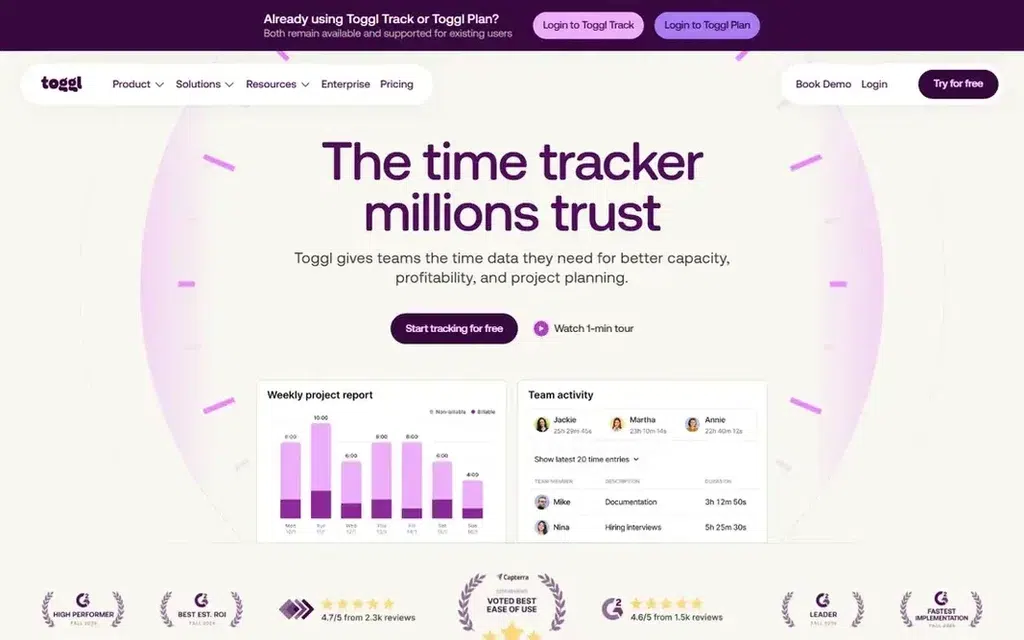
For straightforward time tracking and capacity planning, Toggl Track is a natural candidate. Toggl Track is a time tracking and capacity planning tool that helps teams log employee time, run tasks and projects, and calculate profitability.
Downsides: Restricted invoicing depth.
In practice, the tool is most solid for straightforward tracking and planning instead of deep billing workflows. Pricing for Toggl Track is not stated here, so ask the vendor for current figures. Free plan details: Not stated.
- Profitability calculation
- Capacity planning features
- Advanced needs may need extras
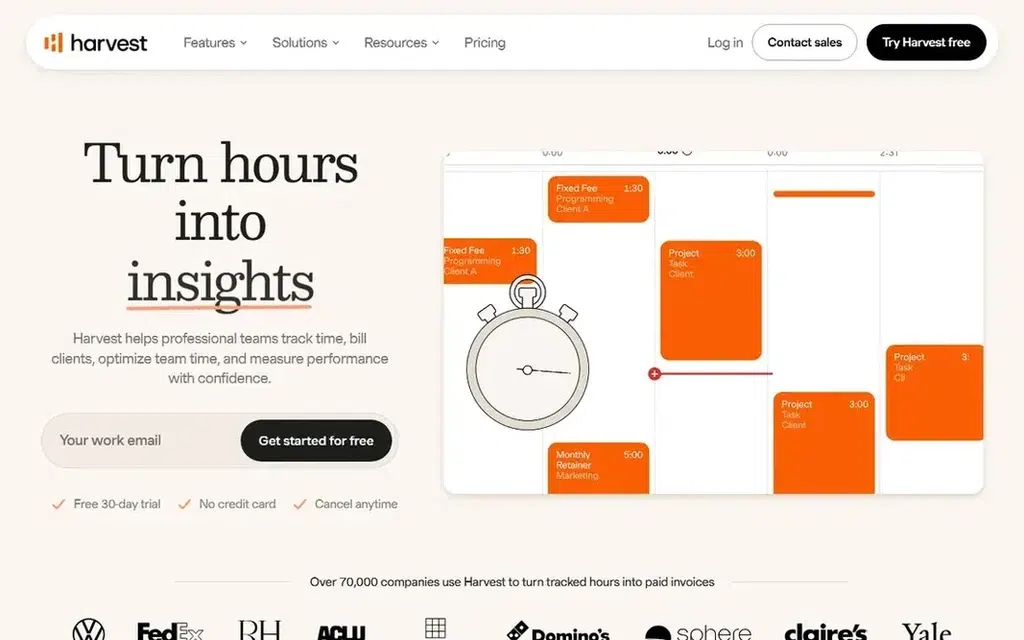
Where Harvest fits: Time tracking with invoicing and reporting. Harvest is time tracking and management software with simple reporting and simplified online invoicing.
It suits startups that bill clients and want hours, reports and invoices connected in one place. Harvest pricing: $9 per seat per month. Harvest includes a free tier.
What to check first: Less focus on productivity monitoring.
- A decent match for client work
- Capable reporting
- Setup takes some planning
Selection criteria
The comparison looks at four things: starting price, free access, how well the feature set matches time tracking software for startups, and the main limit of each tool. Figures are shown as the vendors publish them. Billing terms, seat minimums and add-ons can change the real cost. The ranking is editorial: typical fit first, then clear pricing, then free access. If your needs are unusual, read the profiles rather than relying on position.
What to confirm before you sign up
- Ask Clockify and Toggl Track for a written quote, since no starting price is shown.
- Look at free plan limits closely: Clockify and Harvest have one, and the caps decide whether it is usable for real work.
- Use real work to test the free trial from Time Doctor and RescueTime, rather than a demo project.
- Before choosing Clockify, weigh its main limit: entry-level reporting depth.
- A short pilot of RescueTime with your real workflow tells you more than a feature table.
- The entry price of Clockify is only the starting point; model the full cost with seats and extras.
FAQ
What is the cheapest option for time tracking software for startups in this list?
On published monthly entry prices, Time Doctor is the lowest here at $6.67 per user per month. Entry price is only part of the cost, because seats, add-ons and billing terms can change the total. Prices, free plan details and limits for all 5 tools in this time tracking software for startups roundup sit on the individual cards above.
Do these tools publish their prices?
Not all of them. Clockify and Toggl Track publish no starting price, so expect a quote request for those. The rest, Time Doctor included, show a starting price, though seats and billing terms still change the final cost. Each of the 5 options in this time tracking software for startups guide has its own card above with the price, free plan and limits.
Can I try these tools before paying?
Often, yes. Clockify and Harvest have a free plan and Time Doctor and RescueTime offer a free trial. Use your own data and a real task during the test, and check what the free tier or trial limits before you rely on it.
Which options for time tracking software for startups have a free plan?
Clockify and Harvest offer a free plan in this list. Free plans usually cap users, projects or features, so check the limits on the vendor page. Several others offer a trial instead. All 5 picks in this time tracking software for startups comparison list a starting price, free plan details and the main limits on their cards above.
Sources
- https://clockify.me
- https://www.timedoctor.com
- https://www.rescuetime.com
- https://toggl.com/track
- https://www.getharvest.com