The 5 Best Time Tracking Software for Self-Employed in 2026, Ranked
5 products for the best time tracking software for Self-Employed, ranked by fit, with starting costs and free tiers. Honest caveats for every entry. No hype.
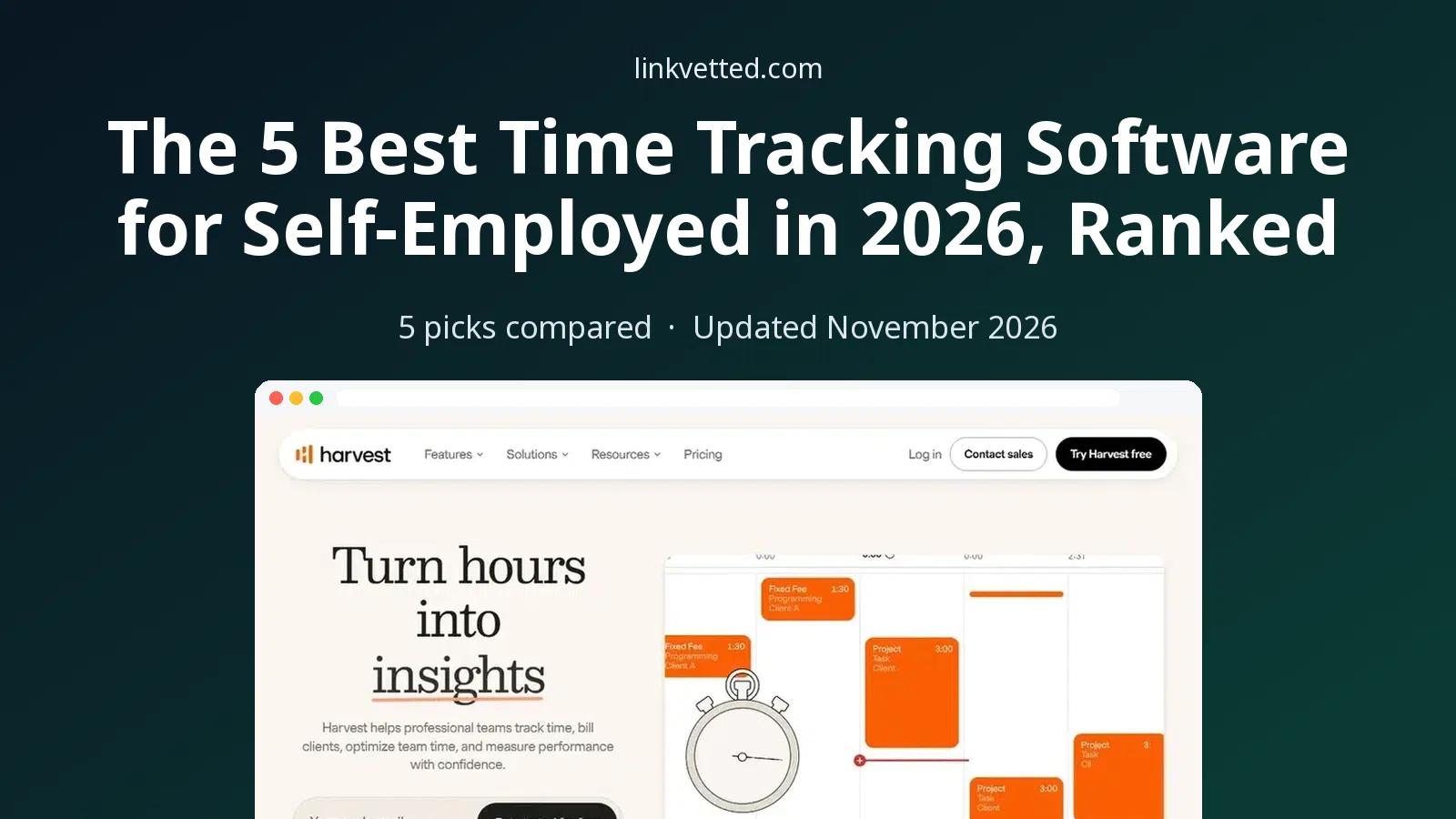
- Editor's choice
 Time Doctor
Visibility into distributed work
Starts at$6.67 per user a monthVisit timedoctor.comFull review - Great alternative
 Harvest
Tracking hours then invoicing
Starts at$9 per seat a monthVisit getharvest.comFull review - Also consider
 FreshBooks
Time tracking inside accounting
Starts at$23.00 per monthVisit freshbooks.comFull review
Direct answer
For visibility into distributed work, Time Doctor is where this list starts. Listed starting prices: Time Doctor from $6.67 per user a month, Harvest from $9 per seat a month and FreshBooks from $23.00 per month. Harvest fits tracking hours then invoicing; FreshBooks fits Time tracking inside accounting. The full list of 5 tools follows, with prices and free plan facts.
TL;DR:
- Time Doctor sits first on this list: visibility into distributed work.
- One limit worth knowing about Toggl Track: invoicing is not the focus.
- Only Harvest offers a free plan among these 5 tools.
- For the cheapest start, look at Time Doctor: $6.67 per user per month.
- Hubstaff is the one to check for hours to payments and insights.
Last checked November 2026. Prices and plan details were read from the vendors' own pages in November 2026; vendors change plans often, so confirm the current price on the vendor site before you buy.
Quick comparison
| Tool | Best for | Starts at | Free plan? | |
|---|---|---|---|---|
| Time Doctor | Visibility into distributed work | $6.67 per user a month | Free trial | Visit |
| Harvest | Tracking hours then invoicing | $9 per seat a month | Yes | Visit |
| FreshBooks | Time tracking inside accounting | $23.00 per month | Free trial | Visit |
 Toggl Track | Straightforward project time tracking | See website | Not stated | Visit |
 Hubstaff | Hours to payments and insights | $10 per seat a month | Free trial | Visit |
Our 5 picks for time tracking software for Self-Employed
Short on time? The summary and table above give the quick view of 5 tools for time tracking software for Self-Employed, and the profiles that follow give the detail behind each entry.
Choose Time Doctor for visibility into distributed work. It suits those who require oversight of how work is done, not just how long it took.
What you pay to start with Time Doctor: $6.67 per user per month. Free access: Free trial.
Where it falls short: Monitoring focus may feel heavy.
- Answers grounded in tracked data
- Process validation behind hours
- Overkill for solo billing
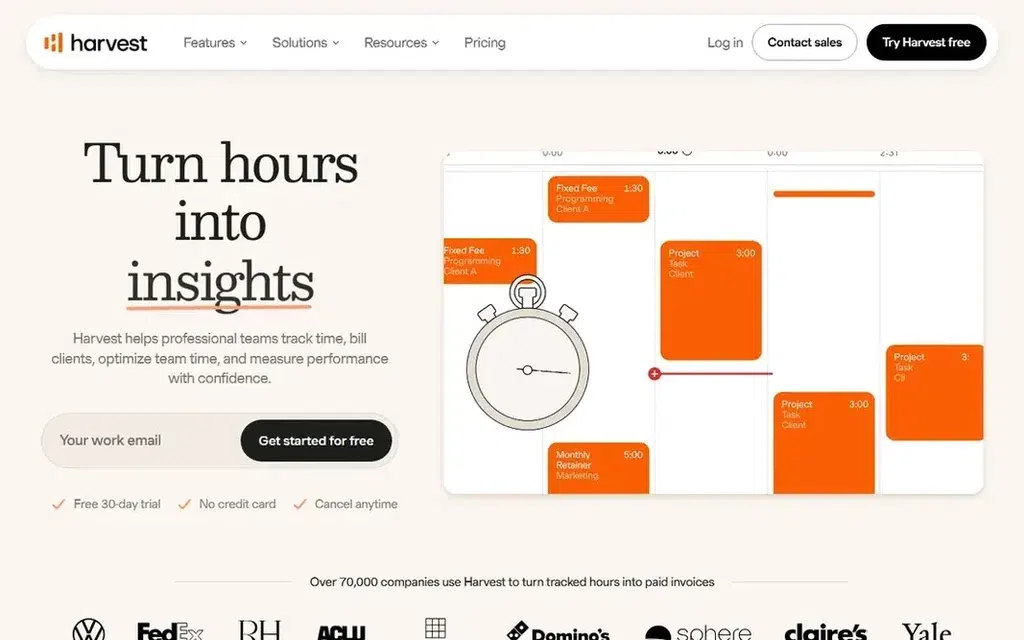
Harvest is aimed squarely at tracking hours then invoicing. That pairing is aimed squarely at people who bill by the hour: track the work, review the report, and turn hours into an invoice.
Harvest is not a full accounting system, so bookkeeping and tax work still need another home. As for the details, if you never invoice clients from tracked hours, the invoicing side adds little, and a more straightforward tracker may be the better choice. On cost, Harvest starts like this: $9 per seat per month. Harvest includes a free tier.
Where it is weaker: Best value when invoicing is used.
- Time tracking with simple reporting
- Simplified online invoicing
- Accounting depth is restricted
For Time tracking inside accounting, FreshBooks is a natural candidate. FreshBooks is cloud accounting software for small companies that also includes time tracking, invoicing, receipts and expenses.
It fits freelancers who want their time records to feed straight into client invoices and year-end books. FreshBooks starts at: $23.00 per month. Free options: Free trial.
Where it falls short: More than a solo tracker needs.
- Receipt and expense management
- Card payment acceptance
- Accounting-first, tracking second
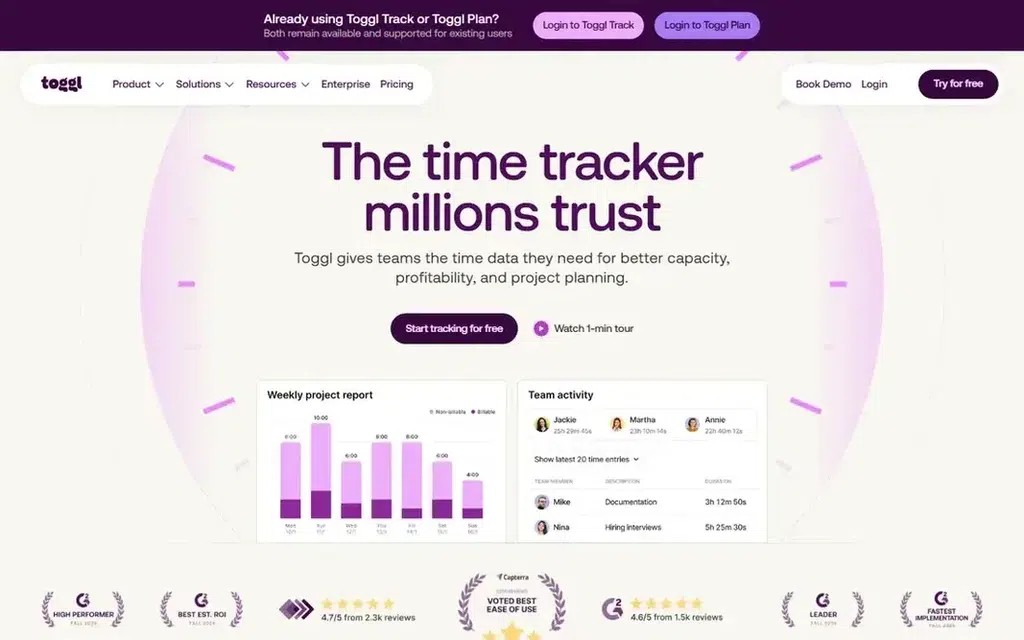
In short, Toggl Track is for straightforward project time tracking. Toggl Track is a time tracker built around logging hours across tasks and projects, with capacity planning and profitability views layered on top.
Trade-offs to know: Advanced needs may need another tool.
Worth adding: since the product centers on tracking and planning, self-employed users who require invoicing or accounting in the same place will likely run a second tool alongside it. For a solo worker, the appeal is speed: start a timer, tag the project, and move on. Check the vendor site for Toggl Track pricing; none is listed in this comparison. Trial and free access: Not stated.
- Capacity planning features
- Quick start and stop tracking
- Invoicing is not the focus
Pick Hubstaff if this describes you: hours to payments and insights. For a self-employed operator who pays subcontractors by the hour, that flow from tracked time to payment is the primary draw.
Drawbacks to consider: Setup assumes managed workers.
As for the details, the tool is shaped around managing other people. So a lone freelancer gains little from the payment and monitoring layers. Price to start with Hubstaff: $10 per seat per month. Trial and free access: Free trial.
- Approved hours become payments
- Productivity insights
- Team-oriented feature set
How we built this list
Selection started from tools commonly considered for time tracking software for Self-Employed, then narrowed to 5 that have clear pricing information or a clear quote process. Seat minimums, billing terms and add-ons can move the real cost, so the starting prices here are a guide and not a quote. Position on the page reflects fit for a typical buyer first, with price clarity and free access breaking ties. Treat it as a guide, not a ruling.
Questions to settle before buying
- Confirm the entry price on the vendor page. For Toggl Track that means a quote rather than a fixed price.
- Look at the free plan from Harvest closely: its caps decide whether it is usable for real work.
- Run a trial of Time Doctor, FreshBooks and Hubstaff with real work before paying for a year; your own workflow is the best test.
- Before choosing Time Doctor, weigh its main limit: monitoring focus may feel heavy.
- Check whether Time Doctor bills monthly or annually, and what cancelling early costs.
- Test the integrations you rely on with Harvest before committing; some connectors sit on upper tiers.
FAQ
Should self-employed workers use a tracker with invoicing?
If clients pay by the hour, pairing tracked time with invoicing removes a manual step. Harvest and FreshBooks both link hours to bills, though FreshBooks leans further into accounting.
How are the tools for time tracking software for Self-Employed ordered?
The order follows typical fit for time tracking software for Self-Employed, with Time Doctor first and Hubstaff last, then price clarity and free access. It is editorial judgement, not a score, so another team could rank the tools differently.
Which options for time tracking software for Self-Employed have a free plan?
Harvest is the only tool in this list with a free plan. Free plans usually cap users, projects or features, so check the limits on the vendor page. Several others offer a trial instead. All 5 picks in this time tracking software for Self-Employed comparison list a starting price, free plan details and the main limits on their cards above.
Can I try these tools before paying?
Often, yes. Harvest has a free plan and Time Doctor, FreshBooks and Hubstaff offer a free trial. Use your own data and a real task during the test, and check what the free tier or trial limits before you rely on it.
Do these tools publish their prices?
Not all of them. Toggl Track publishes no starting price, so expect a quote request for it. The rest, Time Doctor included, show a starting price, though seats and billing terms still change the final cost.
How should I choose between a simple timer and a full product?
Start from what happens after tracking: if hours only have to be recorded, a straightforward timer is enough. If hours feed invoices, payroll or team payments, a broader system saves duplicate work.
Sources
- https://www.timedoctor.com
- https://www.getharvest.com
- https://www.freshbooks.com
- https://toggl.com/track
- https://hubstaff.com