The 5 Best Time Tracking Software for Large Enterprises in 2026, Ranked
5 best time tracking software for large enterprises, with entry costs, free tiers and the buyer each one serves. Caveats come with every verdict. Details below.
- Editor's choice
 Monday.com
Enterprises using an AI workspace with time tracking
Starts at$9 per seat a monthVisit monday.comFull review - Great alternative
 Wrike
Enterprises seeking AI-powered work management with time tracking
Starts atSee websiteVisit wrike.comFull review - Also considerJira Time Tracking
Enterprises using Jira for project management
Starts atSee websiteVisit atlassian.comFull review
Direct answer
Monday.com is the first pick on this list for enterprises using an AI workspace with time tracking. Listed starting prices: Monday.com from $9 per seat a month, Asana from $10.99 per user per month and ClickUp from $9 per user a month. Look at Wrike for enterprises seeking AI-powered work management with time tracking, and at Jira Time Tracking for enterprises using Jira for project management. The other 2 tools in the list cover narrower or pricier cases.
TL;DR:
- Number one here is Monday.com, a fit for enterprises using an AI workspace with time tracking.
- A fair warning about Wrike: can be complicated to configure.
- ClickUp is the one to check for enterprises wanting an all-in-one productivity app with time tracking.
- Monday.com, Asana, ClickUp: these are the 3 tools out of 5 that offer a free plan.
- The cheapest monthly starting price in the list is $9 per seat per month, offered by Monday.com.
Last checked November 2026. Prices and plan details were read from the vendors' own pages in November 2026; vendors change plans often, so confirm the current price on the vendor site before you buy.
Quick comparison
| Tool | Best for | Starts at | Free plan? | |
|---|---|---|---|---|
| Monday.com | Enterprises using an AI workspace with time tracking | $9 per seat a month | Yes | Visit |
| Wrike | Enterprises seeking AI-powered work management with time tracking | See website | Not stated | Visit |
| Jira Time Tracking | Enterprises using Jira for project management | See website | Not stated | Visit |
 Asana | Enterprises managing workflows with time tracking integration | $10.99 per user per month | Yes | Visit |
 ClickUp | Enterprises wanting an all-in-one productivity app with time tracking | $9 per user a month | Yes | Visit |
Time Tracking Software for Large Enterprises compared in detail
This LinkVetted guide covers 5 time tracking software for large enterprises. Each profile lists a starting price, free plan details, strengths and drawbacks, so you can drop poor fits quickly.
Monday.com is built with enterprises using an AI workspace with time tracking in mind. Enterprises with specialized time tracking needs should evaluate whether Monday.com's native features are sufficient.
Starting cost for Monday.com: $9 per seat per month. A free plan is available with Monday.com.
The main drawbacks: Time tracking is entry-level without extras.
- AI workspace for people and agents
- Time tracking column in boards
- Advanced reporting may need higher levels
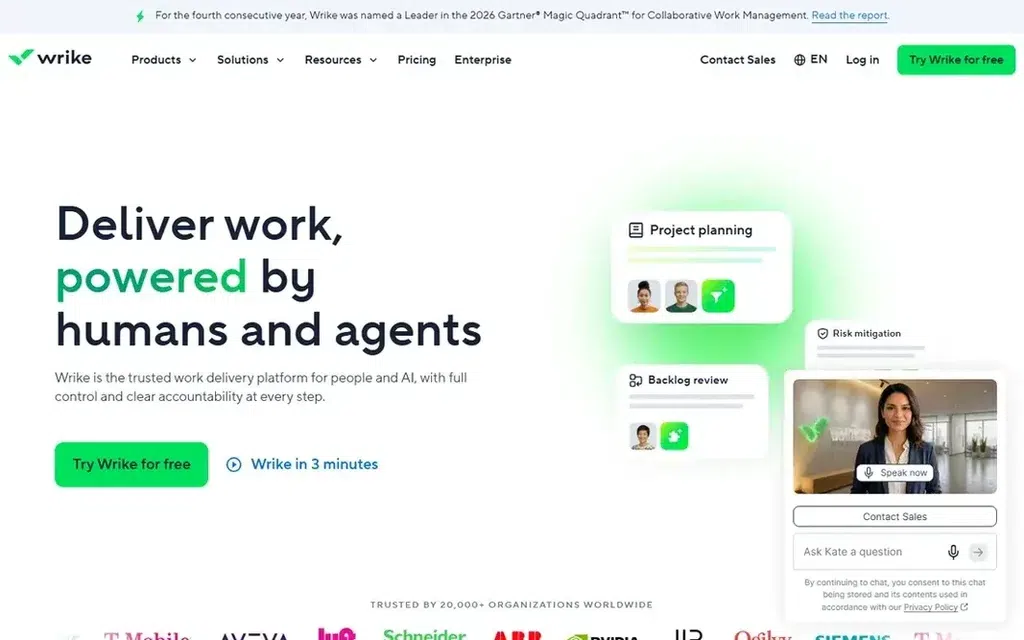
Wrike is designed for enterprises seeking AI-powered work management with time tracking. It comes with time tracking capabilities within its broader project and task management features, making it right for large enterprises that require to monitor effort across several teams and projects.
Watch-outs: Can be complicated to configure.
On top of that, the product's complexity may also need dedicated administration for optimal use. Wrike shows no starting price here, so confirm the cost on the vendor site. Free options: Not stated.
- AI-powered work orchestration
- Enterprise-grade control and visibility
- May need training for full adoption
Jira Time Tracking
Best for: Enterprises using Jira for project management
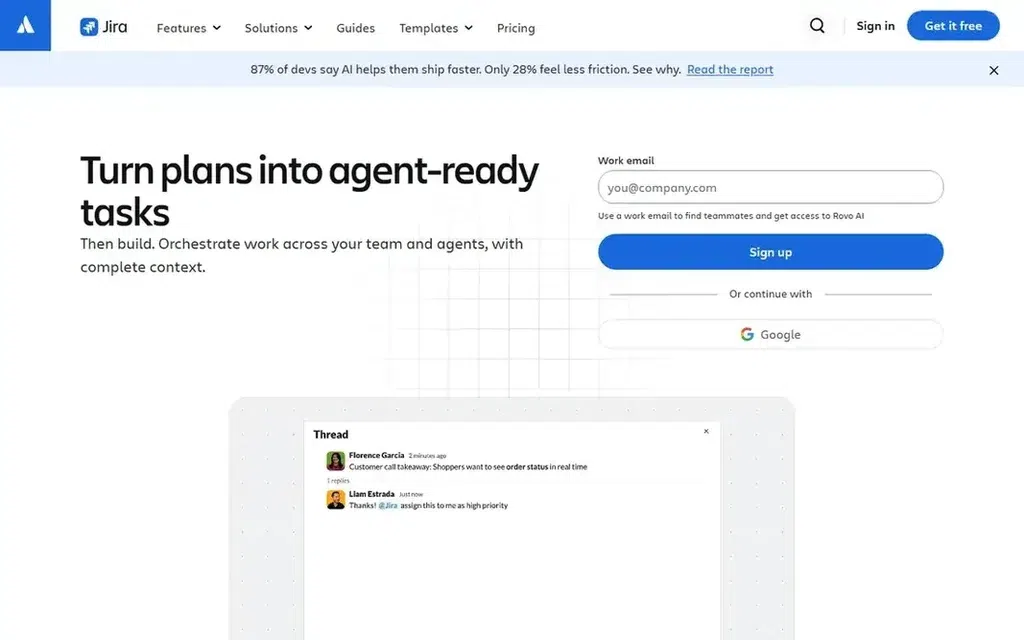
Jira Time Tracking targets enterprises using Jira for project management. Enterprises needing advanced time analytics or cross-project portfolio tracking may have to consider extras or alternative products.
Check the vendor site for Jira Time Tracking pricing; none is listed in this comparison. On free options: Not stated.
Limits to weigh: Needs Jira for full functionality.
- Native integration with Jira
- Scales with AI-powered project tracking
- Restricted standalone time tracking features
For enterprises managing workflows with time tracking integration, Asana is a natural candidate. Organizations needing solid built-in time tracking may find Asana's native capabilities insufficient and must depend on external integrations.
In practice, whereas its native time tracking is entry-level, it supports integrations with time tracking tools, making it right for large enterprises that want to run work and capture time data within a unified system. Asana gives you work management software for teams and AI agents to plan, automate, and execute critical workflows together. The starting price for Asana: $10.99 per user per month. Asana offers a free plan.
Downsides: Depends on integrations for advanced time features.
- Work management for human-agent teams
- Integrated time tracking via apps
- Native time tracking is restricted
ClickUp
Best for: Enterprises wanting an all-in-one productivity app with time tracking
ClickUp was built for enterprises wanting an all-in-one productivity app with time tracking. Since ClickUp aims to do numerous things, its time tracking features may not match the depth of dedicated options, particularly for complicated billing or compliance needs.
In practice, ClickUp is an everything app for work that merges tasks, docs, goals, and chat, with time tracking included as part of its productivity suite. What you pay to start with ClickUp: $9 per user per month. ClickUp includes a free tier.
Where it is weaker: Time tracking may lack advanced enterprise controls.
- All-in-one platform with tasks, docs, goals, chat
- Built-in time tracking
- Can become overwhelming because of numerous features
How the list was put together
What to check before you buy
- Ask Wrike and Jira Time Tracking for a written quote, since no starting price is shown.
- Check what the free option really includes: Monday.com, Asana and ClickUp offer a free plan, and usage caps differ.
- Before choosing Monday.com, weigh its main limit: Time tracking is entry-level without extras.
- The entry price of Asana is only the starting point; model the full cost with seats and extras.
- Test the integrations you rely on with Wrike before committing; some connectors sit on upper tiers.
FAQ
Which options for time tracking software for large enterprises have a free plan?
On this list, Monday.com, Asana and ClickUp include a free plan. Caps on seats, usage or features are common, so test the free plan against your real workload. All 5 picks in this time tracking software for large enterprises comparison list a starting price, free plan details and the main limits on their cards above.
Is Monday.com the right pick for everyone comparing time tracking software for large enterprises?
No single tool suits every team. Monday.com comes first because it fits enterprises using an AI workspace with time tracking, while Wrike suits enterprises seeking AI-powered work management with time tracking and Jira Time Tracking suits enterprises using Jira for project management. Match the tool to your own size, budget and workflow before deciding.
How are the tools for time tracking software for large enterprises ordered?
The order follows typical fit for time tracking software for large enterprises, with Monday.com first and ClickUp last, then price clarity and free access. It is editorial judgement, not a score, so another team could rank the tools differently.
Can I try these tools before paying?
Often, yes. Monday.com, Asana and ClickUp have a free plan. Use your own data and a real task during the test, and check what the free tier or trial limits before you rely on it. For the full picture, the cards above cover all 5 entries of this time tracking software for large enterprises list, including price, free plan and limits.
What should large enterprises look for in time tracking software?
Large enterprises should prioritize scalability, integration with existing systems, solid reporting, and governance features. Time tracking should align with project management and portfolio strategies to offer actionable insights.
Sources
- https://monday.com
- https://www.wrike.com
- https://www.atlassian.com/software/jira
- https://asana.com
- https://clickup.com