Best Time Tracking Software for Retail Stores in 2026: Prices, Free Plans and 6 Picks
Weighing the best time tracking software for retail stores? We lined up 6 products by cost, free access and fit. Each pick lists its main limit. Prices checked.
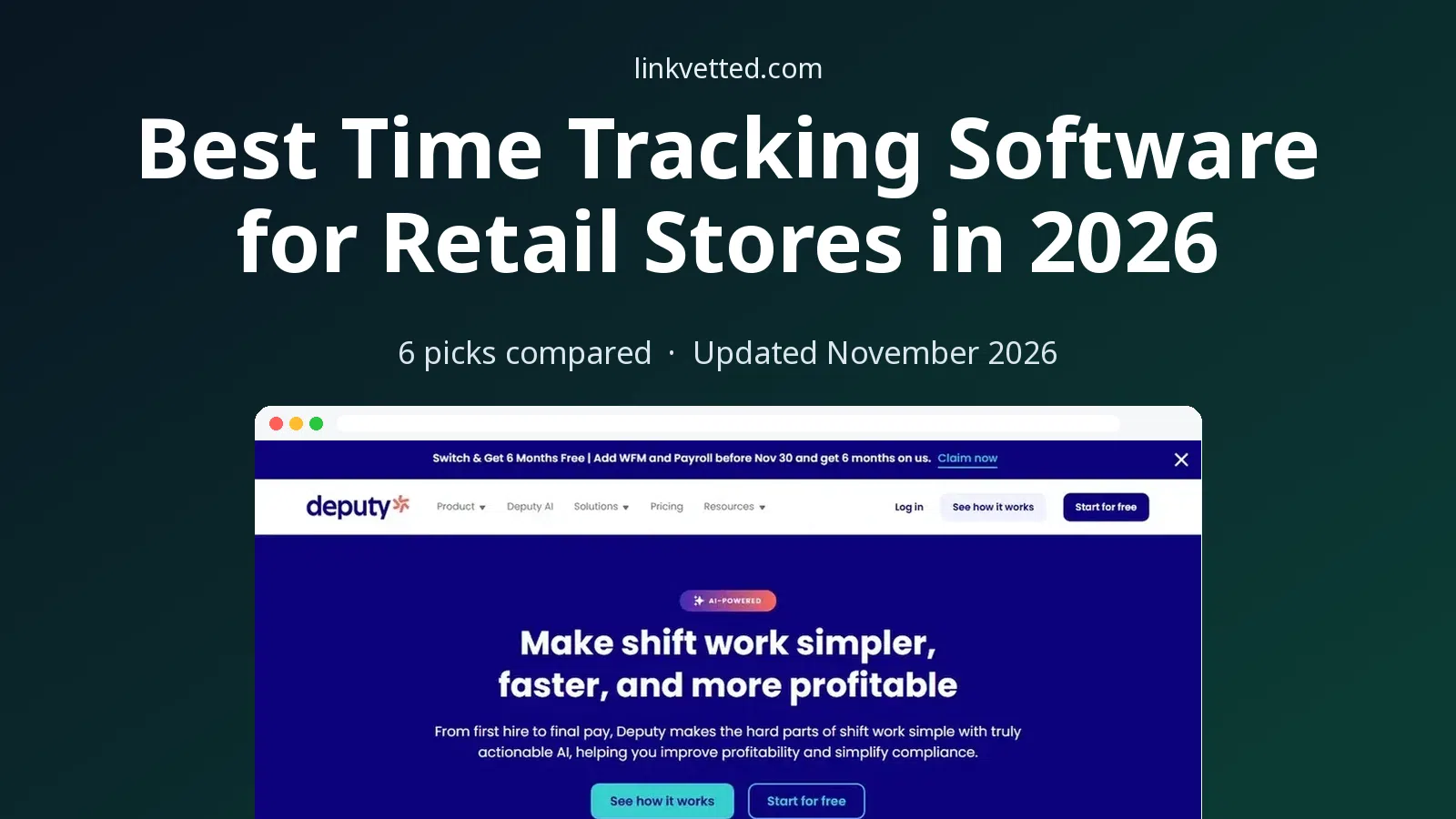
- Editor's choice
 Deputy
AI labor forecasting and scheduling
Starts at$5 per user a monthVisit deputy.comFull review - Great alternative
 QuickBooks Time
Time tracking tied to payroll and jobs
Starts atSee websiteVisit quickbooks.intuit.comFull review - Also consider
 Homebase
All-in-one hourly team management
Starts at$30 per location per monthVisit joinhomebase.comFull review
Direct answer
Deputy is the first pick on this list for AI labor forecasting and scheduling. Listed starting prices: Deputy from $5 per user a month, Homebase from $30 per location per month and Harvest from $9 per seat a month. Look at QuickBooks Time for Time tracking tied to payroll and jobs, and at Homebase for all-in-one hourly team management. All 6 tools are compared below on price, free plan and limits.
TL;DR:
- Number one here is Deputy, a fit for AI labor forecasting and scheduling.
- When I Work is the lowest-priced starter here at $2.50 per user per month.
- Check the limits for Toggl Track before you commit: not a dedicated retail scheduler.
- For shift scheduling with team messaging, When I Work is worth a look.
Last checked November 2026. Prices and plan details were read from the vendors' own pages in November 2026; vendors change plans often, so confirm the current price on the vendor site before you buy.
Quick comparison
| Tool | Best for | Starts at | Free plan? | |
|---|---|---|---|---|
| Deputy | AI labor forecasting and scheduling | $5 per user a month | Free trial | Visit |
| QuickBooks Time | Time tracking tied to payroll and jobs | See website | Not stated | Visit |
| Homebase | All-in-one hourly team management | $30 per location per month | Yes | Visit |
 Toggl Track | Capacity planning and profitability | See website | Not stated | Visit |
 Harvest | Time tracking with invoicing | $9 per seat a month | Yes | Visit |
 When I Work | Shift scheduling with team messaging | $2.50 per user per month | Free trial | Visit |
The 6 tools in detail
Short on time? The summary and table above give the quick view of 6 time tracking software for retail stores, and the profiles that follow give the detail behind each entry.
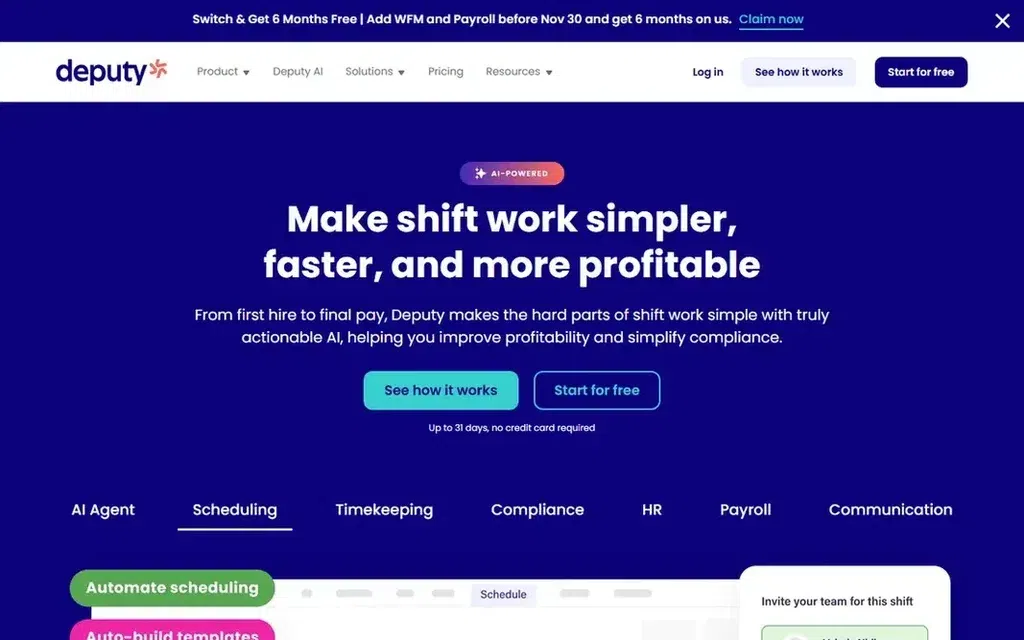
Deputy is built with AI labor forecasting and scheduling in mind. If you chiefly have to record hours and nothing more, a more straightforward choice may suit you better.
Limits to weigh: Forecasting value depends on data quality.
- Payroll software included
- Scheduling and HR in one place
- Wide feature set takes time to learn
QuickBooks Time is designed for Time tracking tied to payroll and jobs. QuickBooks Time lets teams track employee time, jobs and GPS on an AI-powered system, with payroll handled in one place. Keeps outside the QuickBooks world may not get the full benefit of the payroll connection.
More specifically, retail keeps with several locations or job-based work can use job tracking to separate hours, and GPS can help verify where clock-ins happen. Beyond that, GPS and job tracking add complexity that a single small shop may not need. In daily use, if you want a minimal timer, a lighter tool is simpler, but QuickBooks Time is a reasonable fit for payroll-linked timekeeping. QuickBooks Time shows no starting price here, so confirm the cost on the vendor site. Trial and free access: Not stated.
Points against: Best value for QuickBooks users.
Upsides: jobs and GPS.
- Tracks employee time
- Payroll connection in one place
- Job and GPS features may be surplus for small shops
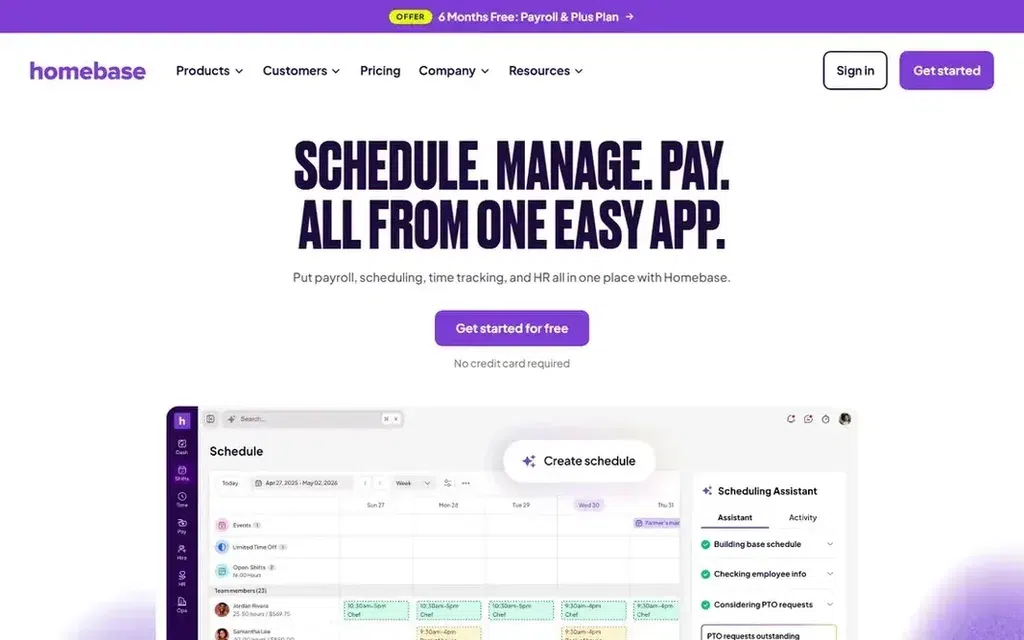
Homebase is built with all-in-one hourly team management in mind. Payroll features also rely on how the store is set up.
Worth adding: if you only need a straightforward timer for a handful of tasks, a lighter tracker may be simpler to learn, but Homebase remains a capable choice when scheduling and timekeeping belong together. Starting cost for Homebase: $30 per location per month. Homebase has a free plan.
Where it is weaker: Feature depth may exceed small store needs.
- Hiring tools included
- Time clocks and payroll in one app
- Payroll support relies on setup
Toggl Track targets capacity planning and profitability. Retail managers who want to understand where hours go across tasks or locations may find the planning view handy.
Also, keeps needing clock-in rules, shift swaps or payroll links may have to pair it with another system. On top of that, choose it when analyzing time and capacity matters more than managing daily shift coverage. Check the vendor site for Toggl Track pricing; none is listed in this comparison. Free access: Not stated.
Drawbacks to consider: Not a dedicated retail scheduler.
- Profitability calculations
- Runs tasks and projects
- Planning features suit project work
Pick Harvest if this describes you: Time tracking with invoicing. Harvest supplies time tracking and management software with reporting and simplified online invoicing. More specifically, invoicing features may go unused in a pure retail setting.
What to check first: Invoicing focus is not retail-specific.
Pick it when reporting and billing tie closely to tracked hours. From a buyer's view, for retail keeps, it is most relevant when time records have to feed billing or in-depth reporting, like service counters or repair desks attached to a shop. Harvest cost at the entry level: $9 per seat per month. A free plan is available with Harvest.
- Simple reporting
- Simplified online invoicing
- Scheduling is not the core strength
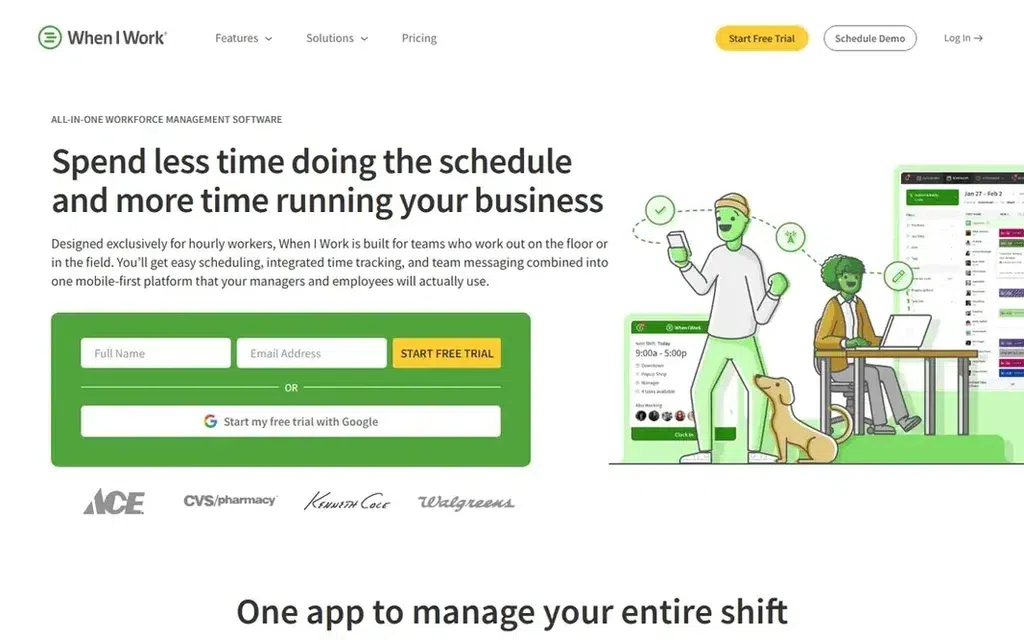
Think of When I Work for shift scheduling with team messaging. When I Work is centered on scheduling instead of payroll, so keeps wanting payroll in the same tool may need to link another system. From a buyer's view, teams that value clear communication around shift changes will find the messaging side handy alongside time capture.
Reporting depth may also fall short for complex labor analysis. That makes it a practical fit for retail keeps where managers publish weekly shifts and staff need fast updates. The starting price for When I Work: $2.50 per user per month. As for free access: Free trial.
Honest limits: Advanced reporting may be restricted.
- Team messaging built in
- Schedule shifts and track time in one app
- Payroll is not the core focus
How these tools were picked
Selection started from tools commonly considered for time tracking software for retail stores, then narrowed to 6 that have clear pricing information or a clear quote process. Seat minimums, billing terms and add-ons can move the real cost, so the starting prices here are a guide and not a quote. Position on the page reflects fit for a typical buyer first, with price clarity and free access breaking ties. Treat it as a guide, not a ruling.
Before you commit
- Ask QuickBooks Time and Toggl Track for a written quote, since no starting price is shown.
- Check what the free option really includes: Homebase and Harvest offer a free plan, and usage caps differ.
- Use real work to test the free trial from Deputy and When I Work, rather than a demo project.
- Read the limits listed for Deputy first: wide feature set takes time to learn.
- Confirm minimum seats and billing terms with Toggl Track before you commit to an annual plan.
- Pick one real project and run it in Deputy first; a small pilot shows fit faster than a checklist.
FAQ
What should a retail store look for in time tracking software?
Look for shift scheduling, steady clock-in and clock-out, and a clear path from tracked hours to payroll. Keeps with multiple locations should also check manager permissions and location-based reporting.
Which options for time tracking software for retail stores have a free plan?
Homebase and Harvest offer a free plan in this list. Free plans usually cap users, projects or features, so check the limits on the vendor page. Several others offer a trial instead.
Can time tracking software manage hourly retail staff?
Tools for example Homebase and When I Work are built around hourly teams, combining schedules with time capture. That helps managers see coverage and hours in one place.
What is the cheapest option for time tracking software for retail stores in this list?
On published monthly entry prices, When I Work is the lowest here at $2.50 per user per month. Entry price is only part of the cost, because seats, add-ons and billing terms can change the total. Each of the 6 options in this time tracking software for retail stores guide has its own card above with the price, free plan and limits.
Do these tools publish their prices?
Not all of them. QuickBooks Time and Toggl Track publish no starting price, so expect a quote request for those. The rest, Deputy included, show a starting price, though seats and billing terms still change the final cost.
Is Deputy the right pick for everyone comparing time tracking software for retail stores?
No single tool suits every team. Deputy comes first because it fits AI labor forecasting and scheduling, while QuickBooks Time suits Time tracking tied to payroll and jobs and Homebase suits all-in-one hourly team management. Match the tool to your own size, budget and workflow before deciding.
Sources
- https://www.deputy.com
- https://quickbooks.intuit.com/time-tracking
- https://joinhomebase.com
- https://toggl.com/track
- https://www.getharvest.com
- https://wheniwork.com