Best Time Tracking Software for Real Estate Agents for 2026: Our 6 Vetted Picks
6 products for the best time tracking software for real estate agents, ranked by fit, with starting costs and free tiers. Short, factual notes on every option.
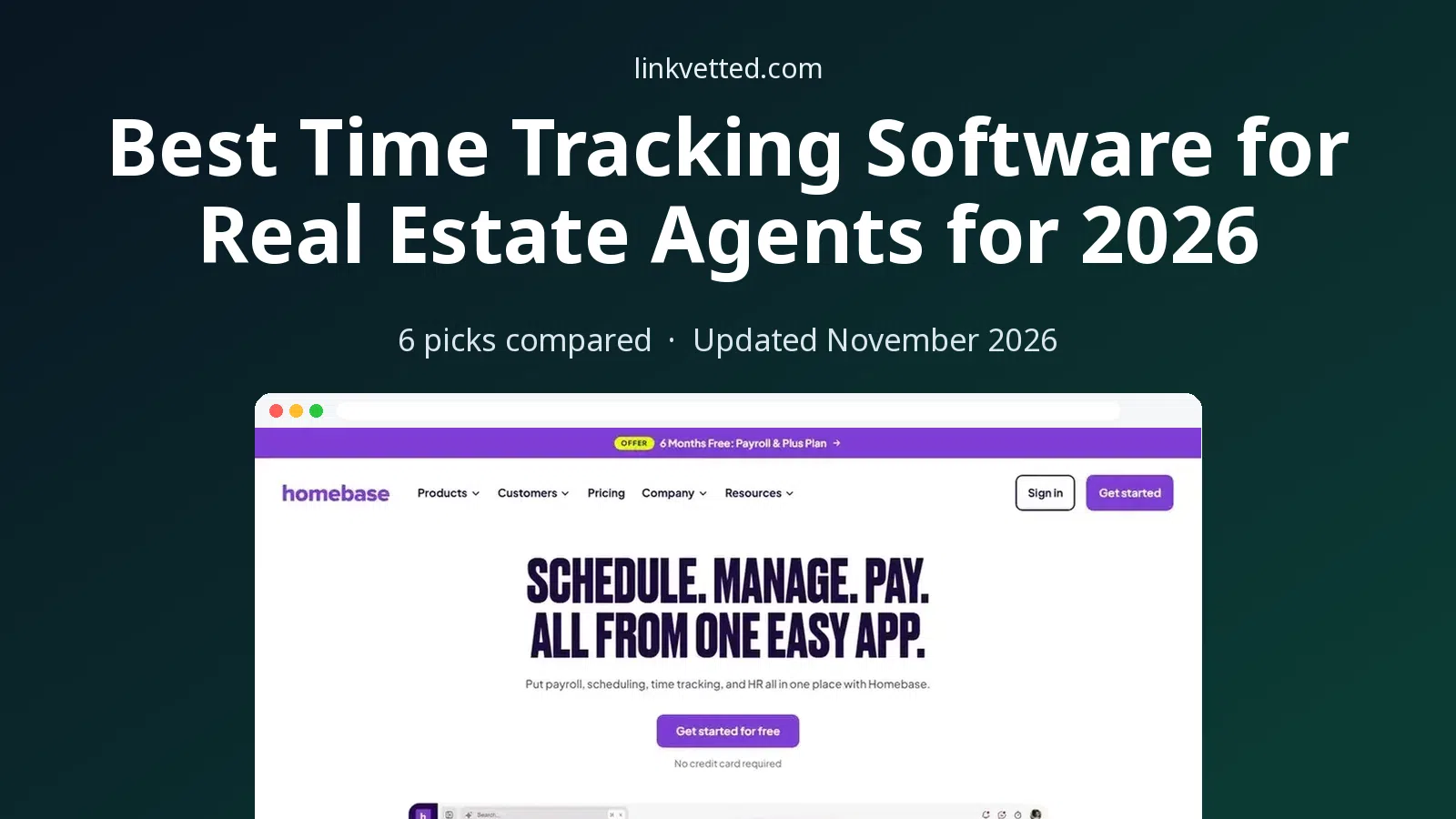
- Editor's choice
 Hubstaff
Productivity insights and payments
Starts at$10 per seat a monthVisit hubstaff.comFull review - Great alternative
 Time Doctor
Distributed teams needing visibility
Starts at$6.67 per user a monthVisit timedoctor.comFull review - Also consider
 Harvest
Time tracking with invoicing
Starts at$9 per seat a monthVisit getharvest.comFull review
Direct answer
Our first pick is Hubstaff, best for productivity insights and payments. Listed starting prices: Hubstaff from $10 per seat a month, Time Doctor from $6.67 per user a month and Harvest from $9 per seat a month. Alternatives: Time Doctor for distributed teams needing visibility, and Harvest for Time tracking with invoicing. The remaining 3 options are covered below with prices and limits.
TL;DR:
- Number one here is Hubstaff, a fit for productivity insights and payments.
- Harvest, Homebase, Clockify: these are the 3 tools out of 6 that offer a free plan.
- Starting prices begin at $6.67 per user per month with Time Doctor.
- One limit worth knowing about Time Doctor: may be too in-depth for small teams.
Last checked November 2026. Prices and plan details were read from the vendors' own pages in November 2026; vendors change plans often, so confirm the current price on the vendor site before you buy.
Quick comparison
| Tool | Best for | Starts at | Free plan? | |
|---|---|---|---|---|
| Hubstaff | Productivity insights and payments | $10 per seat a month | Free trial | Visit |
| Time Doctor | Distributed teams needing visibility | $6.67 per user a month | Free trial | Visit |
| Harvest | Time tracking with invoicing | $9 per seat a month | Yes | Visit |
 Homebase | Small teams needing scheduling and time clocks | $30 per location a month | Yes | Visit |
 Toggl Track | Capacity planning and profitability analysis | See website | Not stated | Visit |
 Clockify | Straightforward time tracking across projects | See website | Yes | Visit |
Tool-by-tool breakdown
If you are comparing time tracking software for real estate agents, this page covers 6 tools in one place: what each is best for, what it costs to start, whether it has a free plan, and the main limit to know about.
Hubstaff is designed for productivity insights and payments. Hubstaff is time tracking software with productivity insights that helps you track employee time, monitor productivity, and turn approved hours into payments and insights.
On top of that, real estate teams that pay contractors or assistants by the hour can use Hubstaff to run work, costs, and performance in one place. Beyond that, Hubstaff may be more complicated than a solo agent needs, and its productivity monitoring features may not appeal to everyone. Hubstaff cost at the entry level: $10 per seat per month. On free options: Free trial.
Watch-outs: Productivity monitoring may not suit all.
- Tracks time and watches productivity
- Turns approved hours into payments
- May be complicated for solo agents
Time Doctor makes the most sense for distributed teams needing visibility. Time Doctor is a workforce visibility tool that helps leaders see what distributed teams are working on, validate the process behind every hour, and get AI answers grounded in real data.
Trade-offs to know: May be too in-depth for small teams.
More specifically, real estate teams with remote assistants or agents across locations can use Time Doctor to monitor productivity and ensure time is spent effectively. From a buyer's view, Time Doctor's monitoring features may feel excessive for small real estate teams or solo agents. Time Doctor pricing: $6.67 per user per month. Free options: Free trial.
- Validates process behind every hour
- AI answers grounded in real data
- Focus on monitoring may not suit all
In short, Harvest is for Time tracking with invoicing. Real estate agents who bill clients by the hour or have to invoice for services like property management or consulting can use Harvest to track time and create invoices straight.
The main drawbacks: May lack real estate-specific integrations.
It suits agents who want to combine time tracking with client billing. On cost, Harvest starts like this: $9 per seat per month. Harvest offers a free plan.
- Loved by numerous firms
- Simplified online invoicing
- Invoicing focus may not fit all agents
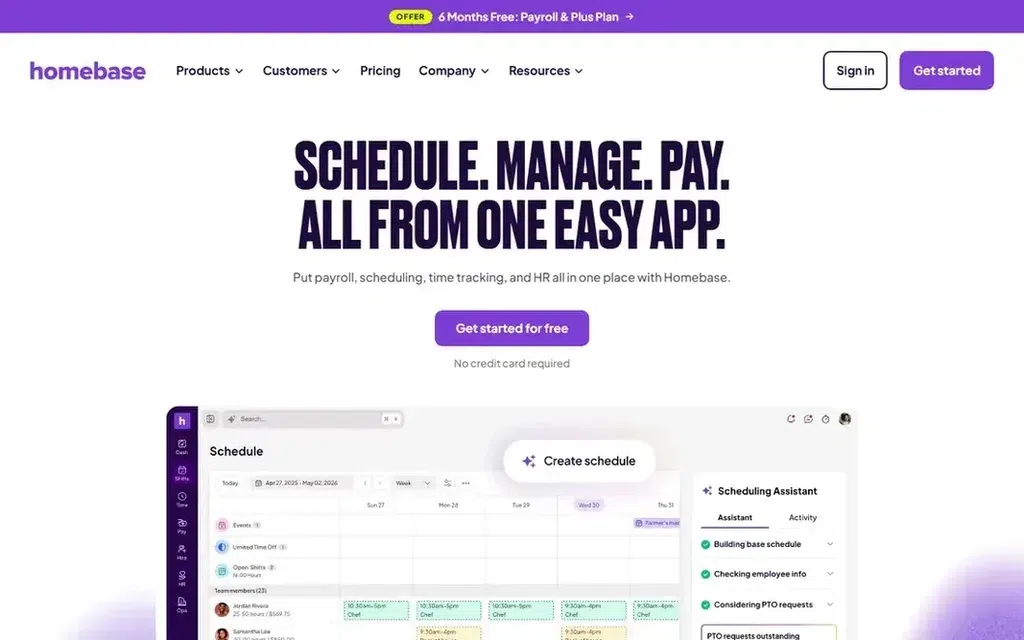
For small teams needing scheduling and time clocks, Homebase is a natural candidate. Homebase is an all-in-one employee scheduling, time clock, payroll, and hiring app aimed at small businesses with hourly teams.
Choose Homebase if scheduling and basic time clocks are your priority. More specifically, Homebase concentrates on hourly teams, so it may not offer the in-depth project or client matter tracking that some real estate agents need for billing. On cost, Homebase starts like this: $30 per location per month. Homebase offers a free plan.
Where it falls short: May lack advanced project tracking for real estate deals.
- Simple to use for small firms
- Time clocks, payroll
- Payroll features may be more than solo agents need
Where Toggl Track fits: capacity planning and profitability analysis. Toggl Track may be more feature-rich than a solo agent needs, and setting up projects and tasks takes initial effort.
The main drawbacks: Needs time to set up projects.
It does not bundle payroll or scheduling features. Pricing for Toggl Track is not stated here, so ask the vendor for current figures. On free options: Not stated.
- Helps handle tasks and projects
- Calculates profitability
- May be overkill for solo agents
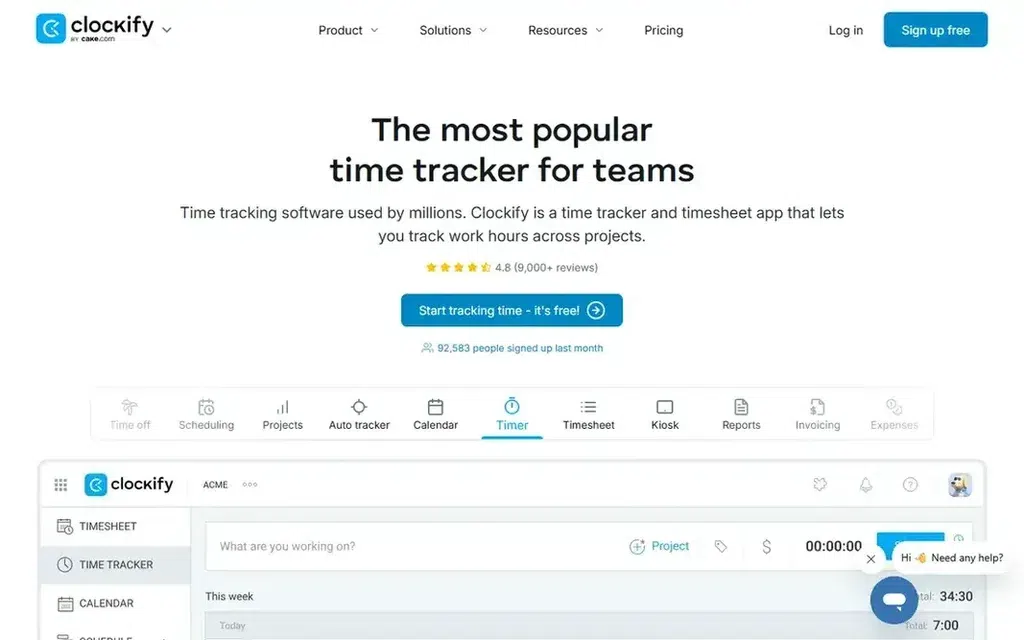
Pick Clockify if this describes you: straightforward time tracking across projects. Real estate agents who require to log time per client, listing, or deal can use Clockify to organize their hours and create reports.
Trade-offs to know: May lack real estate-specific features.
It suits individuals and small teams looking for a straightforward, project-based tracker. This comparison lists no price for Clockify; ask the vendor. Free access exists with Clockify.
- Straightforward time tracker and timesheet app
- Used by millions
- Advanced features need setup
How we compared the tools
We compared the tools on published pricing, free plan or trial availability, feature coverage for time tracking software for real estate agents, and the limits each vendor documents. Plan names, prices and limits change often. Treat the figures here as a starting point and verify them with the vendor. The order reflects how well each tool fits the most common buying scenario for time tracking software for real estate agents, then price clarity, then free plan access. It is a starting point, not a verdict.
What to confirm before you sign up
- Confirm the entry price on the vendor page. For Toggl Track and Clockify that means a quote rather than a fixed price.
- Read the fine print on the free plans from Harvest, Homebase and Clockify; seat, project and feature caps differ.
- Use real work to test the free trial from Hubstaff and Time Doctor, rather than a demo project.
- Read the limits listed for Hubstaff first: may be complicated for solo agents.
- Test how quickly Clockify answers a pre-sales question; it hints at how support will feel later.
- List the apps you already depend on and check that Time Doctor supports each one on the plan you would buy.
FAQ
Can time tracking software help with client billing?
Yes, tools like Harvest combine time tracking with invoicing, making it simple to bill clients for hourly services. From a buyer's view, other tools like Clockify allow you to track time per project and export reports for billing.
Do these tools publish their prices?
Not all of them. Toggl Track and Clockify publish no starting price, so expect a quote request for those. The rest, Hubstaff included, show a starting price, though seats and billing terms still change the final cost.
How are the tools for time tracking software for real estate agents ordered?
The order follows typical fit for time tracking software for real estate agents, with Hubstaff first and Clockify last, then price clarity and free access. It is editorial judgement, not a score, so another team could rank the tools differently.
Which options for time tracking software for real estate agents have a free plan?
Harvest, Homebase and Clockify offer a free plan in this list. Free plans usually cap users, projects or features, so check the limits on the vendor page. Several others offer a trial instead.
What is the cheapest option for time tracking software for real estate agents in this list?
On published monthly entry prices, Time Doctor is the lowest here at $6.67 per user per month. Entry price is only part of the cost, because seats, add-ons and billing terms can change the total. For the full picture, the cards above cover all 6 entries of this time tracking software for real estate agents list, including price, free plan and limits.
Sources
- https://hubstaff.com
- https://www.timedoctor.com
- https://www.getharvest.com
- https://www.joinhomebase.com
- https://toggl.com/track
- https://clockify.me