Best Time Tracking Software for Medical Clinics (2026): 6 Picks Checked on Vendor Pages
Best time tracking software for medical clinics in 2026: 6 tools with starting prices, free plans and limits. The catches are listed up front. See which fits.
- Editor's choice
 Hubstaff
Productivity insights and approved-hour payments
Starts at$10 per seat per monthVisit hubstaff.comFull review - Great alternative
 Harvest
Time tracking with client invoicing
Starts at$9 per seat a monthVisit getharvest.comFull review - Also consider
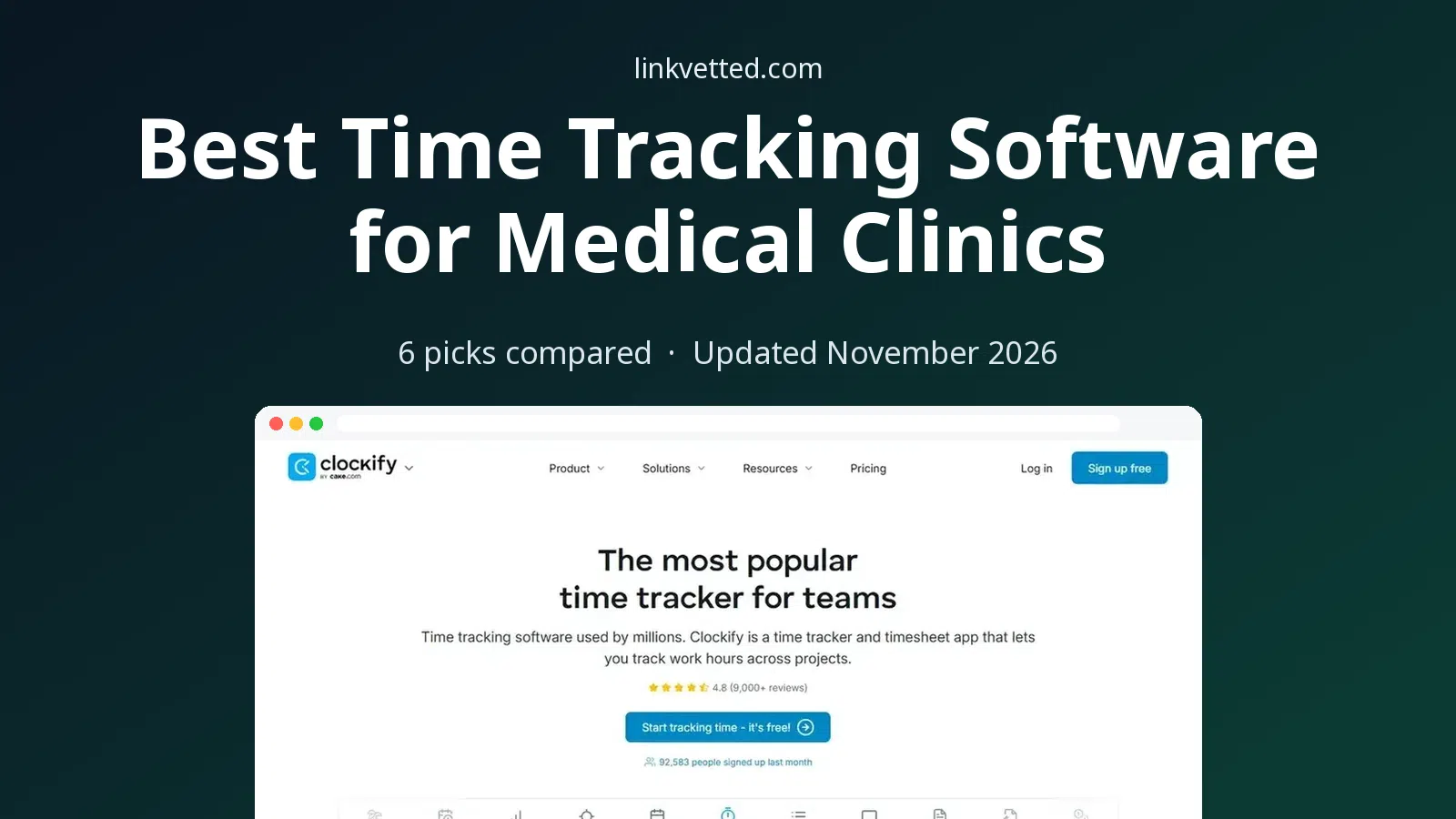
 Clockify
Straightforward timesheets across clinic projects
Starts atSee websiteVisit clockify.meFull review
Direct answer
Hubstaff is the first pick on this list for productivity insights and approved-hour payments. Listed starting prices: Hubstaff from $10 per seat per month, Harvest from $9 per seat a month and Time Doctor from $6.67 per user a month. If your case is different, Harvest suits Time tracking with client invoicing and Clockify suits straightforward timesheets across clinic projects. Details, prices and limits for the rest of the 6 tools are below.
TL;DR:
- Hubstaff sits first on this list: productivity insights and approved-hour payments.
- 2 of 6 tools offer a free plan: Harvest, Clockify.
- Deputy is the lowest-priced starter here at $5 per user per month.
- QuickBooks Time fits clinics wanting time tracking with payroll.
- Before buying Time Doctor, weigh this: monitoring emphasis may not suit all staff.
Last checked November 2026. Prices and plan details were read from the vendors' own pages in November 2026; vendors change plans often, so confirm the current price on the vendor site before you buy.
Quick comparison
| Tool | Best for | Starts at | Free plan? | |
|---|---|---|---|---|
| Hubstaff | Productivity insights and approved-hour payments | $10 per seat per month | Free trial | Visit |
| Harvest | Time tracking with client invoicing | $9 per seat a month | Yes | Visit |
| Clockify | Straightforward timesheets across clinic projects | See website | Yes | Visit |
 Time Doctor | Visibility into distributed clinic teams | $6.67 per user a month | Free trial | Visit |
 Deputy | Shift scheduling with HR and payroll | $5 per user per month | Free trial | Visit |
 QuickBooks Time | Clinics wanting time tracking with payroll | See website | Not stated | Visit |
Our 6 time tracking software for medical clinics
LinkVetted compared 6 time tracking software for medical clinics. The goal is a practical shortlist: published prices, free plan facts, best-fit use cases and honest limits for every entry.
Hubstaff is built with productivity insights and approved-hour payments in mind. Productivity monitoring can raise staff concerns, so clinics should set clear expectations before adopting it. Its payment features may overlap with an existing payroll system.
Limits to weigh: Productivity monitoring may need staff communication.
On top of that, clinics with remote administrative staff, billing teams, or telehealth support can use it to review how time is spent and link approved hours to payment workflows. More specifically, if you only need entry-level timesheets, a more straightforward tracker may be simpler to roll out. Entry price for Hubstaff: $10 per seat per month. Free plan details: Free trial.
- Tracks employee time and productivity
- Turns approved hours into payments
- Payment features may overlap with payroll systems
For Time tracking with client invoicing, Harvest is a natural candidate. It fits practices that require clean time records tied to billing instead of internal payroll processing.
Its invoicing orientation means it is not built primarily for staff payroll or clinical shift scheduling. What you pay to start with Harvest: $9 per seat per month. Harvest offers a free plan.
Honest limits: Invoicing focus may not fit internal payroll.
- Simplified online invoicing
- Straightforward time and management tools
- Restricted clinical scheduling features
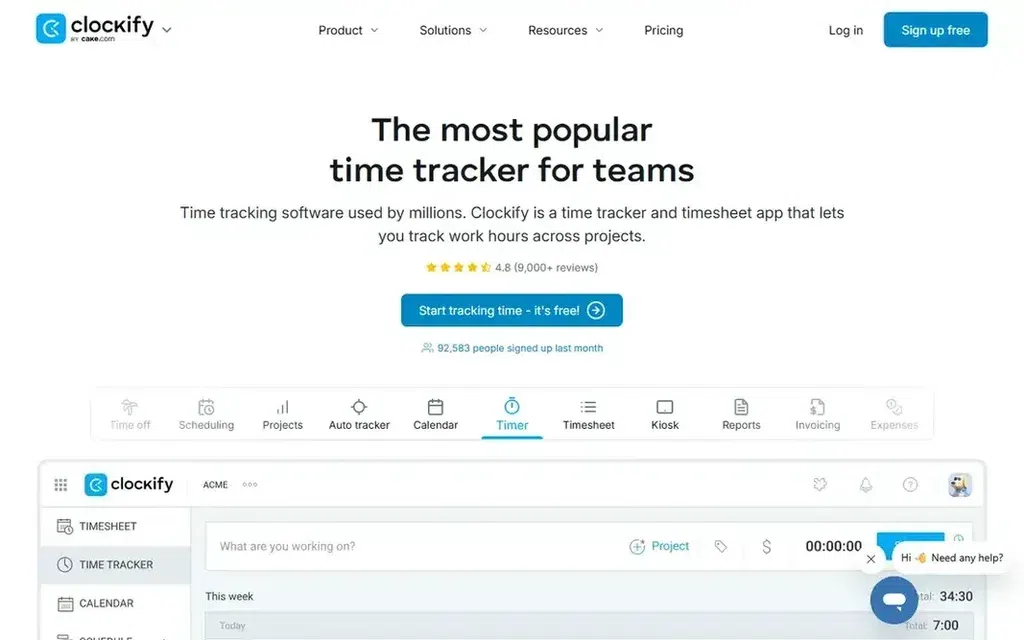
For straightforward timesheets across clinic projects, Clockify is a natural candidate. Scheduling and labor forecasting are not its core focus. Clinics that split staff time between administrative work, patient billing, or specific initiatives can use project-based logging to see where hours go.
Its project-oriented structure may feel less natural for clinics that think purely in shifts and coverage. Clockify is a time tracking tool built around a straightforward tracker and timesheet app that lets users log work hours across projects. Check the vendor site for Clockify pricing; none is listed in this comparison. Free access exists with Clockify.
Limits to weigh: Project focus may not suit pure shift work.
- Straightforward time tracker
- Tracks hours across projects
- Restricted scheduling depth for clinical shifts
Think of Time Doctor for visibility into distributed clinic teams. Time Doctor supplies workforce visibility for distributed teams, helping leaders see what teams are working on, validate the process behind every hour, and get answers grounded in real data.
It is not built for patient scheduling or shift coverage. In practice, clinics wanting a light timesheet for front-desk staff may prefer a more straightforward choice. The starting price for Time Doctor: $6.67 per user per month. As for free access: Free trial.
Honest limits: Monitoring emphasis may not suit all staff.
- AI answers grounded in data
- Validates the process behind hours
- Not a clinical scheduling tool
Deputy is built with shift scheduling with HR and payroll in mind. For medical clinics, shift scheduling is commonly the hardest part of staffing, and Deputy centers on building schedules, forecasting labor needs, and connecting hours to payroll.
It suits practices with rotating shifts, several roles, and coverage requirements that change week to week. Price to start with Deputy: $5 per user per month. Free access: Free trial.
Watch-outs: May be more than a small practice needs.
- Easy-to-use employee scheduling
- HR and payroll features
- Time tracking is part of a broader suite
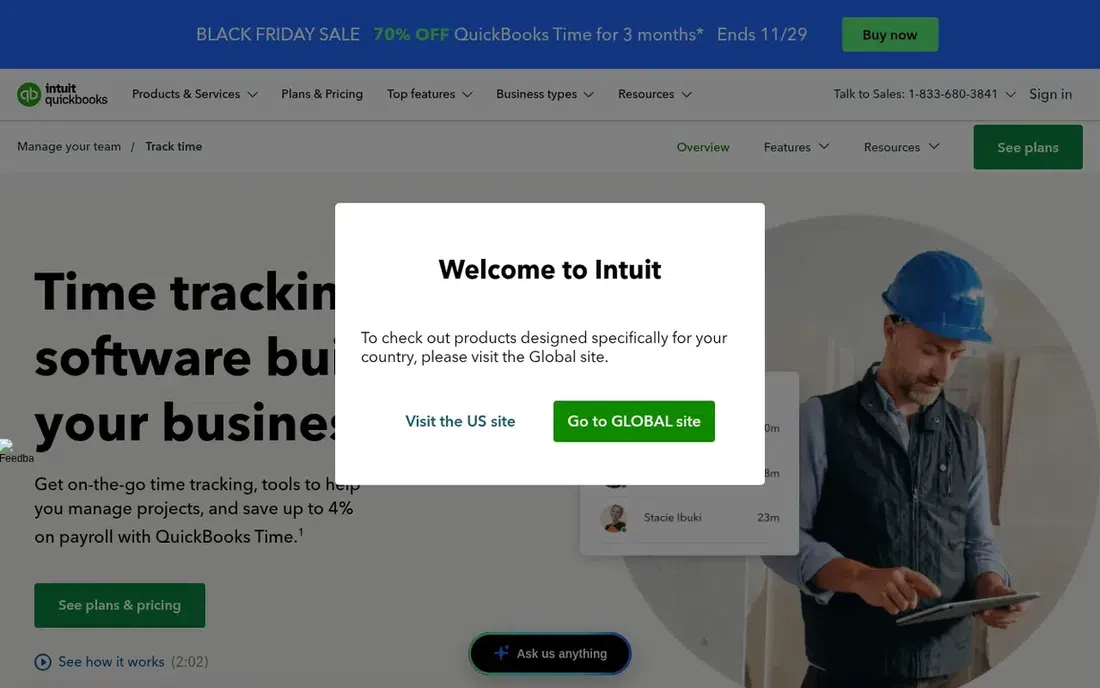
For clinics wanting time tracking with payroll, QuickBooks Time is a natural candidate. For medical clinics, this fits practices that already run payroll through QuickBooks and want staff hours to flow straight into pay processing without a separate tool.
GPS and job tracking features may be more than a small front-desk team needs. Pricing for QuickBooks Time is not stated here, so ask the vendor for current figures. Free access: Not stated.
The main drawbacks: Built around the QuickBooks ecosystem.
- AI-powered all-in-one product
- Time and payroll in one place
- Payroll features may exceed small clinic needs
How we chose
Before you commit
- Ask Clockify and QuickBooks Time for a written quote, since no starting price is shown.
- Look at free plan limits closely: Harvest and Clockify have one, and the caps decide whether it is usable for real work.
- Use real work to test the free trial from Hubstaff, Time Doctor and Deputy, rather than a demo project.
- Before choosing Hubstaff, weigh its main limit: productivity monitoring may need staff communication.
- Look at which plan of QuickBooks Time unlocks the features you need; entry tiers are often cut down.
- Confirm minimum seats and billing terms with Time Doctor before you commit to an annual plan.
FAQ
How do clinics deal with time tracking for remote administrative staff?
Remote billing, coding, and administrative teams can use tools made for distributed work, such as Hubstaff or Time Doctor, which offer visibility into how time is spent. Clinics should set clear expectations about monitoring before rollout.
Do these tools publish their prices?
Not all of them. Clockify and QuickBooks Time publish no starting price, so expect a quote request for those. The rest, Hubstaff included, show a starting price, though seats and billing terms still change the final cost.
Can I try these tools before paying?
Often, yes. Harvest and Clockify have a free plan and Hubstaff, Time Doctor and Deputy offer a free trial. Use your own data and a real task during the test, and check what the free tier or trial limits before you rely on it.
Is a scheduling tool or a time tracker better for clinics?
It relies on where your administrative burden sits. If building and adjusting staff schedules is the primary challenge, a scheduling-centered tool like Deputy may fit better.
How are the tools for time tracking software for medical clinics ordered?
Hubstaff sits first and QuickBooks Time last because the order follows typical fit for time tracking software for medical clinics, then price clarity and free access. It is a judgement call, so read each profile for fit and limits.
What is the cheapest option for time tracking software for medical clinics in this list?
On published monthly entry prices, Deputy is the lowest here at $5 per user per month. Entry price is only part of the cost, because seats, add-ons and billing terms can change the total. For the full picture, the cards above cover all 6 entries of this time tracking software for medical clinics list, including price, free plan and limits.
Sources
- https://hubstaff.com
- https://www.getharvest.com
- https://clockify.me
- https://www.timedoctor.com
- https://www.deputy.com
- https://quickbooks.intuit.com/time-tracking