Choosing Time Tracking Software for Field Service Technicians in 2026: 6 Options Compared
6 best time tracking software for field service technicians, compared on pricing, free plans and best-fit use. Short verdicts, no fluff. Checked this month.
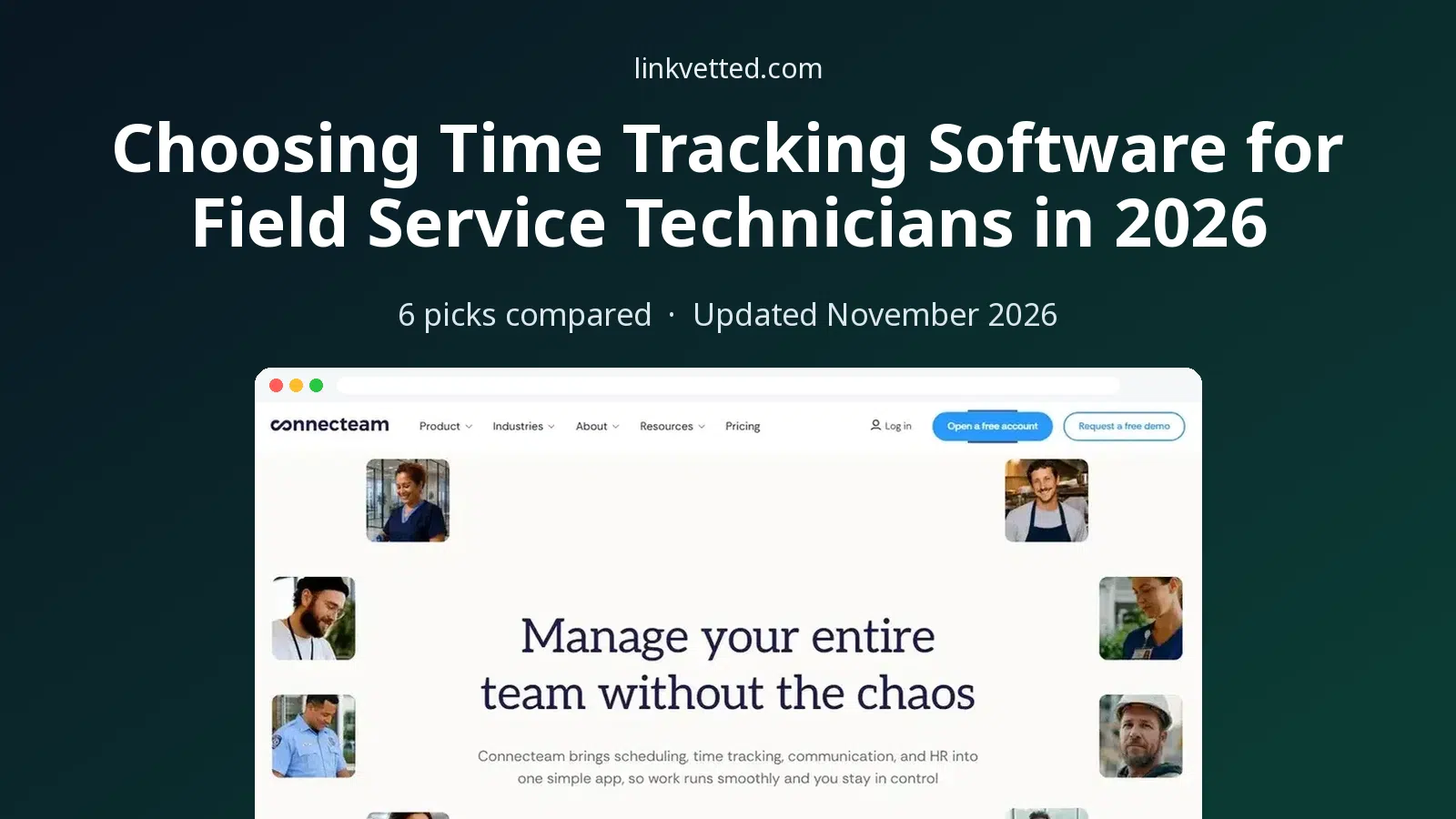
- Editor's choiceTSheets
QuickBooks users needing employee time tracking
Starts at$11.40 a monthVisit tsheets.comFull review - Great alternative
 Connecteam
Frontline teams needing scheduling and communication
Starts at$29 a monthVisit connecteam.comFull review - Also consider
 QuickBooks Time
Field teams needing job and GPS tracking
Starts atSee websiteVisit quickbooks.intuit.comFull review
Direct answer
This list puts TSheets first for QuickBooks users needing employee time tracking. Listed starting prices: TSheets from $11.40 a month, Connecteam from $29 a month and Hubstaff from $10 per seat a month. Connecteam is better for frontline teams needing scheduling and communication, and QuickBooks Time is better for field teams needing job and GPS tracking. The other 3 tools in the list cover narrower or pricier cases.
TL;DR:
- This list starts with TSheets, which is built for QuickBooks users needing employee time tracking.
- Connecteam, Harvest, TimeCamp: these are the 3 tools out of 6 that offer a free plan.
- A fair warning about Connecteam: may be overkill for straightforward time tracking.
- TimeCamp fits project profitability and automatic time tracking.
- TimeCamp has the lowest monthly starting price in this list: $3.99 per user per month.
Last checked November 2026. Prices and plan details were read from the vendors' own pages in November 2026; vendors change plans often, so confirm the current price on the vendor site before you buy.
Quick comparison
| Tool | Best for | Starts at | Free plan? | |
|---|---|---|---|---|
| TSheets | QuickBooks users needing employee time tracking | $11.40 a month | Free trial | Visit |
| Connecteam | Frontline teams needing scheduling and communication | $29 a month | Yes | Visit |
| QuickBooks Time | Field teams needing job and GPS tracking | See website | Not stated | Visit |
 Hubstaff | Teams needing productivity insights and payments | $10 per seat a month | Free trial | Visit |
 Harvest | Time tracking with invoicing and reporting | $9 per seat per month | Yes | Visit |
 TimeCamp | Project profitability and automatic time tracking | $3.99 per user a month | Yes | Visit |
Every option for time tracking software for field service technicians explained
Short on time? The summary and table above give the quick view of 6 time tracking software for field service technicians, and the profiles that follow give the detail behind each entry.
TSheets
Best for: QuickBooks users needing employee time tracking
Choose TSheets for QuickBooks users needing employee time tracking. It is built for companies that require to track employee hours and run payroll, making it a fit for field service technicians who are already in the QuickBooks ecosystem.
For everyday use, if you are not using QuickBooks, you might find better standalone choices. More specifically, for existing QuickBooks customers, TSheets supplies a smooth extension. What you pay to start with TSheets: $11.40 per month. Free access: Free trial.
Where it falls short: May need QuickBooks for full value.
- Links up with QuickBooks payroll
- AI-powered system
- Essentially QuickBooks Time branding
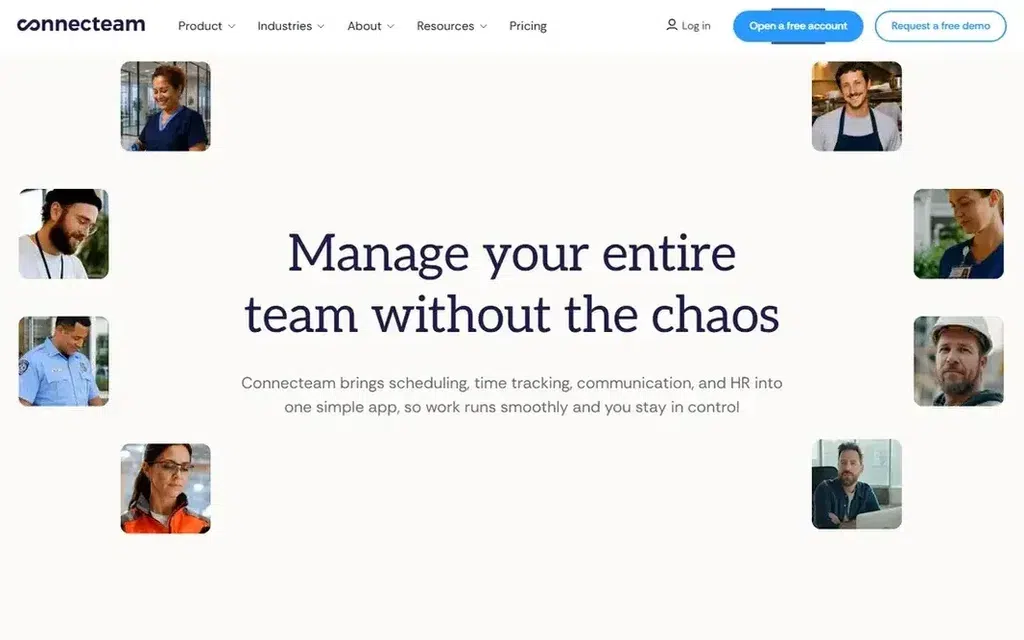
Connecteam is designed for frontline teams needing scheduling and communication. It is a strong match for field service technicians who require to coordinate schedules and stay in touch with the office whereas on the go.
Limits to weigh: Feature set can be complicated to set up.
For everyday use, the app aims to replace scattered tools with a single interface for clarity and control. Connecteam pricing: $29 per month. Connecteam offers a free plan.
- All-in-one app for scheduling
- Aimed at frontline teams
- May be overkill for straightforward time tracking
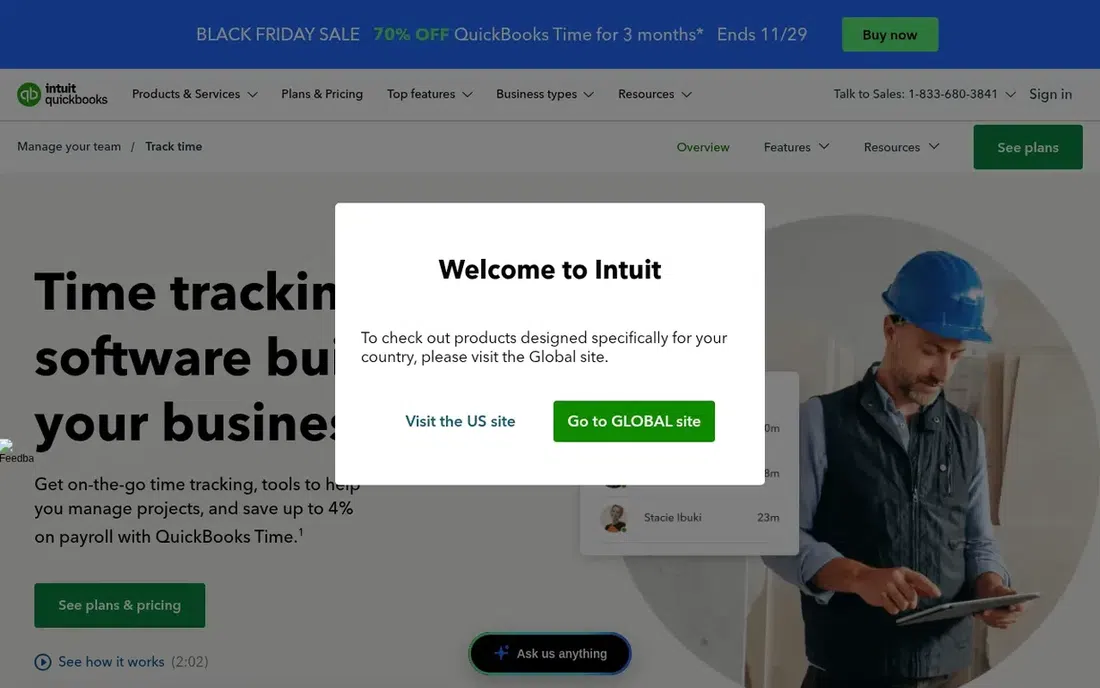
QuickBooks Time is built with field teams needing job and GPS tracking in mind. QuickBooks Time is an employee time tracking system that lets you track time, jobs, and GPS from a single app. It is built for companies that need to handle payroll and job costs, making it a solid fit for field service technicians who move between sites.
Limits to weigh: GPS tracking can raise privacy concerns.
Beyond that, the product may be most valuable if you already use QuickBooks for accounting; otherwise, the integration benefits are restricted. In daily use, GPS tracking is included but could need clear policies for technician privacy. This comparison lists no price for QuickBooks Time; ask the vendor. Free access: Not stated. Strengths: AI-powered product.
- GPS in one place
- Connects with payroll and accounting
- May need QuickBooks ecosystem
Hubstaff was built for teams needing productivity insights and payments. Hubstaff is time tracking software with productivity insights that helps teams run work, costs, and performance. It tracks employee time, watches productivity, and can turn approved hours into payments.
Watch-outs: Productivity monitoring may feel intrusive.
This makes it a good match for field service companies that want to understand how time is spent and simplify payroll or client billing. If you only need time capture without monitoring, a more straightforward tool like Harvest may be preferable. Price to start with Hubstaff: $10 per seat per month. Free plan details: Free trial.
- Gives you insights on work and costs
- Tracks time and watches productivity
- Payment features may not suit all firms
Harvest makes the most sense for Time tracking with invoicing and reporting. Harvest is time tracking software with invoicing that provides time tracking and management along with capable simple reporting and simplified online invoicing. It is well-suited for field service technicians who require to track time and produce invoices straight from logged hours, especially for client-facing work.
If your priority is invoicing and reporting, Harvest is a solid choice. Worth adding: the tool is noted for its simplicity and reporting capabilities. More specifically, Harvest may not bundle GPS tracking or job costing features that some field service teams need. The starting price for Harvest: $9 per seat per month. Harvest has a free plan.
Downsides: May lack field-specific features like GPS.
- Feature-rich simple reporting
- Time tracking and management
- Invoicing focus might not fit all field service workflows
TimeCamp is built with project profitability and automatic time tracking in mind. TimeCamp is project profitability and time tracking software that uses AI automation to turn logged hours into insights, invoices, and budget alerts. It syncs natively with Jira, Asana, and plenty of other tools.
Where it falls short: Focus on project profitability might overshadow entry-level tracking.
This makes it right for field service firms that require to track time against projects and monitor profitability, particularly if they use other project management products. TimeCamp's emphasis on project profitability and integrations may be more than an usual field service technician needs for daily time capture. As for the details, the automation features could need a ramp-up time. The starting price for TimeCamp: $3.99 per user per month. Free access exists with TimeCamp.
- Project insights, invoices
- AI automation for time tracking
- May be complicated for straightforward field service needs
How we built this list
LinkVetted looked at what each vendor publishes: pricing, plan limits, feature coverage for time tracking software for field service technicians and stated drawbacks. No hands-on testing is claimed. Prices and plan limits come from vendor pages and can change, so confirm them on the vendor site before you buy. We ordered the tools by general fit, then by how clearly pricing is shown, then by free access. A buyer with unusual needs may reorder them.
Pre-purchase checklist
- Get a written quote from QuickBooks Time; the list shows no starting price for them.
- Look at free plan limits closely: Connecteam, Harvest and TimeCamp have one, and the caps decide whether it is usable for real work.
- Take the trial from TSheets and Hubstaff and push a live task through it before you pay.
- Read the limits listed for TSheets first: essentially QuickBooks Time branding.
- Test the integrations you rely on with Harvest before committing; some connectors sit on upper tiers.
- Ask Hubstaff whether prices are locked for the first term and what happens at renewal.
FAQ
Can I try these tools before paying?
Often, yes. Connecteam, Harvest and TimeCamp have a free plan and TSheets and Hubstaff offer a free trial. Use your own data and a real task during the test, and check what the free tier or trial limits before you rely on it.
Is TSheets the right pick for everyone comparing time tracking software for field service technicians?
No single tool suits every team. TSheets comes first because it fits QuickBooks users needing employee time tracking, while Connecteam suits frontline teams needing scheduling and communication and QuickBooks Time suits field teams needing job and GPS tracking. Match the tool to your own size, budget and workflow before deciding.
How are the tools for time tracking software for field service technicians ordered?
TSheets sits first and TimeCamp last because the order follows typical fit for time tracking software for field service technicians, then price clarity and free access. It is a judgement call, so read each profile for fit and limits.
Do these tools publish their prices?
Not all of them. QuickBooks Time publishes no starting price, so expect a quote request for it. The rest, TSheets included, show a starting price, though seats and billing terms still change the final cost.
Sources
- https://www.tsheets.com
- https://connecteam.com
- https://quickbooks.intuit.com/time-tracking
- https://hubstaff.com
- https://www.getharvest.com
- https://www.timecamp.com