Best Time Clock Software for Retail Chains (2026): 6 Picks Checked on Vendor Pages
Compare 6 best time clock software for retail chains, with prices, free plans and who each fits. Each tool gets a one-line verdict. Narrow your shortlist.
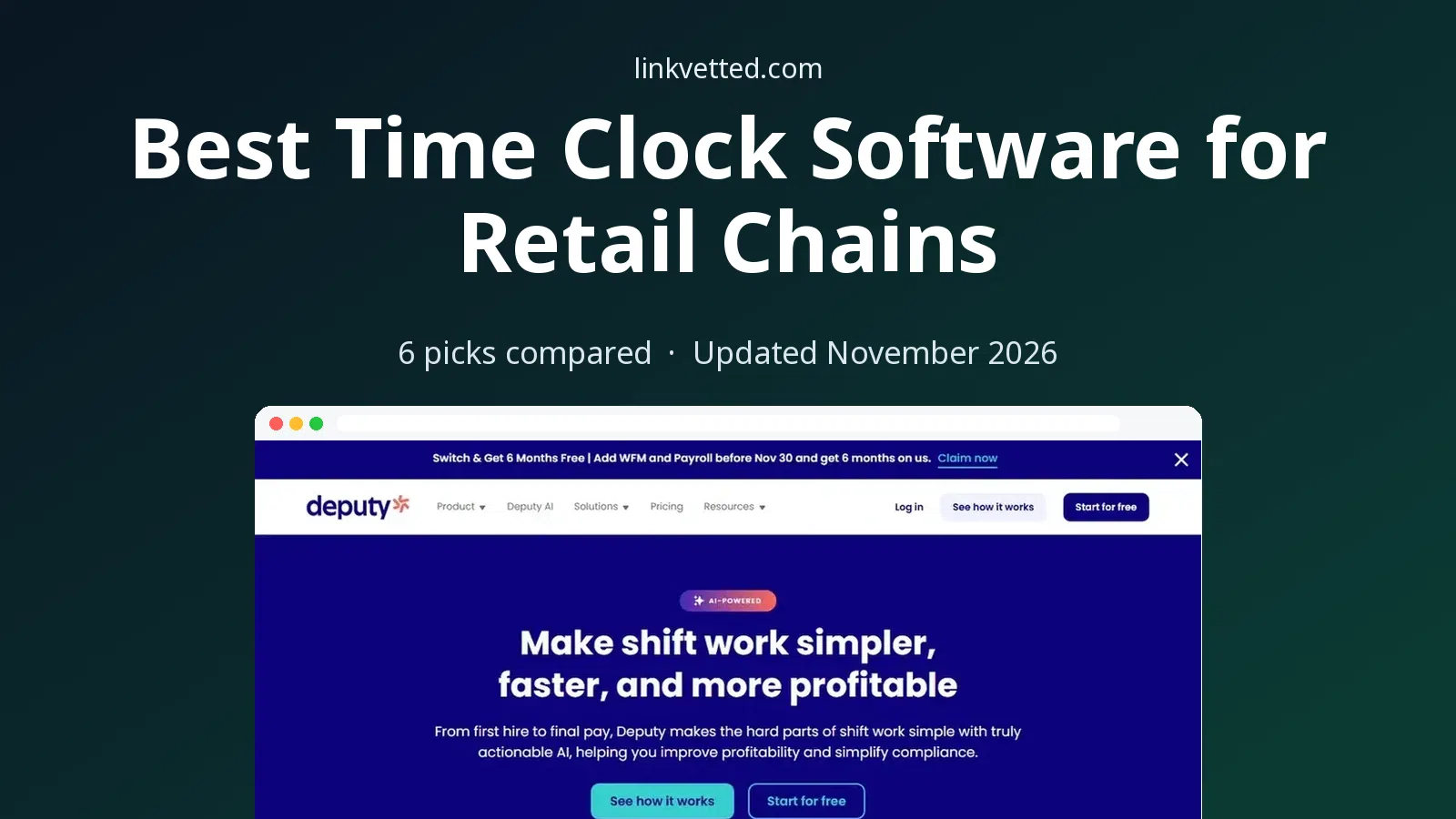
- Editor's choice
 Connecteam
Frontline retail teams in one app
Starts at$29 a monthVisit connecteam.comFull review - Great alternative
 ADP Workforce Now
Bigger chains needing payroll and HR depth
Starts atSee websiteVisit adp.comFull review - Also consider
 Deputy
Multi-location shift coverage and forecasting
Starts at$5 per user a monthVisit deputy.comFull review
Direct answer
Connecteam comes first here, mainly for frontline retail teams in one app. Listed starting prices: Connecteam from $29 a month, Deputy from $5 per user a month and Homebase from $30 per location per month. For a different need, ADP Workforce Now covers bigger chains needing payroll and HR depth and Deputy covers multi-location shift coverage and forecasting. The full list of 6 tools follows, with prices and free plan facts.
TL;DR:
- Top of the list is Connecteam, which targets frontline retail teams in one app.
- ADP Workforce Now comes with a trade-off: can be complicated for small chains.
- When I Work suits quick shift scheduling and team messaging.
- When I Work has the lowest monthly starting price in this list: $2.50 per user per month.
- Connecteam, Homebase: these are the 2 tools out of 6 that offer a free plan.
Last checked November 2026. Prices and plan details were read from the vendors' own pages in November 2026; vendors change plans often, so confirm the current price on the vendor site before you buy.
Quick comparison
| Tool | Best for | Starts at | Free plan? | |
|---|---|---|---|---|
| Connecteam | Frontline retail teams in one app | $29 a month | Yes | Visit |
| ADP Workforce Now | Bigger chains needing payroll and HR depth | See website | Not stated | Visit |
| Deputy | Multi-location shift coverage and forecasting | $5 per user a month | Free trial | Visit |
 UKG Ready | Scaling chains wanting unified HR and time | See website | Not stated | Visit |
 Homebase | Hourly retail teams wanting one app | $30 per location per month | Yes | Visit |
 When I Work | Quick shift scheduling and team messaging | $2.50 per user per month | Free trial | Visit |
The 6 tools in detail
LinkVetted compared 6 time clock software for retail chains. The goal is a practical shortlist: published prices, free plan facts, best-fit use cases and honest limits for every entry.
In short, Connecteam is for frontline retail teams in one app. Connecteam is an employee management app made for frontline teams, letting managers schedule, track time and communicate in one place.
If you need deep HR administration or advanced labor forecasting, a broader suite may be a better match. Retail chains with dispersed store staff can use it to replace scattered tools and provide managers clear control over shifts and hours. What you pay to start with Connecteam: $29 per month. You can start on Connecteam without paying.
Downsides: Advanced HR depth is restricted.
- Scheduling and time tracking together
- Communication tools included
- Payroll is not the core focus
ADP Workforce Now was built for bigger chains needing payroll and HR depth. It suits organizations that require enterprise-grade payroll and HR depth instead of a light scheduling app.
What to check first: Setup and administration are heavier.
If your chain primarily needs fast shift scheduling and straightforward punch tracking, a lighter tool will be quicker to adopt. This comparison lists no price for ADP Workforce Now; ask the vendor. Free plan details: Not stated.
- Expert support included
- Analytics for data-driven insights
- Can be complicated for small chains
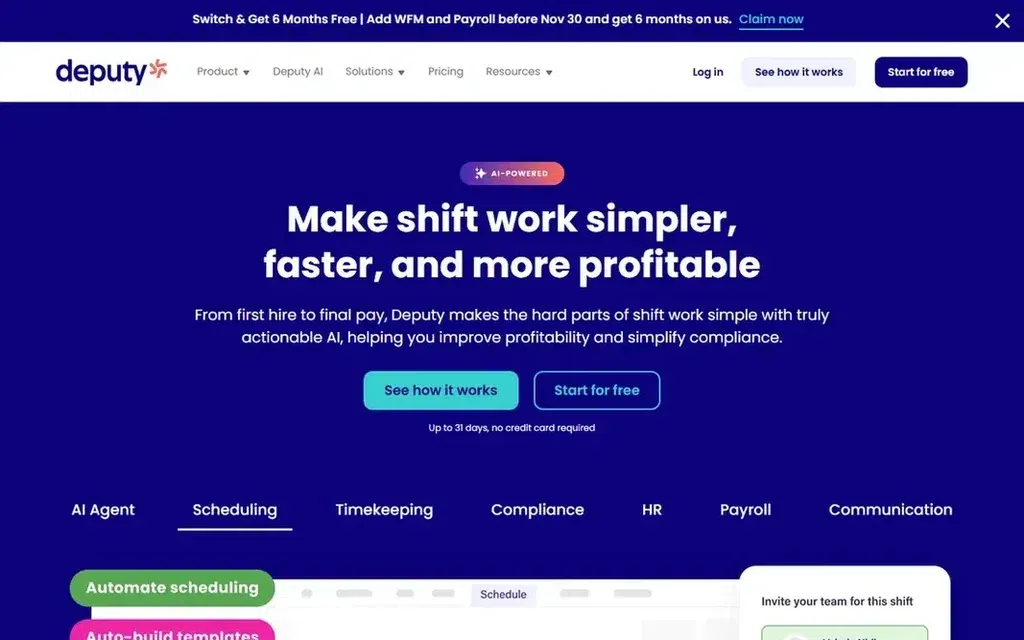
Pick Deputy if this describes you: multi-location shift coverage and forecasting. If you chiefly need a straightforward punch clock with minimal scheduling logic, a lighter tool may be simpler to roll out.
The main drawbacks: Payroll depth varies by region.
Best features of Deputy: Scheduling plus HR and payroll.
Deputy's payroll capabilities vary by region and integration, so chains with specific payroll providers should verify fit first. Retail chains with multiple keeps can use forecasting to match staffing to foot traffic patterns and keep shift coverage consistent across locations. Starting cost for Deputy: $5 per user per month. Free plan details: Free trial.
- Easy-to-use interface
- AI labor forecasting
- Advanced setup takes time
Think of UKG Ready for scaling chains wanting unified HR and time. If you only want time clocks and entry-level scheduling, a narrower tool may be more straightforward to run.
UKG Ready does not show a starting price in this comparison, so check the vendor site for current pricing. As for free access: Not stated.
Honest limits: Broad suite may exceed straightforward needs.
- Easy-to-learn interface
- Built to scale with the business
- Configuration can take time
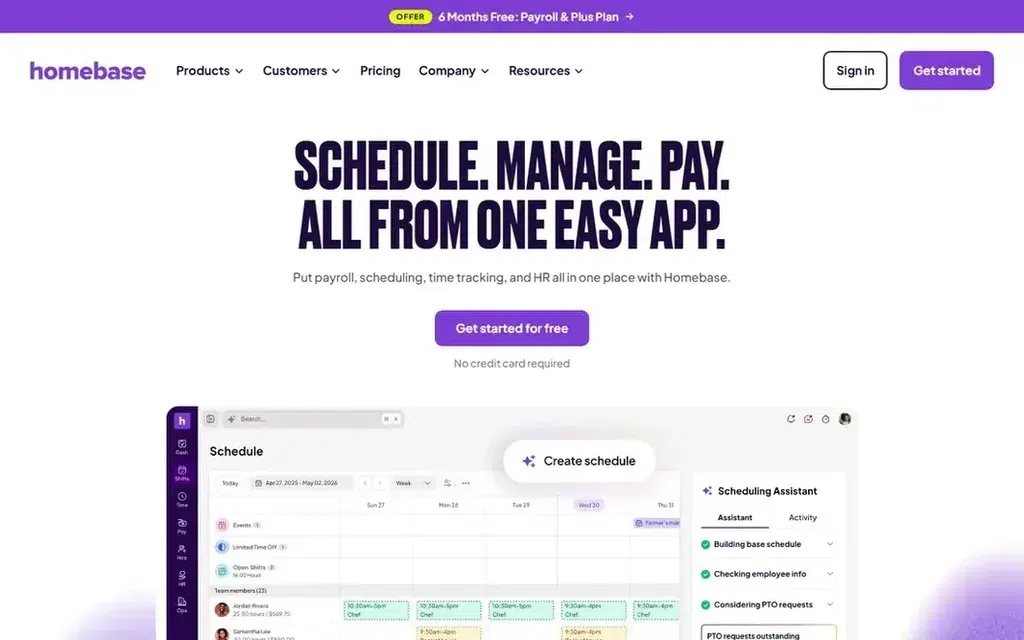
Choose Homebase for hourly retail teams wanting one app. For retail chains, that means store managers can build shifts, track punches and push hours toward payroll without stitching tools together.
Drawbacks to consider: Payroll features may not suit complicated enterprises.
Where Homebase stands out: time clocks and payroll in one place.
Pick something else if you run a large enterprise with layered compliance needs or want heavy forecasting built in. In daily use, since it targets hourly teams broadly, Homebase may feel light for chains needing complicated multi-entity payroll, deep HR case management or advanced labor analytics. Entry price for Homebase: $30 per location per month. Homebase offers a free plan.
- Scheduling
- Designed for hourly teams
- Advanced HR depth is restricted
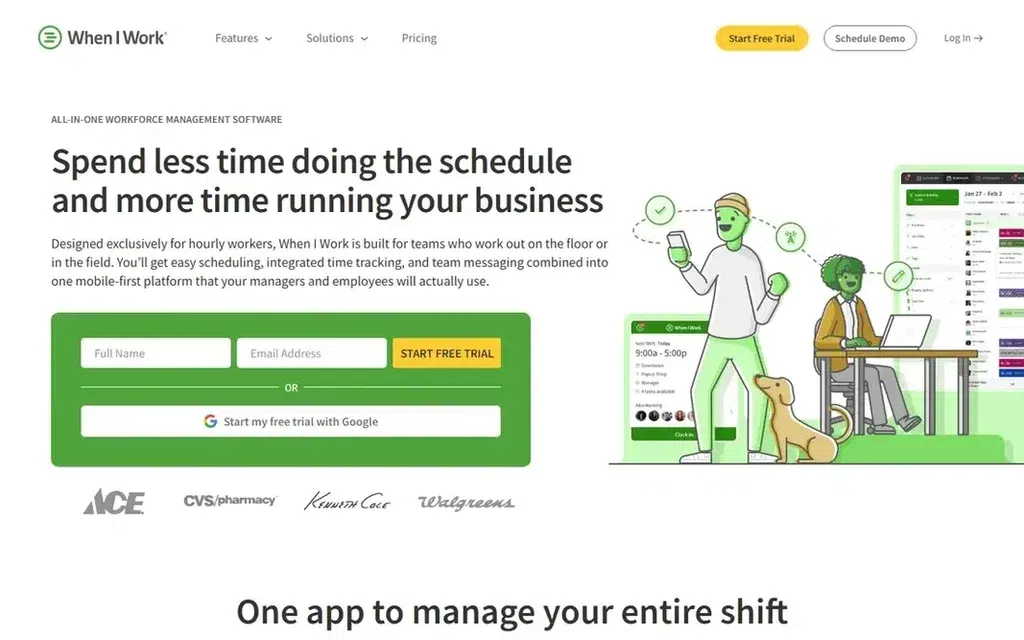
When I Work works best for quick shift scheduling and team messaging. It suits chains that prioritize straightforward scheduling and time tracking over a full HR and payroll system.
Trade-offs to know: Deeper HR features are restricted.
When I Work is not a payroll system on its own, so chains needing payroll in the same tool will depend on integrations. On cost, When I Work starts like this: $2.50 per user per month. Free options: Free trial.
- Straightforward for store managers
- Schedule shifts and track time in one app
- Payroll needs integrations
Selection criteria
Selection started from tools commonly considered for time clock software for retail chains, then narrowed to 6 that have clear pricing information or a clear quote process. Where a vendor does not publish a price, the entry says quote. Where a price depends on seats or billing term, the entry says so. We ordered the tools by general fit, then by how clearly pricing is shown, then by free access. A buyer with unusual needs may reorder them.
Before you commit
- Confirm the entry price on the vendor page. For ADP Workforce Now and UKG Ready that means a quote rather than a fixed price.
- Check what the free option really includes: Connecteam and Homebase offer a free plan, and usage caps differ.
- Run a trial of Deputy and When I Work with real work before paying for a year; your own workflow is the best test.
- Before choosing Connecteam, weigh its main limit: payroll is not the core focus.
- Test how quickly ADP Workforce Now answers a pre-sales question; it hints at how support will feel later.
- Map your must-have features to a specific Connecteam plan before you compare prices.
FAQ
Is Connecteam the right pick for everyone comparing time clock software for retail chains?
No single tool suits every team. Connecteam comes first because it fits frontline retail teams in one app, while ADP Workforce Now suits larger chains needing payroll and HR depth and Deputy suits multi-location shift coverage and forecasting. Match the tool to your own size, budget and workflow before deciding.
Which options for time clock software for retail chains have a free plan?
Connecteam and Homebase offer a free plan in this list. Free plans usually cap users, projects or features, so check the limits on the vendor page. Several others offer a trial instead. Prices, free plan details and limits for all 6 tools in this time clock software for retail chains roundup sit on the individual cards above.
Can I try these tools before paying?
Often, yes. Connecteam and Homebase have a free plan and Deputy and When I Work offer a free trial. Use your own data and a real task during the test, and check what the free tier or trial limits before you rely on it. Each of the 6 options in this time clock software for retail chains guide has its own card above with the price, free plan and limits.
How are the tools for time clock software for retail chains ordered?
Connecteam sits first and When I Work last because the order follows typical fit for time clock software for retail chains, then price clarity and free access. It is a judgement call, so read each profile for fit and limits.
Sources
- https://connecteam.com
- https://www.adp.com/what-we-offer/products/adp-workforce-now.aspx
- https://www.deputy.com
- https://www.ukg.com/products/ukg-ready
- https://www.joinhomebase.com
- https://wheniwork.com