Best Takeoff Software for Contractors (2026): 6 Picks Checked on Vendor Pages
Compare 6 best Takeoff software for contractors, with prices, free plans and who each fits. Plain-spoken summaries throughout. Reviewed in November 2026.
- Editor's choice
 On-Screen Takeoff
Takeoff within a bid-finding ecosystem
Starts at$129 a monthVisit constructconnect.comFull review - Great alternativeSharpesoft
Specialized takeoff and estimating
Starts atSee websiteVisit sharpesoft.comFull review - Also consider
 PlanSwift
Quick, accurate construction estimating takeoff
Starts atSee websiteVisit planswift.comFull review
Direct answer
On-Screen Takeoff leads the list, best for Takeoff within a bid-finding ecosystem. Listed starting prices: On-Screen Takeoff from $129 a month and Stack from $49 per user a month. Alternatives: Sharpesoft for specialized takeoff and estimating, and PlanSwift for quick, accurate construction estimating takeoff. Details, prices and limits for the rest of the 6 tools are below.
TL;DR:
- Number one here is On-Screen Takeoff, a fit for Takeoff within a bid-finding ecosystem.
- One limit worth knowing about Sharpesoft: restricted public information available.
- The lowest published monthly entry price here is $49 per user per month, from Stack.
- Bluebeam Takeoff suits integrated takeoff and document collaboration.
Last checked November 2026. Prices and plan details were read from the vendors' own pages in November 2026; vendors change plans often, so confirm the current price on the vendor site before you buy.
Quick comparison
| Tool | Best for | Starts at | Free plan? | |
|---|---|---|---|---|
| On-Screen Takeoff | Takeoff within a bid-finding ecosystem | $129 a month | Free trial | Visit |
| Sharpesoft | Specialized takeoff and estimating | See website | Not stated | Visit |
| PlanSwift | Quick, accurate construction estimating takeoff | See website | Free trial | Visit |
| CostOS | Advanced cost estimating and precision | See website | Not stated | Visit |
 Stack | Cloud-based takeoff and collaboration | $49 per user a month | Free trial | Visit |
| Bluebeam Takeoff | Integrated takeoff and document collaboration | See website | Free trial | Visit |
The best Takeoff software for contractors
LinkVetted put together this guide to Takeoff software for contractors for readers who want a clear shortlist without reading every vendor page. It compares 6 tools on starting price, free plans, who each one suits and where each one falls short.
Pick On-Screen Takeoff if this describes you: Takeoff within a bid-finding ecosystem. On-Screen Takeoff is offered through ConstructConnect, which offers data and software to help contractors and manufacturers find, bid, and win the right construction jobs.
As for the details, the full value relies on using ConstructConnect's project data services. Beyond that, since On-Screen Takeoff is tied to ConstructConnect's broader product, teams seeking a standalone takeoff tool may prefer PlanSwift or Stack. Price to start with On-Screen Takeoff: $129 per month. Free access: Free trial.
The main drawbacks: May need adoption of ConstructConnect services.
- Helps contractors find, bid
- Part of ConstructConnect's project data and software
- Takeoff is one part of a larger product
Sharpesoft
Best for: Specialized takeoff and estimating
Sharpesoft serves specialized takeoff and estimating. Sharpesoft is a software provider that gives you takeoff and estimating tools for contractors. It is usually known in the construction estimating space for specialized options that help with quantity takeoff and bid preparation, making it worth considering for teams seeking a focused tool.
In practice, public documentation is restricted, so buyers should request a demo to confirm features and fit. Also, contractors who require deep collaboration features might also evaluate Bluebeam Takeoff or Stack. Check the vendor site for Sharpesoft pricing; none is listed in this comparison. As for free access: Not stated.
Drawbacks to consider: Restricted public information available.
- May offer specialized features for contractors
- Dedicated to takeoff and estimating tasks
- May need a demo to assess fit
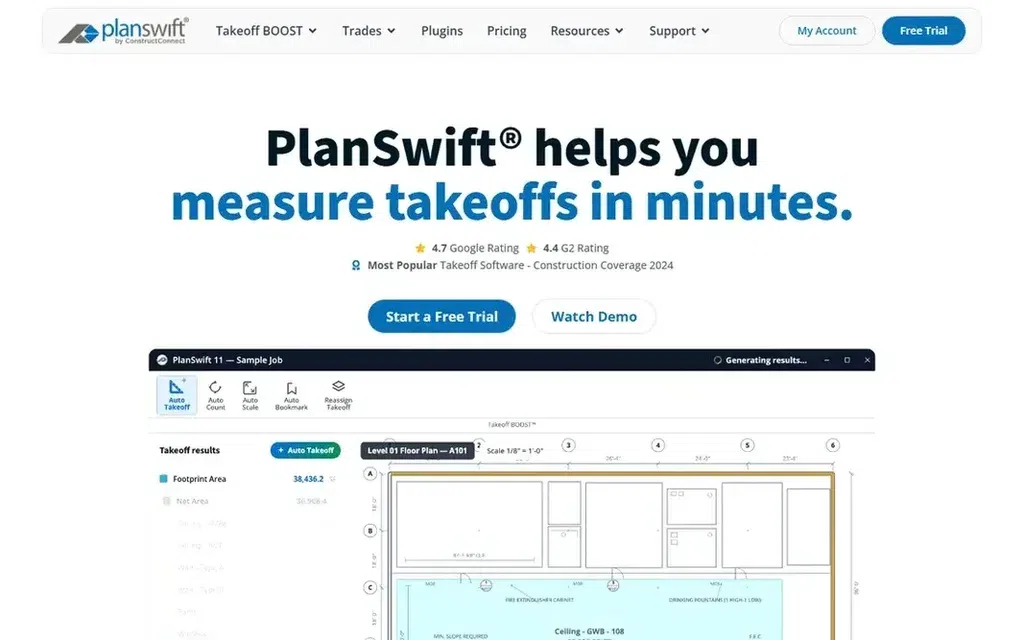
Pick PlanSwift if this describes you: quick, accurate construction estimating takeoff. Contractors who require cloud-based teamwork across the project lifecycle might consider Stack or Bluebeam Takeoff.
More specifically, PlanSwift is takeoff software made for construction estimating, built to help contractors save time and produce more accurate estimates to win profitable jobs. PlanSwift may lack the live collaboration and document management features found in broader systems. PlanSwift shows no starting price here, so confirm the cost on the vendor site. Free options: Free trial.
What to check first: Restricted collaboration features compared with cloud suites.
- Focused on takeoff for construction estimating
- Aims to save time and boost estimate accuracy
- May not integrate with all project management tools
CostOS
Best for: Advanced cost estimating and precision
CostOS was built for advanced cost estimating and precision. It suits contractors and estimators who require in-depth cost modeling and takeoff within a dedicated estimating environment, particularly on projects where accuracy and cost control are critical.
The main drawbacks: May be complicated for small contractors.
CostOS may be more complicated than needed for straightforward takeoff tasks, and it is less concentrated on live document collaboration. No starting price is listed for CostOS here; confirm pricing on the vendor site. As for free access: Not stated.
- Focus on cost estimating and project precision
- Advanced estimating tools from Nomitech
- Less emphasis on document collaboration

Think of Stack for cloud-based takeoff and collaboration. Stack is cloud-based construction software that aims to save time, increase accuracy, and boost collaboration from bid decision to project closeout.
It suits contractors who want takeoff and estimating within a connected, browser-accessible environment that supports teamwork across locations. On cost, Stack starts like this: $49 per user per month. Free options: Free trial.
Where it falls short: Needs internet connection for full functionality.
- Supports workflow from bid decision to closeout
- Cloud-based access from anywhere
- May have a ramp-up time for new users
Bluebeam Takeoff
Best for: Integrated takeoff and document collaboration
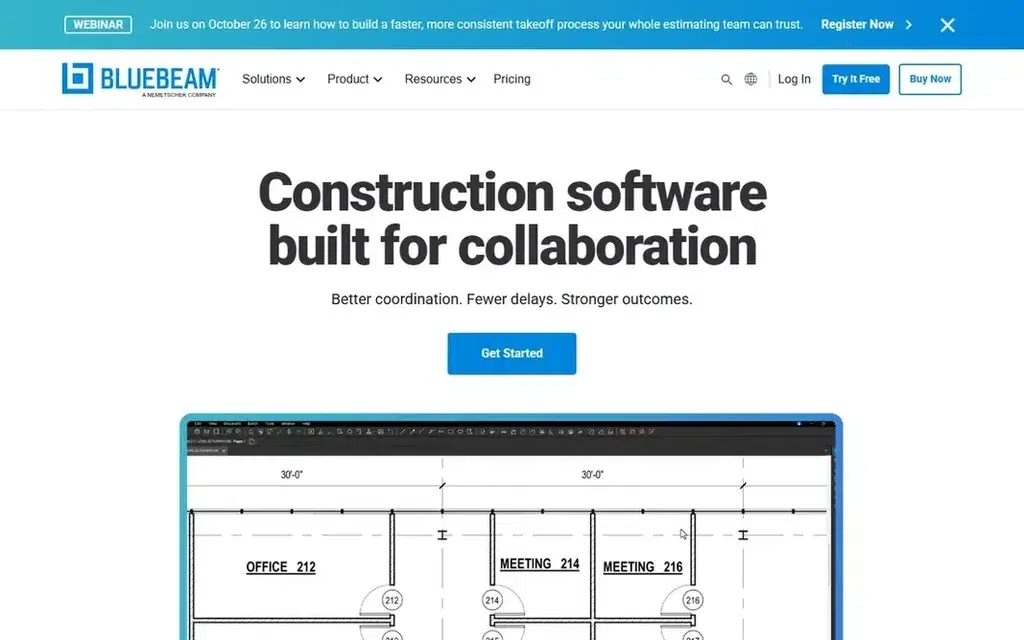
Bluebeam Takeoff works best for integrated takeoff and document collaboration. Since Bluebeam is a wide collaboration suite, teams that only need straightforward quantity takeoff may find it more than necessary.
Where it falls short: May need training to use advanced takeoff tools.
This comparison lists no price for Bluebeam Takeoff; ask the vendor. On free options: Free trial.
- Live collaboration on construction documents
- Document management from design to completion
- Not a standalone estimating option
Our selection method
LinkVetted looked at what each vendor publishes: pricing, plan limits, feature coverage for Takeoff software for contractors and stated drawbacks. No hands-on testing is claimed. Where a price is missing, the vendor does not list one publicly or ties it to a quote. Always confirm before budgeting. Order on the page follows fit for the typical buyer first, then price transparency and free access. Your own requirements should decide the final pick.
Things to verify first
- Ask Sharpesoft, PlanSwift, CostOS and Bluebeam Takeoff for a written quote, since no starting price is shown.
- Take the trial from On-Screen Takeoff, PlanSwift, Stack and Bluebeam Takeoff and push a live task through it before you pay.
- Read the limits listed for On-Screen Takeoff first: Takeoff is one part of a bigger product.
- Check whether the features you need in Bluebeam Takeoff sit on the entry plan or only on higher tiers.
- Work out what PlanSwift costs with your real seat count, add-ons and usage, not just the entry price.
FAQ
Do these tools publish their prices?
Not all of them. Sharpesoft, PlanSwift, CostOS and Bluebeam Takeoff publish no starting price, so expect a quote request for those. The rest, On-Screen Takeoff included, show a starting price, though seats and billing terms still change the final cost.
What is the cheapest option for Takeoff software for contractors in this list?
On published monthly entry prices, Stack is the lowest here at $49 per user per month. Entry price is only part of the cost, because seats, add-ons and billing terms can change the total. Prices, free plan details and limits for all 6 tools in this Takeoff software for contractors roundup sit on the individual cards above.
Is On-Screen Takeoff the right pick for everyone comparing Takeoff software for contractors?
No single tool suits every team. On-Screen Takeoff comes first because it fits Takeoff within a bid-finding ecosystem, while Sharpesoft suits specialized takeoff and estimating and PlanSwift suits fast, accurate construction estimating takeoff. Match the tool to your own size, budget and workflow before deciding.
Is cloud-based takeoff software better than desktop?
Cloud-based takeoff provides accessibility and live collaboration, whereas desktop tools may offer quicker performance on large files and work offline. The better choice relies on your team's workflow, internet reliability, and need for remote access.
Can I try these tools before paying?
Often, yes. On-Screen Takeoff, PlanSwift, Stack and Bluebeam Takeoff offer a free trial. Use your own data and a real task during the test, and check what the free tier or trial limits before you rely on it.
Sources
- https://www.constructconnect.com
- https://www.sharpesoft.com
- https://www.planswift.com
- https://www.nomitech.com
- https://www.stackct.com
- https://www.bluebeam.com