6 Synthetic Monitoring Tools for Web Apps Worth Shortlisting in 2026
Best Synthetic monitoring tools for web apps in 2026: 6 contenders with entry costs and free tiers. Prices and drawbacks included. Quick comparison inside.
- Editor's choiceDynatrace Synthetic Monitoring
Enterprises needing service-level and business transaction visibility
Starts atSee websiteVisit dynatrace.comFull review - Great alternative
 Site24x7
All-in-one monitoring of websites and infrastructure
Starts atSee websiteVisit site24x7.comFull review - Also consider
 AppDynamics
Unified observability with proactive problem resolution
Starts at$6 per month, per CPU core, billed yearlyVisit appdynamics.comFull review
Direct answer
Start with Dynatrace Synthetic Monitoring if you need enterprises needing service-level and business transaction visibility. Listed starting prices: AppDynamics from $6 per month, per CPU core, billed yearly, Grafana Synthetic Monitoring from $19 a month and Checkly from $24 per month. Site24x7 fits all-in-one monitoring of websites and infrastructure; AppDynamics fits unified observability with proactive problem resolution. The remaining 3 options are covered below with prices and limits.
TL;DR:
- This list starts with Dynatrace Synthetic Monitoring, which is built for enterprises needing service-level and business transaction visibility.
- The cheapest monthly starting price in the list is $6 per month, per CPU core, billed annually, offered by AppDynamics.
- Only 3 of the 6 tools have a free plan (AppDynamics, Grafana Synthetic Monitoring, Checkly), so check the caps.
- Datadog Synthetic Monitoring is the one to check for teams needing automatic journey discovery and debugging.
Last checked November 2026. Prices and plan details were read from the vendors' own pages in November 2026; vendors change plans often, so confirm the current price on the vendor site before you buy.
Quick comparison
| Tool | Best for | Starts at | Free plan? | |
|---|---|---|---|---|
| Dynatrace Synthetic Monitoring | Enterprises needing service-level and business transaction visibility | See website | Not stated | Visit |
| Site24x7 | All-in-one monitoring of websites and infrastructure | See website | Not stated | Visit |
| AppDynamics | Unified observability with proactive problem resolution | $6 per month, per CPU core, billed yearly | Yes | Visit |
| Grafana Synthetic Monitoring | Proactive testing within the Grafana ecosystem | $19 a month | Yes | Visit |
 Checkly | Developer-centric active reliability monitoring | $24 per month | Yes | Visit |
| Datadog Synthetic Monitoring | Teams needing automatic journey discovery and debugging | See website | Not stated | Visit |
Synthetic Monitoring Tools for Web Apps compared in detail
LinkVetted compared 6 Synthetic monitoring tools for web apps. The goal is a practical shortlist: published prices, free plan facts, best-fit use cases and honest limits for every entry.
Dynatrace Synthetic Monitoring
Best for: Enterprises needing service-level and business transaction visibility
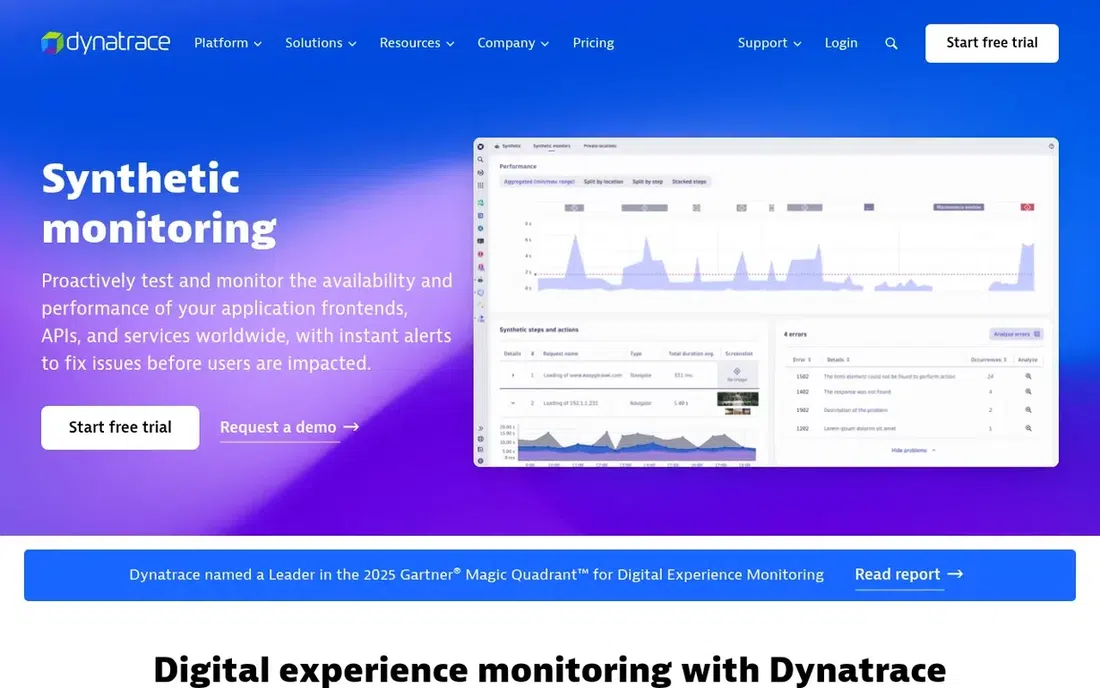
Dynatrace Synthetic Monitoring was built for enterprises needing service-level and business transaction visibility. Dynatrace Synthetic Monitoring gives you the information needed to understand service levels, system availability, and key business transactions. It is aimed at enterprises that need deep visibility into both technical and business metrics.
Downsides: May need training to use effectively.
For teams without dedicated monitoring staff, the system may feel overwhelming. If you need only entry-level synthetic checks, a more straightforward choice might be more appropriate. More specifically, the tool plugs into Dynatrace's broader observability capabilities, making it a fit for organizations already using the product. Dynatrace Synthetic Monitoring shows no starting price here, so confirm the cost on the vendor site. Free plan details: Not stated.
- Tracks key business transactions
- Part of a comprehensive observability suite
- Can be heavy for small teams
Think of Site24x7 for all-in-one monitoring of websites and infrastructure. Site24x7 provides monitoring for your whole IT environment, including websites, servers, networks, applications, and cloud systems, with instant alerts through several channels. The tool offers both free and premium monitoring services, based on its homepage.
Points against: Interface can be complicated because of numerous features.
Whereas Site24x7 bundles synthetic monitoring, it may not match the depth of dedicated synthetic tools for complex user journeys. Choose Site24x7 for broad coverage and integrated alerting. This comparison lists no price for Site24x7; ask the vendor. Free options: Not stated.
- Wide IT environment coverage
- Watches websites, servers, networks, apps
- Synthetic monitoring may be less advanced than specialists
AppDynamics serves unified observability with proactive problem resolution. AppDynamics, now part of the Splunk Observability portfolio, supplies unified observability across any environment and stack. It helps ensure resilience of digital systems, identify problems proactively, find root causes, and resolve them quick.
Beyond that, pick AppDynamics when you want synthetic monitoring as part of a full observability strategy. Beyond that, AppDynamics is a wide system, and its synthetic monitoring features may be more than some teams need. Price to start with AppDynamics: $6 per month, per CPU core, billed annually. You can start on AppDynamics without paying.
The main drawbacks: May be expensive for small teams.
- Quick root cause analysis
- Proactive problem identification
- Synthetic monitoring is part of a bigger suite
Grafana Synthetic Monitoring
Best for: Proactive testing within the Grafana ecosystem
Grafana Synthetic Monitoring was built for proactive testing within the Grafana ecosystem. Grafana Synthetic Monitoring lets you proactively test websites and APIs, simulate user journeys, and detect reliability and performance issues before users are impacted. Consider it when you want synthetic monitoring tightly coupled with Grafana dashboards.
Beyond that, the tool helps catch issues early by simulating user interactions. Also, adopting this tool may need existing Grafana knowledge or a willingness to learn. For teams outside the Grafana ecosystem, it might be less convenient. The starting price for Grafana Synthetic Monitoring: $19 per month. A free plan is available with Grafana Synthetic Monitoring.
Main advantages: Proactively tests websites and APIs. Limits to weigh: Needs Grafana familiarity.
- Simulates user journeys
- Integrated with Grafana Cloud
- May be complicated for straightforward use cases
Choose Checkly for developer-centric active reliability monitoring. Checkly is described as the active reliability layer for developers and agents, built from the ground up to provide teams a clear signal of application health. It is made for development teams that want to integrate synthetic monitoring into their workflows.
In daily use, if you need broad non-technical reporting, another tool might be better. In practice, choose Checkly for its developer-oriented reliability focus. On top of that, since it targets developers, Checkly may not be well suited to business users seeking point-and-click monitoring. Price to start with Checkly: $24 per month. Checkly includes a free tier.
What to check first: May need coding knowledge.
- Concentrates on active reliability
- Made for developers and agents
- Less suited for non-technical users
Datadog Synthetic Monitoring
Best for: Teams needing automatic journey discovery and debugging
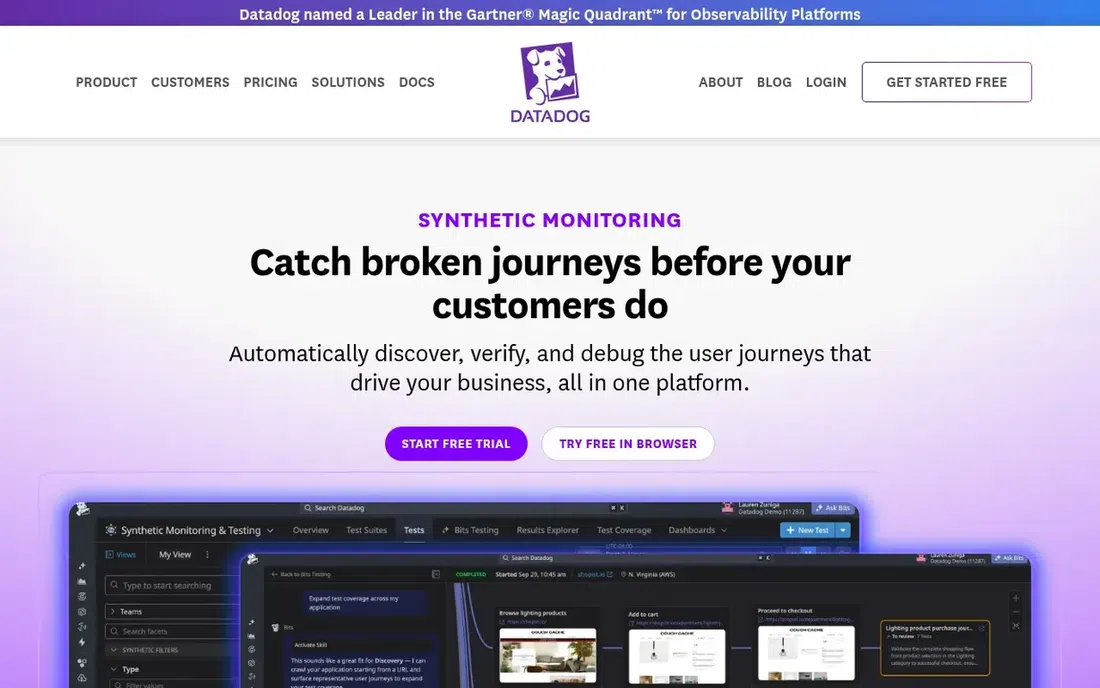
Datadog Synthetic Monitoring is designed for teams needing automated journey discovery and debugging. From a buyer's view, if you only need straightforward website pings, a lighter tool could suffice.
Where it falls short: Needs familiarity with the Datadog ecosystem.
In daily use, the tool is well suited for teams that require to simulate complicated user flows and correlate results with other telemetry. Its depth may be more than small teams need for entry-level uptime checks. Datadog Synthetic Monitoring does not show a starting price in this comparison, so check the vendor site for current pricing. Free options: Not stated.
- Integrated with a broader observability product
- Automatically discovers user journeys
- May be complicated for straightforward monitoring needs
How we chose
The comparison looks at four things: starting price, free access, how well the feature set matches Synthetic monitoring tools for web apps, and the main limit of each tool. Prices and plan limits come from vendor pages and can change, so confirm them on the vendor site before you buy. We ordered the tools by general fit, then by how clearly pricing is shown, then by free access. A buyer with unusual needs may reorder them.
Before you commit
- Ask Dynatrace Synthetic Monitoring, Site24x7 and Datadog Synthetic Monitoring for a written quote, since no starting price is shown.
- Read the fine print on the free plans from AppDynamics, Grafana Synthetic Monitoring and Checkly; seat, project and feature caps differ.
- Before choosing Dynatrace Synthetic Monitoring, weigh its main limit: can be heavy for small teams.
- Look at the help docs and support options for Site24x7 before you commit.
- Total up the real monthly cost of AppDynamics, including add-ons, extra users and usage-based fees.
FAQ
How are the tools for Synthetic monitoring tools for web apps ordered?
Dynatrace Synthetic Monitoring sits first and Datadog Synthetic Monitoring last because the order follows typical fit for Synthetic monitoring tools for web apps, then price clarity and free access. It is a judgement call, so read each profile for fit and limits.
What should I look for in alerting and reporting features?
Look for several notification channels for example email, SMS, and chat integrations, along with configurable alert thresholds. Ensure the tool links up with your existing incident management workflow.
How do I choose between a dedicated synthetic monitoring tool and a broader product?
Consider your team's expertise and whether you need tight integration with other monitoring data. If synthetic monitoring is a core need, a specialist tool may be better; otherwise, a system like Datadog or Dynatrace could suffice.
Can I try these options before paying?
Often, yes. AppDynamics, Grafana Synthetic Monitoring and Checkly have a free plan. Use your own data and a real task during the test, and check what the free tier or trial limits before you rely on it.
Is Dynatrace Synthetic Monitoring the right pick for everyone comparing Synthetic monitoring tools for web apps?
No single tool suits every team. Dynatrace Synthetic Monitoring comes first because it fits enterprises needing service-level and business transaction visibility, while Site24x7 suits all-in-one monitoring of websites and infrastructure and AppDynamics suits unified observability with proactive problem resolution. Match the tool to your own size, budget and workflow before deciding.
Which options for Synthetic monitoring tools for web apps have a free plan?
AppDynamics, Grafana Synthetic Monitoring and Checkly offer a free plan in this list. Free plans usually cap users, projects or features, so check the limits on the vendor page.
Sources
- https://www.dynatrace.com/platform/synthetic-monitoring
- https://www.site24x7.com
- https://www.appdynamics.com
- https://grafana.com/products/cloud/synthetic-monitoring
- https://www.checklyhq.com
- https://www.datadoghq.com/product/synthetic-monitoring