Choosing Survey Software for Product Teams in 2026: 6 Options Compared
Best survey software for product teams: 6 contenders ranked by fit, with entry costs and free tiers. Each tool gets a one-line verdict. See the full list.
- Editor's choice
 UserTesting
Human insight on digital experiences
Starts atSee websiteVisit usertesting.comFull review - Great alternative
 Google Forms
Light surveys in Google Workspace
Starts atSee websiteVisit workspace.google.comFull review - Also consider
 Maze
Prototype and usability research
Starts atSee websiteVisit maze.coFull review
Direct answer
For human insight on digital experiences, UserTesting is where this list starts. Listed starting prices: SurveyMonkey from $25 per user per month and Hotjar from $39 per month. Google Forms is the stronger choice for light surveys in Google Workspace, while Maze suits prototype and usability research. The remaining 3 options are covered below with prices and limits.
TL;DR:
- Number one here is UserTesting, a fit for human insight on digital experiences.
- Hotjar suits behavior insights alongside feedback.
- Maze comes with a trade-off: narrower fit for general surveys.
- 2 of 6 tools offer a free plan: SurveyMonkey, Hotjar.
Last checked November 2026. Prices and plan details were read from the vendors' own pages in November 2026; vendors change plans often, so confirm the current price on the vendor site before you buy.
Quick comparison
| Tool | Best for | Starts at | Free plan? | |
|---|---|---|---|---|
| UserTesting | Human insight on digital experiences | See website | Not stated | Visit |
| Google Forms | Light surveys in Google Workspace | See website | Not stated | Visit |
| Maze | Prototype and usability research | See website | Not stated | Visit |
 Typeform | Refined forms with automatic workflows | See website | Not stated | Visit |
 SurveyMonkey | General customer and employee surveys | $25 per user per month | Yes | Visit |
 Hotjar | Behavior insights alongside feedback | $39 per month | Yes | Visit |
The full survey software for product teams list
If you are comparing survey software for product teams, this page covers 6 tools in one place: what each is best for, what it costs to start, whether it has a free plan, and the main limit to know about.
UserTesting is aimed squarely at human insight on digital experiences. Teams looking chiefly for a form builder to run fast polls will find it heavier than needed.
In daily use, UserTesting positions its product around human insight for improving digital, product and customer experience decisions. Pricing for UserTesting is not stated here, so ask the vendor for current figures. As for free access: Not stated.
Points against: Less suited to straightforward surveys.
- Includes digital experience evaluation
- Focus on real human insight
- Insight workflows differ from form building
Think of Google Forms for light surveys in Google Workspace. Google Forms supplies fewer advanced question types, logic choices and analysis features than dedicated survey systems. Google Forms is an online form builder within Google Workspace for creating forms and surveys and gathering responses.
Drawbacks to consider: Restricted advanced research features.
In daily use, use Google Forms for straightforward collection and move to a specialized system when research requirements deepen. Also, product teams already working in Google's ecosystem can use it for fast internal polls, feedback requests and light questionnaires without adding another vendor. It is a practical default when speed and simplicity matter more than advanced survey design. Google Forms shows no starting price here, so confirm the cost on the vendor site. Free options: Not stated.
- Simple to share and collect responses
- Straightforward form and survey creation
- Entry-level design customization
In short, Maze is for prototype and usability research. Maze is built around research studies, so teams needing broad employee or market surveys may find a general survey product more suitable.
On top of that, instead of treating surveys as standalone questionnaires, it supports research activities tied straight to design decisions. Long-form questionnaires and complicated branching logic are better handled elsewhere. No starting price is listed for Maze here; confirm pricing on the vendor site. As for free access: Not stated.
Honest limits: Narrower fit for general surveys.
- Recruiting
- Testing and analysis together
- Not a replacement for long-form questionnaires
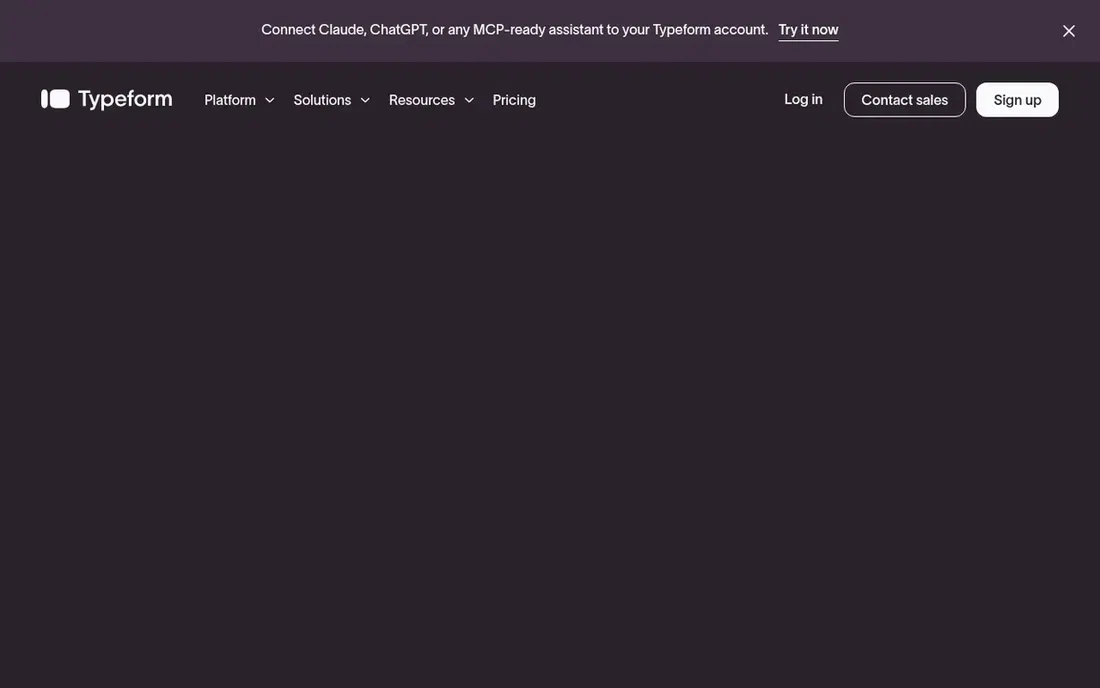
For polished forms with automatic workflows, Typeform is a natural candidate. The workflow automation is the central draw, but teams needing deep statistical analysis or built-in participant recruiting will likely pair it with another tool. More specifically, Typeform is a form builder centered on conversational, one-question-at-a-time surveys.
The main drawbacks: Less built in for prototype testing.
Its homepage emphasizes AI-powered forms plus automatic workflows that trigger follow-ups and enrichment. In daily use, for product teams, that means feedback surveys can feed straight into downstream actions without engineering work. Typeform does not show a starting price in this comparison, so check the vendor site for current pricing. Free options: Not stated.
- No-code setup
- Automatic follow-up workflows
- Advanced logic can add complexity
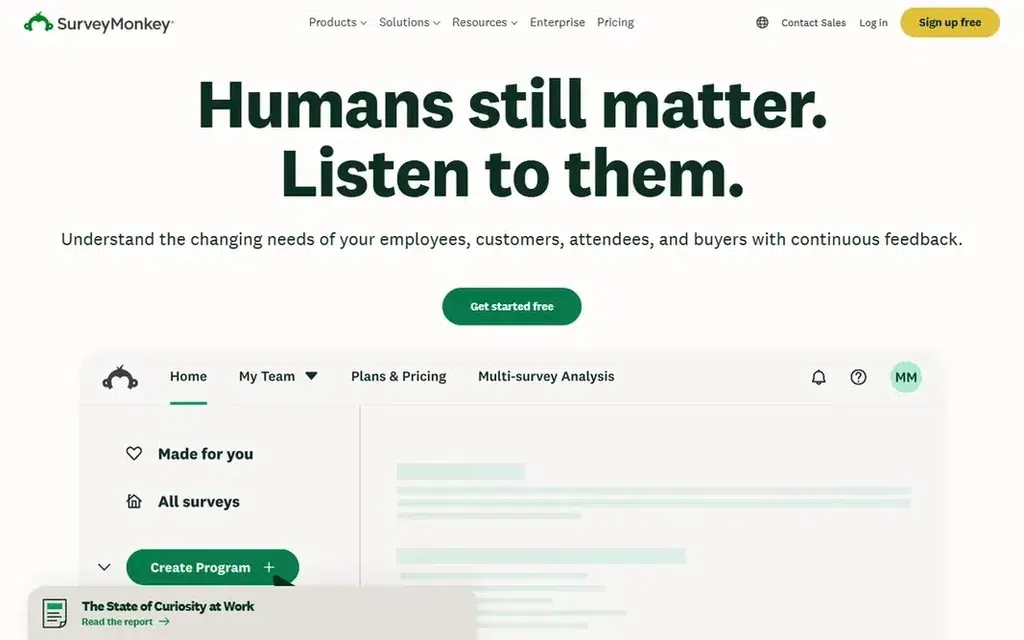
SurveyMonkey is designed for general customer and employee surveys. For product teams, it performs well as a general-purpose tool for NPS-style feedback, feature prioritization polls and internal questionnaires. Its template-driven approach shortens setup time for teams that run plenty of small surveys instead of one deep research program.
Pick SurveyMonkey when breadth and fast survey creation outweigh specialized research features. In daily use, SurveyMonkey presents itself as a widely used survey system with AI assistance and templates including customer feedback, employee feedback, market research and event registration. SurveyMonkey pricing: $25 per user per month. SurveyMonkey includes a free tier.
What to check first: Less specialized for product research.
- Straightforward survey creation
- Wide survey use cases
- Advanced analysis may need exports
Hotjar works best for behavior insights alongside feedback. Hotjar is presented as a behavior insights product serving the midsize and SMB market, now aligned with Contentsquare's experience intelligence offering. In practice, Hotjar is not a complete survey authoring and analysis suite, so it performs best paired with a dedicated survey tool.
Limits to weigh: Not a full survey suite on its own.
For everyday use, teams needing complicated questionnaire logic should look to a survey-first product. Choose Hotjar when understanding on-page behavior is central to interpreting product feedback. From a buyer's view, for product teams, it complements survey programs by showing how people actually move through a product. Hotjar cost at the entry level: $39 per month. You can start on Hotjar without paying.
- Behavior insights focus
- Fits midsize and SMB teams
- Behavior data needs interpretation
How we chose
Selection started from tools commonly considered for survey software for product teams, then narrowed to 6 that have clear pricing information or a clear quote process. Plan names, prices and limits change often. Treat the figures here as a starting point and verify them with the vendor. The ranking is editorial: typical fit first, then clear pricing, then free access. If your needs are unusual, read the profiles rather than relying on position.
Questions to settle before buying
- Get a written quote from UserTesting, Google Forms, Maze and Typeform; the list shows no starting price for them.
- Check what the free option really includes: SurveyMonkey and Hotjar offer a free plan, and usage caps differ.
- Before choosing UserTesting, weigh its main limit: less suited to straightforward surveys.
- Total up the real monthly cost of Maze, including add-ons, extra users and usage-based fees.
- Find out what support UserTesting includes on your plan, and whether onboarding help costs extra.
FAQ
Which options for survey software for product teams have a free plan?
On this list, SurveyMonkey and Hotjar include a free plan. Caps on seats, usage or features are common, so test the free plan against your real workload. Each of the 6 options in this Survey software for product teams guide has its own card above with the price, free plan and limits.
How should a small team choose between these choices?
Start with the research question: fast polls favor straightforward form builders, prototype validation favors research products, and continuing feedback programs favor experience management suites. Match the tool to your most typical research activity instead of trying to handle every case at once.
Is UserTesting the right pick for everyone comparing survey software for product teams?
No single tool suits every team. UserTesting comes first because it fits human insight on digital experiences, while Google Forms suits lightweight surveys in Google Workspace and Maze suits prototype and usability research. Match the tool to your own size, budget and workflow before deciding.
Can I try these tools before paying?
Often, yes. SurveyMonkey and Hotjar have a free plan. Use your own data and a real task during the test, and check what the free tier or trial limits before you rely on it. All 6 picks in this Survey software for product teams comparison list a starting price, free plan details and the main limits on their cards above.
Do these tools publish their prices?
Not all of them. UserTesting, Google Forms, Maze and Typeform publish no starting price, so expect a quote request for those. The rest, SurveyMonkey included, show a starting price, though seats and billing terms still change the final cost.
Sources
- https://www.usertesting.com
- https://workspace.google.com/products/forms
- https://maze.co
- https://www.typeform.com
- https://www.surveymonkey.com
- https://www.hotjar.com