The 6 Best Survey Software for Law Firms in 2026, Ranked
Comparing the best survey software for law firms? 6 contenders, each with entry cost, free tier and best-fit buyer. Short verdicts, no fluff. Decide faster.
- Editor's choice
 Formstack
Secure forms with documents and eSignatures
Starts at$83 a monthVisit formstack.comFull review - Great alternative
 SurveyMonkey
General client feedback and research surveys
Starts at$25 per user per monthVisit surveymonkey.comFull review - Also consider
 Jotform
Quick form and survey creation
Starts at$34 a monthVisit jotform.comFull review
Direct answer
If you need secure forms with documents and eSignatures, Formstack is the first tool to look at here. Listed starting prices: Formstack from $83 a month, SurveyMonkey from $25 per user per month and Jotform from $34 a month. Look at SurveyMonkey for general client feedback and research surveys, and at Jotform for quick form and survey creation. The remaining 3 options are covered below with prices and limits.
TL;DR:
- Formstack sits first on this list: secure forms with documents and eSignatures.
- SurveyMonkey has the lowest monthly starting price in this list: $25 per user per month.
- Before buying SurveyMonkey, weigh this: not tailored to legal workflows.
- Only 2 of the 6 tools have a free plan (SurveyMonkey, Jotform), so check the caps.
- Google Forms suits straightforward surveys within Google Workspace.
Last checked November 2026. Prices and plan details were read from the vendors' own pages in November 2026; vendors change plans often, so confirm the current price on the vendor site before you buy.
Quick comparison
| Tool | Best for | Starts at | Free plan? | |
|---|---|---|---|---|
| Formstack | Secure forms with documents and eSignatures | $83 a month | Free trial | Visit |
| SurveyMonkey | General client feedback and research surveys | $25 per user per month | Yes | Visit |
| Jotform | Quick form and survey creation | $34 a month | Yes | Visit |
 Typeform | Engaging forms with automatic follow-up | See website | Not stated | Visit |
 Lawmatics | Legal-specific intake and client surveys | See website | Not stated | Visit |
 Google Forms | Straightforward surveys within Google Workspace | See website | Not stated | Visit |
Survey Software for Law Firms profiles
If you are comparing survey software for law firms, this page covers 6 tools in one place: what each is best for, what it costs to start, whether it has a free plan, and the main limit to know about.
Formstack is a good fit for secure forms with documents and eSignatures. Formstack gives you secure, easy-to-use forms along with document generation and eSignature tools, geared toward simplifying workflows.
What to check first: Not legal-specific.
In practice, businesses that want forms and document signing in one place are the clearest fit. Entry price for Formstack: $83 per month. On free options: Free trial.
- Workflow automation focus
- Documents and eSignatures
- Broader system than a straightforward survey tool
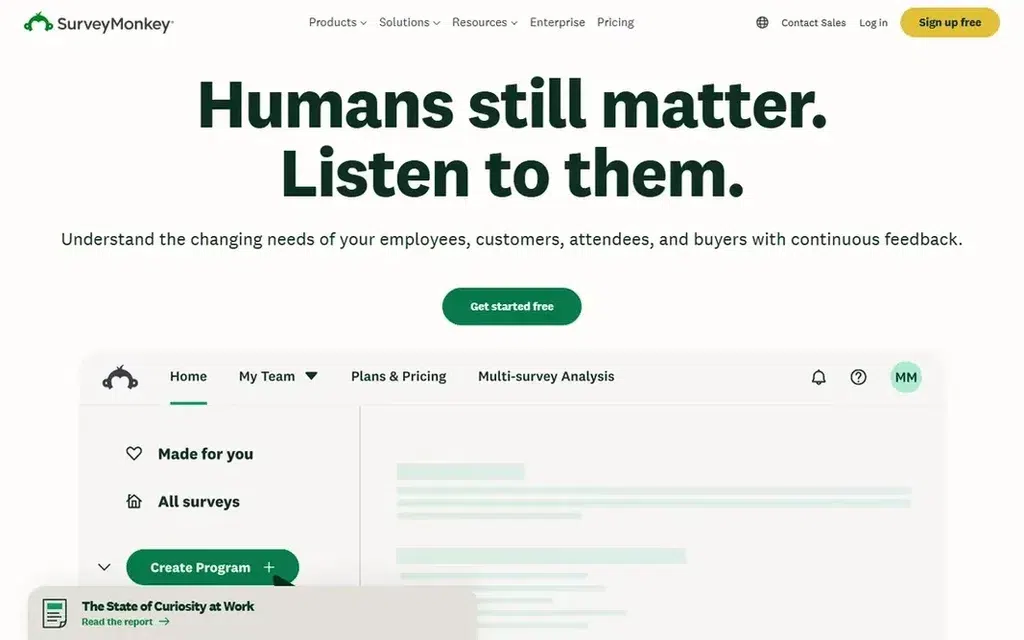
SurveyMonkey is designed for general client feedback and research surveys. Businesses that require surveys embedded in a legal practice management system may prefer a legal-focused tool, whereas businesses that primarily have to distribute and analyze questionnaires will find it capable. For law firms, it suits client satisfaction surveys, post-matter feedback and general research where a familiar, adaptable survey builder matters more than legal-specific intake features.
It is a general-purpose product, so it does not run legal intake, conflicts checks or matter workflows on its own. As for the details, SurveyMonkey is a widely used survey product for creating surveys and forms with AI assistance and templates. It handles employee and customer feedback, market research and event registrations. On cost, SurveyMonkey starts like this: $25 per user per month. SurveyMonkey includes a free tier.
Downsides: Advanced logic may need a premium level.
- Templates and AI-assisted survey creation
- Takes care of market research and event registrations
- Not tailored to legal workflows
Jotform was built for quick form and survey creation. Jotform is an online form builder for creating forms and surveys rapidly. Law businesses can use it for client intake, feedback collection and event or consultation requests without a long setup process.
It is a general form tool, so it does not deal with legal intake logic, conflict screening or matter management by itself. For everyday use, businesses that require surveys tightly integrated with legal practice software should compare it against a legal-focused choice, whereas businesses wanting straightforward, fast forms will find it practical. The starting price for Jotform: $34 per month. Jotform includes a free tier.
Downsides: Less legal-specific functionality.
- Fast form building in seconds
- Template-driven setup
- Advanced customization can take time
Choose Typeform for engaging forms with automatic follow-up. Typeform is a form builder concentrated on AI-powered forms and automatic workflows that enrich leads, follow up and support revenue growth without code. Businesses that want forms to feed straight into follow-up automation are a solid fit.
Points against: Complicated surveys can be harder to structure.
Its strengths are engagement and automation instead of legal-specific recordkeeping, so businesses with strict intake documentation needs may have to pair it with other systems. Very long or highly branched research surveys can also be less comfortable to build here than in a dedicated survey product. Typeform does not show a starting price in this comparison, so check the vendor site for current pricing. Free plan details: Not stated.
- No-code setup
- Automatic workflows for follow-up
- Not made for legal compliance workflows
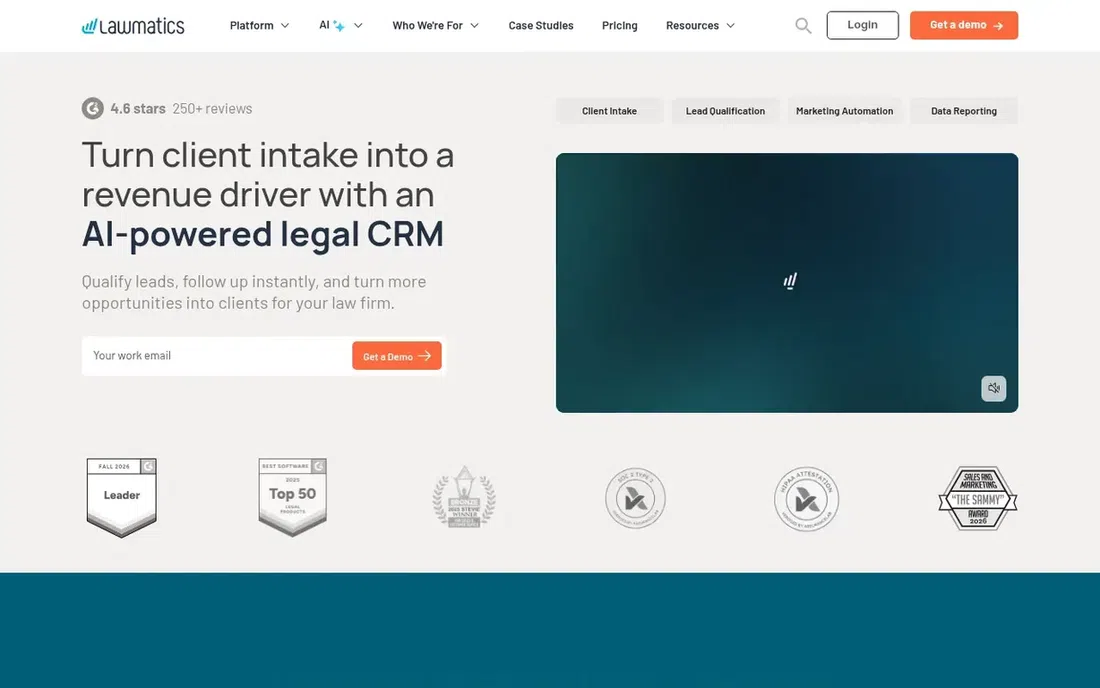
Lawmatics makes the most sense for legal-specific intake and client surveys. Since it is designed around legal practice management, its survey and form capabilities are less deep than dedicated survey systems for complicated research or advanced question logic.
Trade-offs to know: Less a good match for non-legal research projects.
Businesses running large-scale market research or academic-style studies should consider a general survey tool instead, whereas businesses prioritizing intake and client relationship workflows can start here. Lawmatics does not show a starting price in this comparison, so check the vendor site for current pricing. Trial and free access: Not stated.
- Designed for law firms and attorneys
- Geared toward practice efficiency and revenue
- Narrower survey feature set than general systems
Google Forms makes the most sense for straightforward surveys within Google Workspace. Google Forms is an online form builder within Google Workspace for creating forms and surveys and gathering data from anywhere.
It supplies fewer advanced question types and workflow automations than dedicated survey products, and it does not manage legal intake or document signing. For everyday use, businesses running complicated research or needing signed forms should choose a more capable tool, whereas straightforward internal and client surveys are well served here. This comparison lists no price for Google Forms; ask the vendor. Trial and free access: Not stated.
Drawbacks to consider: Restricted advanced survey logic.
- Suits teams already using Google Workspace
- Simple to produce forms and surveys
- Fewer legal-specific features
How we chose
Before you commit
- Confirm the entry price on the vendor page. For Typeform, Lawmatics and Google Forms that means a quote rather than a fixed price.
- Check what the free option really includes: SurveyMonkey and Jotform offer a free plan, and usage caps differ.
- Use real work to test the free trial from Formstack, rather than a demo project.
- Before choosing Formstack, weigh its main limit: not legal-specific.
- A short pilot of Typeform with your real workflow tells you more than a feature table.
- Before you load data into Jotform, check what an export looks like and who can run it.
FAQ
Can I try these tools before paying?
Often, yes. SurveyMonkey and Jotform have a free plan and Formstack offers a free trial. Use your own data and a real task during the test, and check what the free tier or trial limits before you rely on it.
Should a law firm use legal-specific software or a general survey tool?
Legal-specific software like Lawmatics suits businesses that want surveys connected to intake, marketing and client relationships. General tools like SurveyMonkey or Typeform work well when the primary need is feedback or research surveys without legal workflow ties.
Is Formstack the right pick for everyone comparing survey software for law firms?
No single tool suits every team. Formstack comes first because it fits secure forms with documents and eSignatures, while SurveyMonkey suits general client feedback and research surveys and Jotform suits fast form and survey creation. Match the tool to your own size, budget and workflow before deciding.
Which options for survey software for law firms have a free plan?
On this list, SurveyMonkey and Jotform include a free plan. Caps on seats, usage or features are common, so test the free plan against your real workload. One other tool offers a trial instead.
How are the tools for survey software for law firms ordered?
The order follows typical fit for survey software for law firms, with Formstack first and Google Forms last, then price clarity and free access. It is editorial judgement, not a score, so another team could rank the tools differently.
Sources
- https://www.formstack.com
- https://www.surveymonkey.com
- https://www.jotform.com
- https://www.typeform.com
- https://www.lawmatics.com
- https://workspace.google.com/products/forms