The 6 Best Security Awareness Training Software for Law Firms in 2026, Ranked
6 best security awareness training software for law firms, compared on pricing, free plans and best-fit use. Read the caveats before you buy. Decide faster.
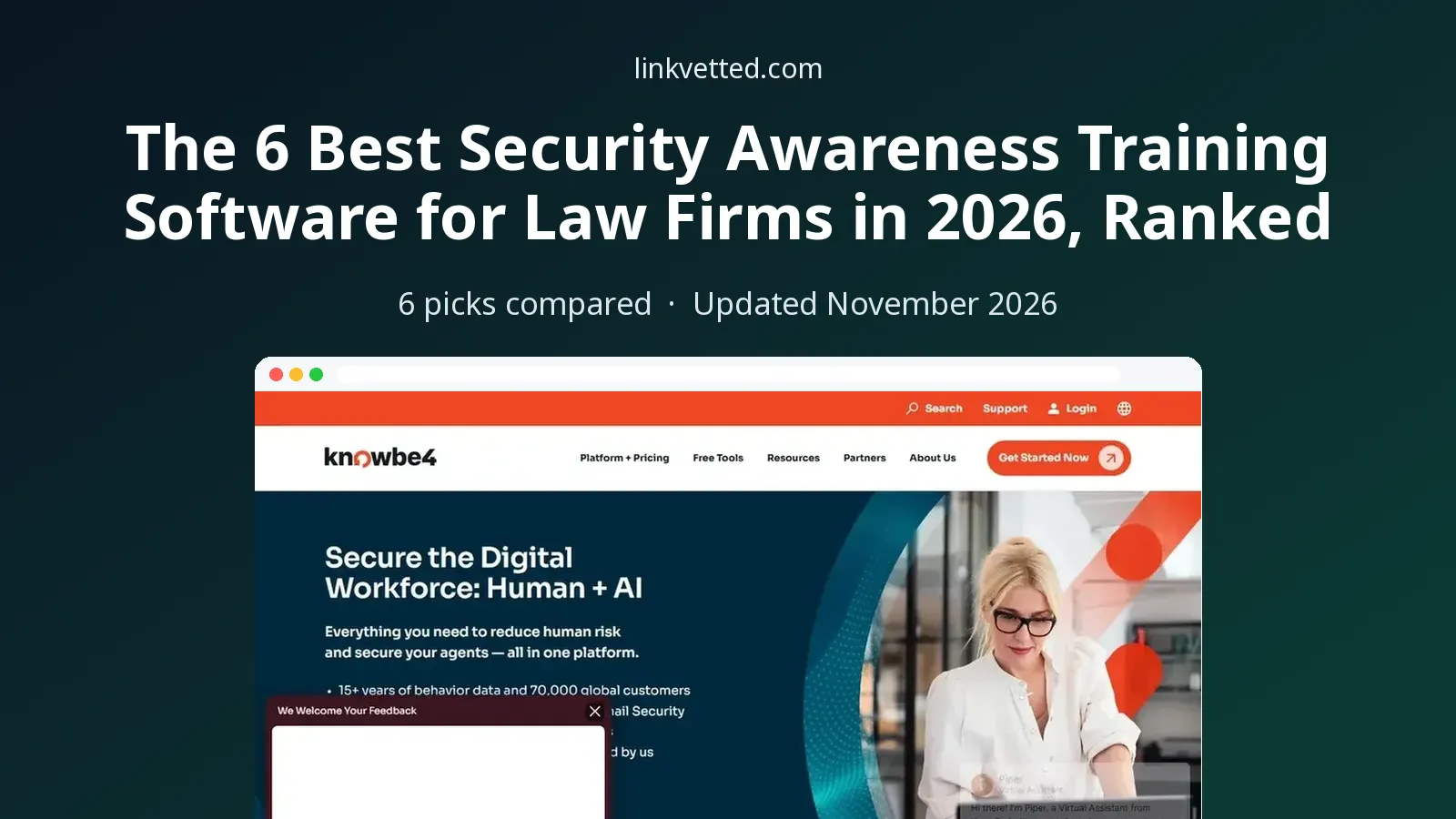
- Editor's choiceLiving Security
Signal-driven risk visibility
Starts atSee websiteVisit livingsecurity.comFull review - Great alternative
 Cofense
Phishing defense with training
Starts atSee websiteVisit cofense.comFull review - Also consider
 KnowBe4
Wide human risk system
Starts at$5.30 per seat a monthVisit knowbe4.comFull review
Direct answer
This list puts Living Security first for signal-driven risk visibility. Listed starting prices: KnowBe4 from $5.30 per seat a month. Cofense is better for phishing defense with training, and KnowBe4 is better for wide human risk product. The full list of 6 tools follows, with prices and free plan facts.
TL;DR:
- Living Security sits first on this list: signal-driven risk visibility.
- Starting prices begin at $5.30 per seat per month with KnowBe4.
- Living Security, Proofpoint Security Awareness Training and the 4 others all need a premium plan or a trial, since no free plan is listed.
- For risk-based phishing education, Proofpoint Security Awareness Training is worth a look.
- One limit worth knowing about Living Security: relies on existing security tooling.
Last checked November 2026. Prices and plan details were read from the vendors' own pages in November 2026; vendors change plans often, so confirm the current price on the vendor site before you buy.
Quick comparison
| Tool | Best for | Starts at | Free plan? | |
|---|---|---|---|---|
| Living Security | Signal-driven risk visibility | See website | Not stated | Visit |
| Cofense | Phishing defense with training | See website | Not stated | Visit |
| KnowBe4 | Wide human risk system | $5.30 per seat a month | Not stated | Visit |
| Ninjio | Personalized awareness coaching | See website | Not stated | Visit |
| Mimecast Awareness Training | Human error reduction | See website | Not stated | Visit |
| Proofpoint Security Awareness Training | Risk-based phishing education | See website | Not stated | Visit |
Tool-by-tool breakdown
Choosing security awareness training software for law firms usually comes down to price, fit and limits. This LinkVetted guide sets 6 tools side by side on those three points, with the facts kept short and checkable.
Living Security
Best for: Signal-driven risk visibility
Living Security serves signal-driven risk visibility. Consider Living Security when connecting existing signals to human risk response is the goal.
What to check first: May suit larger security teams.
Also, smaller practices may find it better suited to established security teams. Pricing for Living Security is not stated here, so ask the vendor for current figures. Free plan details: Not stated.
- Reads signals from existing tools
- AI-native human risk management
- Relies on existing security tooling
Cofense serves phishing defense with training. Businesses with mature email filtering may see overlap.
Choose Cofense when phishing is your dominant concern and you want training linked to detection and response. Cofense shows no starting price here, so confirm the cost on the vendor site. On free options: Not stated.
Downsides: May overlap with existing email filters.
- AI detection plus human insight
- Expert response support
- Phishing-defense focus first
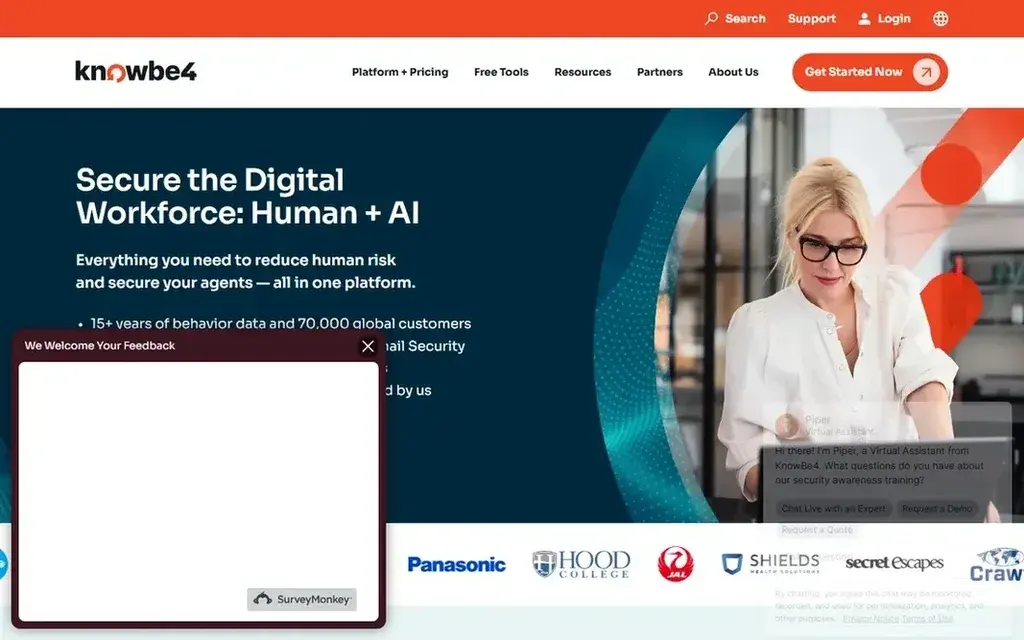
Where KnowBe4 fits: wide human risk system. KnowBe4 presents itself as a product for securing a digital workforce across human and AI risk, bringing security awareness training, email security and agent security together.
Trade-offs to know: Needs staff time to administer.
As for the details, for law businesses, that means one place to run phishing education and reinforce safe habits around client communications. Starting cost for KnowBe4: $5.30 per seat per month. On free options: Not stated.
- Merges awareness training with email and agent security
- Single product for reducing human risk
- Breadth may be more than small businesses need
Ninjio
Best for: Personalized awareness coaching
Ninjio serves personalized awareness coaching. Ninjio supplies cybersecurity awareness training and human risk management built around personalized coaching intended to cut real-world risk. It leans toward training and coaching instead of email security tooling, so businesses wanting an all-in-one stack should look elsewhere.
Downsides: Needs regular staff engagement.
More specifically, pick Ninjio when engaging content and coaching are the deciding factors. On top of that, consistent staff engagement is needed to see results. Ninjio does not show a starting price in this comparison, so check the vendor site for current pricing. Free plan details: Not stated.
- Human risk management framing
- Focus on lasting defense
- Less emphasis on email security tooling
Mimecast Awareness Training
Best for: Human error reduction
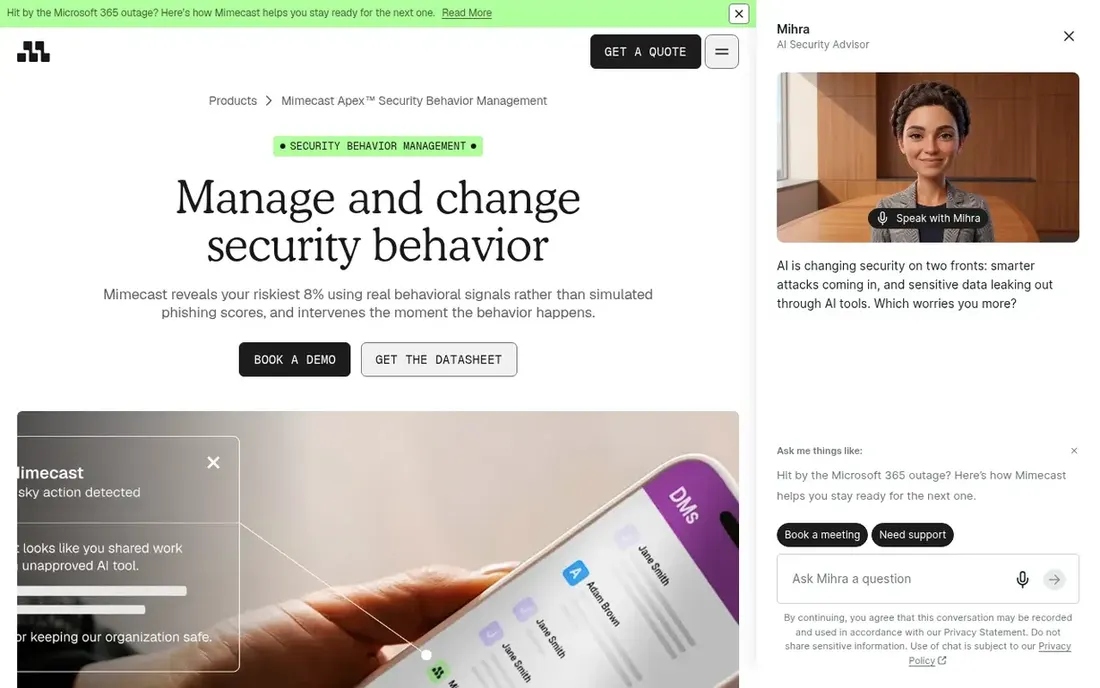
In short, Mimecast Awareness Training is for human error reduction. Law businesses that already use Mimecast for email can extend the same vendor into staff education.
As for the details, practices wanting deep standalone simulation libraries should weigh other choices. Pricing for Mimecast Awareness Training is not stated here, so ask the vendor for current figures. Free options: Not stated.
The main drawbacks: Most solid alongside Mimecast email security.
- Engage capability for staff participation
- Focus on breaches caused by human error
- Content depth varies by need
Proofpoint Security Awareness Training
Best for: Risk-based phishing education
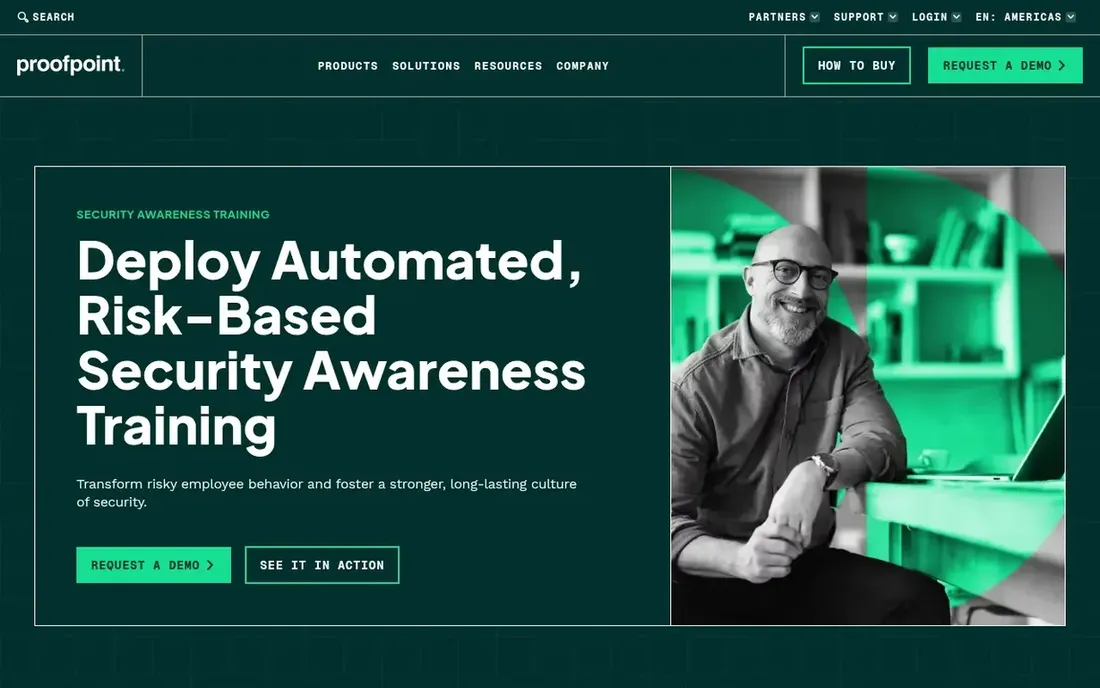
Proofpoint Security Awareness Training works best for risk-based phishing education. Businesses without that environment, or those wanting a standalone training tool, should compare alternatives.
As for the details, Proofpoint Security Awareness Training uses ZenGuide to automate risk-based awareness training, converting real phishing attacks into personalized education meant to change behavior. Proofpoint Security Awareness Training shows no starting price here, so confirm the cost on the vendor site. Trial and free access: Not stated.
The main drawbacks: Tied to Proofpoint's wider ecosystem.
- Turns real phishing attacks into lessons
- ZenGuide automates risk-based training
- Setup may need IT involvement
How these tools were picked
What to check before you buy
- Confirm the entry price on the vendor page. For Living Security, Cofense, Ninjio and others that means a quote rather than a fixed price.
- Read the limits listed for Living Security first: depends on existing security tooling.
- Get the contract term, renewal terms and any onboarding fees from Ninjio in writing.
- Total up the real monthly cost of KnowBe4, including add-ons, extra users and usage-based fees.
- Confirm you can export your data from Living Security, so leaving later does not mean losing records.
FAQ
Is Living Security the right pick for everyone comparing security awareness training software for law firms?
No single tool suits every team. Living Security comes first because it fits signal-driven risk visibility, while Cofense suits phishing defense with training and KnowBe4 suits broad human risk platform. Match the tool to your own size, budget and workflow before deciding.
Why does security awareness training matter for law firms?
Law businesses hold privileged and confidential client information, making them attractive phishing targets. Training helps staff recognize fraudulent emails and manage sensitive data carefully, which supports both security and client trust.
Does any tool for security awareness training software for law firms here have a free plan?
No tool in this list, Living Security and Proofpoint Security Awareness Training included, has a permanent free plan. Trials and quotes are the usual route, so plan a short evaluation period.
What is the cheapest option for security awareness training software for law firms in this list?
On published monthly entry prices, KnowBe4 is the lowest here at $5.30 per seat per month. Entry price is only part of the cost, because seats, add-ons and billing terms can change the total. All 6 picks in this security awareness training software for law firms comparison list a starting price, free plan details and the main limits on their cards above.
Do these tools publish their prices?
Not all of them. Living Security, Cofense, Ninjio and others publish no starting price, so expect a quote request for those. The rest, KnowBe4 included, show a starting price, though seats and billing terms still change the final cost.
Sources
- https://www.livingsecurity.com
- https://cofense.com
- https://www.knowbe4.com
- https://www.ninjio.com
- https://www.mimecast.com/products/awareness-training
- https://www.proofpoint.com/us/products/security-awareness-training