Choosing Survey Software for Coaches in 2026: 6 Options Compared
Best Survey software for coaches: 6 contenders ranked by fit, with entry costs and free tiers. Each profile ends with a plain caveat. Budget notes included.
- Editor's choice
 SurveyMonkey
Template-driven surveys and market research
Starts at$25 per user a monthVisit surveymonkey.comFull review - Great alternative
 Qualtrics XM
Advanced experience management and predictive insights
Starts atSee websiteVisit qualtrics.comFull review - Also consider
 Typeform
Engaging conversational surveys with automation
Starts atSee websiteVisit typeform.comFull review
Direct answer
SurveyMonkey is the first pick on this list for template-driven surveys and market research. Listed starting prices: SurveyMonkey from $25 per user a month, Jotform from $34 per month and QuestionPro from $83 per user a month. Qualtrics XM is better for advanced experience management and predictive insights, and Typeform is better for engaging conversational surveys with automation. Prices, free plans and limits for all 6 tools follow.
TL;DR:
- SurveyMonkey takes the first slot, best suited to template-driven surveys and market research.
- For in-depth surveys with plenty of question types, QuestionPro is worth a look.
- Only 2 of the 6 tools have a free plan (SurveyMonkey, Jotform), so check the caps.
- The cheapest monthly starting price in the list is $25 per user per month, offered by SurveyMonkey.
Last checked November 2026. Prices and plan details were read from the vendors' own pages in November 2026; vendors change plans often, so confirm the current price on the vendor site before you buy.
Quick comparison
| Tool | Best for | Starts at | Free plan? | |
|---|---|---|---|---|
| SurveyMonkey | Template-driven surveys and market research | $25 per user a month | Yes | Visit |
| Qualtrics XM | Advanced experience management and predictive insights | See website | Not stated | Visit |
| Typeform | Engaging conversational surveys with automation | See website | Not stated | Visit |
 Zoho Survey | Configurable surveys for feedback and research | See website | Not stated | Visit |
 Jotform | Fast form and survey creation | $34 per month | Yes | Visit |
 QuestionPro | In-depth surveys with numerous question types | $83 per user a month | Free trial | Visit |
The 6 tools in detail
Choosing Survey software for coaches usually comes down to price, fit and limits. This LinkVetted guide sets 6 tools side by side on those three points, with the facts kept short and checkable.
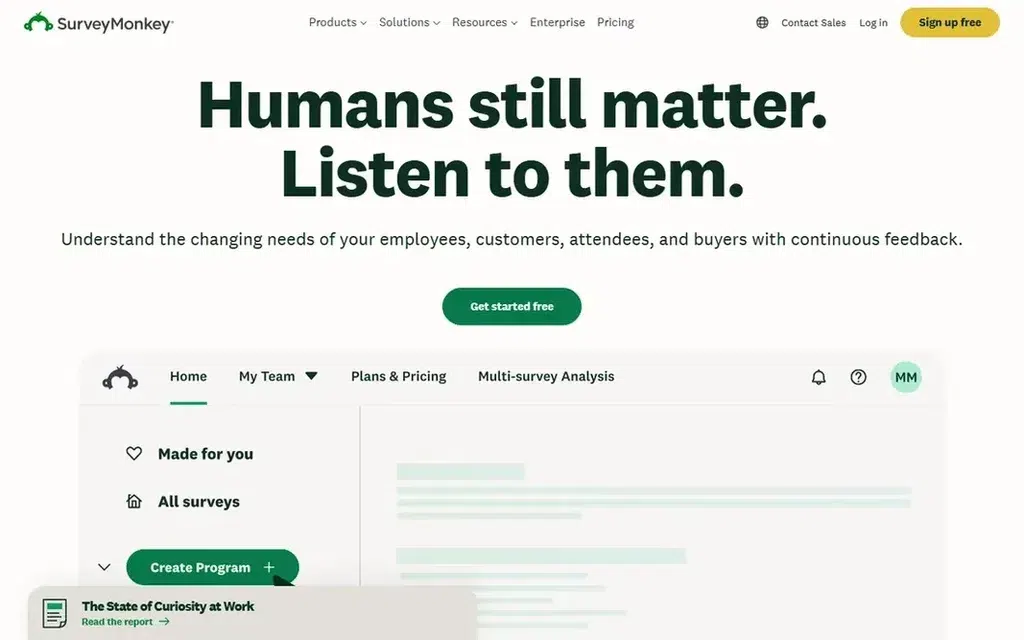
SurveyMonkey works best for template-driven surveys and market research. It supports employee feedback, customer feedback, market research, event registrations, and more.
What to check first: Some features may need a premium plan.
On top of that, some advanced capabilities may need a premium plan. The starting price for SurveyMonkey: $25 per user per month. SurveyMonkey has a free plan.
- Supports employee and customer feedback
- Broad range of templates
- Interface can feel complicated for straightforward surveys
Qualtrics XM is aimed squarely at advanced experience management and predictive insights. Coaches running large programs or corporate coaching engagements may find its predictive capabilities valuable for understanding client needs.
Limits to weigh: Complicated setup.
Qualtrics XM shows no starting price here, so confirm the cost on the vendor site. Free options: Not stated.
- Enterprise-grade capabilities
- AI-driven experience simulation
- May be overkill for small coaching practices
In short, Typeform is for engaging conversational surveys with automation. It is meant to collect richer responses and then trigger automatic workflows to enrich leads, follow up, and support revenue growth.
From a buyer's view, if your priority is complicated branching and analysis instead of conversational flow, consider a research-oriented tool instead. For coaches who want client intake or feedback surveys to feel personal and drive next steps automatically, Typeform suits well. Typeform does not show a starting price in this comparison, so check the vendor site for current pricing. Free plan details: Not stated.
Drawbacks to consider: Restricted complicated survey logic compared with research-focused tools.
- No-code setup
- Automatic workflows for follow-up
- Advanced features may need a premium plan
Pick Zoho Survey if this describes you: configurable surveys for feedback and research. Coaches who are not already using Zoho products might prefer a standalone survey tool like SurveyMonkey or Typeform.
Zoho Survey is an online survey forms maker that permits you to do market research, build feedback questionnaires, understand customer satisfaction, and more. This comparison lists no price for Zoho Survey; ask the vendor. Free access: Not stated.
Where it falls short: Advanced features may need a premium plan.
- Simple to build questionnaires
- Configurable survey forms
- May need a Zoho account
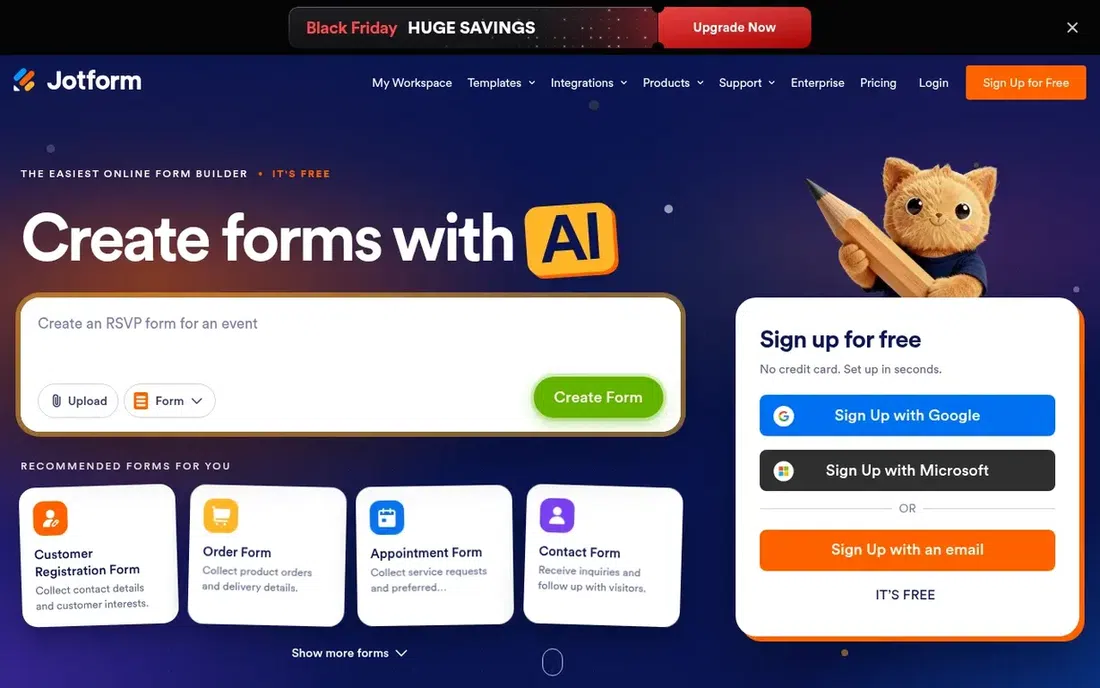
Jotform serves fast form and survey creation. Jotform is an online form builder that lets you create forms and surveys easily. It is recognised for its speed and simplicity, making it a good match for coaches who need to rapidly gather client information or feedback without a steep ramp-up time.
More specifically, the product supports a mix of form types, from straightforward contact forms to more in-depth surveys. Worth adding: Jotform excels at fast form creation, but it may not offer the advanced survey analytics or complex branching that research-focused coaches require. If you need in-depth reporting or sophisticated survey logic, a dedicated survey system like QuestionPro might be more appropriate. Jotform starts at: $34 per month. A free plan is available with Jotform.
What works well: Quick form building. Where it is weaker: Advanced survey logic may be restricted.
- Supports surveys and forms
- Straightforward to use
- Design customization can be entry-level
For in-depth surveys with plenty of question types, QuestionPro is a natural candidate. QuestionPro offers broad features, but the breadth of choices can be overwhelming for coaches who require only basic surveys. On top of that, some advanced capabilities may need a premium plan.
As for the details, coaches who require in-depth client assessments or program evaluations with diverse question formats will appreciate its adaptability. Also, QuestionPro is an online survey software that gives you a free survey product with a broad set of question types and ready-made templates. It is built to help users produce surveys in minutes. Starting cost for QuestionPro: $83 per user per month. On free options: Free trial.
Downsides: Some features may need a premium plan.
- Fast survey creation
- Broad variety of question types
- Interface can be complicated for beginners
How these tools were picked
LinkVetted looked at what each vendor publishes: pricing, plan limits, feature coverage for Survey software for coaches and stated drawbacks. No hands-on testing is claimed. Prices and plan limits come from vendor pages and can change, so confirm them on the vendor site before you buy. Tools are placed by general fit for Survey software for coaches, with price clarity and free access as tie-breakers. A different team can reasonably rank them differently.
Pre-purchase checklist
- Get a written quote from Qualtrics XM, Typeform and Zoho Survey; the list shows no starting price for them.
- Read the fine print on the free plans from SurveyMonkey and Jotform; seat, project and feature caps differ.
- Use real work to test the free trial from QuestionPro, rather than a demo project.
- Before choosing SurveyMonkey, weigh its main limit: some features may need a premium plan.
- Check whether QuestionPro bills monthly or annually, and what cancelling early costs.
- Involve the people who will use Typeform daily; a short pilot beats a long feature checklist.
FAQ
Do these tools publish their prices?
Not all of them. Qualtrics XM, Typeform and Zoho Survey publish no starting price, so expect a quote request for those. The rest, SurveyMonkey included, show a starting price, though seats and billing terms still change the final cost.
Can I try these tools before paying?
Often, yes. SurveyMonkey and Jotform have a free plan and QuestionPro offers a free trial. Use your own data and a real task during the test, and check what the free tier or trial limits before you rely on it.
What is the cheapest option for Survey software for coaches in this list?
On published monthly entry prices, SurveyMonkey is the lowest here at $25 per user per month. Entry price is only part of the cost, because seats, add-ons and billing terms can change the total. For the full picture, the cards above cover all 6 entries of this Survey software for Coaches list, including price, free plan and limits.
Which survey tool is a good match for detailed client assessments?
Start with SurveyMonkey if you need template-driven surveys and market research. Qualtrics XM is the better match for advanced experience management and predictive insights, and Typeform for engaging conversational surveys with automation. The best choice depends on budget, team size and workflow.
Is SurveyMonkey the right pick for everyone comparing Survey software for coaches?
No single tool suits every team. SurveyMonkey comes first because it fits template-driven surveys and market research, while Qualtrics XM suits advanced experience management and predictive insights and Typeform suits engaging conversational surveys with automation. Match the tool to your own size, budget and workflow before deciding.
Sources
- https://www.surveymonkey.com
- https://www.qualtrics.com
- https://www.typeform.com
- https://www.zoho.com/survey
- https://www.jotform.com
- https://www.questionpro.com