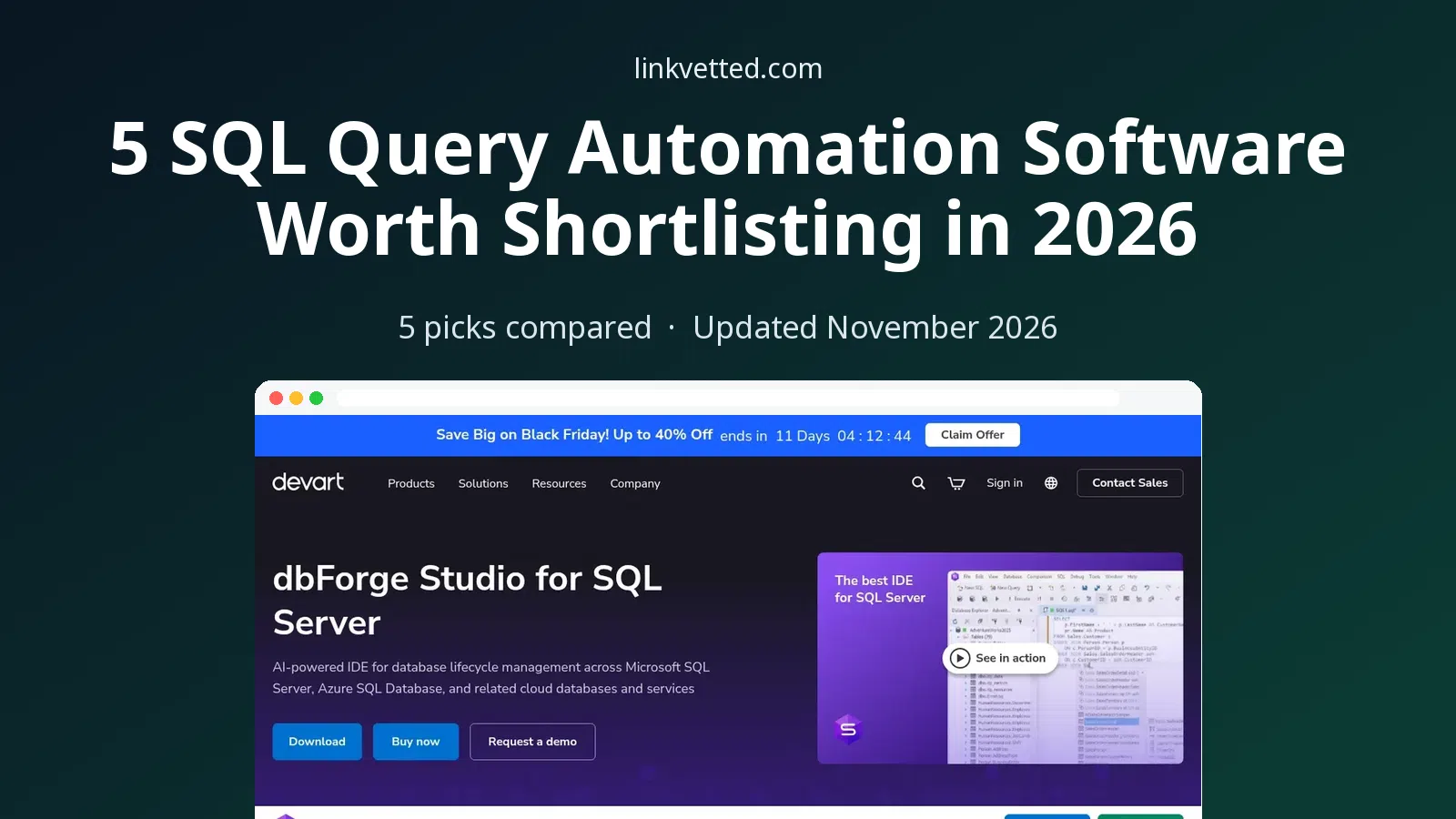
5 SQL Query Automation Software Worth Shortlisting in 2026
Best SQL query automation software in 2026: 5 contenders with entry costs and free tiers. Each listing flags where it falls short. Full profiles inside.
- Editor's choiceDataGrip
Cross-platform IDE for mixed databases
Starts atSee websiteVisit jetbrains.comFull review - Great alternativedbForge Studio for SQL Server
All-in-one SQL Server development IDE
Starts atSee websiteVisit devart.comFull review - Also considerSQL Sentry
SQL Server performance monitoring
Starts at$2 per node per monthVisit solarwinds.comFull review
Direct answer
DataGrip is the first pick on this list for cross-platform IDE for mixed databases. Listed starting prices: SQL Sentry from $2 per node per month. If your case is different, dbForge Studio for SQL Server suits all-in-one SQL Server development IDE and SQL Sentry suits SQL Server performance monitoring. Details, prices and limits for the rest of the 5 tools are below.
TL;DR:
- Top of the list is DataGrip, which targets cross-platform IDE for mixed databases.
- Neither DataGrip nor Redgate SQL Toolbelt, nor any of the other 3 tools, has a permanent free plan; trials and quotes are the norm.
- One limit worth knowing about dbForge Studio for SQL Server: centered on SQL Server and Azure SQL.
- SQL Sentry is the lowest-priced starter here at $2 per node per month.
Last checked November 2026. Prices and plan details were read from the vendors' own pages in November 2026; vendors change plans often, so confirm the current price on the vendor site before you buy.
Quick comparison
| Tool | Best for | Starts at | Free plan? | |
|---|---|---|---|---|
| DataGrip | Cross-platform IDE for mixed databases | See website | Not stated | Visit |
| dbForge Studio for SQL Server | All-in-one SQL Server development IDE | See website | Not stated | Visit |
| SQL Sentry | SQL Server performance monitoring | $2 per node per month | Free trial | Visit |
| Redgate SQL Monitor | Cross-engine database monitoring | See website | Free trial | Visit |
| Redgate SQL Toolbelt | End-to-end SQL Server team workflows | See website | Free trial | Visit |
Our 5 picks for SQL query automation software
Choosing SQL query automation software usually comes down to price, fit and limits. This LinkVetted guide sets 5 tools side by side on those three points, with the facts kept short and checkable.
DataGrip
Best for: Cross-platform IDE for mixed databases
DataGrip is designed for cross-platform IDE for mixed databases. DataGrip is a JetBrains IDE for relational and NoSQL databases that lets users link, query, and run databases in one interface, including through AI agents.
As an IDE, it centers on the developer experience instead of scheduled job orchestration or release governance. Users new to JetBrains tooling may need time to adjust. This comparison lists no price for DataGrip; ask the vendor. As for free access: Not stated.
Where it falls short: Not a dedicated deployment pipeline tool.
- AI agent support for query work
- Supports relational and NoSQL databases
- IDE ramp-up time for new users
dbForge Studio for SQL Server
Best for: All-in-one SQL Server development IDE
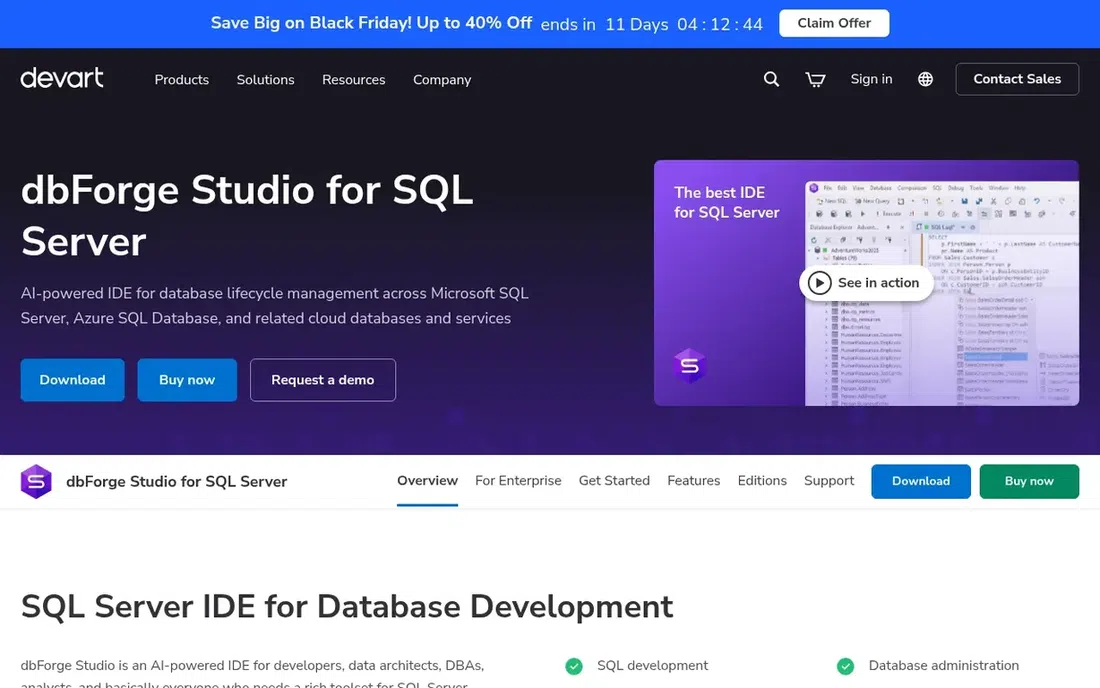
dbForge Studio for SQL Server was built for all-in-one SQL Server development IDE. It suits developers and database administrators who want query development and database management in a single workspace across Windows, macOS, and Linux.
The broad feature set can feel heavy for occasional query users. dbForge Studio for SQL Server does not show a starting price in this comparison, so check the vendor site for current pricing. Free plan details: Not stated.
What dbForge Studio for SQL Server does well: profile in one interface.
Drawbacks to consider: Centered on SQL Server and Azure SQL.
- Compare and sync database schemas
- Build, debug
- Wide feature set takes time to learn
SQL Sentry
Best for: SQL Server performance monitoring
SQL Sentry makes the most sense for SQL Server performance monitoring. SQL Sentry is a SQL Server performance monitoring tool built to help teams rapidly pinpoint problems and optimize performance.
It is a monitoring product instead of a query development environment, so authoring and deployment work happens elsewhere. As for the details, pick it when performance visibility is the central gap. SQL Sentry starts at: $2 per node per month. Free access: Free trial.
Watch-outs: Monitoring focus, not query authoring.
- Focused SQL Server monitoring
- Built to help optimize query performance
- Restricted to the SQL Server product
Redgate SQL Monitor
Best for: Cross-engine database monitoring
Pick Redgate SQL Monitor if this describes you: cross-engine database monitoring. Choose it when cross-engine visibility is the goal.
From a buyer's view, Redgate Monitor gives you database monitoring for SQL Server, PostgreSQL, Oracle, MySQL, and MongoDB from a single dashboard, with live alerts, query performance analysis, and wait statistics across on-premises, cloud, or hybrid setups. It watches instead of authors or deploys queries, so it complements an IDE or toolbelt rather than replacing one. Pricing for Redgate SQL Monitor is not stated here, so ask the vendor for current figures. As for free access: Free trial.
Limits to weigh: Monitoring instead of query editing.
- Single dashboard across multiple engines
- Live alerts and wait statistics
- Overlaps with other Redgate tools
Redgate SQL Toolbelt
Best for: End-to-end SQL Server team workflows
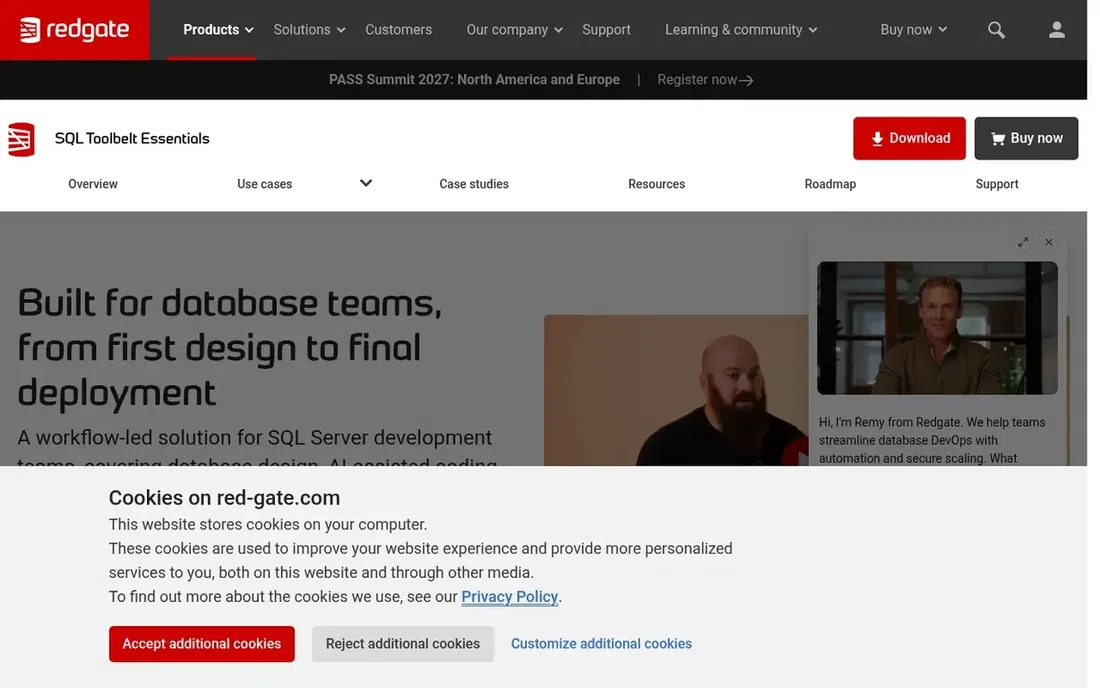
Redgate SQL Toolbelt is designed for end-to-end SQL Server team workflows. Redgate SQL Toolbelt is a toolkit for SQL Server teams that brings database design, AI-assisted coding, version control, testing, and safe deployment into one workflow. As for the details, smaller teams with straightforward query needs may prefer a lighter IDE.
Where it falls short: Bundle scope may exceed small team needs.
Since it is built around SQL Server, teams working primarily with other database engines may find the fit narrower. Consider it when deployment safety and version control matter as much as writing queries. This comparison lists no price for Redgate SQL Toolbelt; ask the vendor. Trial and free access: Free trial.
- Version control, testing, deployment
- AI-assisted coding support
- Concentrated on SQL Server teams
Selection criteria
The comparison looks at four things: starting price, free access, how well the feature set matches SQL query automation software, and the main limit of each tool. Treat prices as a snapshot: vendors change plans often, so check the vendor site for the figure that applies today. We ordered the tools by general fit, then by how clearly pricing is shown, then by free access. A buyer with unusual needs may reorder them.
What to check before you buy
- Ask DataGrip, dbForge Studio for SQL Server, Redgate SQL Monitor and Redgate SQL Toolbelt for a written quote, since no starting price is shown.
- Run a trial of SQL Sentry, Redgate SQL Monitor and Redgate SQL Toolbelt with real work before paying for a year; your own workflow is the best test.
- Before choosing DataGrip, weigh its main limit: IDE ramp-up time for new users.
- Ask Redgate SQL Monitor which support channels and response times come with the plan you would buy.
- Check the integration list for SQL Sentry against the tools you run today, and note which ones need a higher plan.
FAQ
Which tool is a good match for SQL Server teams?
Start with DataGrip if you need cross-platform IDE for mixed databases. dbForge Studio for SQL Server is the better match for all-in-one SQL Server development IDE, and SQL Sentry for SQL Server performance monitoring. The best choice depends on budget, team size and workflow.
Does any tool for SQL query automation software here have a free plan?
No tool in this list, DataGrip and Redgate SQL Toolbelt included, has a permanent free plan. SQL Sentry, Redgate SQL Monitor, Redgate SQL Toolbelt offer a trial. Trials and quotes are the usual route, so plan a short evaluation period.
Can I try these options before paying?
Often, yes. SQL Sentry, Redgate SQL Monitor and Redgate SQL Toolbelt offer a free trial. Use your own data and a real task during the test, and check what the free tier or trial limits before you rely on it.
What is the cheapest option for SQL query automation software in this list?
On published monthly entry prices, SQL Sentry is the lowest here at $2 per node per month. Entry price is only part of the cost, because seats, add-ons and billing terms can change the total.
Do these tools publish their prices?
Not all of them. DataGrip, dbForge Studio for SQL Server, Redgate SQL Monitor and Redgate SQL Toolbelt publish no starting price, so expect a quote request for those. The rest, SQL Sentry included, show a starting price, though seats and billing terms still change the final cost.
Sources
- https://www.jetbrains.com/datagrip
- https://www.devart.com/dbforge/sql/studio
- https://www.solarwinds.com/sql-sentry
- https://www.red-gate.com/products/dba/sql-monitor
- https://www.red-gate.com/products/sql-development/sql-toolbelt