Top 5 Spreadsheets Software for Small Business for 2026 (Prices and Free Plans)
Best spreadsheets software for small business in 2026: 5 tools with starting prices, free plans and limits. Concise write-ups of every option. Clear verdicts.
- Editor's choiceSpreadsheet.com
Understanding a discontinued choice
Starts atSee websiteVisit spreadsheet.comFull review - Great alternative
 Airtable
Database-style workflows and automation
Starts at$20 per user a monthVisit airtable.comFull review - Also considerMicrosoft Excel
Deep analysis and file compatibility
Starts atSee websiteVisit microsoft.comFull review
Direct answer
This list puts Spreadsheet.com first for understanding a discontinued choice. Listed starting prices: Airtable from $20 per user a month and Smartsheet from $12 per Member/month. For a different need, Airtable covers database-style workflows and automation and Microsoft Excel covers deep analysis and file compatibility. The other 2 tools in the list cover narrower or pricier cases.
TL;DR:
- This list starts with Spreadsheet.com, which is built for understanding a discontinued choice.
- Just one of the 5 tools, Airtable, has a free plan.
- Google Sheets is the one to check for live team collaboration.
- What to know about Smartsheet first: less suited to pure number crunching.
Last checked November 2026. Prices and plan details were read from the vendors' own pages in November 2026; vendors change plans often, so confirm the current price on the vendor site before you buy.
Quick comparison
| Tool | Best for | Starts at | Free plan? | |
|---|---|---|---|---|
| Spreadsheet.com | Understanding a discontinued choice | See website | Not stated | Visit |
| Airtable | Database-style workflows and automation | $20 per user a month | Yes | Visit |
| Microsoft Excel | Deep analysis and file compatibility | See website | Not stated | Visit |
 Smartsheet | Structured project and workflow tracking | $12 per Member/month | Not stated | Visit |
 Google Sheets | Live team collaboration | See website | Not stated | Visit |
Tool-by-tool breakdown
Choosing spreadsheets software for small business usually comes down to price, fit and limits. This LinkVetted guide sets 5 tools side by side on those three points, with the facts kept short and checkable.
Spreadsheet.com
Best for: Understanding a discontinued choice
Spreadsheet.com was built for understanding a discontinued choice. Spreadsheet.com is presented on its site as what it was: an online spreadsheet that worked like a database and project manager, with a page explaining who built it and showing it in action. As for the details, teams drawn to that model should evaluate current tools that combine structured records with spreadsheet views.
Points against: No longer an active product.
More specifically, treat Spreadsheet.com as background reading instead of a candidate for your shortlist. The site makes clear the product is no longer active, so it is not a practical choice for new business use. Spreadsheet.com does not show a starting price in this comparison, so check the vendor site for current pricing. As for free access: Not stated.
- Handy context when comparing tools
- Described database-like spreadsheet concept
- Not a viable choice for new work
Think of Airtable for database-style workflows and automation. It looks spreadsheet-like but behaves more like a database, letting you link records, attach files and view the same information as grids, calendars or boards.
For everyday use, since it is record-oriented, heavy numerical modeling is less natural than in Excel or Sheets, and large bases can become intricate to maintain. As for the details, pick Airtable when your work is about organizing connected information and automating routine steps instead of crunching numbers. Starting cost for Airtable: $20 per user per month. A free plan is available with Airtable.
Drawbacks to consider: Can become complicated as bases grow.
- Adaptable views for the same data
- Relational records with rich fields
- Not a traditional calculation-first spreadsheet
Microsoft Excel
Best for: Deep analysis and file compatibility
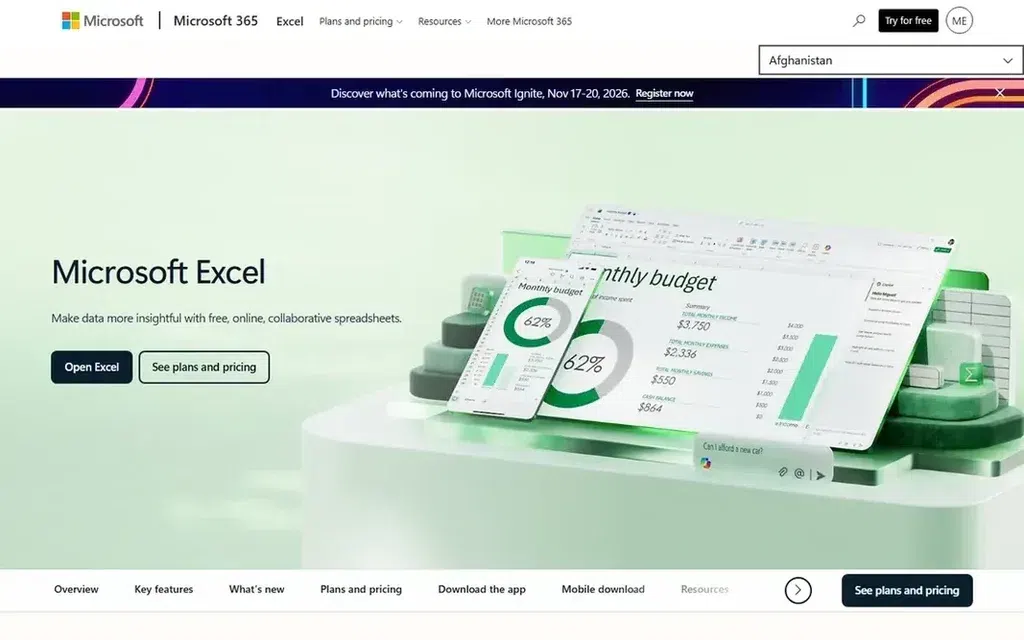
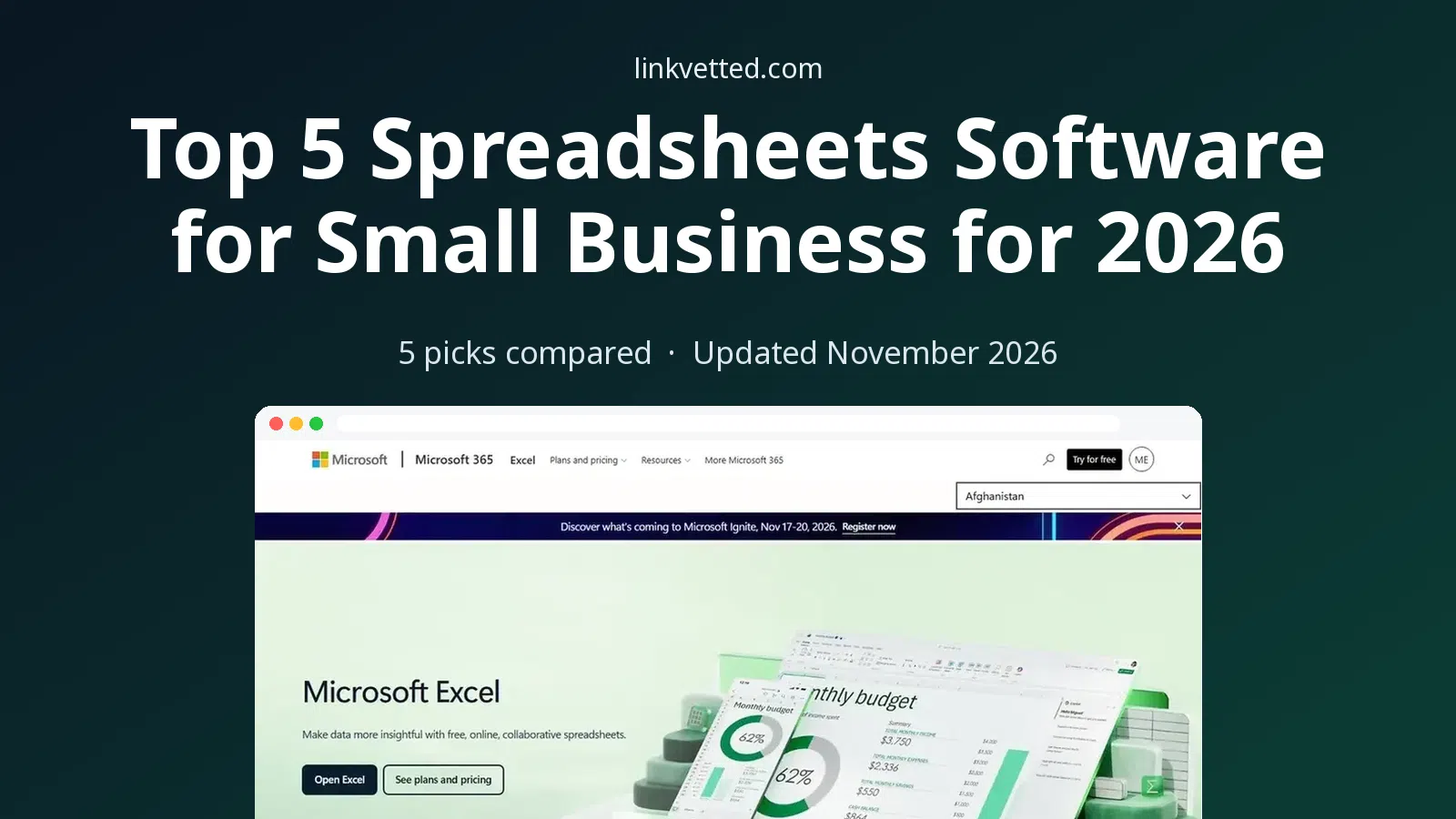
Microsoft Excel serves deep analysis and file compatibility. Microsoft Excel is the long-standing standard spreadsheet application, positioned by Microsoft as an industry-leading tool for data analysis. It handles formulas, charts, pivot-style summaries and structured workbooks, and it opens files that most other business software expects.
Where it falls short: Live co-editing less fluid than cloud-native tools.
Its depth includes a ramp-up time, and simultaneous editing is less smooth than in cloud-first tools. If your priority is easy shared editing across a distributed team, a browser-first choice may suit you better, but for heavy analysis and file exchange Excel is hard to beat. Microsoft Excel shows no starting price here, so confirm the cost on the vendor site. Trial and free access: Not stated.
- Available online and on desktop
- Broad compatibility with business files
- Advanced features take time to learn

For structured project and workflow tracking, Smartsheet is a natural candidate. Smartsheet presents itself as an execution hub where people and AI get work done together, with governance and visibility for enterprises. For straightforward financial modeling or fast calculations, Smartsheet layers on complexity you may not need, and planning the structure takes some upfront effort.
Watch-outs: Setup takes more planning than a straightforward sheet.
In practice it takes the familiar grid and brings structure around tasks, owners and status. So a small business can run projects, approvals or intake processes in one place. On top of that, consider Smartsheet when work involves several owners, deadlines and reporting expectations. Small teams with straightforward tracking needs may find an entry-level spreadsheet quicker to start. Entry price for Smartsheet: $12 per Member/month. Free options: Not stated.
- Governance and visibility features
- Fits coordinated team work
- Less suited to pure number crunching
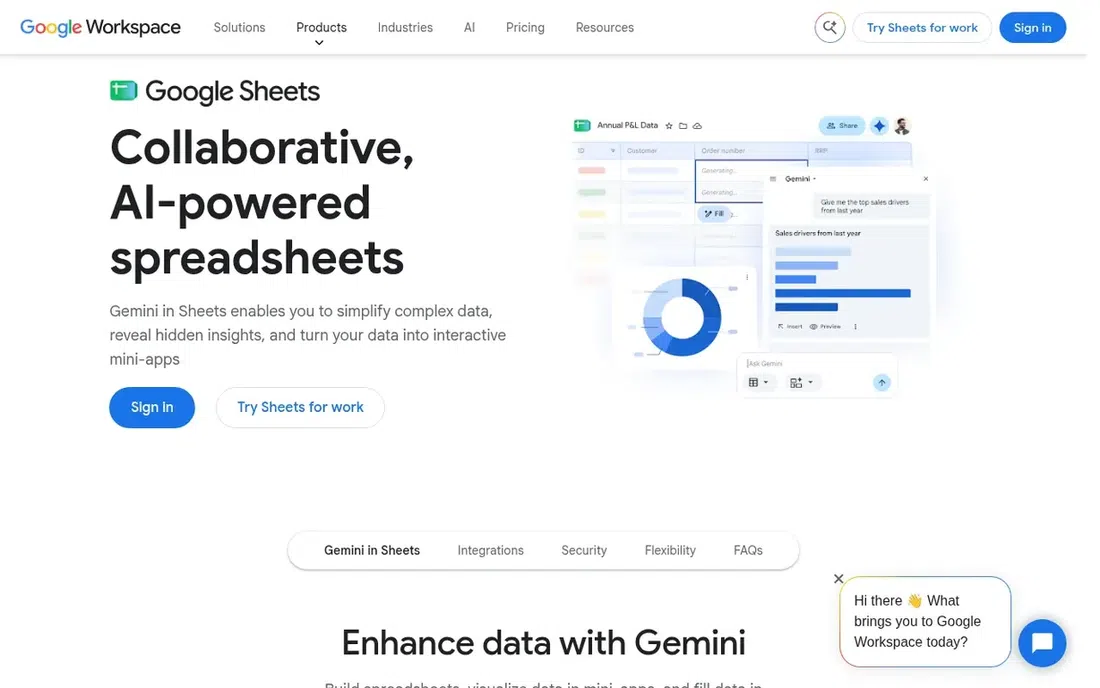
Google Sheets makes the most sense for live team collaboration. Google Sheets is a browser-based spreadsheet that Google describes as collaborative and AI-powered, with Gemini helping simplify complicated data and turn it into interactive mini-apps. Since it lives in the browser, several people can edit the same sheet at once and see changes at once.
Where it is weaker: Fewer advanced analysis choices than desktop suites.
Teams that on a regular basis exchange complicated files with external partners may prefer Excel. More specifically, very large or formula-heavy workbooks can feel slower than desktop software. Some advanced analysis features are restricted compared to full desktop suites. Google Sheets does not show a starting price in this comparison, so check the vendor site for current pricing. As for free access: Not stated.
- AI features for simplifying data
- Solid simultaneous editing
- Large or complicated files can slow down
How the list was put together
Pricing pages, product documentation and feature lists were the main sources, and every entry carries at least one honest drawback. Where a price is missing, the vendor does not list one publicly or ties it to a quote. Always confirm before budgeting. The order reflects how well each tool fits the most common buying scenario for spreadsheets software for small business, then price clarity, then free plan access. It is a starting point, not a verdict.
Things to verify first
- Get a written quote from Spreadsheet.com, Microsoft Excel and Google Sheets; the list shows no starting price for them.
- Test the free plan from Airtable against your real workload before relying on it.
- Before choosing Spreadsheet.com, weigh its main limit: no longer an active product.
- Verify that exporting from Spreadsheet.com is possible on your plan and covers all your records.
- List the apps you already depend on and check that Google Sheets supports each one on the plan you would buy.
FAQ
What is the cheapest option for spreadsheets software for small business in this list?
On published monthly entry prices, Smartsheet is the lowest here at $12 per Member/month. Entry price is only part of the cost, because seats, add-ons and billing terms can change the total. For the full picture, the cards above cover all 5 entries of this spreadsheets software for small business list, including price, free plan and limits.
What should I check before choosing a spreadsheet tool?
Confirm file compatibility, live collaboration limits, device support and how easily you can export your data. Also test with a real workbook at your usual size.
How are the tools for spreadsheets software for small business ordered?
Spreadsheet.com sits first and Google Sheets last because the order follows typical fit for spreadsheets software for small business, then price clarity and free access. It is a judgement call, so read each profile for fit and limits.
Can I try these tools before paying?
Often, yes. Airtable has a free plan. Use your own data and a real task during the test, and check what the free tier or trial limits before you rely on it. Prices, free plan details and limits for all 5 tools in this spreadsheets software for small business roundup sit on the individual cards above.
Do these tools publish their prices?
Not all of them. Spreadsheet.com, Microsoft Excel and Google Sheets publish no starting price, so expect a quote request for those. The rest, Airtable included, show a starting price, though seats and billing terms still change the final cost.
Sources
- https://www.spreadsheet.com
- https://www.airtable.com
- https://www.microsoft.com/en-us/microsoft-365/excel
- https://www.smartsheet.com
- https://workspace.google.com/products/sheets