Top 6 Solar Inspection Software for 2026 (Prices and Free Plans)
Weighing the best solar inspection software? We lined up 6 products by cost, free access and fit. Weak spots flagged for every entry. Reviewed this month.
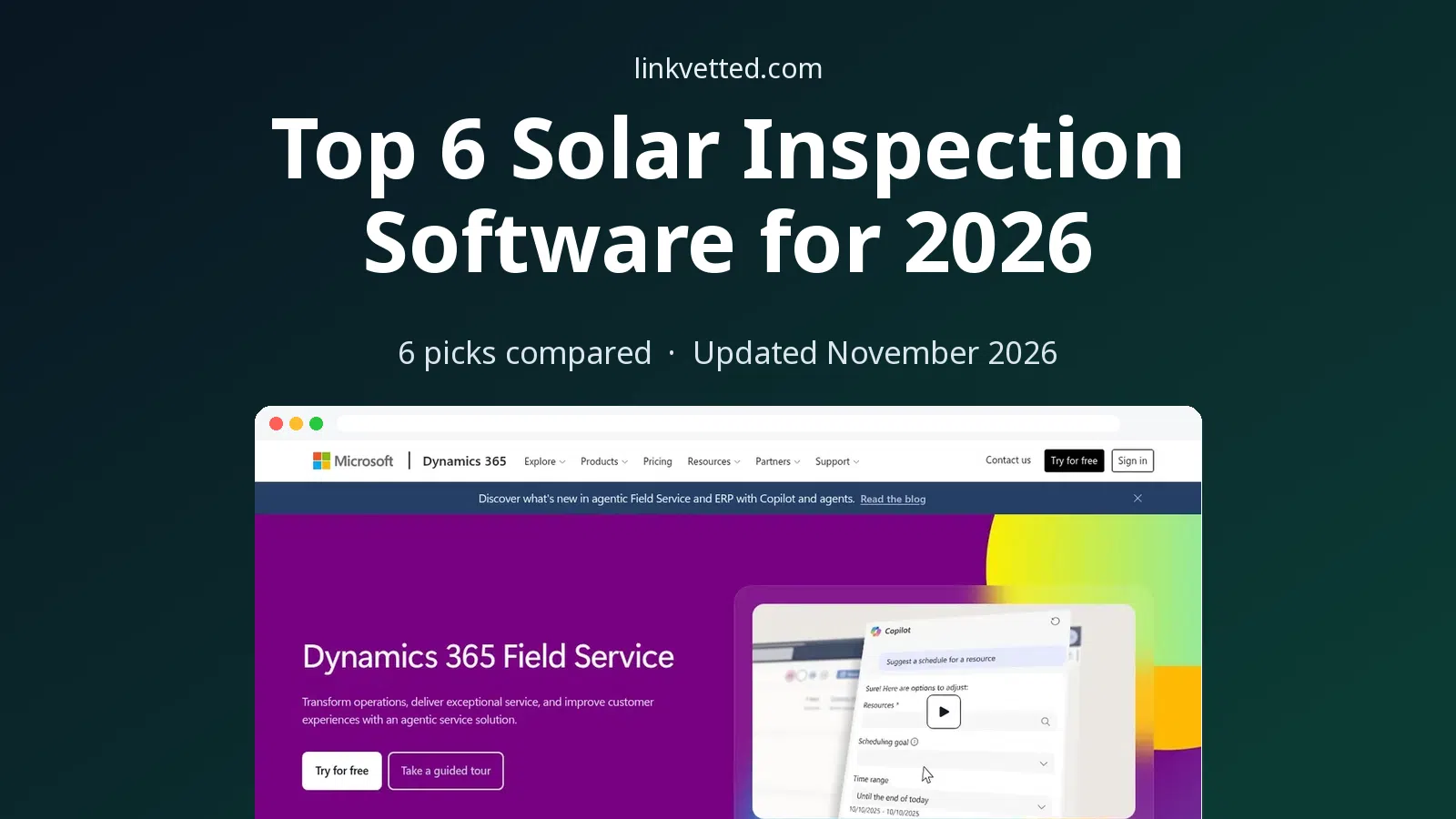
- Editor's choice
 Jobber
Small service firms organizing operations
Starts atSee websiteVisit getjobber.comFull review - Great alternative
 Fieldwire
Live jobsite management
Starts at$39 per user a monthVisit fieldwire.comFull review - Also considerMicrosoft Dynamics 365 Field Service
AI-driven scheduling and live data
Starts atSee websiteVisit microsoft.comFull review
Direct answer
Jobber is the first pick on this list for small service companies organizing operations. Listed starting prices: Fieldwire from $39 per user a month and SafetyCulture from $24 per seat per month. Alternatives: Fieldwire for live jobsite management, and Microsoft Dynamics 365 Field Service for AI-driven scheduling and live data. The remaining 3 options are covered below with prices and limits.
TL;DR:
- Jobber takes the first slot, best suited to small service firms organizing operations.
- ServiceNow Field Service Management suits large teams needing workflow automation.
- The cheapest monthly starting price in the list is $24 per seat per month, offered by SafetyCulture.
- 2 of 6 tools offer a free plan: Fieldwire, SafetyCulture.
Last checked November 2026. Prices and plan details were read from the vendors' own pages in November 2026; vendors change plans often, so confirm the current price on the vendor site before you buy.
Quick comparison
| Tool | Best for | Starts at | Free plan? | |
|---|---|---|---|---|
| Jobber | Small service firms organizing operations | See website | Not stated | Visit |
| Fieldwire | Live jobsite management | $39 per user a month | Yes | Visit |
| Microsoft Dynamics 365 Field Service | AI-driven scheduling and live data | See website | Not stated | Visit |
| Zoho FSM | End-to-end field operations automation | See website | Free trial | Visit |
 SafetyCulture | Workplace safety and operations | $24 per seat per month | Yes | Visit |
| ServiceNow Field Service Management | Large teams needing workflow automation | See website | Not stated | Visit |
Solar Inspection Software, one by one
Choosing solar inspection software usually comes down to price, fit and limits. This LinkVetted guide sets 6 tools side by side on those three points, with the facts kept short and checkable.
Jobber makes the most sense for small service companies organizing operations. The app aims to power sales, operations, and customer service.
Where it falls short: May lack advanced solar inspection features.
Beyond that, Jobber may not contain specialized inspection checklists or reporting for solar arrays. It can be less a good match for large teams with complicated dispatch needs. Pricing for Jobber is not stated here, so ask the vendor for current figures. On free options: Not stated.
- Supports customer service workflows
- Quote, schedule, invoice
- Could be restricted for large enterprise teams
Fieldwire is aimed squarely at live jobsite management. Fieldwire is built around construction jobsite management instead of solar-specific inspection workflows.
So it may not contain specialized checklists or reporting for solar arrays. In practice, if you need a tool solely for solar inspections, a field service system might be a better fit. The starting price for Fieldwire: $39 per user per month. You can start on Fieldwire without paying.
Watch-outs: Focus is on construction jobsites.
- Used by owners, GCs, subcontractors
- Cuts expensive rework
- May lack dedicated solar inspection features
Microsoft Dynamics 365 Field Service
Best for: AI-driven scheduling and live data
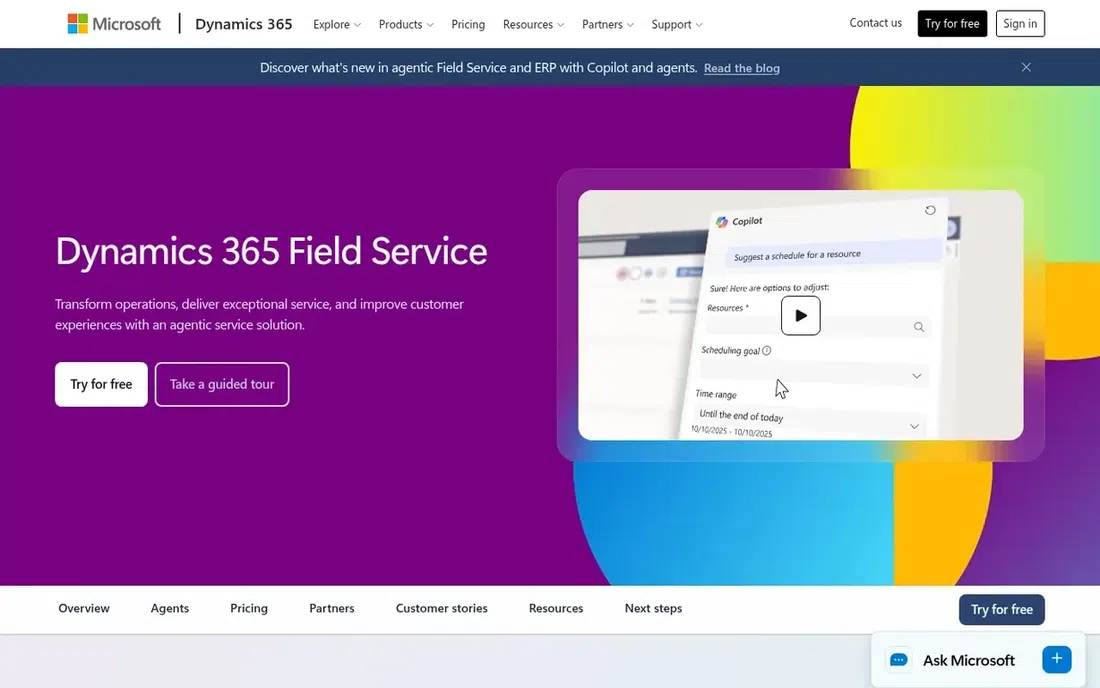
Microsoft Dynamics 365 Field Service is aimed squarely at AI-driven scheduling and real-time data. The product aims to link field technicians with timely information.
Limits to weigh: Can be complicated to customize.
Also, if you prefer a light tool without deep customization, look at more straightforward alternatives. Microsoft Dynamics 365 Field Service is field service management software that flags AI-driven self-service scheduling, live data, and automatic service reminders. Microsoft Dynamics 365 Field Service does not show a starting price in this comparison, so check the vendor site for current pricing. As for free access: Not stated.
- Automatic service reminders
- Live data for field teams
- May require Microsoft ecosystem familiarity
Zoho FSM
Best for: End-to-end field operations automation
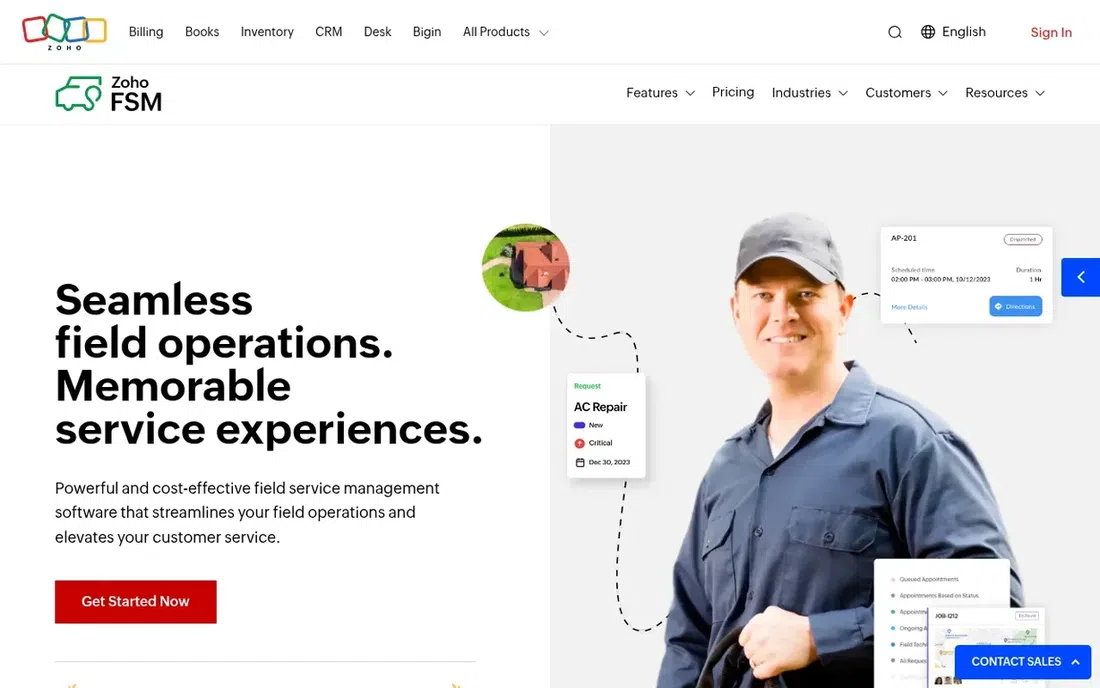
Zoho FSM is a good fit for end-to-end field operations automation. Teams needing deep industry customization might prefer a system with more tailored choices.
Downsides: May lack deep solar-specific features.
Whereas Zoho FSM handles general field service needs, it may not offer solar-specific inspection templates or compliance features from day one. Pricing for Zoho FSM is not stated here, so ask the vendor for current figures. Free options: Free trial.
- Part of the broader Zoho ecosystem
- Automates the whole spectrum of field operations
- Integration with non-Zoho tools may need additional work
SafetyCulture serves workplace safety and operations. SafetyCulture is a workplace operations system that provides teams the confidence to work safely, meet higher standards, and see what is happening across every site.
In daily use, the system is built to help organizations maintain safety and quality across locations. In practice, if you need a complete field service suite, consider a broader product. On cost, SafetyCulture starts like this: $24 per seat per month. Free access exists with SafetyCulture.
Watch-outs: Could need extras for scheduling and invoicing.
- Operations system for safe work
- Gives you visibility across every site
- May not cover full field service management
ServiceNow Field Service Management
Best for: Large teams needing workflow automation
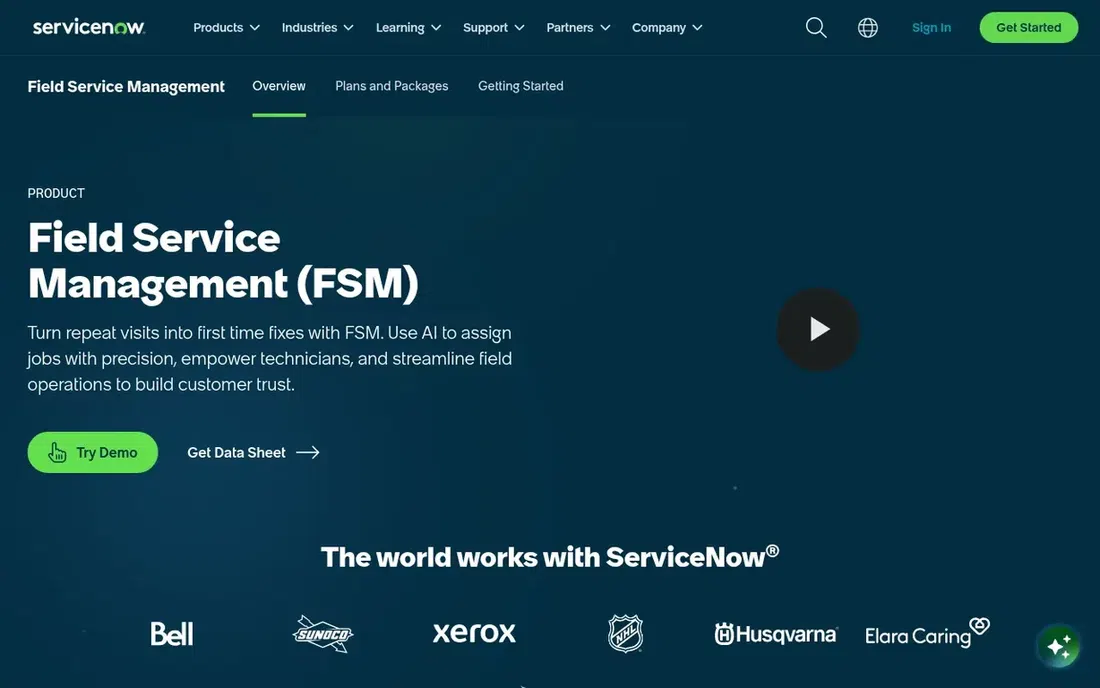
Where ServiceNow Field Service Management fits: large teams needing workflow automation. ServiceNow Field Service Management is a system built on digital workflows that let employees work the way they want and customers get what they need when they need it.
In daily use, if you need a more straightforward, quicker-to-deploy tool for a small crew, consider a more focused field service app instead. The breadth of features can mean a steeper setup for smaller inspection firms without dedicated administrators. ServiceNow Field Service Management shows no starting price here, so confirm the cost on the vendor site. Free plan details: Not stated.
Where it falls short: May be complicated for small teams.
- Wide field service management features
- Digital workflows for employees and customers
- Needs configuration to match solar workflows
What went into this list
For each of the 6 tools we noted price, free plan or trial, fit for solar inspection software and the main limit, using vendor pages and documentation. Plan names, prices and limits change often. Treat the figures here as a starting point and verify them with the vendor. The ranking is editorial: typical fit first, then clear pricing, then free access. If your needs are unusual, read the profiles rather than relying on position.
What to check before you buy
- Confirm the entry price on the vendor page. For Jobber, Microsoft Dynamics 365 Field Service, Zoho FSM and ServiceNow Field Service Management that means a quote rather than a fixed price.
- Read the fine print on the free plans from Fieldwire and SafetyCulture; seat, project and feature caps differ.
- Run a trial of Zoho FSM with real work before paying for a year; your own workflow is the best test.
- Read the limits listed for Jobber first: may lack advanced solar inspection features.
- Confirm that Fieldwire connects to the apps your team already uses, on the plan you would actually buy.
- Confirm minimum seats and billing terms with Jobber before you commit to an annual plan.
FAQ
How do I choose between a specialized and general tool?
If your inspections need in-depth compliance and solar-specific data capture, a specialized tool may be better. For broader field service needs, a general product like ServiceNow or Dynamics 365 can offer more adaptability.
Is Jobber the right pick for everyone comparing solar inspection software?
No single tool suits every team. Jobber comes first because it fits small service businesses organizing operations, while Fieldwire suits real-time jobsite management and Microsoft Dynamics 365 Field Service suits AI-driven scheduling and real-time data. Match the tool to your own size, budget and workflow before deciding.
How are the tools for solar inspection software ordered?
The order follows typical fit for solar inspection software, with Jobber first and ServiceNow Field Service Management last, then price clarity and free access. It is editorial judgement, not a score, so another team could rank the tools differently.
What is the cheapest option for solar inspection software in this list?
On published monthly entry prices, SafetyCulture is the lowest here at $24 per seat per month. Entry price is only part of the cost, because seats, add-ons and billing terms can change the total. Each of the 6 options in this Solar inspection software guide has its own card above with the price, free plan and limits.
Do these tools publish their prices?
Not all of them. Jobber, Microsoft Dynamics 365 Field Service, Zoho FSM and ServiceNow Field Service Management publish no starting price, so expect a quote request for those. The rest, Fieldwire included, show a starting price, though seats and billing terms still change the final cost.
Sources
- https://www.getjobber.com
- https://www.fieldwire.com
- https://www.microsoft.com/en-us/dynamics-365/products/field-service
- https://www.zoho.com/fsm
- https://safetyculture.com
- https://www.servicenow.com/products/field-service-management.html