Choosing Building Inspection Software in 2026: 5 Options Compared
Best building inspection software in 2026: 5 tools with starting prices, free plans and limits. Hidden costs and gaps are flagged. Current for November 2026.
- Editor's choiceHomeGauge
Home inspectors needing reports and business tools
Starts atSee websiteVisit homegauge.comFull review - Great alternative3D Inspection Systems
Economical reporting for several inspections
Starts at$1,199.00Visit 3dinspection.comFull review - Also considerPalm-Tech
New and seasoned home inspectors
Starts at$50 per user a monthVisit palm-tech.comFull review
Direct answer
HomeGauge comes first here, mainly for home inspectors needing reports and business tools. Listed starting prices: 3D Inspection Systems from $1,199.00, Palm-Tech from $50 per user a month and Spectora from $4 per inspection. If your case is different, 3D Inspection Systems suits economical reporting for several inspections and Palm-Tech suits new and seasoned home inspectors. The remaining 2 options are covered below with prices and limits.
TL;DR:
- HomeGauge is the opening pick, best for home inspectors needing reports and business tools.
- Inspect2GO suits local government inspections and permitting.
- A permanent free plan is missing from all 5 tools, HomeGauge and Inspect2GO included; plan for a trial or a premium start.
- Check the limits for Spectora before you commit: may emphasize growth features over simplicity.
Last checked November 2026. Prices and plan details were read from the vendors' own pages in November 2026; vendors change plans often, so confirm the current price on the vendor site before you buy.
Quick comparison
| Tool | Best for | Starts at | Free plan? | |
|---|---|---|---|---|
| HomeGauge | Home inspectors needing reports and business tools | See website | Not stated | Visit |
| 3D Inspection Systems | Economical reporting for several inspections | $1,199.00 | Free trial | Visit |
| Palm-Tech | New and seasoned home inspectors | $50 per user a month | Free trial | Visit |
| Spectora | Home inspectors concentrated on automation and growth | $4 per inspection | Free trial | Visit |
| Inspect2GO | Local government inspections and permitting | See website | Not stated | Visit |
Tool-by-tool breakdown
LinkVetted compared 5 tools for building inspection software. The goal is a practical shortlist: published prices, free plan facts, best-fit use cases and honest limits for every entry.
HomeGauge
Best for: Home inspectors needing reports and business tools
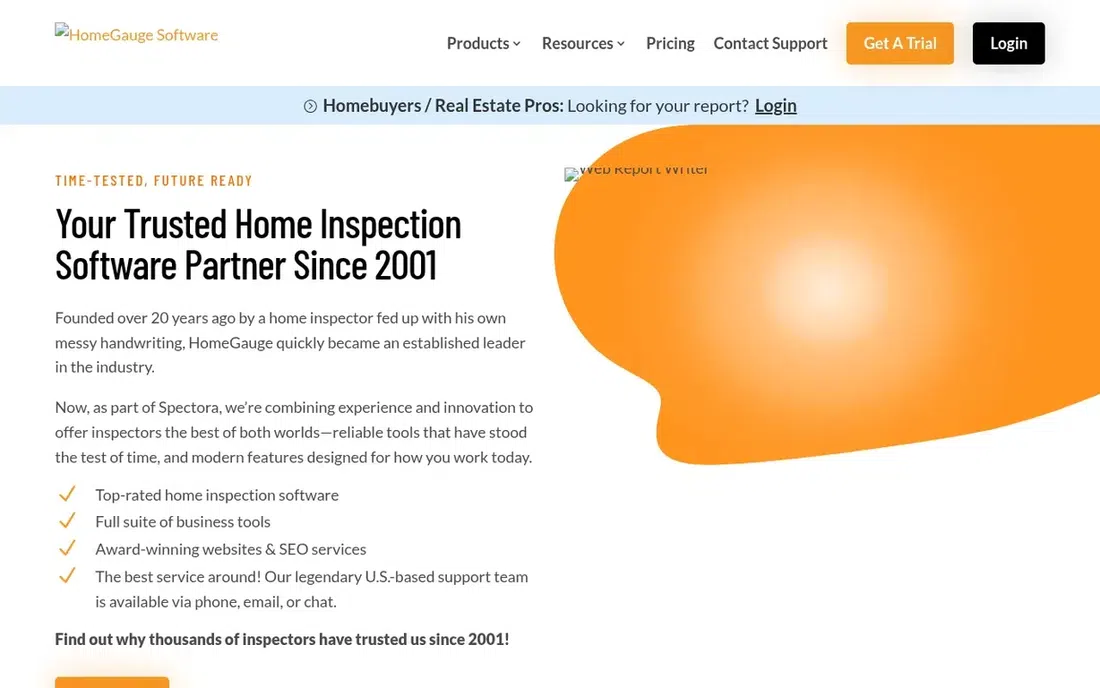
HomeGauge is designed for home inspectors needing reports and business tools. HomeGauge gives you home inspection software, websites, and business management tools for writing and managing property reports.
HomeGauge may include features that smaller inspection firms do not need, and the breadth of tools could need time to learn. Pricing for HomeGauge is not stated here, so ask the vendor for current figures. Free access: Not stated.
Where it is weaker: Ramp-up time for full feature set.
- Business management features
- Contains report writing and websites
- May be overkill for straightforward inspection needs
3D Inspection Systems
Best for: Economical reporting for several inspections
For economical reporting for several inspections, 3D Inspection Systems is a natural candidate. 3D Inspection Systems supplies economical home inspection software built for efficient reporting in several industries, including residential and marine inspections. Beyond that, consider other choices if those features are important.
Main advantages: Economical choice.
Downsides: Limited business management tools.
Worth adding: as an economical choice, 3D Inspection Systems may lack some advanced features found in higher-end tools, for example broad automation or business management. It may also be less suited for inspectors who require integrated websites or growth tools. 3D Inspection Systems starts at: $1,199.00. Free plan details: Free trial.
- Efficient reporting
- Supports residential and marine inspections
- May have fewer advanced features
Palm-Tech
Best for: New and seasoned home inspectors
Palm-Tech is a good fit for new and seasoned home inspectors. Palm-Tech may not offer the advanced automation or business growth features that some inspectors seek.
Watch-outs: Could be entry-level for tech-savvy users.
It is also primarily centred on report writing, so if you need integrated websites or deep business management, other tools might be more suitable. Price to start with Palm-Tech: $50 per user per month. Free access: Free trial.
- Report writer included
- Easy-to-use software
- May not contain advanced business tools
Spectora
Best for: Home inspectors concentrated on automation and growth
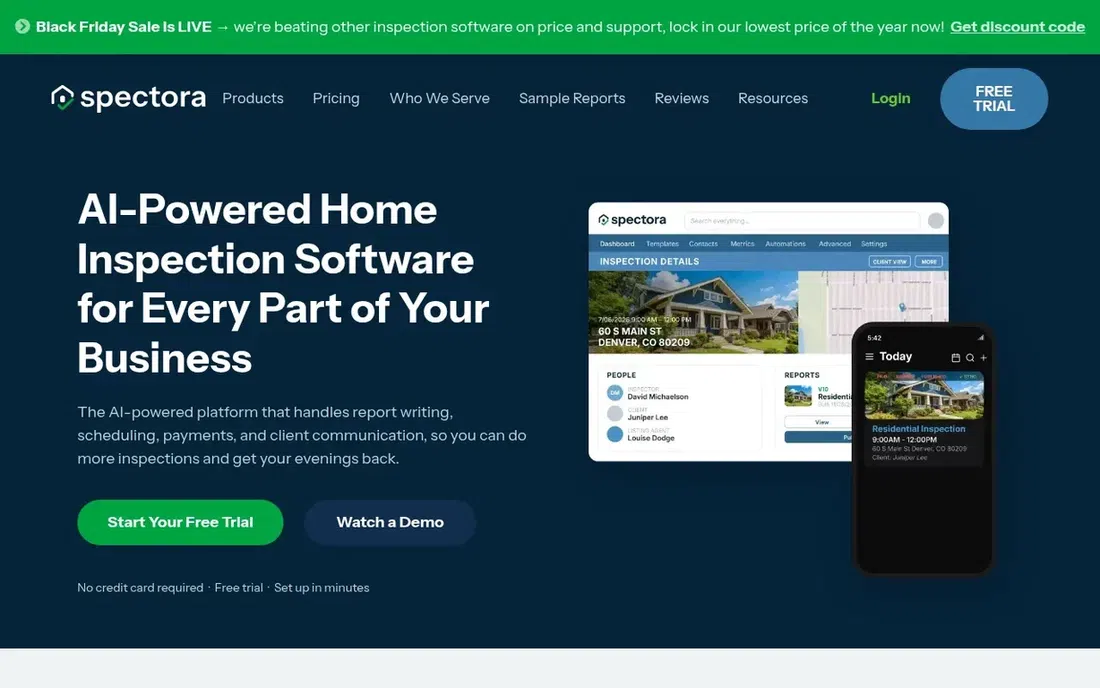
Where Spectora fits: home inspectors focused on automation and growth. This tool fits home inspectors who want to simplify operations and focus on growth, instead of those seeking only entry-level report writing.
Consider a more straightforward choice if you need only core inspection reporting. Spectora starts at: $4 per inspection. Trial and free access: Free trial.
Trade-offs to know: May emphasize growth features over simplicity.
- Helps close more add-on services
- Business growth focus
- Could be more than beginners need
Inspect2GO
Best for: Local government inspections and permitting
Inspect2GO makes the most sense for local government inspections and permitting. Inspect2GO is software for environmental health, code enforcement, and permitting, made for local government agencies.
In daily use, if you perform residential or commercial property inspections, consider a home inspection-focused tool instead. Inspect2GO does not show a starting price in this comparison, so check the vendor site for current pricing. Free options: Not stated.
Where it falls short: Not centred on home inspection reporting.
- Tailored for environmental health and code enforcement
- Built for local agencies
- May need configuration for agency processes
How the list was put together
LinkVetted looked at what each vendor publishes: pricing, plan limits, feature coverage for building inspection software and stated drawbacks. No hands-on testing is claimed. Where a price is missing, the vendor does not list one publicly or ties it to a quote. Always confirm before budgeting. Position on the page reflects fit for a typical buyer first, with price clarity and free access breaking ties. Treat it as a guide, not a ruling.
A buyer's checklist
- Ask HomeGauge and Inspect2GO for a written quote, since no starting price is shown.
- Run a trial of 3D Inspection Systems, Palm-Tech and Spectora with real work before paying for a year; your own workflow is the best test.
- Read the limits listed for HomeGauge first: may be overkill for simple inspection needs.
- Test the integrations you rely on with Inspect2GO before committing; some connectors sit on upper tiers.
- Check how data leaves Spectora: formats, limits and whether exports are available on every plan.
FAQ
Can building inspection software deal with code enforcement inspections?
Inspect2GO is specifically built for environmental health and code enforcement inspections, including permitting.
Do these tools publish their prices?
Not all of them. HomeGauge and Inspect2GO publish no starting price, so expect a quote request for those. The rest, 3D Inspection Systems included, show a starting price, though seats and billing terms still change the final cost.
How are the tools for building inspection software ordered?
HomeGauge sits first and Inspect2GO last because the order follows typical fit for building inspection software, then price clarity and free access. It is a judgement call, so read each profile for fit and limits.
Is HomeGauge the right pick for everyone comparing building inspection software?
No single tool suits every team. HomeGauge comes first because it fits home inspectors needing reports and business tools, while 3D Inspection Systems suits economical reporting for various inspections and Palm-Tech suits new and seasoned home inspectors. Match the tool to your own size, budget and workflow before deciding.
Can I try these options before paying?
Often, yes. 3D Inspection Systems, Palm-Tech and Spectora offer a free trial. Use your own data and a real task during the test, and check what the free tier or trial limits before you rely on it.
Sources
- https://www.homegauge.com
- https://www.3dinspection.com
- https://www.palm-tech.com
- https://spectora.com
- https://www.inspect2go.com