Best Software to Make Labels (2026): 5 Picks Checked on Vendor Pages
Comparing the best software to make labels? 5 contenders, each with entry cost, free tier and best-fit buyer. Verdicts stay brief and factual. Updated for 2026.
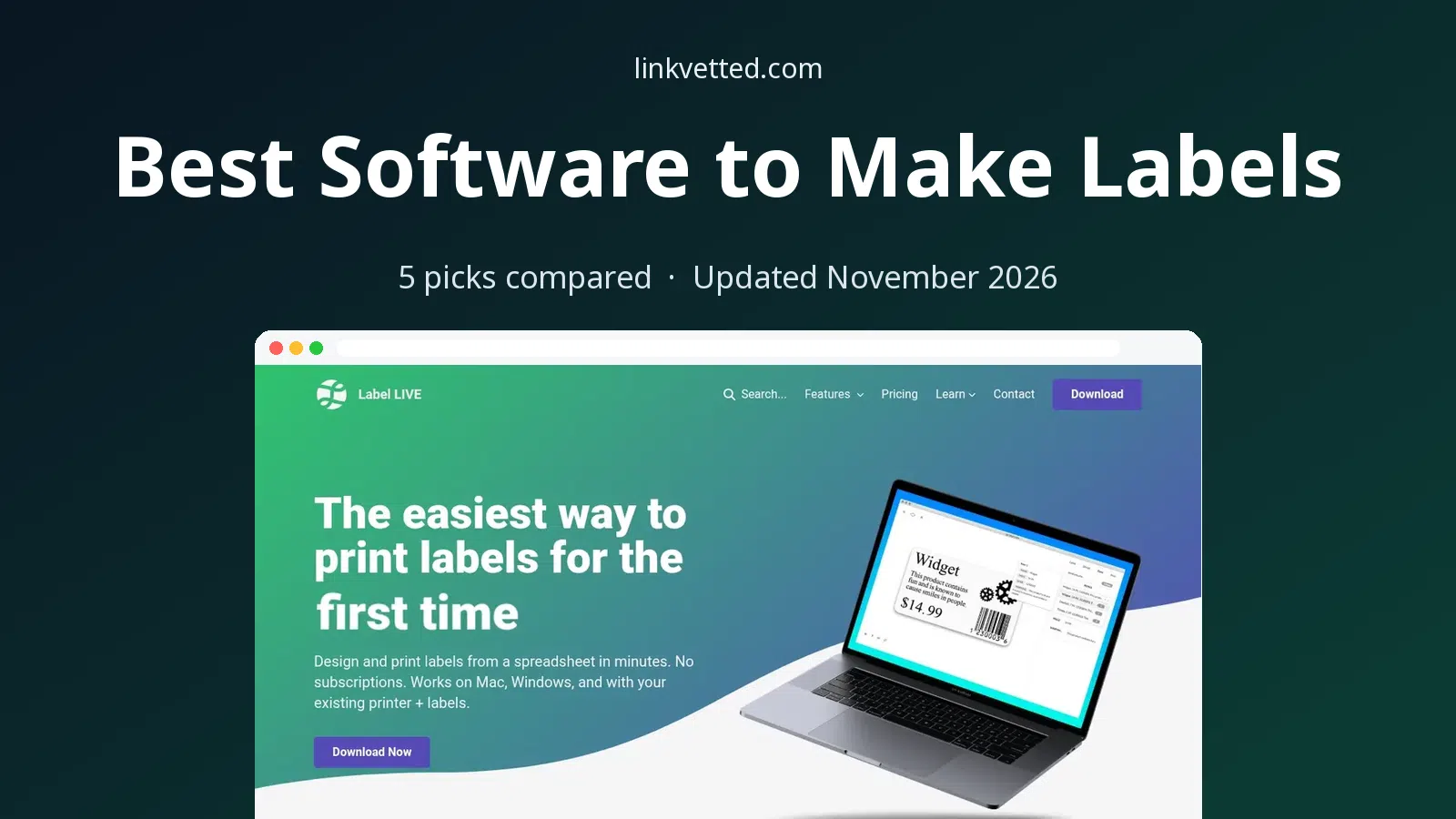
- Editor's choiceCODESOFT
Label design and print automation
Starts atSee websiteVisit teklynx.comFull review - Great alternativeLabel LIVE
Mac and Windows label printing
Starts at$19.99 a monthVisit label.liveFull review - Also consider
 BarTender
Advanced barcode and RFID labeling
Starts at$199 a yearVisit seagullscientific.comFull review
Direct answer
CODESOFT is the first pick on this list for Label design and print automation. Listed starting prices: Label LIVE from $19.99 a month and BarTender from $199 a year. If your case is different, Label LIVE suits Mac and Windows label printing and BarTender suits advanced barcode and RFID labeling. The other 2 tools in the list cover narrower or pricier cases.
TL;DR:
- Top of the list is CODESOFT, which targets Label design and print automation.
- Label LIVE has the lowest monthly starting price in this list: $19.99 per month.
- Label LIVE comes with a trade-off: restricted to label printing focus.
- Adobe Illustrator is the one to check for custom vector label design.
- CODESOFT, Adobe Illustrator and the 3 others all need a premium plan or a trial, since no free plan is listed.
Last checked November 2026. Prices and plan details were read from the vendors' own pages in November 2026; vendors change plans often, so confirm the current price on the vendor site before you buy.
Quick comparison
| Tool | Best for | Starts at | Free plan? | |
|---|---|---|---|---|
| CODESOFT | Label design and print automation | See website | Not stated | Visit |
| Label LIVE | Mac and Windows label printing | $19.99 a month | No | Visit |
| BarTender | Advanced barcode and RFID labeling | $199 a year | No | Visit |
 Canva | Fast and simple label design | See website | Not stated | Visit |
 Adobe Illustrator | Custom vector label design | See website | Not stated | Visit |
The 5 tools in detail
Choosing software to make labels usually comes down to price, fit and limits. This LinkVetted guide sets 5 tools side by side on those three points, with the facts kept short and checkable.
CODESOFT
Best for: Label design and print automation
Choose CODESOFT for Label design and print automation. CODESOFT is barcode label design, print, and management software from TEKLYNX. It gives you label design, label printing, print automation, label security, and centralized label management, serving small companies to global enterprises.
CODESOFT's advanced features may be overkill for small-scale labeling, and the automation setup can take time. Beyond that, for entry-level label design, a more straightforward tool like Canva might be sufficient. This comparison lists no price for CODESOFT; ask the vendor. Free access: Not stated.
Drawbacks to consider: May need setup for automation. What works well: Scales from small business to enterprise.
- Supports label design and printing
- Bundles print automation features
- Can be complicated for straightforward tasks
Label LIVE
Best for: Mac and Windows label printing
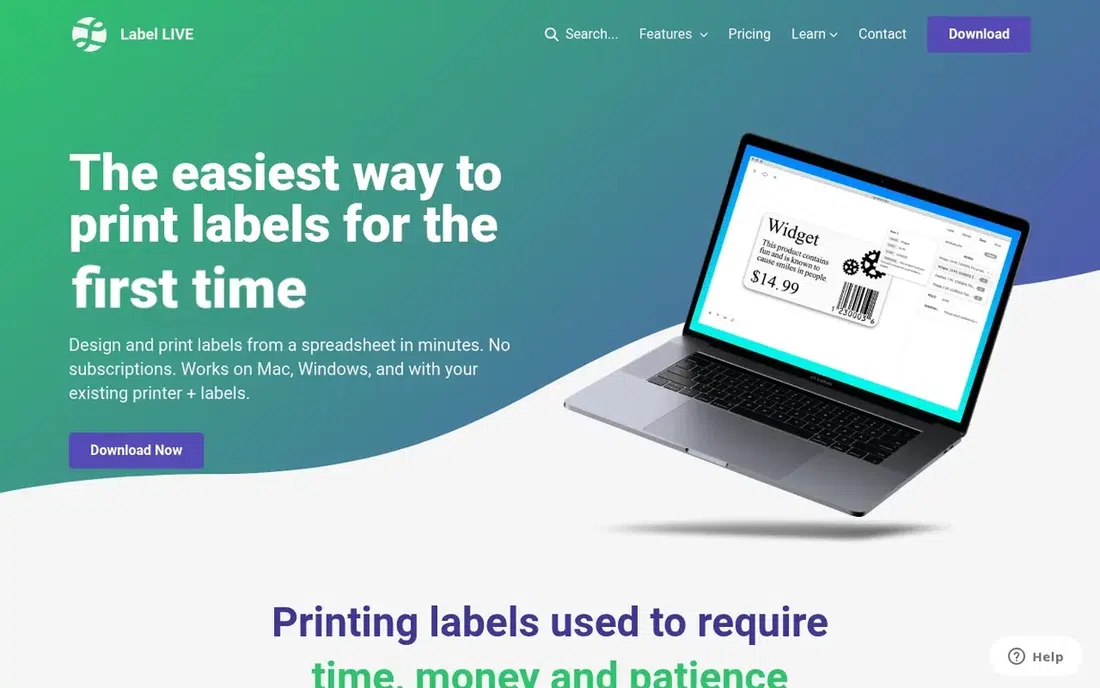
Label LIVE targets Mac and Windows label printing. It lets you design labels, create barcodes and QR codes, and print from Excel or CSV data to Zebra, DYMO, Brother, and other thermal, inkjet, and laser printers.
Points against: May lack advanced design tools.
For everyday use, for complicated design work, Adobe Illustrator or Canva would be more appropriate. Price to start with Label LIVE: $19.99 per month. Label LIVE does not include a free plan.
- Creates barcodes and QR codes
- Works on both Mac and Windows
- Restricted to label printing focus
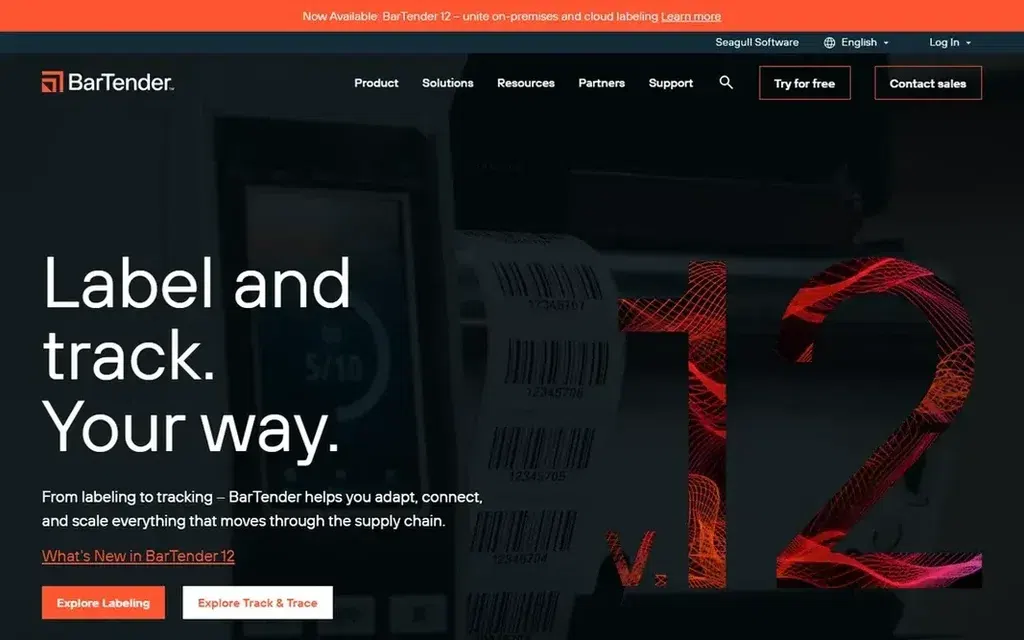
Think of BarTender for advanced barcode and RFID labeling. BarTender is barcode label design and printing software for managing barcodes, labels, and RFID tags.
What BarTender does well: RFID tags; Supports barcodes, labels.
Points against: Needs training for full feature use.
In daily use, BarTender may be more than needed for entry-level label making, and its feature set can be overwhelming for casual users. Beyond that, the software is built to manage a set of labeling tasks, from straightforward barcodes to more advanced RFID tags. Price to start with BarTender: $199 per year. BarTender has no free plan.
- Widely used for complicated labeling needs
- Built for label printing and management
- May be complex for straightforward label tasks
In short, Canva is for quick and simple label design. It can be used to design labels with its templates and drag-and-drop interface, making it a good match for small companies or individuals who want straightforward, attractive labels without specialized software.
More specifically, for barcode labels or thermal printing, consider BarTender or Label LIVE. This comparison lists no price for Canva; ask the vendor. On free options: Not stated.
Where it falls short: Restricted advanced printing controls.
- Free-to-use online design tool
- Broad range of templates and elements
- May not support barcode generation natively
Adobe Illustrator serves custom vector label design. Adobe Illustrator is not a dedicated label printing tool, so it lacks built-in barcode generation or printer-specific settings.
Limits to weigh: Not specialized for label printing.
This comparison lists no price for Adobe Illustrator; ask the vendor. Trial and free access: Not stated.
- Precise control over design elements
- Industry-leading vector graphics tools
- Steep ramp-up time for beginners
How these tools were picked
Questions to settle before buying
- Get a written quote from CODESOFT, Canva and Adobe Illustrator; the list shows no starting price for them.
- Before choosing CODESOFT, weigh its main limit: may need setup for automation.
- Verify that exporting from Canva is possible on your plan and covers all your records.
- Work out what Label LIVE costs with your real seat count, add-ons and usage, not just the entry price.
- Before rolling out BarTender, verify the integrations your workflow depends on.
FAQ
What software works with thermal printers?
Label LIVE supports Zebra, DYMO, Brother, and other thermal printers, whereas BarTender and CODESOFT are also designed for industrial thermal printing. Check compatibility with your specific printer model.
Do these tools publish their prices?
Not all of them. CODESOFT, Canva and Adobe Illustrator publish no starting price, so expect a quote request for those. The rest, Label LIVE included, show a starting price, though seats and billing terms still change the final cost.
Can I use Canva or Adobe Illustrator for label design?
Yes, both Canva and Adobe Illustrator can be used to design labels, particularly for creative or custom artwork. However, they may lack specialized label printing features like barcode generation or printer-specific settings.
Does any tool for software to make labels here have a free plan?
No tool in this list, CODESOFT and Adobe Illustrator included, has a permanent free plan. Trials and quotes are the usual route, so plan a short evaluation period.
Can I try these tools before paying?
Not by default. None of the tools, from CODESOFT to Adobe Illustrator, lists a free plan or a free trial here, so ask each vendor for a demo before committing.
What is the cheapest option for software to make labels in this list?
On published monthly entry prices, Label LIVE is the lowest here at $19.99 per month. Entry price is only part of the cost, because seats, add-ons and billing terms can change the total. All 5 picks in this software to make labels comparison list a starting price, free plan details and the main limits on their cards above.
Sources
- https://www.teklynx.com
- https://label.live
- https://www.seagullscientific.com
- https://www.canva.com
- https://www.adobe.com/products/illustrator.html