Best Software to Make Drum and Bass for 2026: Our 5 Vetted Picks
Searching for the best software to make drum and bass? Here are 5 options with prices and free plans. Fit, price and catches for every tool. Jump to the table.
- Editor's choice
 Reaper
Adaptable audio production on a budget
Starts atSee websiteVisit reaper.fmFull review - Great alternativeKick 2
Designing electronic kick drums
Starts at$5.00 per monthVisit sonicacademy.comFull review - Also considerAbleton Live
Sound design and precision mixing
Starts atSee websiteVisit ableton.comFull review
Direct answer
Start with Reaper if you need flexible audio production on a budget. Listed starting prices: Kick 2 from $5.00 per month and Reason from $11.99 a month. Kick 2 fits designing electronic kick drums; Ableton Live fits sound design and precision mixing. All 5 tools are compared below on price, free plan and limits.
TL;DR:
- Top of the list is Reaper, which targets adaptable audio production on a budget.
- A fair warning about Logic Pro: tied to Apple hardware.
- For practical virtual rack workflows, Reason is worth a look.
- A permanent free plan is missing from all 5 tools, Reaper and Reason included; plan for a trial or a premium start.
Last checked November 2026. Prices and plan details were read from the vendors' own pages in November 2026; vendors change plans often, so confirm the current price on the vendor site before you buy.
Quick comparison
| Tool | Best for | Starts at | Free plan? | |
|---|---|---|---|---|
| Reaper | Adaptable audio production on a budget | See website | Not stated | Visit |
| Kick 2 | Designing electronic kick drums | $5.00 per month | Free trial | Visit |
| Ableton Live | Sound design and precision mixing | See website | Not stated | Visit |
 Logic Pro | Mac and iPad songwriting and beat-making | See website | Not stated | Visit |
| Reason | Practical virtual rack workflows | $11.99 a month | Not stated | Visit |
The 5 tools in detail
LinkVetted put together this guide to software to make drum and bass for readers who want a clear shortlist without reading every vendor page. It compares 5 tools on starting price, free plans, who each one suits and where each one falls short.
Reaper targets adaptable audio production on a budget. Reaper is a digital audio workstation marketed as audio production without limits.
It takes care of recording, editing and mixing for full tracks. Pricing for Reaper is not stated here, so ask the vendor for current figures. Free plan details: Not stated.
Drawbacks to consider: Less guided for newcomers.
- Works as a full DAW
- Highly configurable workflow
- Configuration can be time-consuming
Kick 2
Best for: Designing electronic kick drums
Kick 2 works best for designing electronic kick drums. In drum and bass, where the kick and sub work together closely, a dedicated kick tool lets you shape the low end of each hit and tune it to sit with the bass instead of relying on samples alone.
Honest limits: Needs a host DAW to fit into a workflow.
Kick 2 pricing: $5.00 per month. Free options: Free trial.
- Pitched at electronic producers and sound designers
- Focused tool instead of a full DAW
- Handles kicks only, not full production
Ableton Live
Best for: Sound design and precision mixing
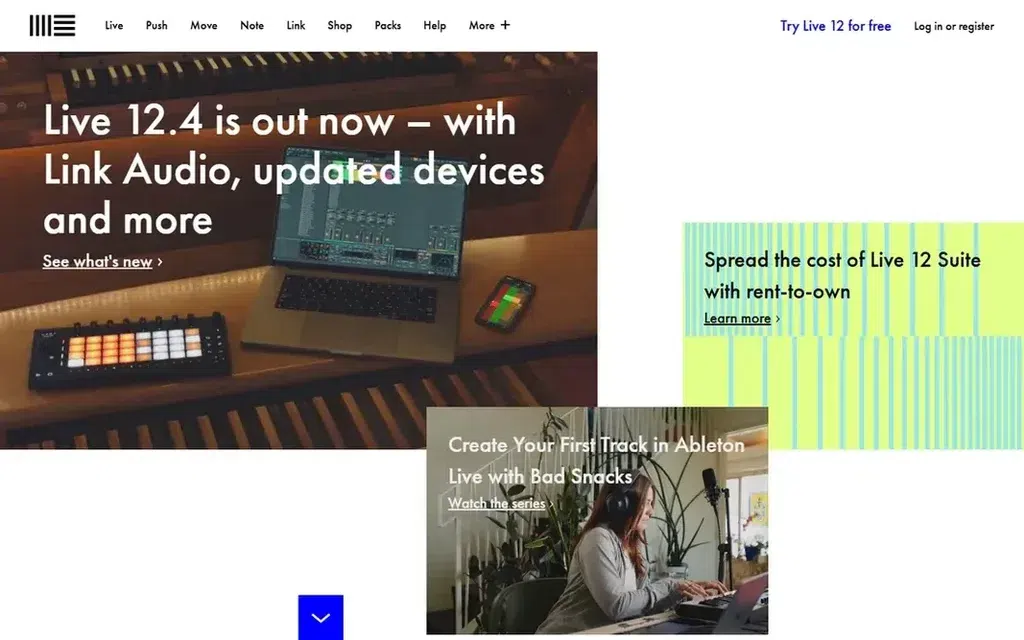
Choose Ableton Live for sound design and precision mixing. Producers who mainly want pattern-based beat building may prefer a different environment before committing to Live.
Trade-offs to know: Deep feature set takes time to learn.
More specifically, for drum and bass, that combination suits producers who shape their own bass and drum sounds and then want in-depth control when mixing the track down. Ableton Live is a full music production environment, and its latest version flags experimental sound design tools, precision mixing effects and workflow improvements meant to bring ideas into focus. No starting price is listed for Ableton Live here; confirm pricing on the vendor site. On free options: Not stated.
- Workflow improvements for capturing ideas
- Experimental sound design tools
- Not every producer needs its experimental tools

Logic Pro makes the most sense for Mac and iPad songwriting and beat-making. Those who already own a capable Mac or iPad and want an integrated songwriting workflow will find it a natural fit.
Check the vendor site for Logic Pro pricing; none is listed in this comparison. Free access: Not stated.
The main drawbacks: Tied to Apple hardware.
- Songwriting and beat-making features
- Available for Mac and iPad
- Not targeted at other products
Reason
Best for: Practical virtual rack workflows
Reason was built for hands-on virtual rack workflows. Reason from Reason Studios is a DAW built around virtual rack instruments and effects, pitched at producers who want to construct their sound module by module.
The main drawbacks: Rack approach may not suit everyone.
For drum and bass, that rack style suits people who enjoy patching synths and effects together to shape basslines and drum hits instead of working largely with a flat timeline. Reason starts at: $11.99 per month. On free options: Not stated.
- Concentrated on music making
- Virtual rack instruments and effects
- Needs comfort with instrument routing
How we compared the tools
The comparison looks at four things: starting price, free access, how well the feature set matches software to make drum and bass, and the main limit of each tool. Figures are shown as the vendors publish them. Billing terms, seat minimums and add-ons can change the real cost. We ordered the tools by general fit, then by how clearly pricing is shown, then by free access. A buyer with unusual needs may reorder them.
What to check before you buy
- Ask Reaper, Ableton Live and Logic Pro for a written quote, since no starting price is shown.
- Take the trial from Kick 2 and push a live task through it before you pay.
- Read the limits listed for Reaper first: configuration can be time-consuming.
- A short pilot of Reaper with your real workflow tells you more than a feature table.
- Confirm the exact Kick 2 plan that includes your must-have features.
FAQ
Does any tool for software to make drum and bass here have a free plan?
No tool in this list, Reaper and Reason included, has a permanent free plan. Kick 2 offer a trial. Trials and quotes are the usual route, so plan a short evaluation period.
Do these tools publish their prices?
Not all of them. Reaper, Ableton Live and Logic Pro publish no starting price, so expect a quote request for those. The rest, Kick 2 included, show a starting price, though seats and billing terms still change the final cost.
What is the cheapest option for software to make drum and bass in this list?
On published monthly entry prices, Kick 2 is the lowest here at $5.00 per month. Entry price is only part of the cost, because seats, add-ons and billing terms can change the total.
Can a kick plugin replace drum samples in drum and bass?
A dedicated kick tool like Kick 2 lets you synthesize and shape kick hits instead of relying only on samples. Plenty of producers combine synthesized kicks with sampled layers, so the plugin complements a sample library instead of completely replacing it.
How are the tools for software to make drum and bass ordered?
Reaper sits first and Reason last because the order follows typical fit for software to make drum and bass, then price clarity and free access. It is a judgement call, so read each profile for fit and limits.
Sources
- https://www.reaper.fm
- https://www.sonicacademy.com/products/kick-2
- https://www.ableton.com/en/live
- https://www.apple.com/logic-pro
- https://www.reasonstudios.com