Best Software to Create Org Chart (2026): 6 Picks Checked on Vendor Pages
Best software to create org chart in 2026: 6 tools with starting prices, free plans and limits. Strengths and weak spots are spelled out. Reviewed this month.
- Editor's choice
 Creately
AI-assisted org and process planning
Starts atSee websiteVisit creately.comFull review - Great alternativeVisio
Adaptable diagramming and flowcharts
Starts at$5.00 per user a monthVisit microsoft.comFull review - Also consider
 BambooHR
HR teams managing people records
Starts at$10 per employee a monthVisit bamboohr.comFull review
Direct answer
For AI-assisted org and process planning, Creately is where this list starts. Listed starting prices: Visio from $5.00 per user a month, BambooHR from $10 per employee a month and Miro from $8 per member per month. Look at Visio for adaptable diagramming and flowcharts, and at BambooHR for HR teams managing people records. The remaining 3 options are covered below with prices and limits.
TL;DR:
- Creately takes the first slot, best suited to AI-assisted org and process planning.
- The lowest published monthly entry price here is $5.00 per user per month, from Visio.
- One limit worth knowing about Miro: Org charts are one board type.
- For all-in-one HCM with people analytics, Namely is worth a look.
- Creately, Miro: these are the 2 tools out of 6 that offer a free plan.
Last checked November 2026. Prices and plan details were read from the vendors' own pages in November 2026; vendors change plans often, so confirm the current price on the vendor site before you buy.
Quick comparison
| Tool | Best for | Starts at | Free plan? | |
|---|---|---|---|---|
| Creately | AI-assisted org and process planning | See website | Yes | Visit |
| Visio | Adaptable diagramming and flowcharts | $5.00 per user a month | Free trial | Visit |
| BambooHR | HR teams managing people records | $10 per employee a month | No | Visit |
 Miro | Collaborative visual workspaces | $8 per member per month | Yes | Visit |
 SmartDraw | Template-driven layouts without training | See website | Free trial | Visit |
 Namely | All-in-one HCM with people analytics | See website | Not stated | Visit |
Our 6 picks for software to create org chart
LinkVetted compared 6 tools for software to create org chart. The goal is a practical shortlist: published prices, free plan facts, best-fit use cases and honest limits for every entry.
Creately makes the most sense for AI-assisted org and process planning. Creately concentrates on org planning, process mapping and cloud architecture, with AI support for building diagrams. It can start from your HR data and procedures, which helps teams link structure to workflows.
Choose Creately when org planning is part of a wider mapping effort. More specifically, teams wanting a narrow, single-purpose tool may prefer something more straightforward. Pricing for Creately is not stated here, so ask the vendor for current figures. Free access exists with Creately.
The main drawbacks: Wide feature set may overwhelm.
- Opens from HR data
- Also maps processes and systems
- Org charts share space with other diagrams
Visio
Best for: Adaptable diagramming and flowcharts
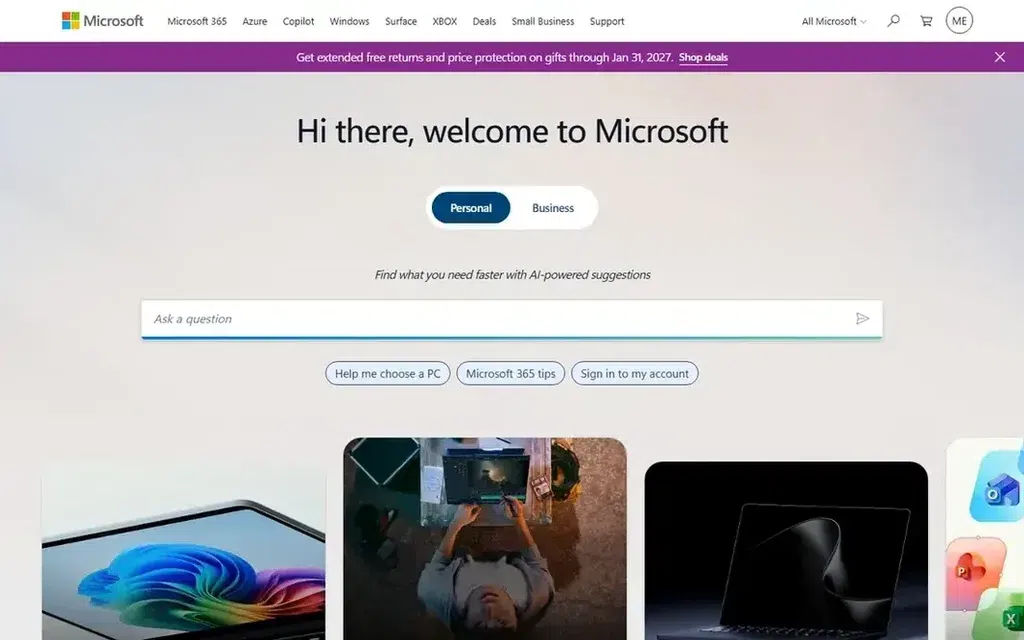
Visio was built for adaptable diagramming and flowcharts. Visio is Microsoft's diagramming and flowchart application, targeted at teams that require precise, professional visuals. It supports data visualization and integrated workflows, so org charts can link to underlying information.
Where it is weaker: Can feel complicated for straightforward charts.
Its breadth means a ramp-up time for casual users who only need a straightforward hierarchy. Small teams may find a lighter template-driven tool quicker. Pick Visio when you need versatile diagramming and data-linked charts across several use cases. Entry price for Visio: $5.00 per user per month. As for free access: Free trial.
- Links to data for linked diagrams
- Works with familiar Microsoft workflows
- Org charts are one use among plenty

In short, BambooHR is for HR teams managing people records. Businesses seeking a single system for core HR tasks instead of a standalone drawing app will find it practical.
Downsides: Not a dedicated diagramming tool.
On top of that, choose BambooHR when org visibility should follow your HR records automatically. On top of that, since it centers on HR administration, it supplies less freedom for elaborate custom diagrams than a pure diagramming tool. Price to start with BambooHR: $10 per employee per month. BambooHR has no permanent free option.
- Spans hire-to-retire workflows
- Merges HR data with org visibility
- Less adaptable for custom layouts
For collaborative visual workspaces, Miro is a natural candidate. Miro is an AI-powered visual workspace for product development and team alignment.
From a buyer's view, organizations needing automatic updates from employee data should consider an HR-linked tool. As for the details, teams use its boards for brainstorming, planning and diagramming, including org structures built collaboratively. Entry price for Miro: $8 per member per month. Miro offers a free plan.
Drawbacks to consider: Org charts are one board type.
- AI features for quicker work
- Supports collaborative diagramming
- Not aimed at HR data records
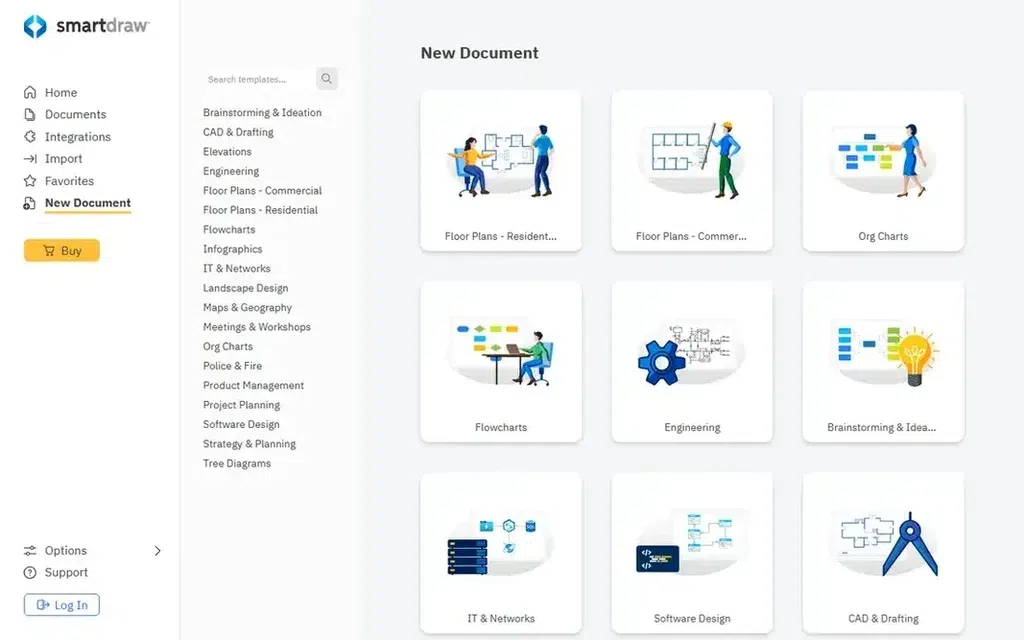
Where SmartDraw fits: template-driven layouts without training. SmartDraw presents itself as simple layout software with no training required, handling floor plans, flowcharts, org charts and more. Its broad scope means org charts are one feature among many, and it is not built around live HR records.
Downsides: Less depth for HR data integration.
Worth adding: choose SmartDraw for quick, template-based visuals. Also, organizations needing charts tied to employee data may look to an HR product instead. SmartDraw does not show a starting price in this comparison, so check the vendor site for current pricing. Free options: Free trial.
- Handles org charts and flowcharts
- No training required approach
- Wide focus beyond org charts
Think of Namely for all-in-one HCM with people analytics. Namely offers an all-in-one human capital management product with payroll, compliance, benefits and analytics, plus managed services. From a buyer's view, businesses without wider HR system needs may find a diagramming app more direct.
The main drawbacks: Less suited to standalone diagramming.
What Namely does well: benefits and compliance.
As a broad HCM product, it is not geared toward users who only have to draw a chart. In daily use, choose Namely when org visibility should sit inside a full HR and payroll product. Namely does not show a starting price in this comparison, so check the vendor site for current pricing. Free access: Not stated.
- Merges payroll
- Managed services support
- Org charts are part of a bigger suite
How we chose
We compared the tools on published pricing, free plan or trial availability, feature coverage for software to create org chart, and the limits each vendor documents. Where a price is missing, the vendor does not list one publicly or ties it to a quote. Always confirm before budgeting. We ordered the tools by general fit, then by how clearly pricing is shown, then by free access. A buyer with unusual needs may reorder them.
What to check before you buy
- Confirm the entry price on the vendor page. For Creately, SmartDraw and Namely that means a quote rather than a fixed price.
- Read the fine print on the free plans from Creately and Miro; seat, project and feature caps differ.
- Use real work to test the free trial from Visio and SmartDraw, rather than a demo project.
- Read the limits listed for Creately first: wide feature set may overwhelm.
- Ask Creately about contract length, onboarding fees and user minimums before you sign.
- A short pilot of Visio with your real workflow tells you more than a feature table.
FAQ
Which options for software to create org chart have a free plan?
Creately and Miro offer a free plan in this list. Free plans usually cap users, projects or features, so check the limits on the vendor page. Several others offer a trial instead.
Can I try these tools before paying?
Often, yes. Creately and Miro have a free plan and Visio and SmartDraw offer a free trial. Use your own data and a real task during the test, and check what the free tier or trial limits before you rely on it.
What is the difference between diagramming tools and HR systems for org charts?
Diagramming tools like Visio and SmartDraw focus on drawing and layout adaptability. HR systems for example BambooHR and Namely produce org structure from employee records.
What is the cheapest option for software to create org chart in this list?
On published monthly entry prices, Visio is the lowest here at $5.00 per user per month. Entry price is only part of the cost, because seats, add-ons and billing terms can change the total. All 6 picks in this software to create Org chart comparison list a starting price, free plan details and the main limits on their cards above.
How are the tools for software to create org chart ordered?
Creately sits first and Namely last because the order follows typical fit for software to create org chart, then price clarity and free access. It is a judgement call, so read each profile for fit and limits.
Sources
- https://creately.com
- https://www.microsoft.com/en-us/microsoft-365/visio
- https://www.bamboohr.com
- https://miro.com
- https://www.smartdraw.com
- https://www.namely.com