Choosing Software to Convert WAV to MP3 in 2026: 6 Options Compared
Need the best software to convert WAV to MP3? We compare 6 tools on cost, free access and who each suits. Weak spots flagged for every entry. Read the profiles.
- Editor's choice
 Audacity
Free open source editing and conversion
Starts atPricing on requestVisit audacityteam.orgFull review - Great alternativedBpoweramp
Accurate ripping and format conversion
Starts atPricing on requestVisit dbpoweramp.comFull review - Also considerSwitch Audio File Converter
Straightforward batch audio conversion
Starts atPricing on requestVisit nch.com.auFull review
Direct answer
If you need free open source editing and conversion, Audacity is the first tool to look at here. dBpoweramp is the stronger choice for accurate ripping and format conversion, while Switch Audio File Converter suits simple batch audio conversion. The full list of 6 tools follows, with free plan facts. None of these vendors publish plan prices, so pricing is on request for every option.
TL;DR:
- This list starts with Audacity, which is built for free open source editing and conversion.
- None of the 6 tools, from Audacity to VLC Media Player, has a free plan, so budget for a subscription or use a trial.
- Audacity, VLC Media Player and the 4 others all sell by quote; expect sales conversations before you see a price.
- Before buying Audacity, weigh this: interface can feel dated.
- VLC Media Player is the one to check for playback plus entry-level conversion.
Last checked November 2026. Pricing on request: vendors did not publish plan prices when this guide was last checked (November 2026), so ask each vendor for a written quote.
Quick comparison
| Tool | Best for | Starts at | Free plan? | |
|---|---|---|---|---|
| Audacity | Free open source editing and conversion | Pricing on request | Not stated | Visit |
| dBpoweramp | Accurate ripping and format conversion | Pricing on request | Not stated | Visit |
| Switch Audio File Converter | Straightforward batch audio conversion | Pricing on request | Not stated | Visit |
 FFmpeg | Scripted and automatic conversion | Pricing on request | Not stated | Visit |
 Adobe Audition | Professional editing with MP3 export | Pricing on request | Not stated | Visit |
 VLC Media Player | Playback plus entry-level conversion | Pricing on request | Not stated | Visit |
Our 6 picks for software to convert WAV to MP3
If you are comparing software to convert WAV to MP3, this page covers 6 tools in one place: what each is best for, what it costs to start, whether it has a free plan, and the main limit to know about.
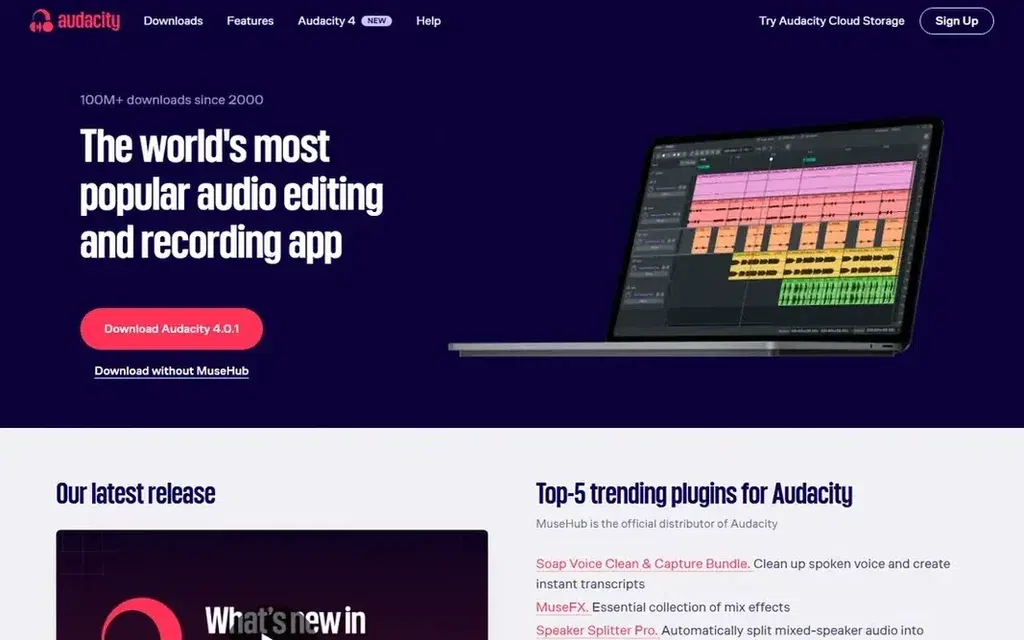
Audacity is aimed squarely at free open source editing and conversion. In daily use, MP3 export needs the LAME library, which is a separate step.
In practice, pick Audacity for straightforward, no-cost conversion and light editing. More specifically, the interface is functional instead of refined, and some advanced restoration tools are missing. Audacity does not show a starting price in this comparison, so check the vendor site for current pricing. Free access: Not stated.
Drawbacks to consider: Restricted advanced restoration.
- Open source and free
- Recording and editing built in
- Interface can feel dated
dBpoweramp
Best for: Accurate ripping and format conversion
dBpoweramp is a good fit for accurate ripping and format conversion. dBpoweramp is an audio converter and CD ripper that takes care of MP3, FLAC, WAV, AAC, and Apple Lossless, with AccurateRip for verifying CD rips.
What to check first: premium software.
It is primarily Windows-focused. The tool is recognised for its accuracy-focused approach. Check the vendor site for dBpoweramp pricing; none is listed in this comparison. Free options: Not stated.
- Batch conversion
- Album art handling
- Windows-focused
Switch Audio File Converter
Best for: Straightforward batch audio conversion
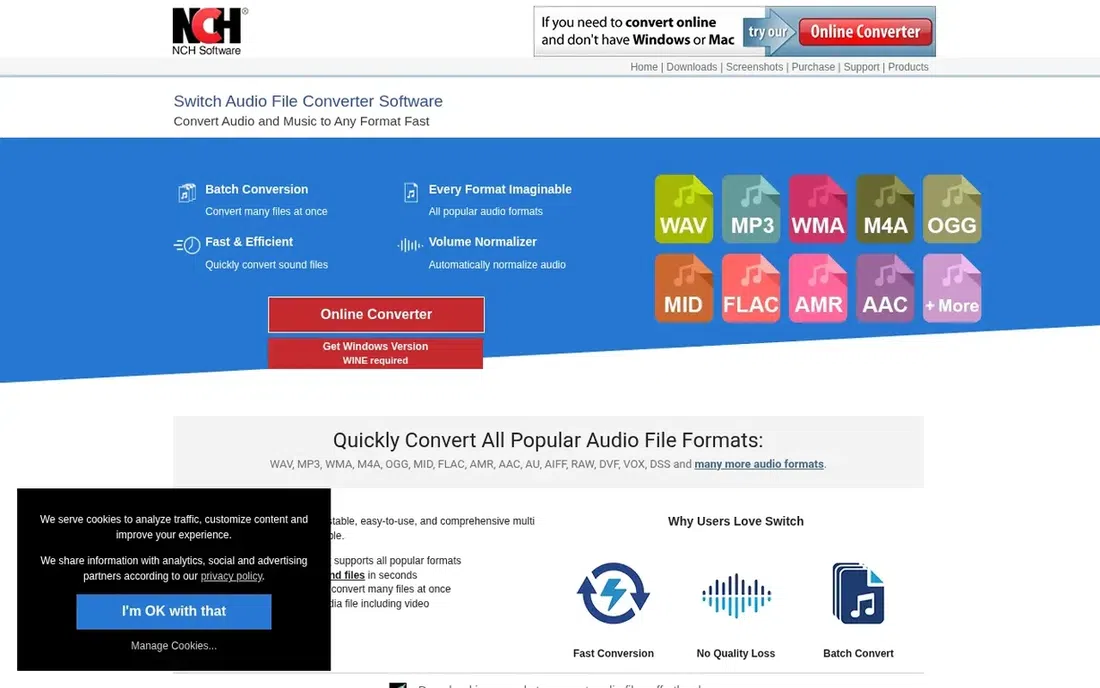
Switch Audio File Converter is aimed squarely at straightforward batch audio conversion. Choose it when format conversion speed and simplicity are the priority.
Drawbacks to consider: Interface is entry-level.
Switch Audio File Converter is a dedicated tool for converting audio files to and from all typical formats on PC and Mac. Switch Audio File Converter shows no starting price here, so confirm the cost on the vendor site. As for free access: Not stated.
- Batch conversion
- Supports numerous formats
- Restricted editing features
FFmpeg targets scripted and automatic conversion. FFmpeg has no graphical interface, so beginners may find it intimidating. In practice, FFmpeg is a command-line multimedia framework used for converting, recording, and streaming audio and video.
The main drawbacks: Needs technical knowledge.
Where it shines: Highly scriptable. It manages WAV to MP3 conversion with precise control over encoding parameters. Choose FFmpeg when you need repeatable, scriptable conversion and are comfortable with the command line. From a buyer's view, there is no built-in editing or preview. No starting price is listed for FFmpeg here; confirm pricing on the vendor site. Trial and free access: Not stated.
- Wide format support
- Command-line control
- No graphical interface
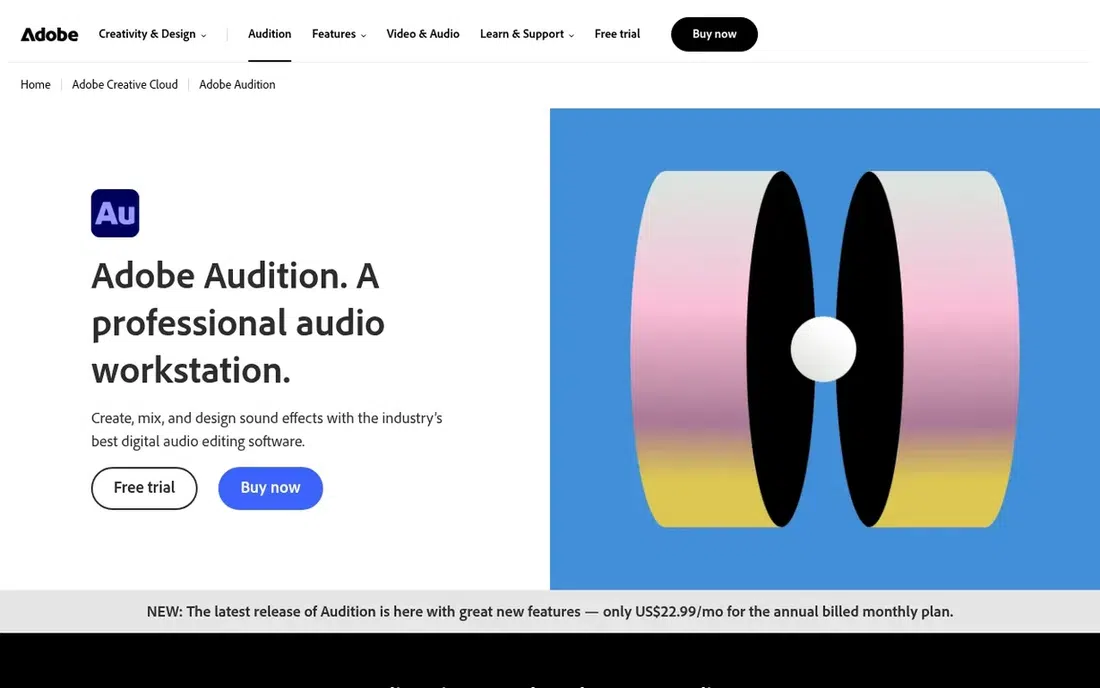
Where Adobe Audition fits: professional editing with MP3 export. The software is heavier than a straightforward converter and requires a subscription, so casual users may find it overkill.
If you only have to change file formats occasionally, a lighter tool will be simpler. Pricing for Adobe Audition is not stated here, so ask the vendor for current figures. On free options: Not stated.
Watch-outs: Steep ramp-up time.
- Full audio toolset
- Refined export choices
- Subscription-based
In short, VLC Media Player is for playback plus entry-level conversion. VLC Media Player is a free, open source multimedia player for Windows, macOS, Linux, Android, and iOS that plays most video and audio files and streams.
It lacks batch processing and editing tools. On top of that, choose VLC when you need occasional conversion and already use it for playback. Check the vendor site for VLC Media Player pricing; none is listed in this comparison. Free plan details: Not stated.
Watch-outs: Not a dedicated converter.
- Cross-platform
- Plays most formats
- Conversion settings are hidden
How we built this list
LinkVetted looked at what each vendor publishes: pricing, plan limits, feature coverage for software to convert WAV to MP3 and stated drawbacks. No hands-on testing is claimed. Figures are shown as the vendors publish them. Billing terms, seat minimums and add-ons can change the real cost. The sequence is a judgement call: typical use case first, then pricing transparency, then free access. Use the profiles to check fit.
Before you commit
- Request quotes from Audacity, VLC Media Player and the others; the list shows no fixed prices.
- Read the limits listed for Audacity first: interface can feel dated.
- Add up seats, add-ons and usage charges for Audacity before comparing it with cheaper entries.
- Check whether the features you need in Switch Audio File Converter sit on the entry plan or only on higher tiers.
- Look at the renewal terms for dBpoweramp: auto-renewal, notice periods and price changes can matter more than the first-year price.
FAQ
Is Audacity the right pick for everyone comparing software to convert WAV to MP3?
No single tool suits every team. Audacity comes first because it fits free open source editing and conversion, while dBpoweramp suits accurate ripping and format conversion and Switch Audio File Converter suits simple batch audio conversion. Match the tool to your own size, budget and workflow before deciding.
Does any tool for software to convert WAV to MP3 here have a free plan?
A permanent free plan is not offered by Audacity, VLC Media Player or the other tools here. Plan a short evaluation period instead.
How are the tools for software to convert WAV to MP3 ordered?
Audacity sits first and VLC Media Player last because the order follows typical fit for software to convert WAV to MP3, then price clarity and free access. It is a judgement call, so read each profile for fit and limits.
Can I try these tools before paying?
Not by default. None of the tools, from Audacity to VLC Media Player, lists a free plan or a free trial here, so ask each vendor for a demo before committing.
Sources
- https://www.audacityteam.org
- https://www.dbpoweramp.com
- https://www.nch.com.au/switch
- https://ffmpeg.org
- https://www.adobe.com/products/audition.html
- https://www.videolan.org/vlc