Best Software to Build a Form in 2026: Prices, Free Plans and 5 Picks
5 tools for the best software to build a form, compared on pricing, free plans and best-fit use. Plain-spoken summaries throughout. Current for November 2026.
- Editor's choiceFormsite
Orders, registrations, and feedback forms
Starts at$21 a monthVisit formsite.comFull review - Great alternativeGravity Forms
Custom WordPress form builds
Starts at$59 a yearVisit gravityforms.comFull review - Also consider
 Formstack
Forms with documents and e-signatures
Starts at$83 per monthVisit formstack.comFull review
Direct answer
Formsite is the first pick on this list for orders, registrations, and feedback forms. Listed starting prices: Formsite from $21 a month, Gravity Forms from $59 a year and Formstack from $83 per month. Look at Gravity Forms for custom WordPress form builds, and at Formstack for Forms with documents and e-signatures. The remaining 2 options are covered below with prices and limits.
TL;DR:
- This list starts with Formsite, which is built for orders, registrations, and feedback forms.
- Typeform suits conversational surveys and lead capture.
- Check the limits for Formsite before you commit: less workflow depth than some rivals.
- Jotform stands alone as the one tool in this list with a free plan.
Last checked November 2026. Prices and plan details were read from the vendors' own pages in November 2026; vendors change plans often, so confirm the current price on the vendor site before you buy.
Quick comparison
| Tool | Best for | Starts at | Free plan? | |
|---|---|---|---|---|
| Formsite | Orders, registrations, and feedback forms | $21 a month | Free trial | Visit |
| Gravity Forms | Custom WordPress form builds | $59 a year | No | Visit |
| Formstack | Forms with documents and e-signatures | $83 per month | Free trial | Visit |
 Jotform | General-purpose online forms and surveys | $34 a month | Yes | Visit |
 Typeform | Conversational surveys and lead capture | See website | Not stated | Visit |
The best software to build a form
LinkVetted put together this guide to software to build a form for readers who want a clear shortlist without reading every vendor page. It compares 5 tools on starting price, free plans, who each one suits and where each one falls short.
Formsite
Best for: Orders, registrations, and feedback forms
Formsite is designed for orders, registrations, and feedback forms. Its homepage lists orders, registrations, reservations, and customer feedback as typical uses, making it a practical choice for small companies and event organizers who require to collect structured information. From a buyer's view, Formsite leans toward standard data collection instead of the deeper document or approval workflows found in some other tools here.
It is also a hosted system, so it does not live inside your site's dashboard. The focus is on professional-looking forms that gather data steadily. Price to start with Formsite: $21 per month. Free options: Free trial.
The main drawbacks: Less workflow depth than some rivals.
- HTML form builder for surveys
- Deals with orders and reservations
- Hosted system only
Gravity Forms
Best for: Custom WordPress form builds
For custom WordPress form builds, Gravity Forms is a natural candidate. Gravity Forms is a WordPress form plugin concentrated on custom, secure, and steady form building. This makes it a fit for developers, agencies, and site owners who require forms tailored to specific processes instead of an entry-level contact page.
Trade-offs to know: WordPress-only.
Beyond that, like other WordPress plugins here, Gravity Forms needs a WordPress installation. Its emphasis on customization can mean more configuration than a straightforward drag-and-drop tool. If you want the fastest possible path to an entry-level form, a lighter builder may be simpler. Choose Gravity Forms when control over form structure matters. Gravity Forms starts at: $59 per year. Gravity Forms has no free plan.
- Custom form creation
- Secure and steady WordPress plugin
- Custom builds take more setup
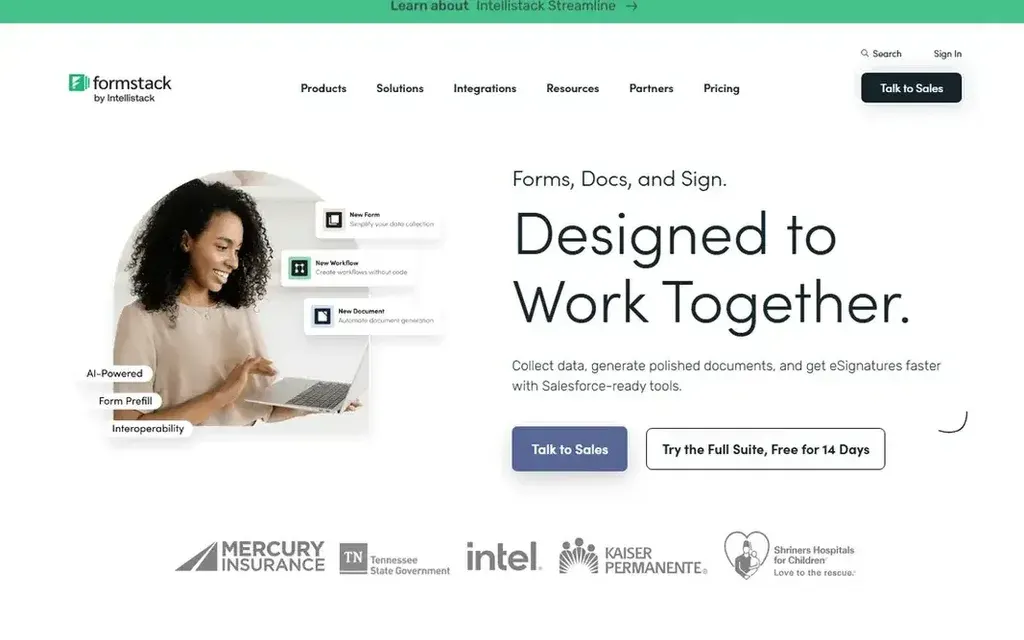
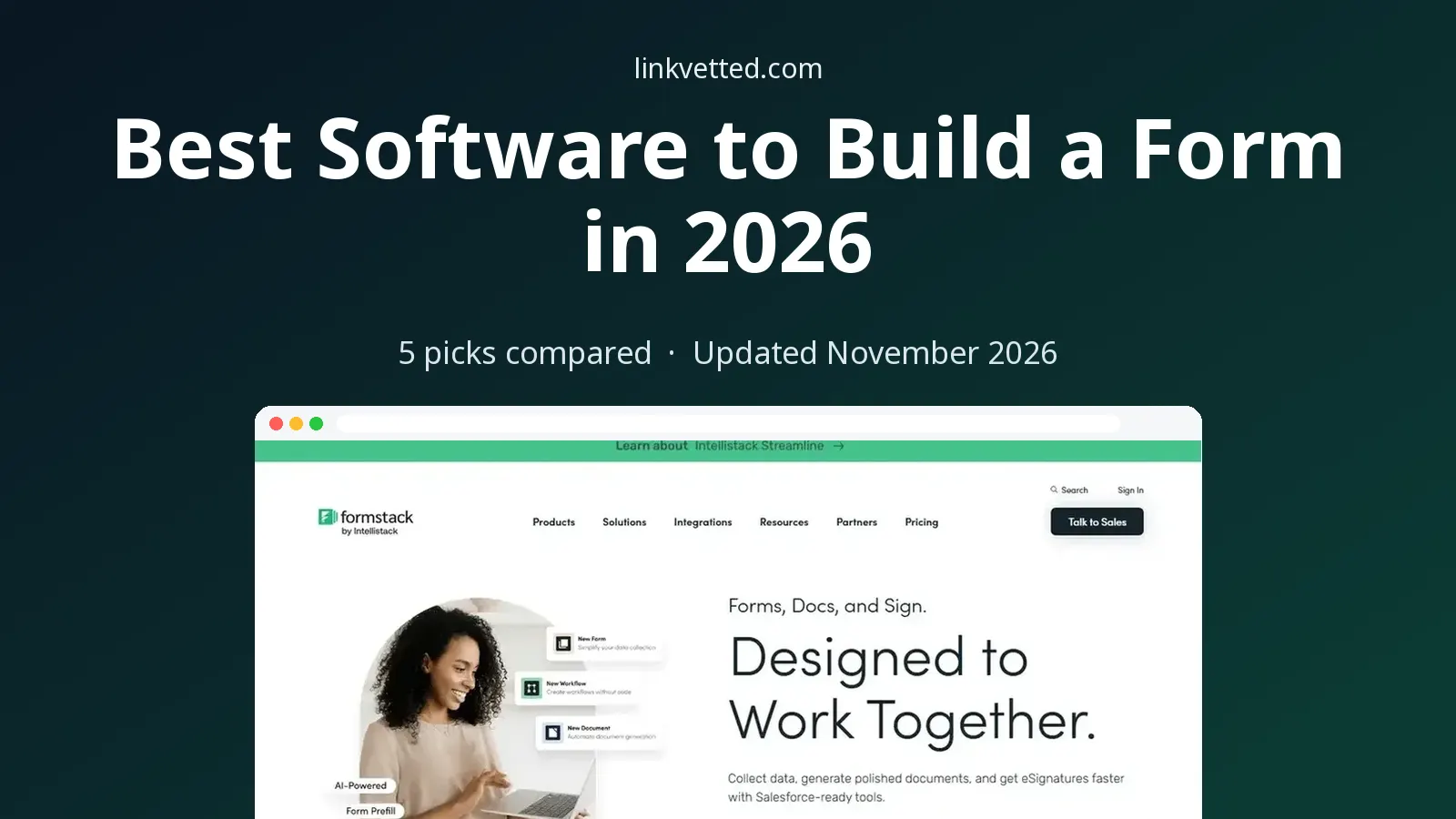
For Forms with documents and e-signatures, Formstack is a natural candidate. It suits operations, HR, and administrative teams that want forms to feed straight into document processes.
Worth adding: if you only want a fast survey, a lighter builder may be more straightforward. Formstack cost at the entry level: $83 per month. As for free access: Free trial.
Drawbacks to consider: Broader scope than straightforward form building.
- Merges forms, documents, e-signatures
- Workflow simplifying focus
- May be more than small projects need
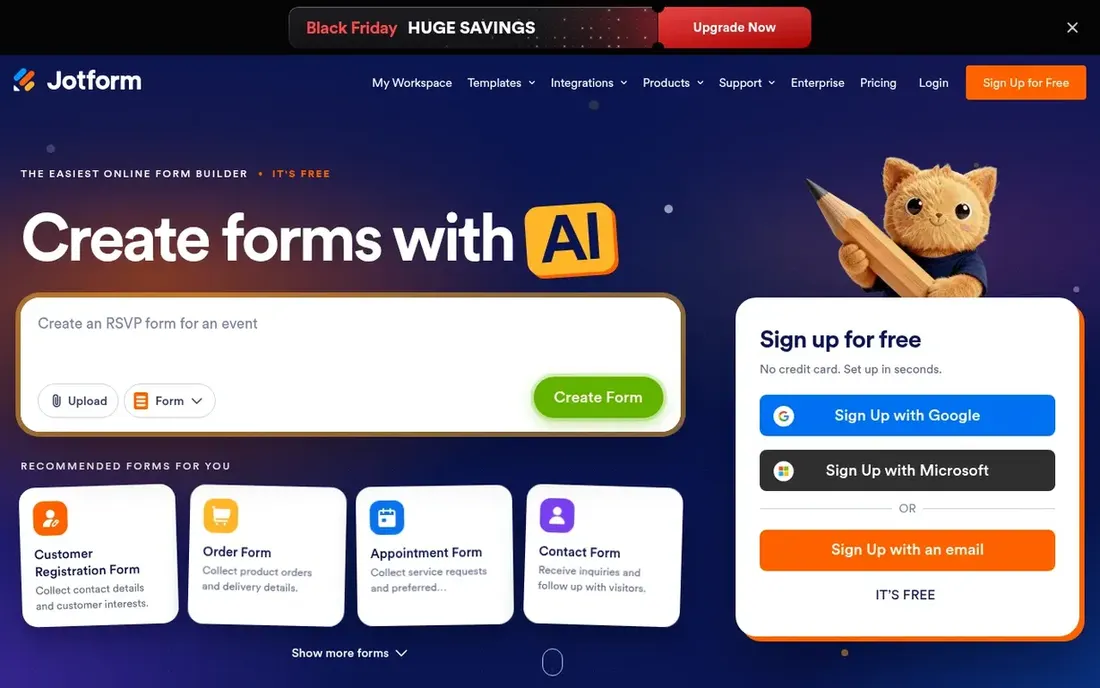
For general-purpose online forms and surveys, Jotform is a natural candidate. Jotform is a hosted online form builder geared toward people who want to build forms and surveys without coding.
Beyond that, as a hosted system, Jotform keeps your forms on its own service instead of inside your site's dashboard. Jotform pricing: $34 per month. Jotform offers a free plan.
Limits to weigh: Advanced needs may push you elsewhere.
- Fast drag-and-drop creation
- Works without a website
- Hosted tool instead of a plugin
Typeform is aimed squarely at conversational surveys and lead capture. Typeform centers on interactive, one-question-at-a-time forms that feel more like a conversation than a static page. Its homepage flags AI-powered forms and automatic workflows that can follow up on responses and enrich leads.
Where it falls short: Best value for interactive use cases.
This makes it a decent match for marketers, researchers. Teams that want higher engagement on surveys, quizzes, and lead capture forms without writing code. On top of that, the conversational format is Typeform's strength, but it may be unnecessary for short internal forms or straightforward contact pages. On top of that, teams that require heavy document generation or approval routing might prefer a workflow-oriented product. Choose Typeform when the respondent experience and follow-up automation matter most. Check the vendor site for Typeform pricing; none is listed in this comparison. On free options: Not stated.
- No-code setup
- Automation and workflow triggers
- Conversational style may not suit every form
How the list was put together
Pre-purchase checklist
- Get a written quote from Typeform; the list shows no starting price for them.
- Test the free plan from Jotform against your real workload before relying on it.
- Run a trial of Formsite and Formstack with real work before paying for a year; your own workflow is the best test.
- Read the limits listed for Formsite first: less workflow depth than some rivals.
- Make sure Typeform lets you export your data in a format another tool can read.
- Run a one or two week pilot of Jotform with the people who will use it every day.
FAQ
Do these tools publish their prices?
Not all of them. Typeform publishes no starting price, so expect a quote request for it. The rest, Formsite included, show a starting price, though seats and billing terms still change the final cost.
How are the tools for software to build a form ordered?
The order follows typical fit for software to build a form, with Formsite first and Typeform last, then price clarity and free access. It is editorial judgement, not a score, so another team could rank the tools differently.
Which options for software to build a form have a free plan?
Jotform is the only tool in this list with a free plan. Free plans usually cap users, projects or features, so check the limits on the vendor page. Several others offer a trial instead. Prices, free plan details and limits for all 5 tools in this software to build a form roundup sit on the individual cards above.
Which form builder is best for a WordPress site?
For most readers this guide would start with Formsite, built for orders, registrations, and feedback forms. Gravity Forms is the alternative for custom WordPress form builds, and Formstack for Forms with documents and e-signatures. The right answer depends on budget and workflow.
What is the cheapest option for software to build a form in this list?
On published monthly entry prices, Formsite is the lowest here at $21 per month. Entry price is only part of the cost, because seats, add-ons and billing terms can change the total. Each of the 5 options in this software to build a form guide has its own card above with the price, free plan and limits.
Sources
- https://www.formsite.com
- https://www.gravityforms.com
- https://www.formstack.com
- https://www.jotform.com
- https://www.typeform.com