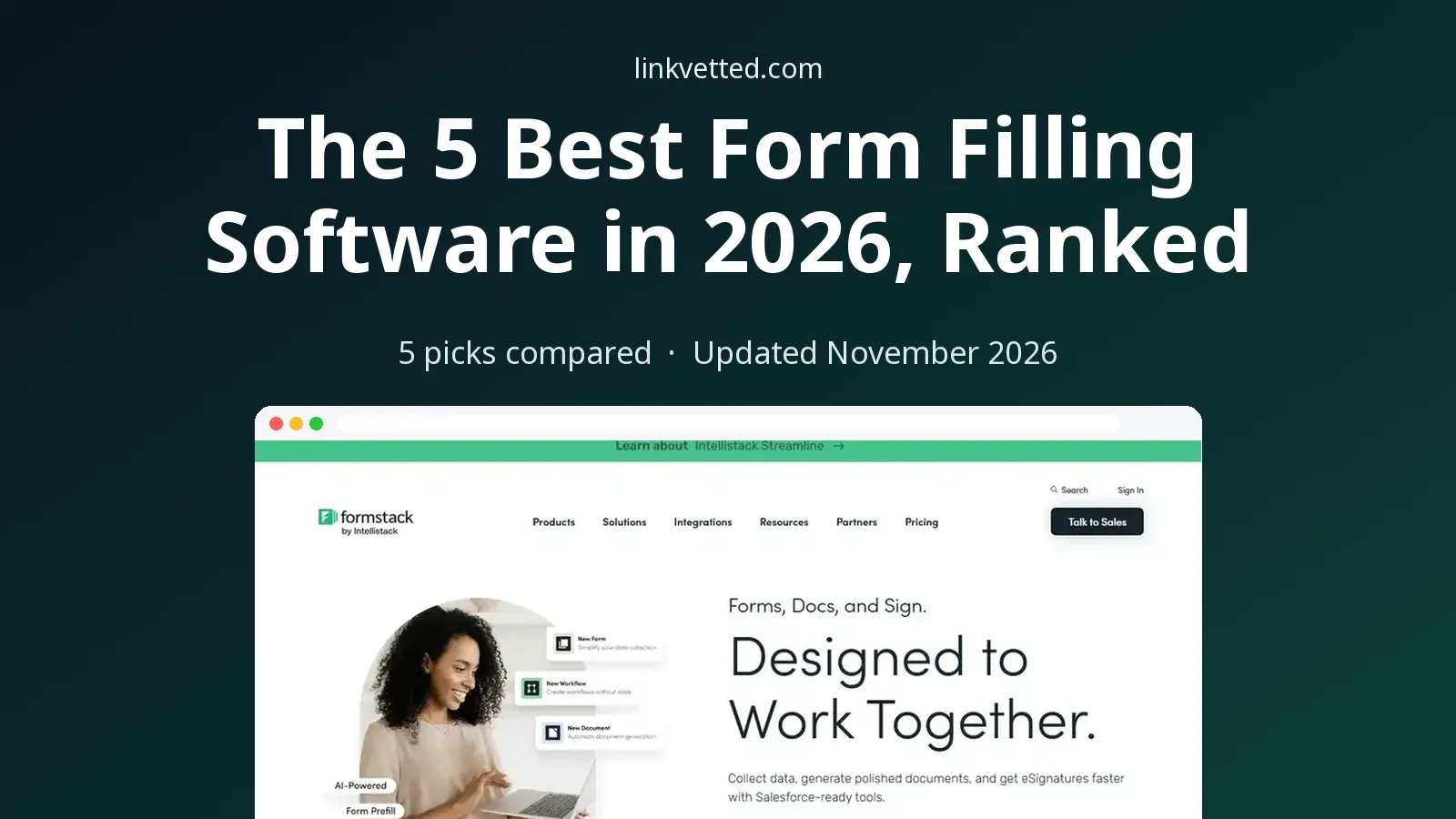
The 5 Best Form Filling Software in 2026, Ranked
Compare 5 picks for the best form filling software, with prices, free plans and who each fits. Includes honest limits for each tool. Narrow your shortlist.
- Editor's choice
 Formstack
Secure forms with documents and e-signatures
Starts at$83 a monthVisit formstack.comFull review - Great alternativeGravity Forms
Custom WordPress form builds
Starts at$59 per yearVisit gravityforms.comFull review - Also consider
 Jotform
General online form and survey building
Starts at$34 per monthVisit jotform.comFull review
Direct answer
This list puts Formstack first for secure forms with documents and e-signatures. Listed starting prices: Formstack from $83 a month, Gravity Forms from $59 per year and Jotform from $34 per month. Gravity Forms fits custom WordPress form builds; Jotform fits general online form and survey building. All 5 tools are compared below on price, free plan and limits.
TL;DR:
- The list opens with Formstack, aimed at secure forms with documents and e-signatures.
- Formsite is the one to check for HTML forms for orders and registrations.
- Only Jotform offers a free plan among these 5 tools.
- Check the limits for Formstack before you commit: broader feature set may be more than needed.
Last checked November 2026. Prices and plan details were read from the vendors' own pages in November 2026; vendors change plans often, so confirm the current price on the vendor site before you buy.
Quick comparison
| Tool | Best for | Starts at | Free plan? | |
|---|---|---|---|---|
| Formstack | Secure forms with documents and e-signatures | $83 a month | Free trial | Visit |
| Gravity Forms | Custom WordPress form builds | $59 per year | No | Visit |
| Jotform | General online form and survey building | $34 per month | Yes | Visit |
 Typeform | Conversational forms with automation | See website | Not stated | Visit |
| Formsite | HTML forms for orders and registrations | $21 per month | Free trial | Visit |
The best form filling software
This LinkVetted guide covers 5 options for form filling software. Each profile lists a starting price, free plan details, strengths and drawbacks, so you can drop poor fits quickly.
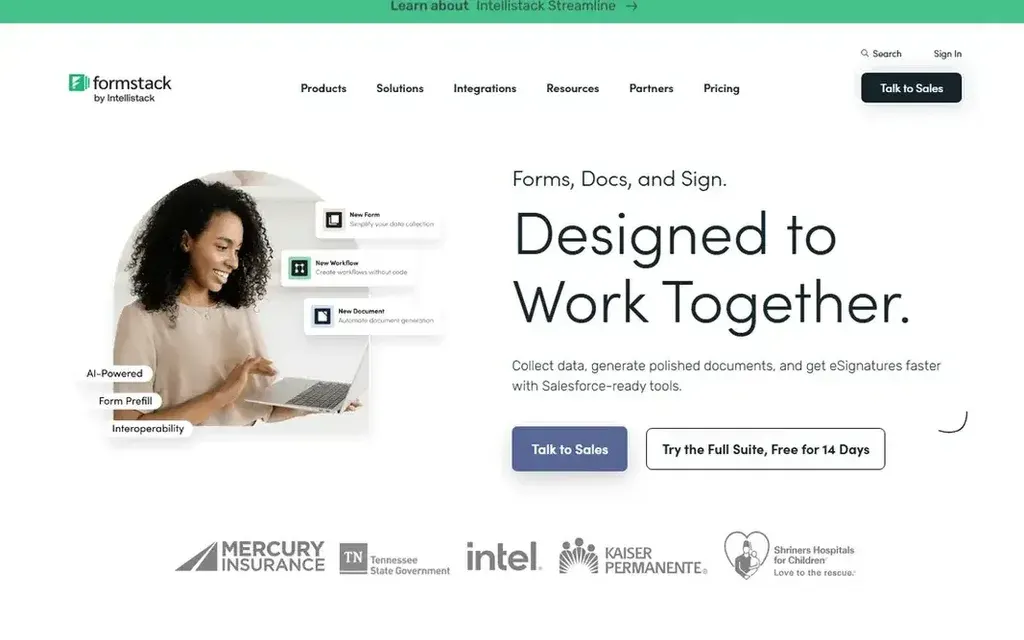
Formstack works best for secure forms with documents and e-signatures. Its homepage emphasizes simplifying workflows for organizations.
What to check first: Setup can need more planning.
For everyday use, choose Formstack when secure document workflows and e-signatures are central to the process. In practice, for straightforward contact forms or entry-level surveys, Formstack may offer more capability than required. What you pay to start with Formstack: $83 per month. Free options: Free trial.
- Merges forms, docs, e-signatures
- Workflow simplifying focus
- Broader feature set may be more than needed
Gravity Forms
Best for: Custom WordPress form builds
Think of Gravity Forms for custom WordPress form builds. Its homepage describes it as an easy-to-use form builder for WordPress.
Watch-outs: Restricted to WordPress sites.
Also, teams without WordPress experience may find a standalone builder quicker to launch. Since it is a WordPress plugin, Gravity Forms is not a choice for sites on other products. Starting cost for Gravity Forms: $59 per year. Gravity Forms has no free plan.
- Secure and dependable WordPress plugin
- Concentrated on simplicity
- Advanced logic may need developer input
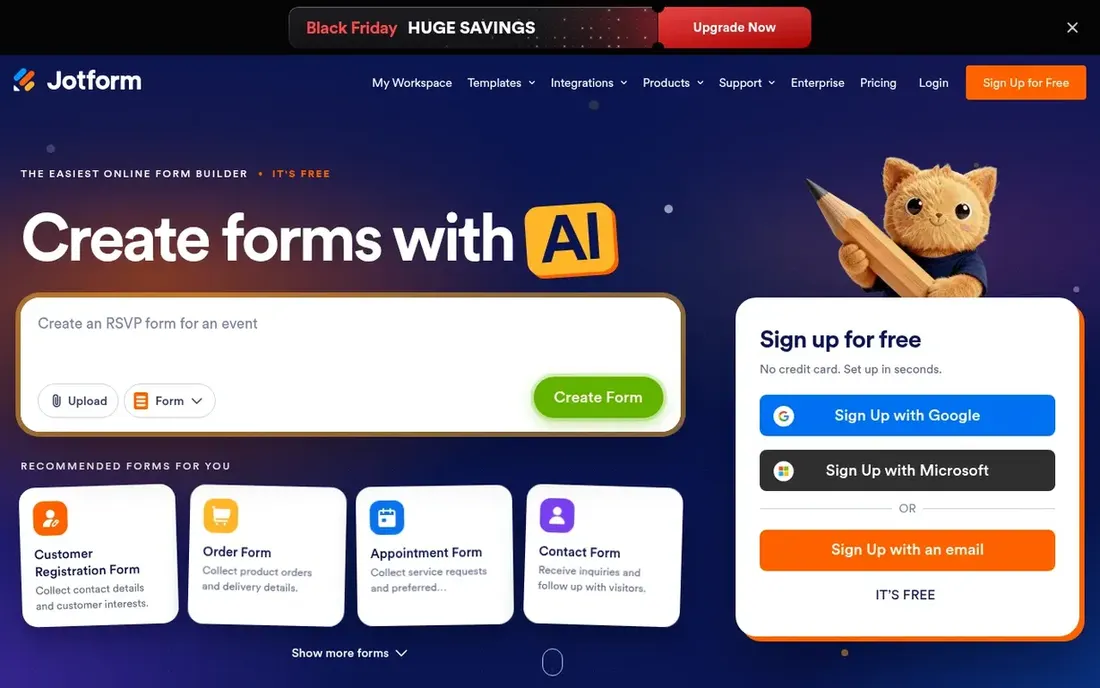
In short, Jotform is for general online form and survey building. Choose Jotform when quick, adaptable form creation is the priority and you do not need deep platform-specific features. More specifically, Jotform is an online form builder centered on creating forms and surveys without coding.
What to check first: Advanced workflows may need other tools.
Its homepage emphasizes speed and ease, making it a fit for teams that require to publish registration, feedback, or contact forms quickly. It performs well for small firms, educators, and departments that want a standalone form tool rather than a plugin tied to a website system. Since Jotform is a general builder, teams with highly specialized document generation or e-signature requirements may have to add other tools. Entry price for Jotform: $34 per month. A free plan is available with Jotform.
- Produce forms and surveys easily
- Wide online form builder
- Feature depth varies by use case
Typeform was built for conversational forms with automation. Typeform is a form builder known for a conversational, one-question-at-a-time experience. Its homepage flags AI-powered forms and no-code automation that can trigger workflows to enrich leads and follow up.
Where it is weaker: May be less suited to dense internal forms.
For everyday use, the conversational style can slow down long or complicated forms where users prefer to see all fields at once. Worth adding: pick Typeform when audience experience and automatic follow-up matter more than dense form layouts. Teams needing document generation or e-signatures may need a different tool. This comparison lists no price for Typeform; ask the vendor. Free options: Not stated.
- Automatic workflows without code
- Engaging one-question-at-a-time format
- Automation setup needs planning
Formsite
Best for: HTML forms for orders and registrations
Formsite is aimed squarely at HTML forms for orders and registrations. Formsite is an online form builder for creating HTML forms and surveys. Its homepage flags use cases like orders, registrations, reservations, and customer feedback.
Choose Formsite for straightforward HTML forms tied to orders, registrations, and feedback. Beyond that, Formsite is less oriented toward deep workflow automation or document generation than some alternatives. The starting price for Formsite: $21 per month. Free access: Free trial.
Where it is weaker: Interface may feel traditional.
- HTML form builder
- Collects customer feedback
- Advanced automation is restricted
How we compared the tools
Each tool was reviewed on what its vendor publishes: price, plan limits, core features and stated drawbacks. We did not run hands-on tests. Where a price is missing, the vendor does not list one publicly or ties it to a quote. Always confirm before budgeting. The sequence is a judgement call: typical use case first, then pricing transparency, then free access. Use the profiles to check fit.
Before you commit
- Get a written quote from Typeform; the list shows no starting price for them.
- Look at the free plan from Jotform closely: its caps decide whether it is usable for real work.
- Use real work to test the free trial from Formstack and Formsite, rather than a demo project.
- Before choosing Formstack, weigh its main limit: broader feature set may be more than needed.
- Price Jotform for your actual team size; headline prices rarely include add-ons or overage.
- See whether Gravity Forms offers onboarding or training, and whether it is included in the price.
FAQ
What should I look for in form filling software?
Start with the form types you need, like surveys, registrations, or document workflows. On top of that, confirm details on the vendor site before deciding.
Which options for form filling software have a free plan?
Jotform is the only tool in this list with a free plan. Free plans usually cap users, projects or features, so check the limits on the vendor page. Several others offer a trial instead.
What is the cheapest option for form filling software in this list?
On published monthly entry prices, Formsite is the lowest here at $21 per month. Entry price is only part of the cost, because seats, add-ons and billing terms can change the total.
How are the tools for form filling software ordered?
The order follows typical fit for form filling software, with Formstack first and Formsite last, then price clarity and free access. It is editorial judgement, not a score, so another team could rank the tools differently.
Can I try these options before paying?
Often, yes. Jotform has a free plan and Formstack and Formsite offer a free trial. Use your own data and a real task during the test, and check what the free tier or trial limits before you rely on it.
Sources
- https://www.formstack.com
- https://www.gravityforms.com
- https://www.jotform.com
- https://www.typeform.com
- https://www.formsite.com