Choosing Software for Sampling Music in 2026: 6 Options Compared
Best software for sampling music: 6 contenders ranked by fit, with entry costs and free tiers. Plain-spoken summaries throughout. Pricing and limits included.
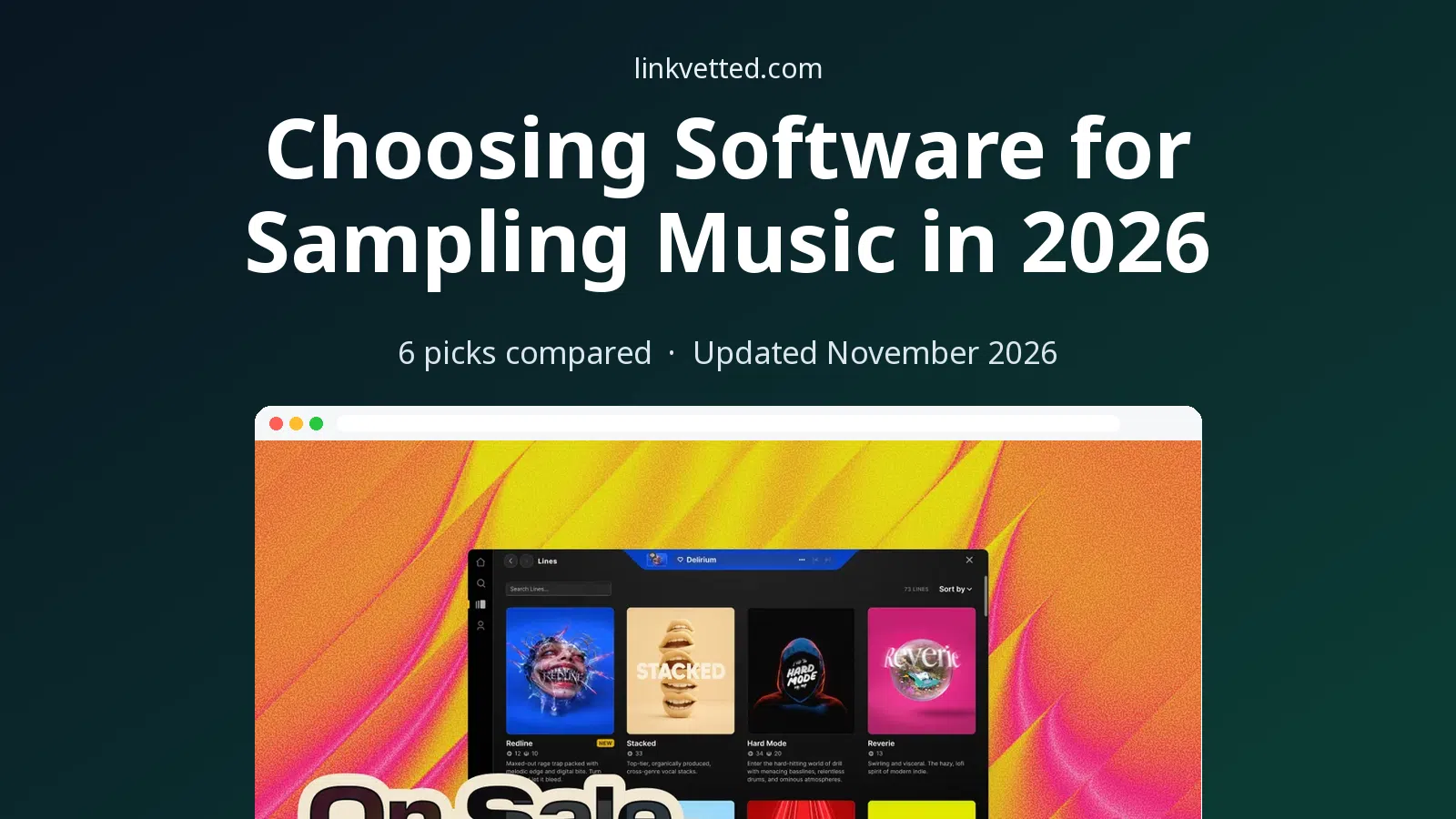
- Editor's choiceOutput Arcade
Playable sampler for quick ideas
Starts atSee websiteVisit output.comFull review - Great alternativeFL Studio
Beatmaking with built-in sampling
Starts atSee websiteVisit image-line.comFull review - Also considerSerato Sample
Chopping and flipping audio
Starts at$9.99 a monthVisit serato.comFull review
Direct answer
For Playable sampler for quick ideas, Output Arcade is where this list starts. Listed starting prices: Serato Sample from $9.99 a month and Splice from $4.99 a month. FL Studio is better for Beatmaking with built-in sampling, and Serato Sample is better for chopping and flipping audio. The remaining 3 options are covered below with prices and limits.
TL;DR:
- Output Arcade sits first on this list: Playable sampler for quick ideas.
- For the cheapest start, look at Splice: $4.99 per month.
- Splice fits Royalty-free sample library access.
- A fair warning about Output Arcade: centred on its own sample content.
Last checked November 2026. Prices and plan details were read from the vendors' own pages in November 2026; vendors change plans often, so confirm the current price on the vendor site before you buy.
Quick comparison
| Tool | Best for | Starts at | Free plan? | |
|---|---|---|---|---|
| Output Arcade | Playable sampler for quick ideas | See website | Not stated | Visit |
| FL Studio | Beatmaking with built-in sampling | See website | Not stated | Visit |
| Serato Sample | Chopping and flipping audio | $9.99 a month | Free trial | Visit |
 Logic Pro | Mac and iPad music creation | See website | Not stated | Visit |
| Avid Pro Tools | Professional recording and editing | See website | Not stated | Visit |
 Splice | Royalty-free sample library access | $4.99 a month | Free trial | Visit |
Our 6 picks for software for sampling music
This LinkVetted guide covers 6 options for software for sampling music. Each profile lists a starting price, free plan details, strengths and drawbacks, so you can drop poor fits quickly.
Output Arcade
Best for: Playable sampler for quick ideas
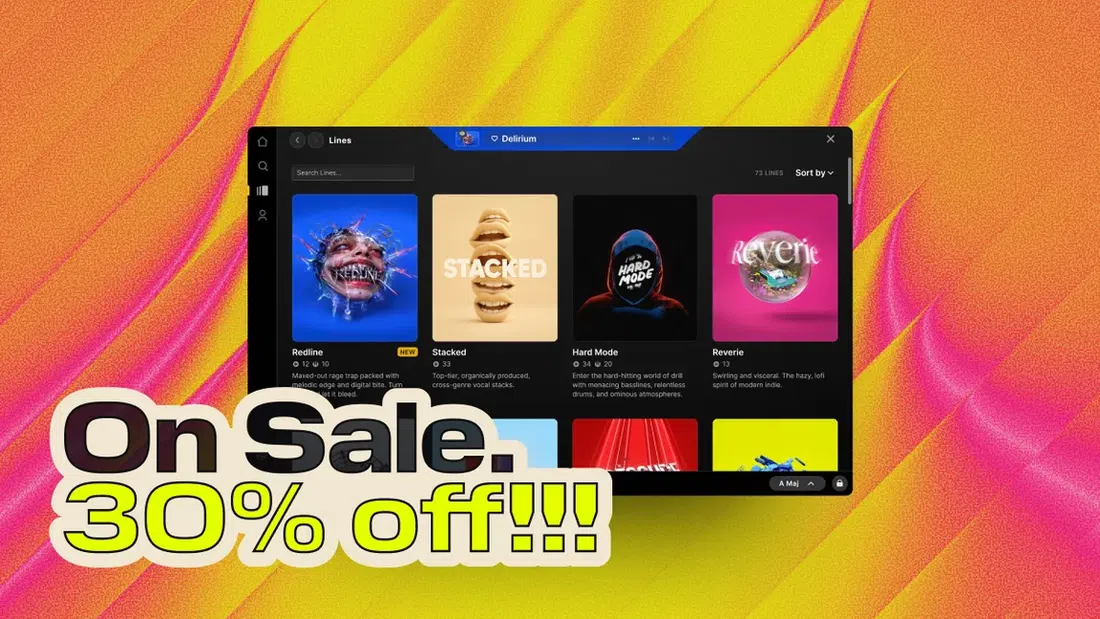
Output Arcade is designed for Playable sampler for fast ideas. Output Arcade is a playable sampler and instruments plugin that lets users perform, shape, and tweak thousands of mix-ready samples. In practice, for projects that rely on custom audio chopping, a dedicated sampler plugin or a DAW's sampler may be a better fit.
More specifically, Arcade is centered on its curated sample content, so producers who require to import and slice their own recordings may find it less flexible than a general-purpose sampler. It also favors quick performance over granular editing. Output Arcade does not show a starting price in this comparison, so check the vendor site for current pricing. Free plan details: Not stated.
What to check first: Less suited to deep manual editing.
- Thousands of mix-ready samples
- Built for performing and tweaking sounds
- Concentrated on its own sample content
FL Studio
Best for: Beatmaking with built-in sampling
FL Studio works best for Beatmaking with built-in sampling. FL Studio by Image-Line is a digital audio workstation for creating, arranging, recording, editing, mixing, and mastering music.
It bundles plugins and sampling tools, and the vendor states that editions come with lifetime free updates. As a full DAW, FL Studio needs time to learn its workflow, and producers who only need a sampler plugin may prefer a lighter tool. Pricing for FL Studio is not stated here, so ask the vendor for current figures. As for free access: Not stated.
Where it is weaker: Workflow differs from other DAWs.
- Lifetime free updates stated by vendor
- Comes with plugins and sampling tools
- Full DAW ramp-up time
Serato Sample
Best for: Chopping and flipping audio
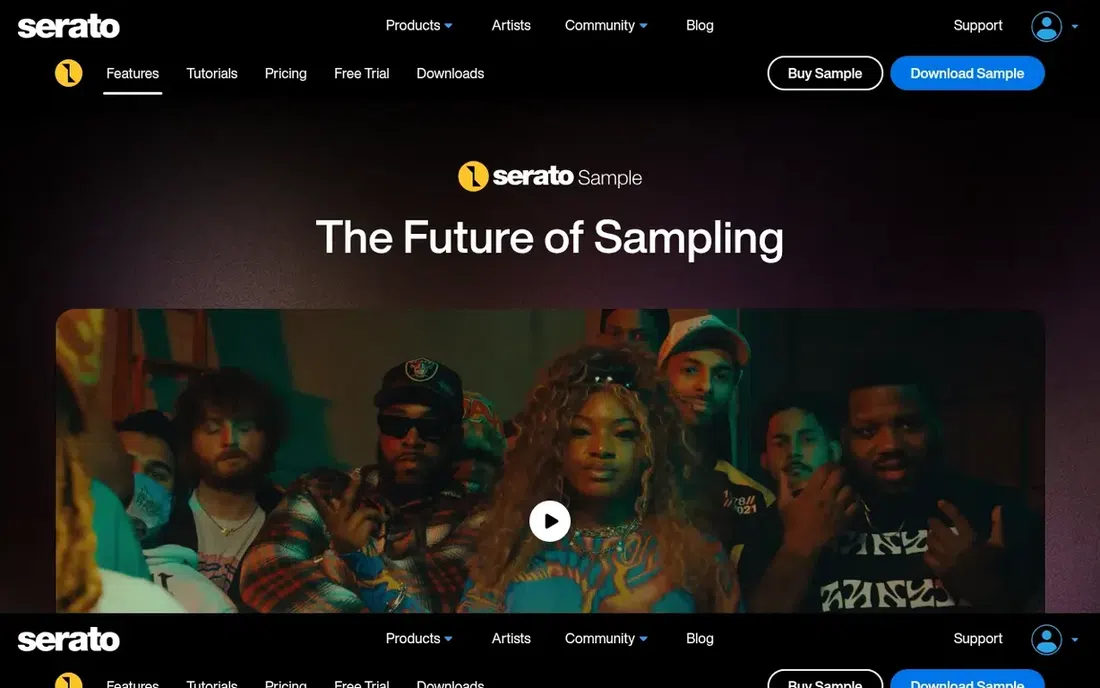
Serato Sample is built with chopping and flipping audio in mind. Serato Sample is a VST, AU, and AAX plugin for chopping, flipping, isolating track stems, pitch shifting, and time stretching audio.
Trade-offs to know: Plugin only.
From a buyer's view, as a plugin, Serato Sample relies on a host DAW for arrangement, mixing, and project management. The plugin emphasizes audio quality and fast manipulation of loops and recordings. Starting cost for Serato Sample: $9.99 per month. Trial and free access: Free trial.
- Chop and flip audio rapidly
- Pitch shift and time stretch
- A good match for sampling-focused workflows
Logic Pro was built for Mac and iPad music creation. Logic Pro is Apple's music creation software for Mac and iPad, with features for songwriting, beat-making, editing, and mixing.
In daily use, the environment supports both composition and detailed editing. It is best chosen when you want an integrated Apple workflow instead of a standalone sampling tool. Pricing for Logic Pro is not stated here, so ask the vendor for current figures. Free access: Not stated.
Drawbacks to consider: Full DAW ramp-up time.
- Editing and mixing features
- Capable songwriting and beat-making tools
- Apple ecosystem only
Avid Pro Tools
Best for: Professional recording and editing
Avid Pro Tools serves professional recording and editing. Avid Pro Tools is a professional digital audio workstation for recording, editing, composing, and mixing music, audio, and sound for film and television. The software is built around professional recording and post-production tasks.
What to check first: Full DAW ramp-up time.
Worth adding: Pro Tools is a full DAW with a ramp-up time, and producers focused primarily on fast sample chopping may find a dedicated plugin more direct. Its sampling capabilities sit within a broader recording and editing system. Pricing for Avid Pro Tools is not stated here, so ask the vendor for current figures. Free access: Not stated.
- Used for music and post-production
- Professional recording and editing
- Sampling is one part of a bigger toolset
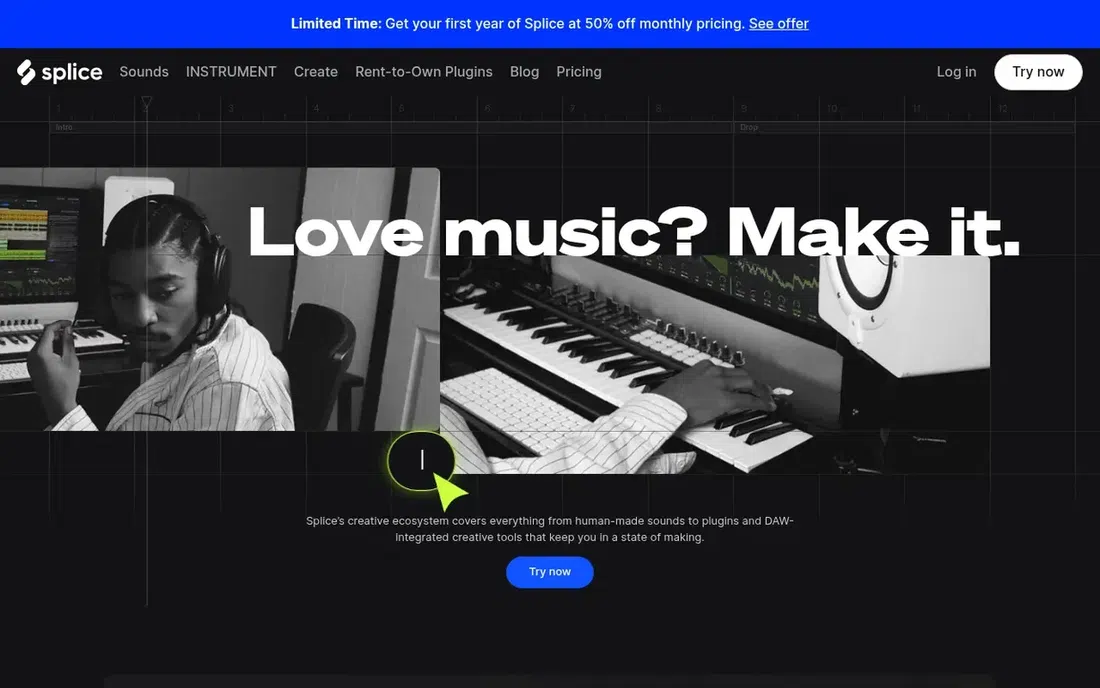
For Royalty-free sample library access, Splice is a natural candidate. Since Splice is primarily a library, it does not replace a dedicated sampler or DAW for deep sound design.
Where it is weaker: Needs continuing curation to fit a project.
It is best treated as a source of material instead of the sampling engine itself. Splice cost at the entry level: $4.99 per month. Free options: Free trial.
- Wide selection of FX and presets
- Large royalty-free sample library
- Library-focused instead of a full sampler
How we chose
Selection started from tools commonly considered for software for sampling music, then narrowed to 6 that have clear pricing information or a clear quote process. Where a vendor does not publish a price, the entry says quote. Where a price depends on seats or billing term, the entry says so. The sequence is a judgement call: typical use case first, then pricing transparency, then free access. Use the profiles to check fit.
What to confirm before you sign up
- Ask Output Arcade, FL Studio, Logic Pro and Avid Pro Tools for a written quote, since no starting price is shown.
- Take the trial from Serato Sample and Splice and push a live task through it before you pay.
- Before choosing Output Arcade, weigh its main limit: concentrated on its own sample content.
- Find out what support Logic Pro includes on your plan, and whether onboarding help costs extra.
- Ask Output Arcade whether prices are locked for the first term and what happens at renewal.
FAQ
How are the tools for software for sampling music ordered?
The order follows typical fit for software for sampling music, with Output Arcade first and Splice last, then price clarity and free access. It is editorial judgement, not a score, so another team could rank the tools differently.
Can I try these tools before paying?
Often, yes. Serato Sample and Splice offer a free trial. Use your own data and a real task during the test, and check what the free tier or trial limits before you rely on it.
Is Output Arcade the right pick for everyone comparing software for sampling music?
No single tool suits every team. Output Arcade comes first because it fits Playable sampler for fast ideas, while FL Studio suits Beatmaking with built-in sampling and Serato Sample suits chopping and flipping audio. Match the tool to your own size, budget and workflow before deciding.
How should I choose between a plugin and a DAW for sampling?
Choose a DAW if you want sampling alongside recording, arranging, and mixing in one environment. On top of that, consider your existing setup and how much time you want to spend learning a new tool.
What is the difference between a sample library and a sampler?
A sampler for example Output Arcade or Serato Sample lets you play, chop, and reshape audio. From a buyer's view, plenty of producers use both together.
Do these tools publish their prices?
Not all of them. Output Arcade, FL Studio, Logic Pro and Avid Pro Tools publish no starting price, so expect a quote request for those. The rest, Serato Sample included, show a starting price, though seats and billing terms still change the final cost.
Sources
- https://output.com/products/arcade
- https://www.image-line.com/fl-studio
- https://serato.com/sample
- https://www.apple.com/logic-pro
- https://www.avid.com/pro-tools
- https://splice.com