6 Best Software for Nursing Home Scheduling for 2026, Vetted and Compared
Searching for the best software for nursing home scheduling? Here are 6 options with prices and free plans. Hidden costs and gaps are flagged. No filler.
- Editor's choice
 Paycom
Full-solution HR and payroll automation
Starts atSee websiteVisit paycom.comFull review - Great alternative
 When I Work
Straightforward employee scheduling and team communication
Starts at$2.50 per user a monthVisit wheniwork.comFull review - Also consider
 Deputy
Scheduling with HR, payroll, and labor forecasting
Starts at$5 per user a monthVisit deputy.comFull review
Direct answer
If you need full-solution HR and payroll automation, Paycom is the first tool to look at here. Listed starting prices: When I Work from $2.50 per user a month, Deputy from $5 per user a month and Homebase from $30 per location per month. If your case is different, When I Work suits simple employee scheduling and team communication and Deputy suits scheduling with HR, payroll, and labor forecasting. The full list of 6 tools follows, with prices and free plan facts.
TL;DR:
- The list opens with Paycom, aimed at full-solution HR and payroll automation.
- Starting prices begin at $2.50 per user per month with When I Work.
- Homebase is the only tool of the 6 with a free plan.
- For Workforce management for senior care, OnShift is worth a look.
Last checked November 2026. Prices and plan details were read from the vendors' own pages in November 2026; vendors change plans often, so confirm the current price on the vendor site before you buy.
Quick comparison
| Tool | Best for | Starts at | Free plan? | |
|---|---|---|---|---|
| Paycom | Full-solution HR and payroll automation | See website | Not stated | Visit |
| When I Work | Straightforward employee scheduling and team communication | $2.50 per user a month | Free trial | Visit |
| Deputy | Scheduling with HR, payroll, and labor forecasting | $5 per user a month | Free trial | Visit |
 Homebase | All-in-one scheduling, time clocks, and payroll | $30 per location per month | Yes | Visit |
 ShiftKey | Filling PRN shifts with licensed professionals | See website | Not stated | Visit |
| OnShift | Workforce management for senior care | See website | Not stated | Visit |
The best software for nursing home scheduling
If you are comparing software for nursing home scheduling, this page covers 6 tools in one place: what each is best for, what it costs to start, whether it has a free plan, and the main limit to know about.
Paycom is designed for full-solution HR and payroll automation. Paycom offers HR and payroll software that automates tasks across the employee life cycle. It offers a single database for managing scheduling, time, payroll, and HR.
Where it falls short: Pricing not shown on homepage.
For nursing homes, Paycom can simplify administrative processes and cut manual work. It also may need training to use all features. Pricing for Paycom is not stated here, so ask the vendor for current figures. Free options: Not stated.
- Thorough features
- Automates employee life cycle
- May be overkill for small facilities
When I Work
Best for: Straightforward employee scheduling and team communication
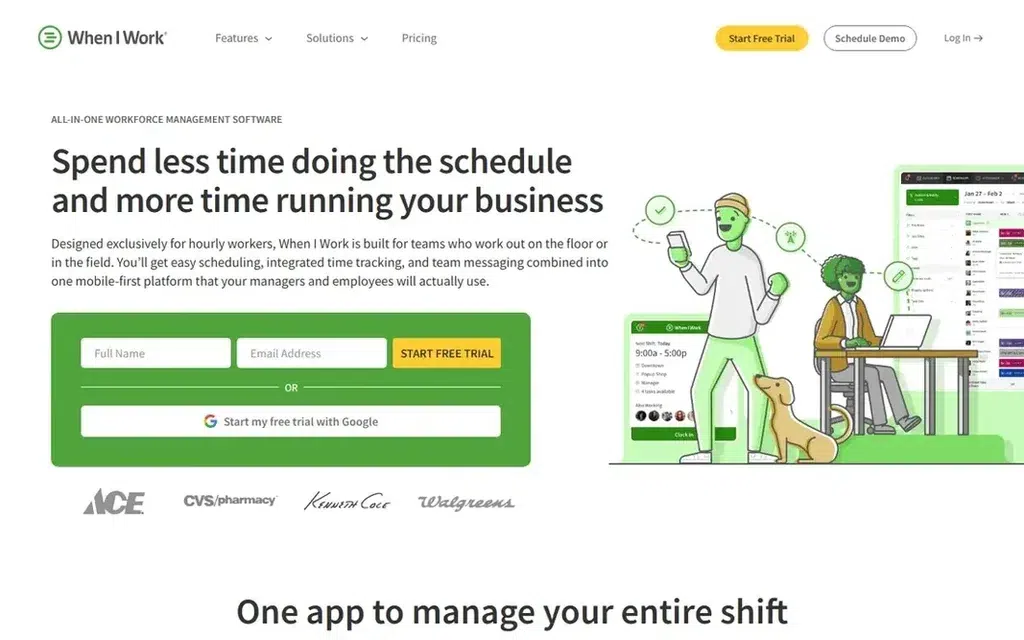
Where When I Work fits: straightforward employee scheduling and team communication. When I Work is an employee scheduling and management app that lets you create schedules, track time, and message your team.
It is well suited for nursing homes that need a straightforward way to handle hourly staff schedules, manage shift swaps, and keep everyone informed. Worth adding: the mobile app makes it simple for caregivers to check schedules and request changes. Starting cost for When I Work: $2.50 per user per month. Trial and free access: Free trial.
Drawbacks to consider: Restricted HR and payroll depth.
- Time tracking and messaging in one app
- Mobile-friendly for staff
- May lack senior-care-specific features
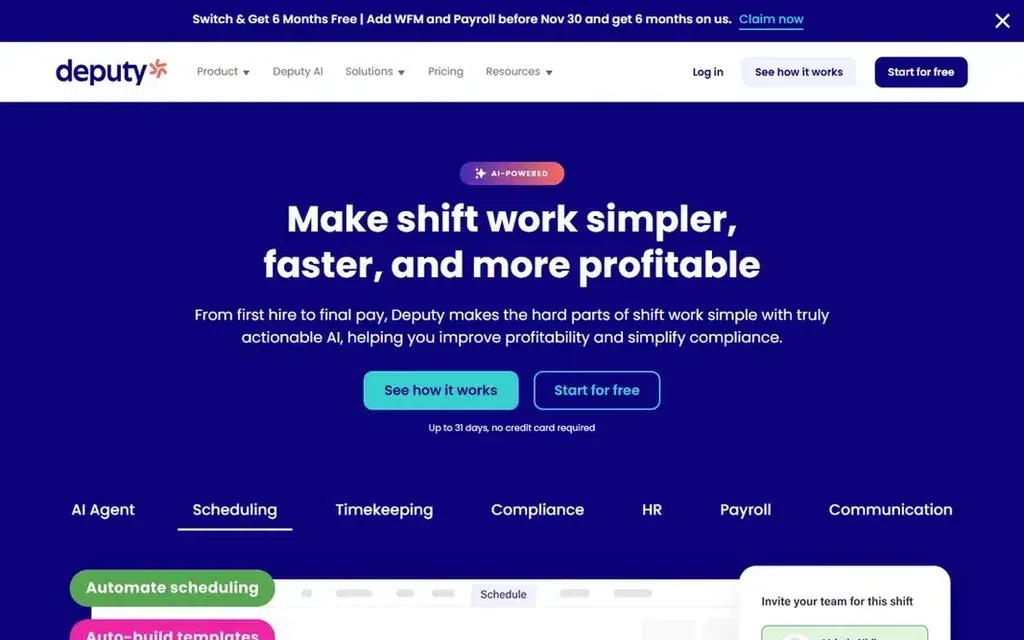
Deputy makes the most sense for scheduling with HR, payroll, and labor forecasting. Deputy supplies employee scheduling, HR, and payroll software with AI labor forecasting. It is built to help businesses run shifts, track time, and simplify payroll.
Deputy may be more full than a small nursing home needs, and its pricing is not listed on the homepage. It also may need setup time to completely use forecasting and HR features. If you prefer a more straightforward scheduling app, When I Work could be a better fit. Starting cost for Deputy: $5 per user per month. On free options: Free trial.
Where it falls short: Pricing not shown on homepage.
- Integrated HR and payroll
- AI labor forecasting
- May be more than needed for small facilities
Homebase is built with all-in-one scheduling, time clocks, and payroll in mind. It is aimed at small companies with hourly teams, making it a solid fit for nursing homes that require to run caregiver schedules and time. Homebase may not contain features tailored to senior care, like compliance tracking for nursing requirements.
It also may have limitations in payroll for certain states or complicated pay structures. The system contains tools for building schedules, tracking hours, and running payroll, which can ease administrative tasks for smaller facilities. Homebase starts at: $30 per location per month. Homebase includes a free tier.
Drawbacks to consider: May lack senior-care-specific features.
- Time tracking, payroll
- Approachable interface
- Payroll may be restricted in some regions
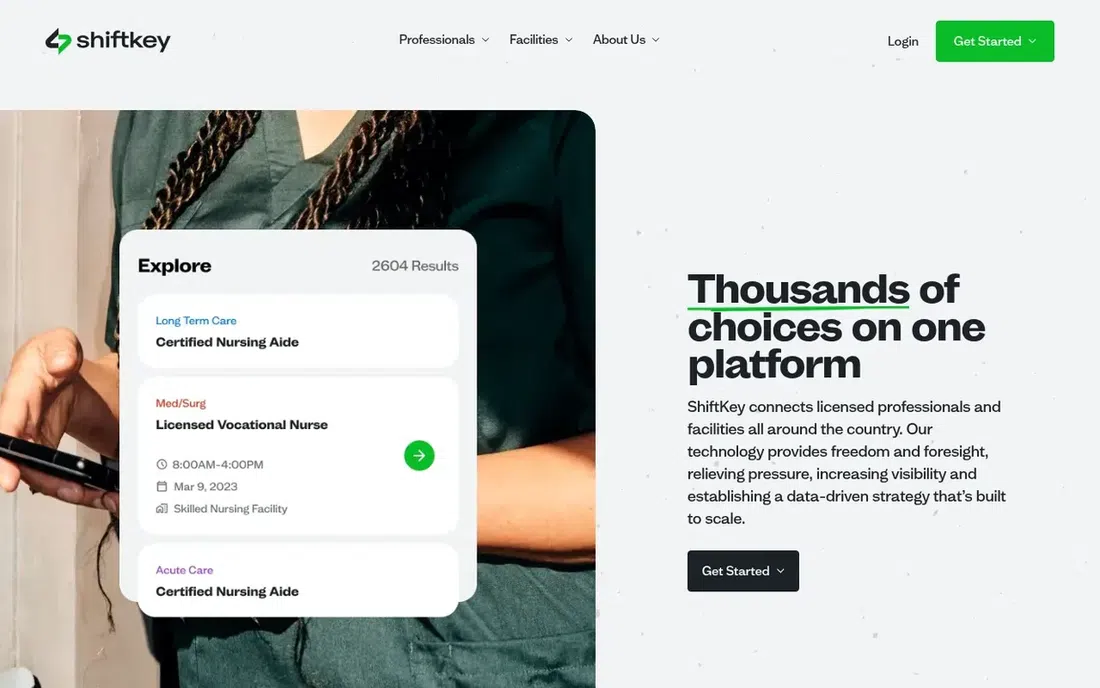
Choose ShiftKey for filling PRN shifts with licensed professionals. ShiftKey is not a complete employee scheduling or HR product, so it may not replace your core scheduling software.
More specifically, if you need integrated time tracking, payroll, or compliance features, consider a broader option like When I Work or Deputy alongside it. ShiftKey is a product that links licensed healthcare professionals with facilities for PRN shifts. This comparison lists no price for ShiftKey; ask the vendor. Free plan details: Not stated.
The main drawbacks: Not a full scheduling suite.
- Links facilities with licensed professionals
- Nationwide product
- Primarily for shift marketplace needs
OnShift
Best for: Workforce management for senior care
Think of OnShift for Workforce management for senior care. It is meant to help nursing homes and other care facilities handle scheduling, staffing, and compliance.
As for the details, the homepage gives you restricted details, so you should confirm specifics with the vendor. In daily use, the product centres on the unique needs of senior care, like shift coverage and employee engagement. This comparison lists no price for OnShift; ask the vendor. Free access: Not stated.
The main drawbacks: May not contain payroll.
- Tailored to senior care
- Focus on workforce management
- Restricted information on homepage
How we compared the tools
What to confirm before you sign up
- Ask Paycom, ShiftKey and OnShift for a written quote, since no starting price is shown.
- Test the free plan from Homebase against your real workload before relying on it.
- Use real work to test the free trial from When I Work and Deputy, rather than a demo project.
- Read the limits listed for Paycom first: may be overkill for small facilities.
- Find out whether the entry plan of ShiftKey covers your must-haves or only a trimmed-down version.
- Confirm that Deputy connects to the apps your team already uses, on the plan you would actually buy.
FAQ
How are the tools for software for nursing home scheduling ordered?
The order follows typical fit for software for nursing home scheduling, with Paycom first and OnShift last, then price clarity and free access. It is editorial judgement, not a score, so another team could rank the tools differently.
Can I try these tools before paying?
Often, yes. Homebase has a free plan and When I Work and Deputy offer a free trial. Use your own data and a real task during the test, and check what the free tier or trial limits before you rely on it. All 6 picks in this software for Nursing home scheduling comparison list a starting price, free plan details and the main limits on their cards above.
Is Paycom the right pick for everyone comparing software for nursing home scheduling?
No single tool suits every team. Paycom comes first because it fits full-solution HR and payroll automation, while When I Work suits simple employee scheduling and team communication and Deputy suits scheduling with HR, payroll, and labor forecasting. Match the tool to your own size, budget and workflow before deciding.
What should a nursing home look for in scheduling software?
Also consider compliance with labor rules and integration with payroll. Beyond that, tools like When I Work and Deputy offer these core capabilities.
Which options for software for nursing home scheduling have a free plan?
Homebase is the only tool in this list with a free plan. Free plans usually cap users, projects or features, so check the limits on the vendor page. Several others offer a trial instead. For the full picture, the cards above cover all 6 entries of this software for Nursing home scheduling list, including price, free plan and limits.
Sources
- https://www.paycom.com
- https://wheniwork.com
- https://www.deputy.com
- https://www.joinhomebase.com
- https://www.shiftkey.com
- https://www.onshift.com